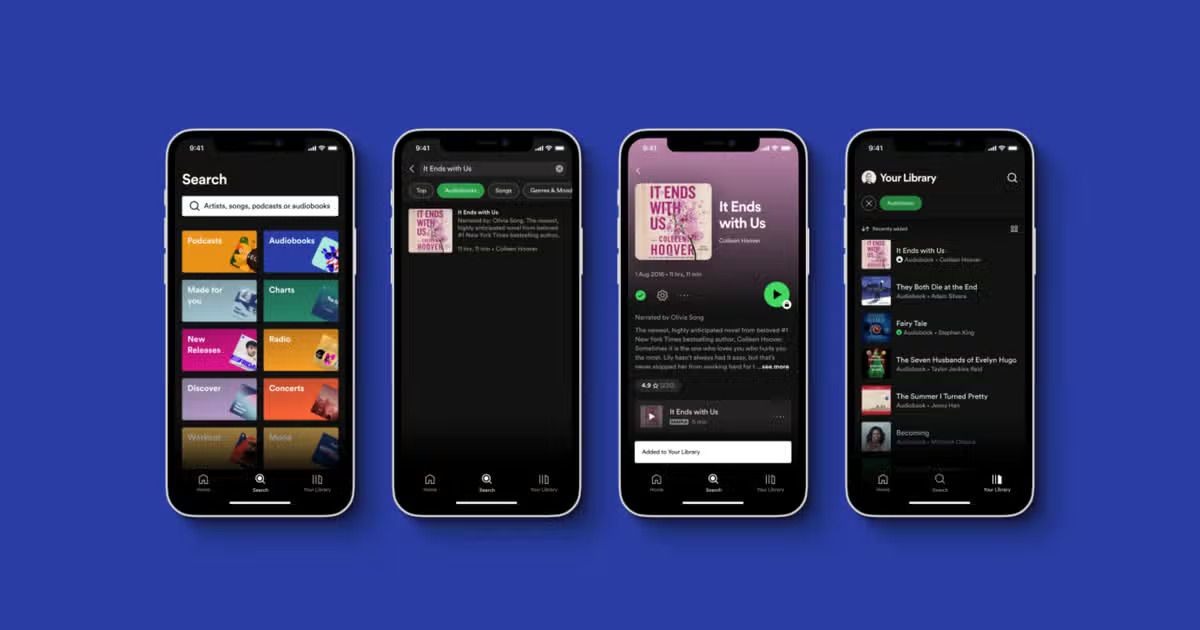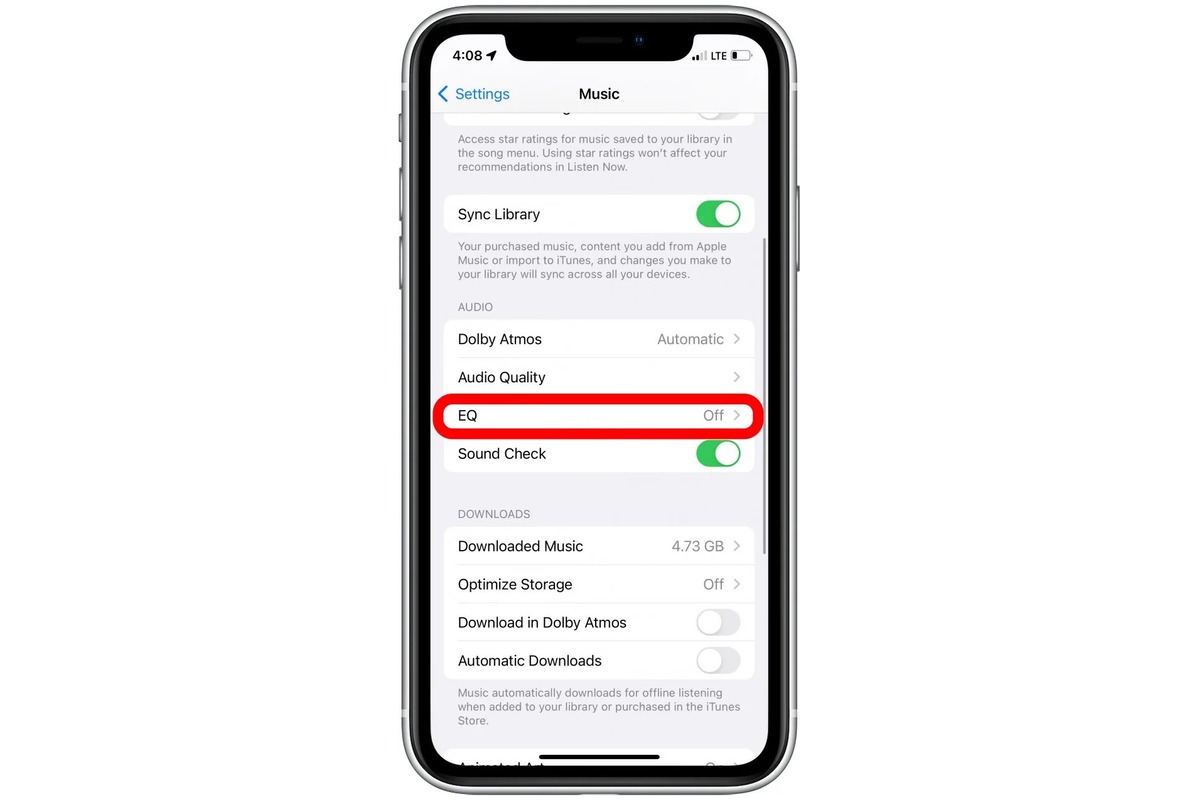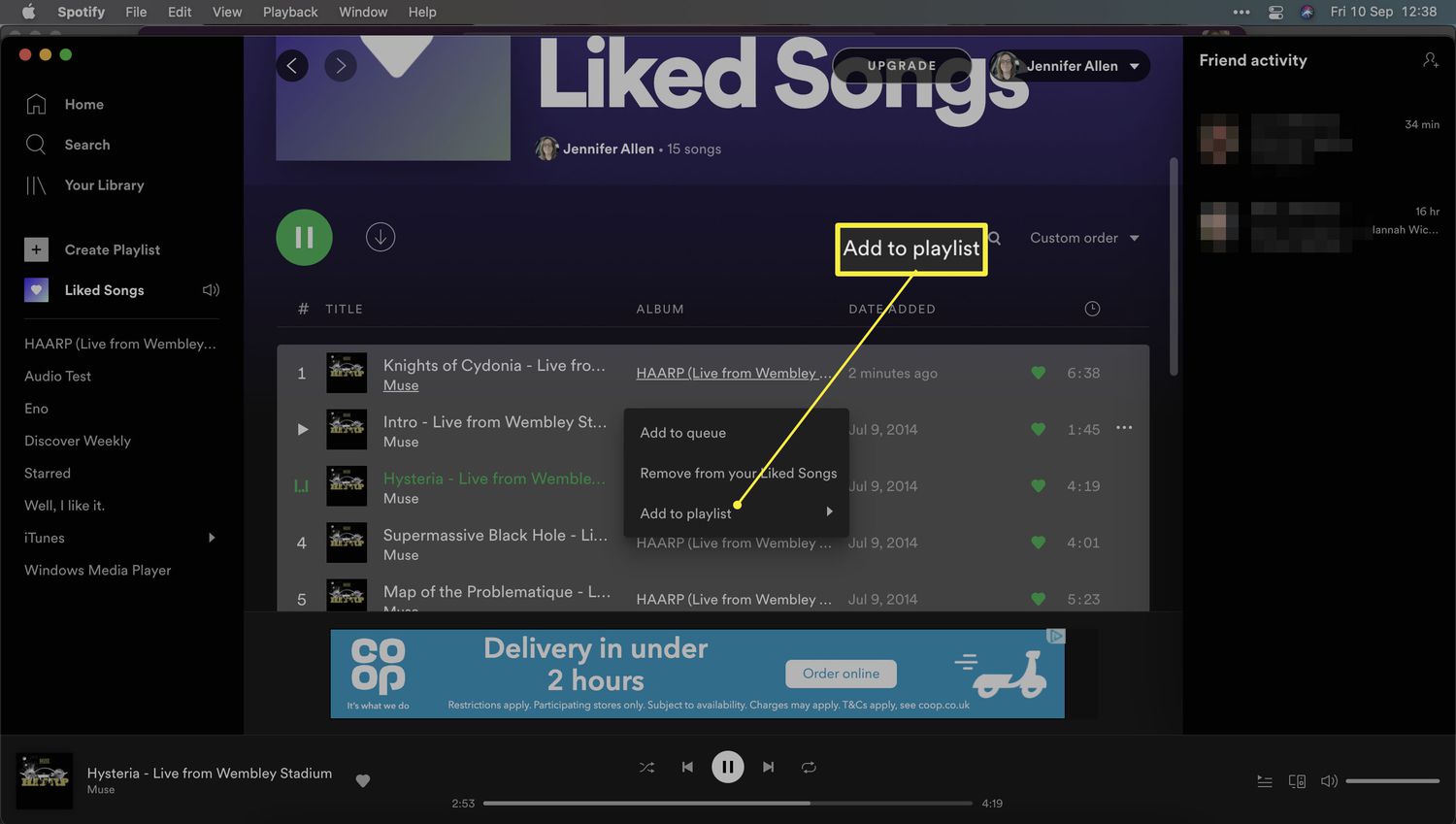
This tag collects CellularNews’s guides for getting the most out of Spotify on your phone, whether you use an Android or an iPhone. It’s written for anyone who streams music on their mobile device and wants to solve everyday annoyances, tweak settings, or discover features they didn’t know existed. The articles here focus on practical, step-by-step fixes for real problems you run into while using the app.
The content breaks down into a few clear themes. One major group covers playback control and personalization: you can learn how to turn off shuffle even without a Premium subscription, rearrange songs in a playlist, or play a specific song on demand. Another theme is data and battery management, with specific guides on how much data Spotify uses on an iPhone, how to stop it from draining your battery, and how to download songs using cellular data or listen offline for free. There are also articles about account and social features, such as changing your Spotify username, seeing friends’ activity on mobile, and connecting Spotify to Discord.
These articles help you do specific things: set a sleep timer, view your listening history, check your most played artists and genres, scan a Spotify Code to play a song instantly, or transfer a YouTube playlist over to Spotify. Whether you want to cancel your subscription, move liked songs into a new playlist, or play music while running Roblox on your phone, the instructions are right here.