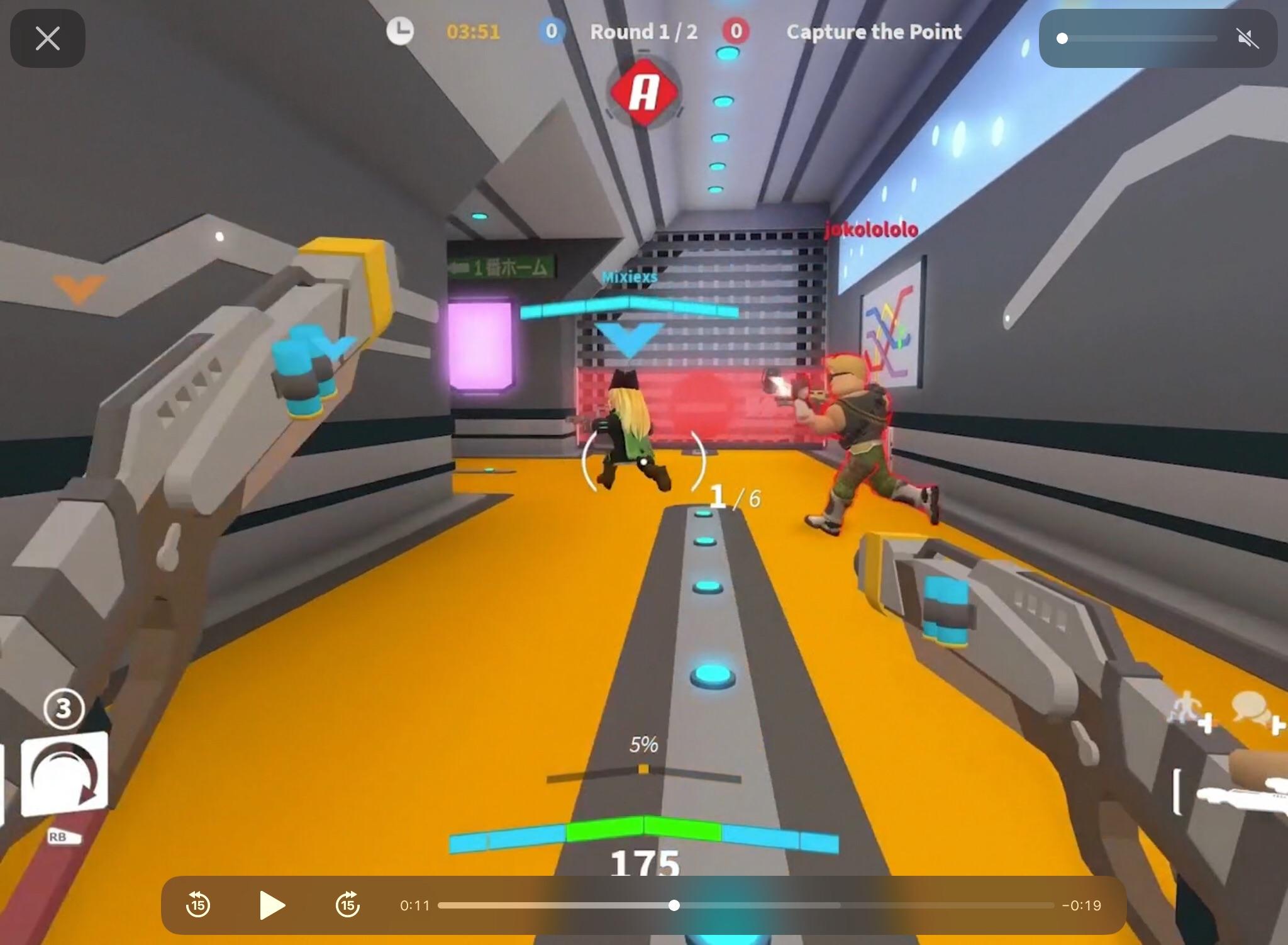
You can play Spotify while playing Roblox on mobile by using the standard Spotify app and adjusting a few device settings. The first step is always to turn off the in-game music in Roblox settings to prevent audio conflicts.
How to play Spotify while playing Roblox mobile: the simple method
Playing your own music in the background while gaming on Roblox mobile is possible without extra hardware. The key is to use the standard Spotify app and configure your device to allow background audio. Before you start, open Roblox, go to its settings, and disable the "Music" option to stop the game's built-in audio from interfering with your Spotify playback.
For iOS: enable background app refresh for Spotify
iPhone and iPad users need to ensure Spotify can run in the background. This is the verified, crucial step for seamless multitasking.
- Open your device's Settings app.
- Tap General.
- Select Background App Refresh.
- Ensure the toggle for Spotify is turned on.
Once this is set, open Spotify, start playing your music or playlist, and then switch to the Roblox app. The music should continue playing as you game. If it stops, use the Control Center to tap the play button to resume playback.
For Android: check battery optimization settings
Android devices often kill background apps to save battery, which can stop your music. To prevent this, you must set Spotify's battery usage to unrestricted.
- Open your device's Settings app.
- Go to Apps or Application Manager.
- Find and tap Spotify.
- Select Battery or Battery Optimization.
- Choose Unrestricted (or "Don't optimize") to prevent the system from closing Spotify.
After adjusting this setting, start your music in Spotify, then open Roblox. Your music should play uninterrupted in the background.
Use a second device as a reliable alternative
If you want the most reliable method that avoids any device settings, use a second device. Play Spotify on another phone, tablet, or computer while you game on your primary mobile device. This setup lets you control playback, pause, skip, or change tracks, on the second device without interrupting your Roblox session. Adjust the volume on each device to your preference, and use headphones or speakers for the best audio experience.
Method 4: Using Audio Splitter Cable or Bluetooth Splitter (Android/iOS)
For a wired or wireless single-device solution, use an audio splitter cable or a Bluetooth splitter. Connect the splitter to your phone, then plug in two sets of headphones or earbuds, one for you and one to place near your device's microphone. This physically merges game audio and music without software conflicts.
Use Spotify connect for a premium multi-device setup
Spotify Premium users can use Spotify Connect for a seamless multi-device experience. This feature lets you control music playing on a separate device directly from your phone. Ensure both devices are on the same Wi-Fi network. Start playing a song on your phone, tap the "Devices Available" icon, and select the device you want the music to play from (like a computer or speaker). Your phone then acts as a remote control, allowing you to pause, skip, or adjust volume without leaving Roblox. This method takes full advantage of Spotify mobile features for a streamlined gaming and listening session.
Frequently Asked Questions
Can I play Spotify while playing Roblox Mobile without a premium subscription?
Yes, you can play Spotify in the background using the standard free app by following the iOS or Android setup steps above. Spotify Connect, however, requires a Premium subscription.
Why does my music stop when I open Roblox on Android?
Does Roblox have its own in-game music feature?
Some Roblox games include custom soundtracks or in-game audio options. You can check a game's settings menu for audio controls, but this is not a replacement for playing your own Spotify music.
Can I use a web browser to play Spotify while playing Roblox on mobile?
Yes, you can open Spotify's website in a mobile browser, play music, and then switch to the Roblox app. You may need to use the Control Center to resume playback if it pauses.
Can I use a music bot on Roblox Mobile to play music?
No, music bots are not supported on Roblox Mobile.
Can I use third-party apps or programs to play Spotify while playing Roblox Mobile?
No, this is restricted by the mobile operating system.
Related reading: How To Play Music While Playing Roblox Mobile and How To Hack On Roblox Mobile.