Our guides and reviews specifically for users of the Straight Talk wireless service. Whether you are considering switching to the carrier for its low prices or are already managing an active account, this page is for you. The articles here are designed to help you navigate the practical, everyday tasks of using Straight Talk, from managing your plan to getting your phone to work the way you want.
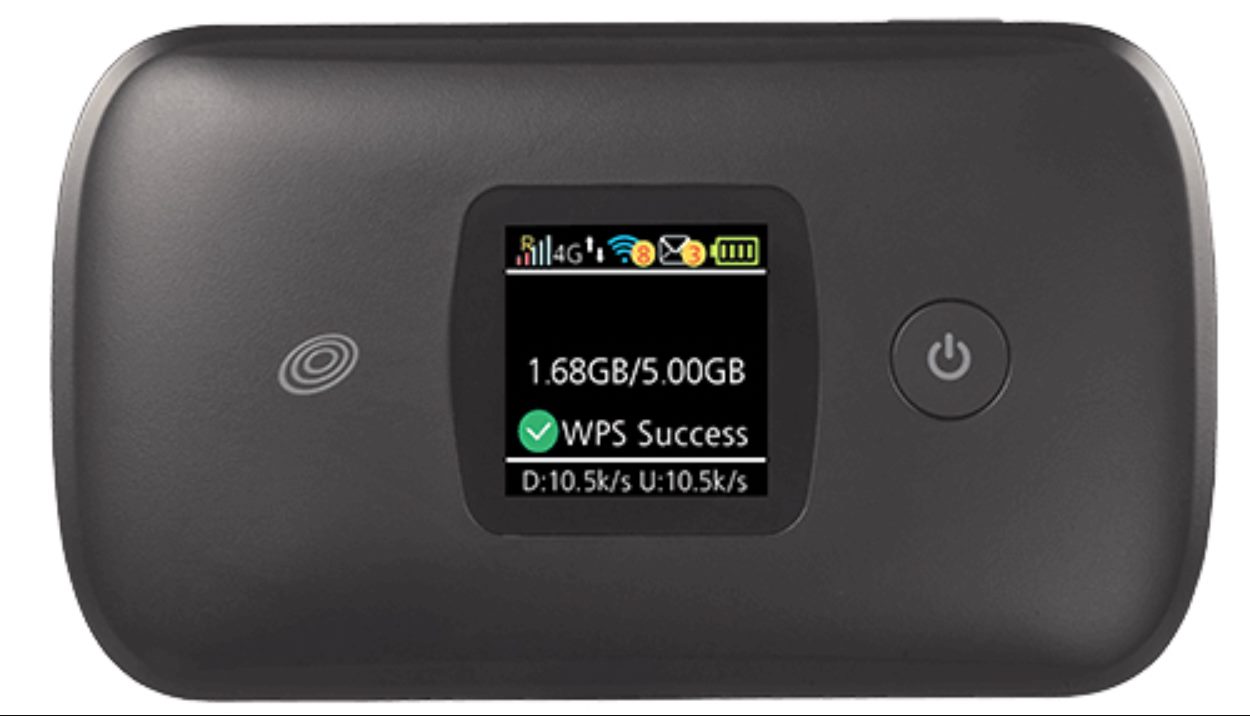
The content falls into two main areas: switching and unlocking, and data and hotspot management. For example, you will find step-by-step instructions on how to switch a Verizon phone to Straight Talk or how to transfer your telephone number from AT&T. Several articles also tackle the common need to unlock a phone from Straight Talk or tell if a Straight Talk phone is already unlocked. On the data side, we explain how to check your hotspot usage, how to purchase more data, and how to set up your phone as a hotspot. We also cover how to add hotspot data specifically and how to get data working when it stops.
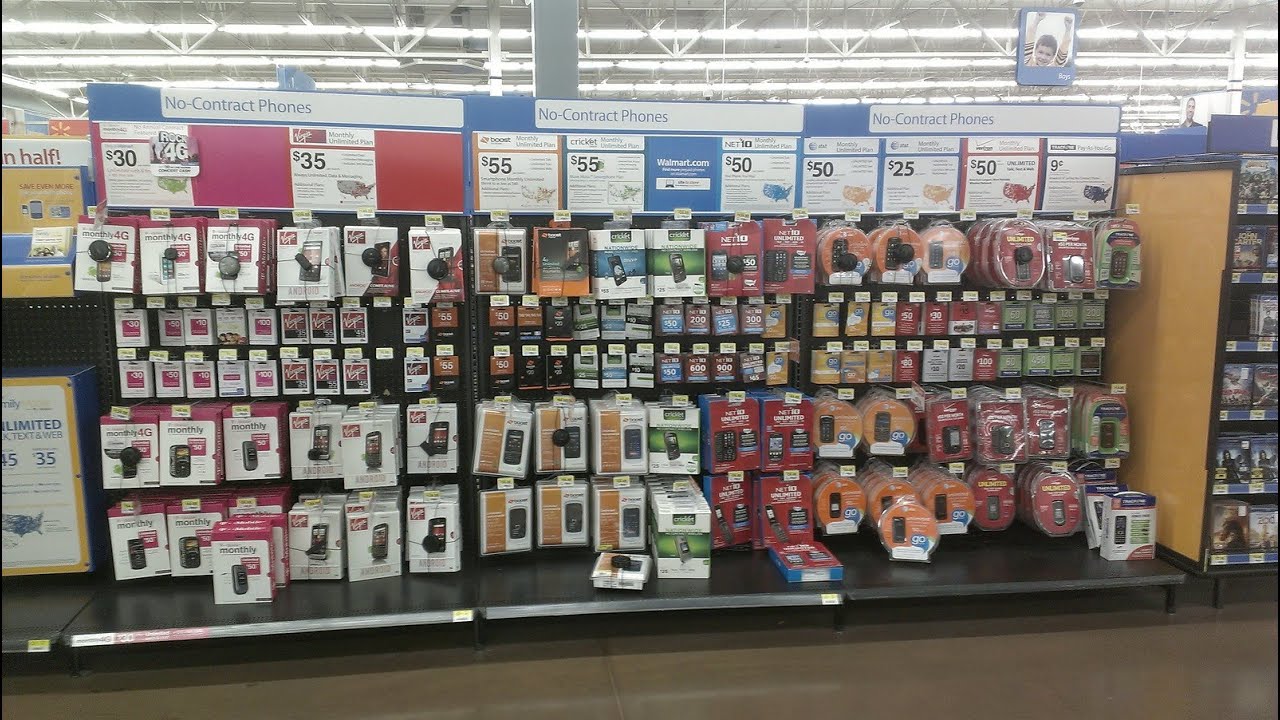
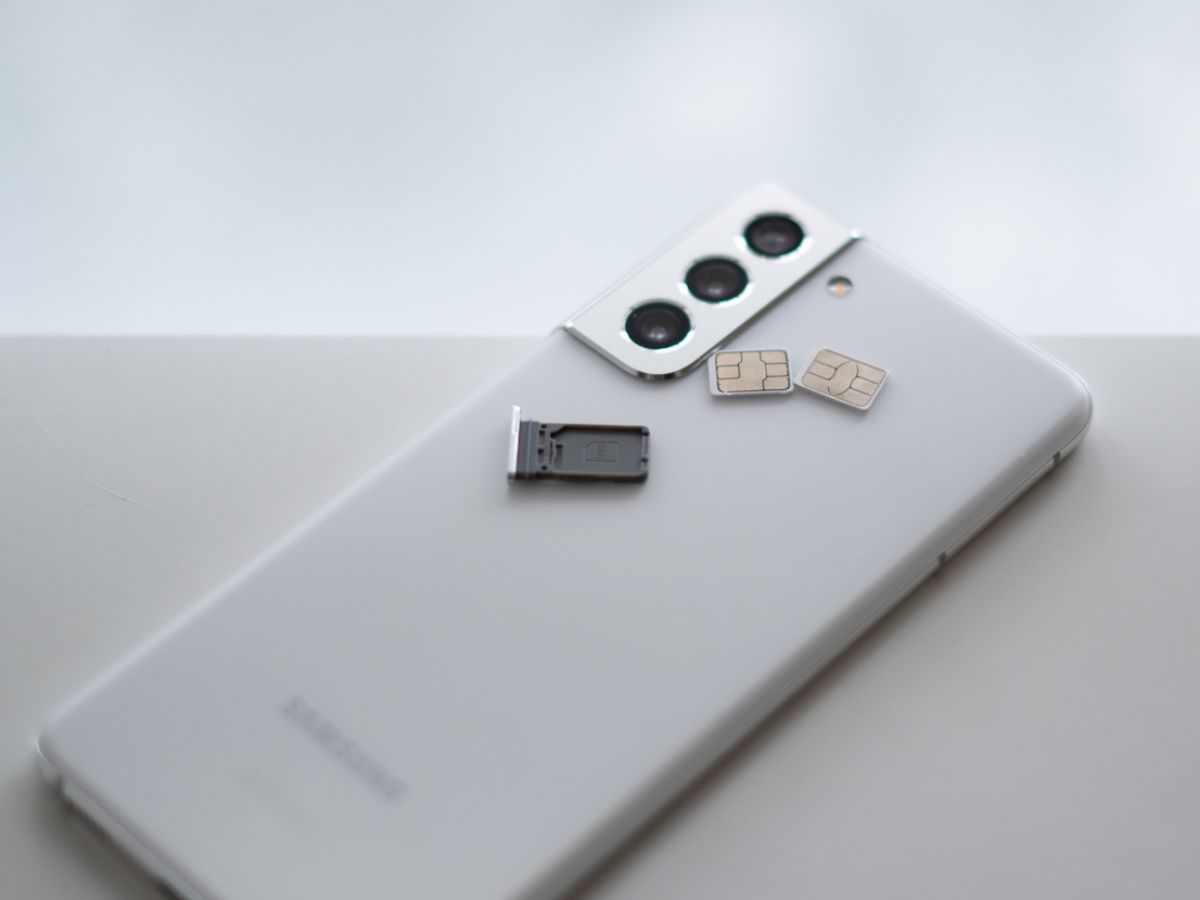
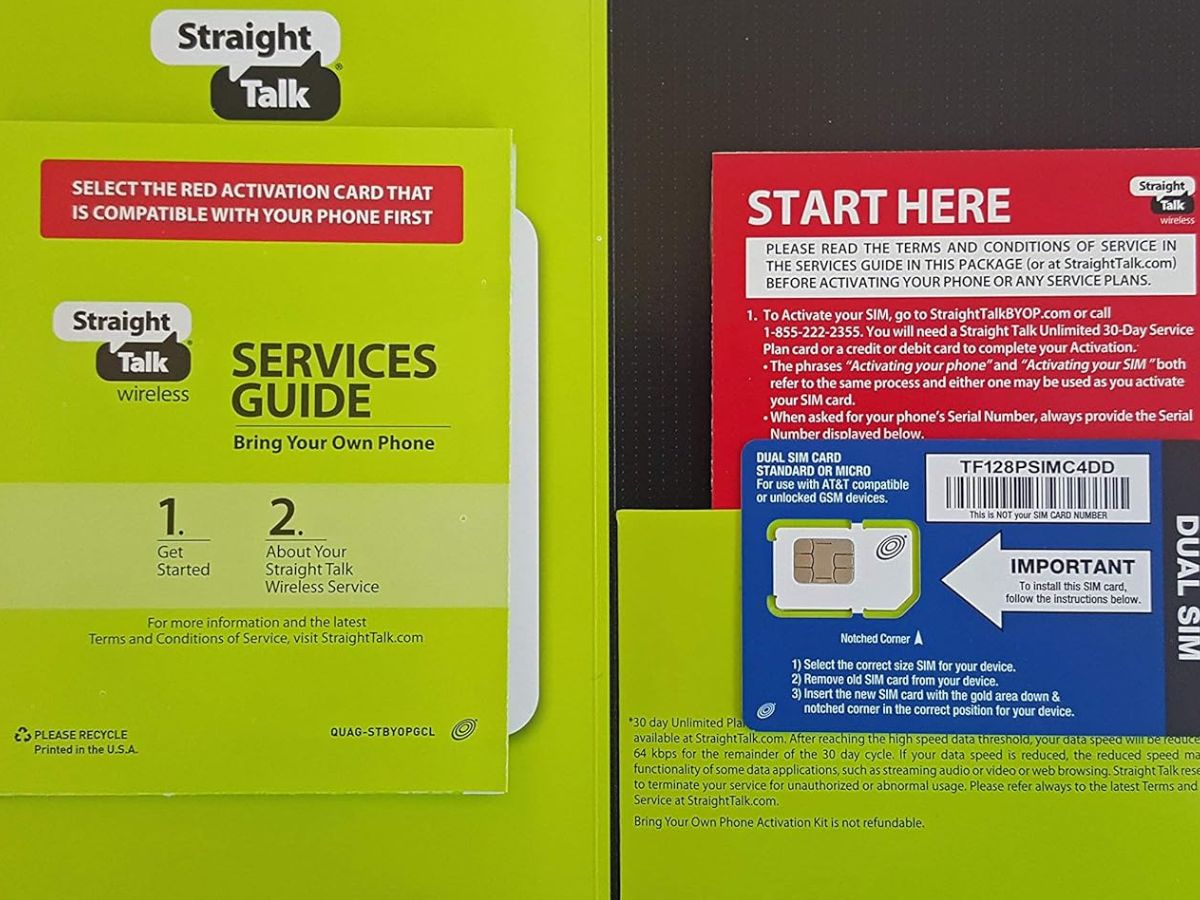
Beyond those core themes, the tag addresses account and device basics. You can learn how to change your Straight Talk phone number online, how to add minutes, and how to get phone records. For those using Straight Talk for more than just a cell phone, there is a guide on setting up a Straight Talk home phone. We also help with SIM card questions, including what phones work with a Straight Talk SIM card and how to get a SIM card from Straight Talk. Finally, if you need a quick, disposable option, we cover how to get a burner phone from Walmart.