To change your Straight Talk phone number online, the fastest and most reliable method is to text "MINC" to 611611 from your device. You can also change your number by logging into your Straight Talk online account, making the old customer service call a last resort for this task.
How to change your Straight Talk phone number online
Changing your Straight Talk phone number is a straightforward process you can complete yourself without calling customer service. The two verified methods are texting a short code or using your online account. The outdated advice to call customer support is no longer the primary option, as Straight Talk now offers a self-service text helpline available 24/7.
Method 1: Text 'MINC' to 611611 for a new number
This is the primary and fastest method to get a new number. The 611611 service is a text helpline that offers self-service 24/7 for managing your account, including changing your phone number.
- Open your messaging app on your Straight Talk device.
- Compose a new text message to 611611 with the word MINC.
- Send the message and follow the automated prompts you receive in reply.
- Standard message and data rates may apply for sending the text message to 611611.
Once you complete the prompts, your new number will be assigned. This method works around the clock, making it the most convenient option.
Method 2: Change your number via your Straight Talk account
If you prefer using a web browser, you can change your number through your online account. This method is ideal if you need to manage other account settings at the same time, such as when you need to get a SIM card from Straight Talk or switch my Straight Talk number to a new phone. If you encounter issues, the Straight Talk support community forum is a useful resource for troubleshooting.
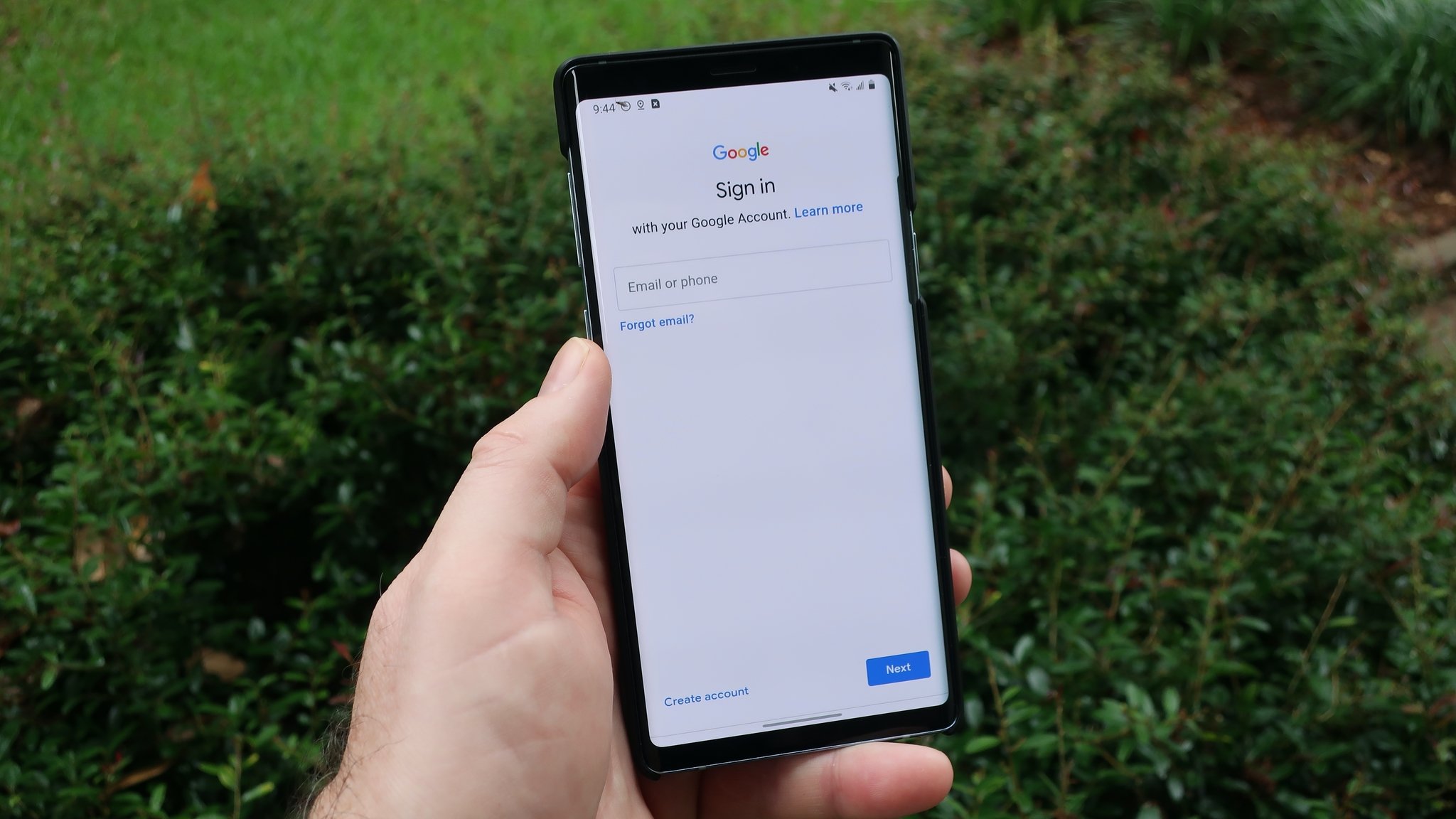
- Go to the Straight Talk website and sign in to your account using your username and password.
- Navigate to the "Manage My Account" or similar section in the menu.
- Look for the option to update or change your phone number.
- Follow the on-screen prompts to select and confirm a new number.
- Wait for a confirmation message from Straight Talk indicating the change is complete.
Note that changing your number through the account portal may have the same restrictions as the text method, but it provides a visual interface for those who prefer it.
What to know before you change your number
Before you proceed, it is important to understand a few key facts. Straight Talk states that you have no ownership rights to any telephone number associated with your wireless service. This means Straight Talk reserves the right to change your phone number at any time without prior notice. Additionally, if your Straight Talk service remains inactive for over 30 days, you will lose your telephone number permanently. The old advice to call customer service is now a last resort, as the self-service text option is the official, verified method. While there is no fee for changing your number via text, a fee may apply if you change your number online through your account.
Frequently Asked Questions
How long does it take to get a new number after texting MINC?
The change is usually processed immediately after you follow the final prompt from the 611611 text service. You should receive a confirmation text within a few minutes, though in some cases the change could take up to a day to fully complete.
Is there a fee to change my Straight Talk number?
Straight Talk does not charge a fee for changing your number itself. However, standard message and data rates may apply for sending the text to 611611, depending on your plan.
Can I change my number more than once?
Yes, you can change your number multiple times, but Straight Talk may impose limits on how frequently you can do so. The text method and account method both allow for repeated changes.
What if I text MINC to 611611 and get no response?
Ensure your device has a strong signal and that you are using the Straight Talk SIM card associated with the account. If the issue persists, try logging into your online account as a backup method.
Will changing my number affect my service or data?
No, changing your number does not affect your current plan, data balance, or service features. Only the phone number associated with your line will change.
Can I keep my old number if I change it?
No, once you change your number, the old number is released. Straight Talk does not allow you to revert to a previous number, and you will lose it if your service is inactive for 30 days.