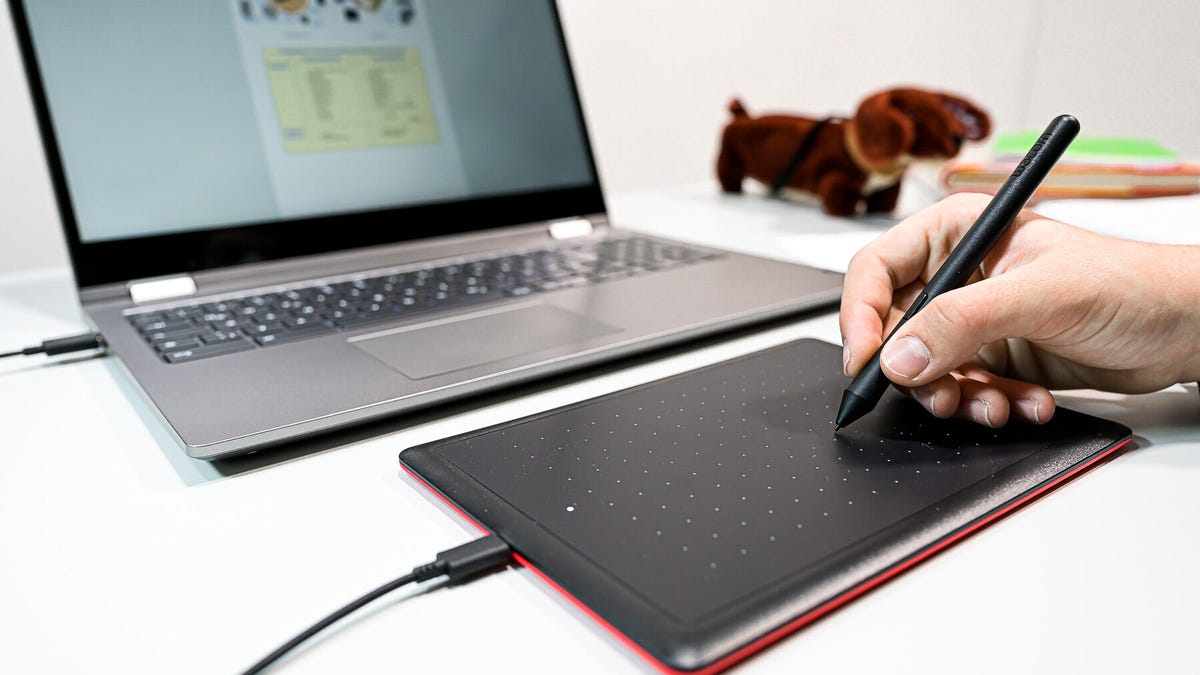
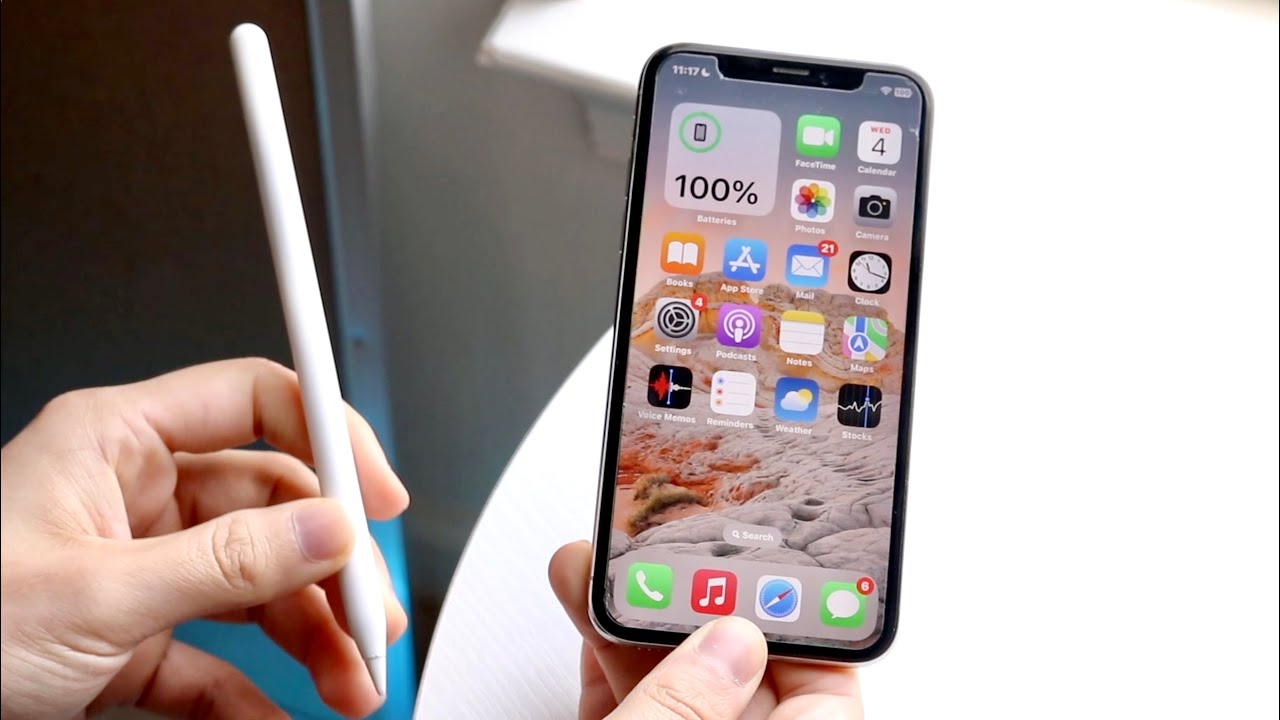
The use, connection, and maintenance of stylus pens with phones, tablets, and Chromebooks. This content is for anyone who owns a stylus, whether it came with a device like a Samsung phone or was purchased separately, and wants to get the most out of it, from basic setup to troubleshooting common problems.
The articles solve practical problems grouped around two main themes: connection and compatibility, and repair and usage. For connection and compatibility, you can learn how to connect an Apple Pencil to an iPhone, how to connect a stylus to a Chromebook, and how to use a stylus pen on an Android device. For repair and usage, the articles explain how to fix a stylus pen tip, what a stylus is made of, and how to write with a stylus on Google Docs or on a PDF. The list also covers what can work as a stylus in a pinch and the purpose of a disc tip stylus.
These articles help the reader perform specific tasks: connecting a stylus to a new device, repairing a worn-down tip, finding a temporary stylus substitute, and learning to write or draw on documents and apps. Whether you are trying to get the stylus out of a stuck Chromebook slot or deciding which Samsung phones support a stylus, the tag provides straightforward, actionable guidance for everyday stylus use.