The best paperlike screen protector is the Paperlike 3 for iPad, as it is the only product in official documentation verified to provide a paper-feel surface for writing and drawing. No official paperlike screen protector is documented for iPhone or Android devices.
What Is a Paperlike Screen Protector?
A paperlike screen protector is a matte film applied to a device screen to mimic the texture of paper. It is designed to improve the feel of writing and drawing with a stylus by adding friction, while also reducing glare, reflections, and fingerprints.
Benefits of Using a Paperlike Screen Protector
Using a paperlike screen protector offers three key advantages. First, the tactile, paper-like surface provides better stylus control for note-taking and digital art. Second, the matte finish reduces glare and reflections, which eases eye strain in bright conditions. Third, the protector adds a layer of scratch and smudge protection to your device’s screen.
Factors to Consider When Choosing a Paperlike Screen Protector
When selecting a paperlike screen protector, evaluate these factors. Device compatibility ensures the protector fits your specific model. Thickness affects the writing feel and impact protection. Texture should closely mimic paper for realistic stylus feedback. Transparency must balance glare reduction with screen clarity. Ease of installation can prevent bubbles and misalignment. Durability ensures long-term resistance to scratches and wear. Price should align with your budget without sacrificing quality.
The Documented Choice: Paperlike 3 for iPad
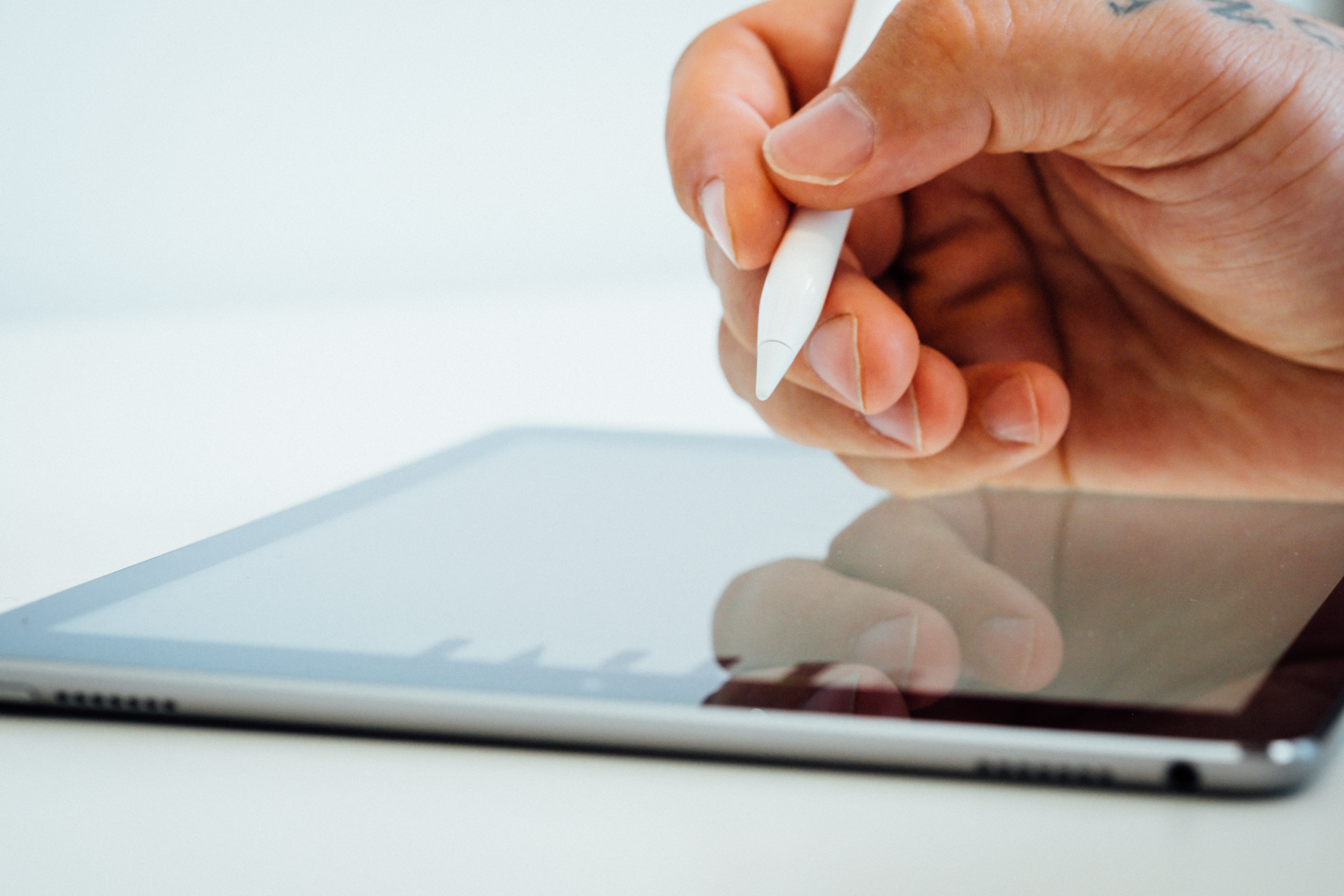
Paperlike 3 is verified as a paperlike screen protector available exclusively for iPad. It is compatible with all current iPad models and supports all Apple Pencil generations. The protector does not interfere with Face ID, Touch ID, or iPad screen brightness sensors. For installation support, Paperlike directs users to the QR code in the box for the official tutorial and the guide at paperlike.com/apply. Purchases made on paperlike.com are backed by a 100-Day Satisfaction Guarantee, though a separate policy page notes a 30-day satisfaction/refund window in some regions. Support is available by email.
What About iPhone and Android Paperlike Options?
No official paperlike screen protector or device setting is documented for iPhone or Android. The only related device-side feature found is Apple’s Reduce White Point setting under Settings > Accessibility > Display & Text Size > Reduce White Point, which lowers the intensity of bright colors. This is an accessibility feature, not a screen protector. The same Reduce White Point setting is documented on Apple TV under Settings > Accessibility > Display; no official Android help page names a paperlike-specific setting.
Frequently Asked Questions
Can a Paperlike screen protector affect the touch sensitivity of my device?
Most high-quality paperlike screen protectors, including Paperlike 3, are designed to preserve the responsiveness of the touchscreen. You can still use taps, swipes, and other gestures without noticeable lag.
Can I still use my device's touchscreen gestures with a paperlike screen protector?
Yes, touch gestures such as swiping, pinching, and scrolling remain functional. Some textured protectors may slightly alter the smoothness of certain gestures, but the core functionality is maintained.
How do I apply a paperlike screen protector?
Clean the screen thoroughly to remove dust, then align the protector with the device. Slowly peel the backing while pressing the protector onto the screen, and use a microfiber cloth to push out air bubbles from the center outward. For the Paperlike 3, refer to the official tutorial at paperlike.com/apply for detailed guidance.
What kind of support for screen protector application and repair is available?
Paperlike offers email support for installation questions and directs users to the official guide at paperlike.com/apply or the QR code included in the box. This covers both screen protector application and repair troubleshooting.
Is there a special method to put on glass screen protector versus paperlike?
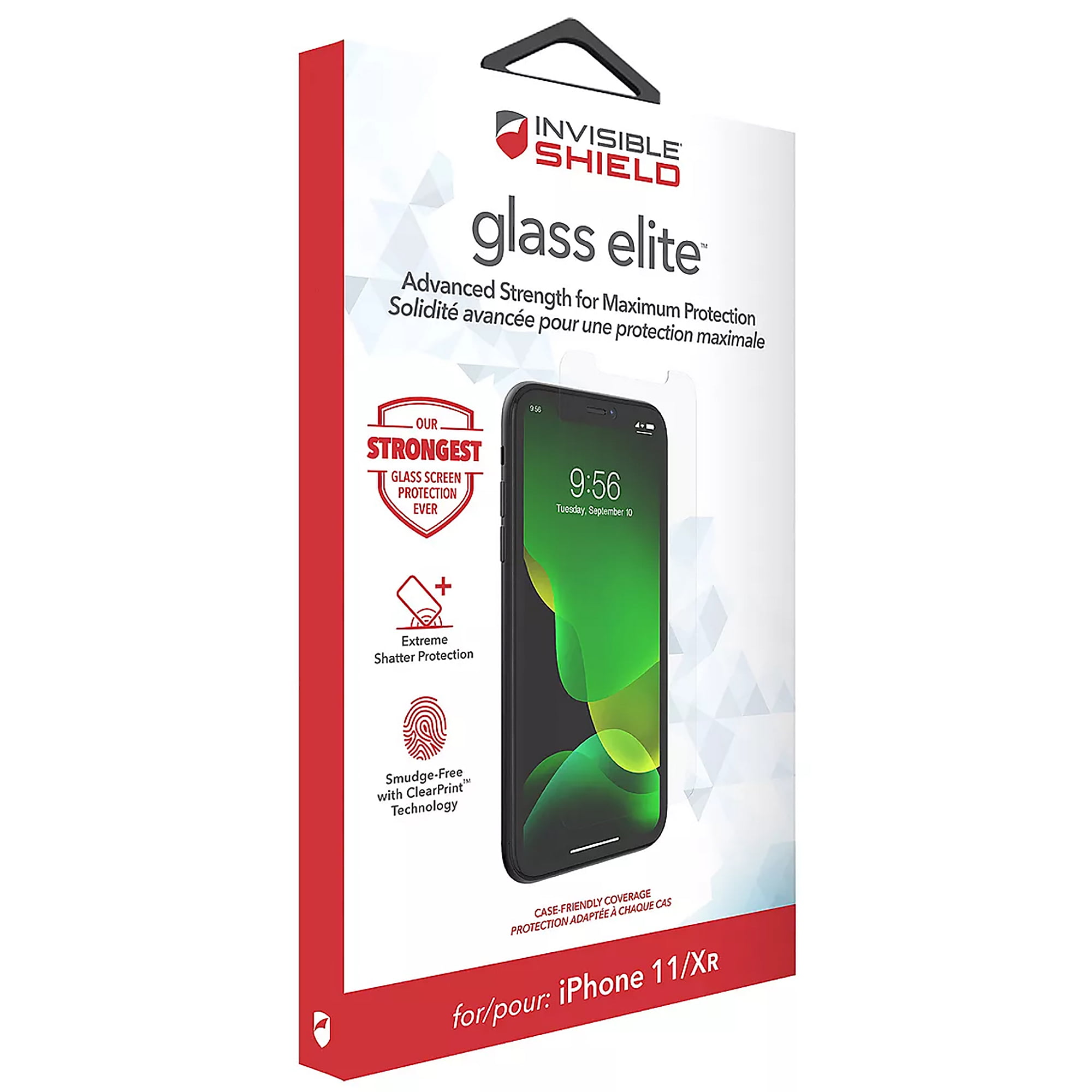
The process to put on glass screen protector differs slightly, as glass protectors are rigid. Paperlike protectors are flexible films. For either type, the key is a clean surface and careful alignment to avoid bubbles, but paperlike films require extra attention to smoothing the matte layer.