A practical collection of guides focused on pairing, connecting, and troubleshooting devices that need to talk to each other. This page is for anyone who has ever struggled to get a phone, fitness tracker, game controller, or car system to properly link up, whether you are setting something up for the first time or fixing a connection that has gone wrong.
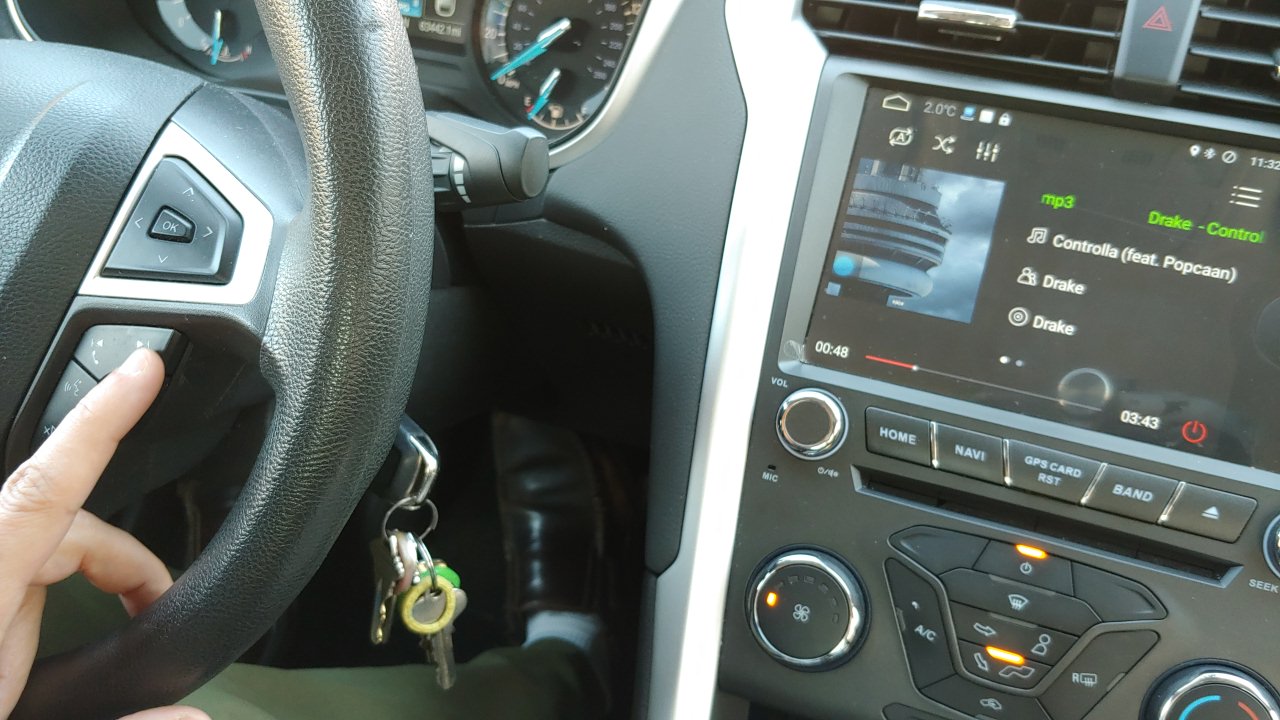
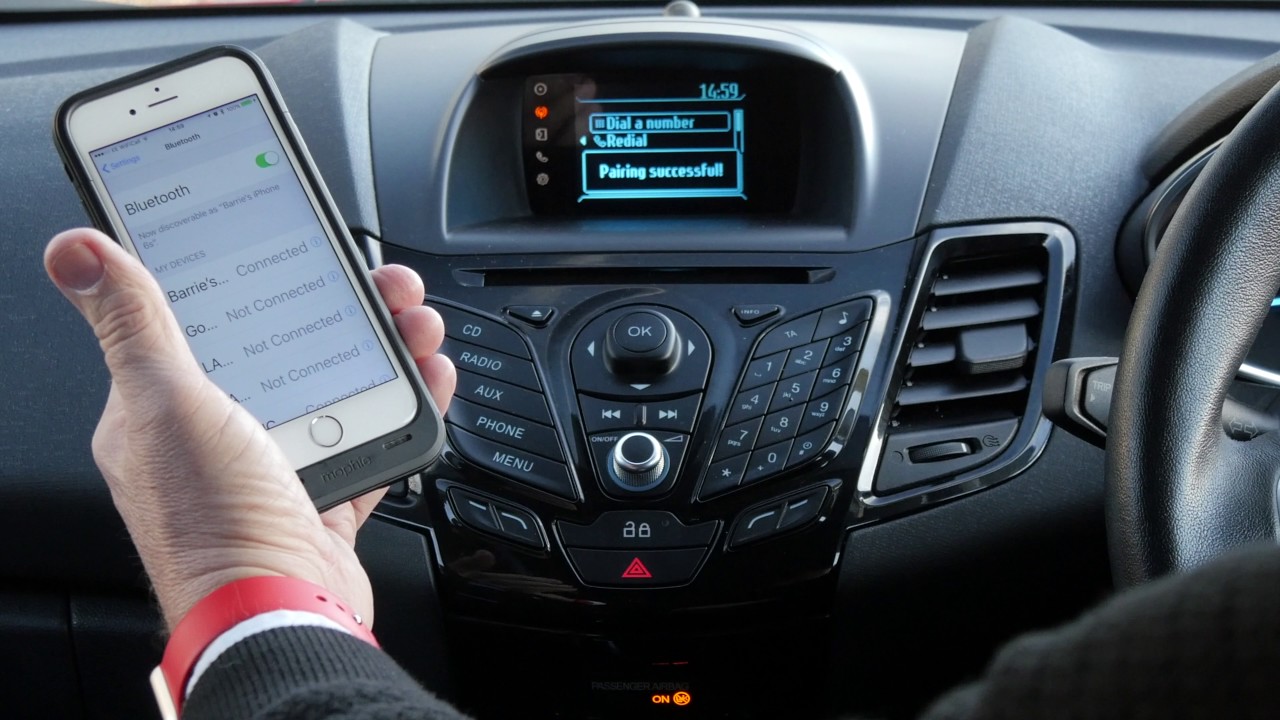
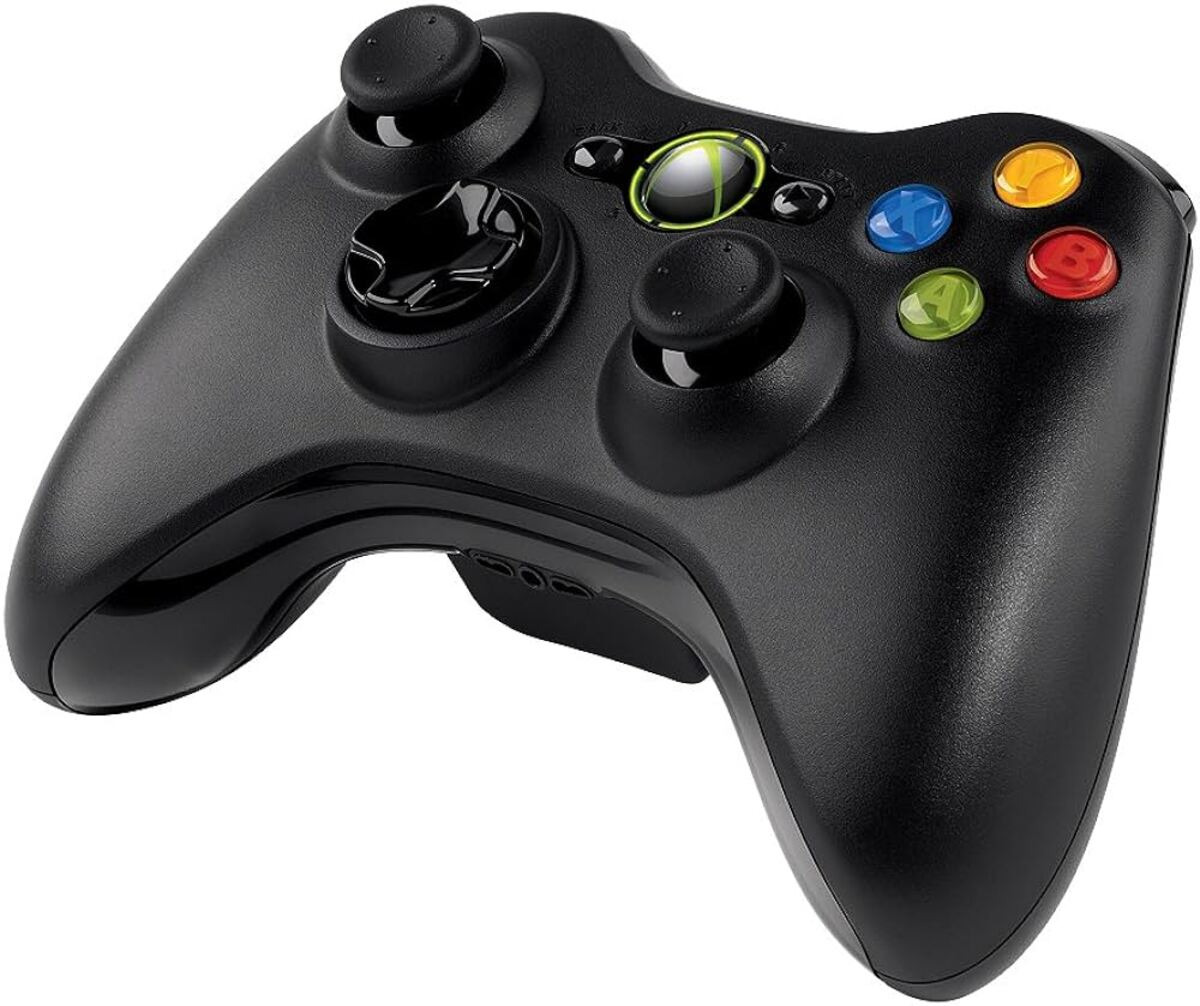
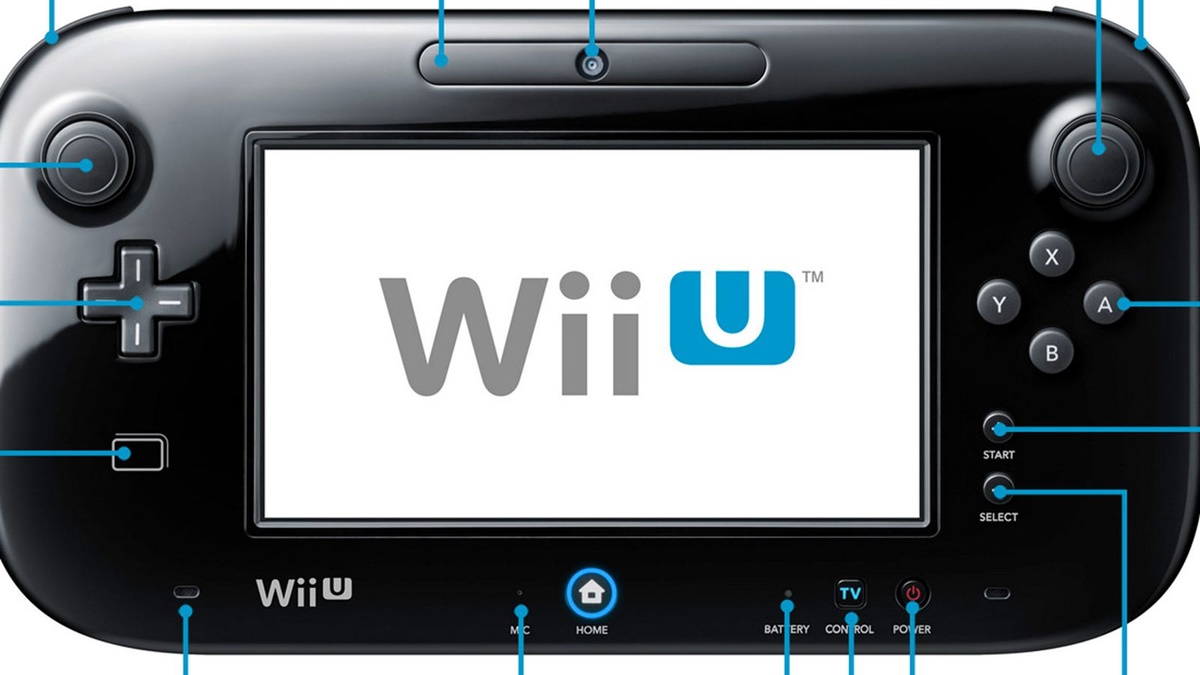
The articles here solve three clear kinds of problems. First, you will find help for connecting phones to vehicles, including how to link your phone to Ford Sync, a Ford Explorer, or a 2014 Ford Fusion, as well as how to delete a phone from a 2022 Ford Edge. Second, there is extensive coverage of Fitbit syncing and settings: you can learn how to sync a Luxe or any Fitbit to a computer, why your Fitbit app is not showing steps, or how to fix the time on models like the Versa 2, Charge 5, and Inspire. Third, the tag covers gaming and accessory pairing, with guides on fixing Wii U Gamepad connection issues, unsyncing that controller, and connecting a Guitar Hero guitar to an Xbox 360 without a dongle.
Whether you need to sync an iPhone calendar, reset end-to-end encrypted data, or simply change the time on your Fitbit Sense, these articles walk you through the exact steps. They help you get your devices working together so you can move on with your day.