The practical answer to how long can a Fitbit go without syncing is that it depends entirely on when you last synced and whether the device runs out of battery, is lost, or is damaged before the next sync.
Fitbit's official syncing recommendations
Fitbit recommends keeping All-Day Sync turned on for automatic periodic syncing throughout the day. If All-Day Sync is off, Fitbit advises syncing at least once a day to prevent data loss. The app also syncs automatically after exercise and when you open the app while the device is nearby.
How to manually sync your Fitbit
You can manually sync your Fitbit on both iPhone and Android using these steps:
- Open the Fitbit app and go to the Today tab.
- Pull down on the screen to trigger a sync.
- Alternatively, tap Today, then your profile picture, then your device image, then Sync Now.
On Android, the Sync Now control may appear with arrows next to it.
What is All-Day Sync and how does it work?
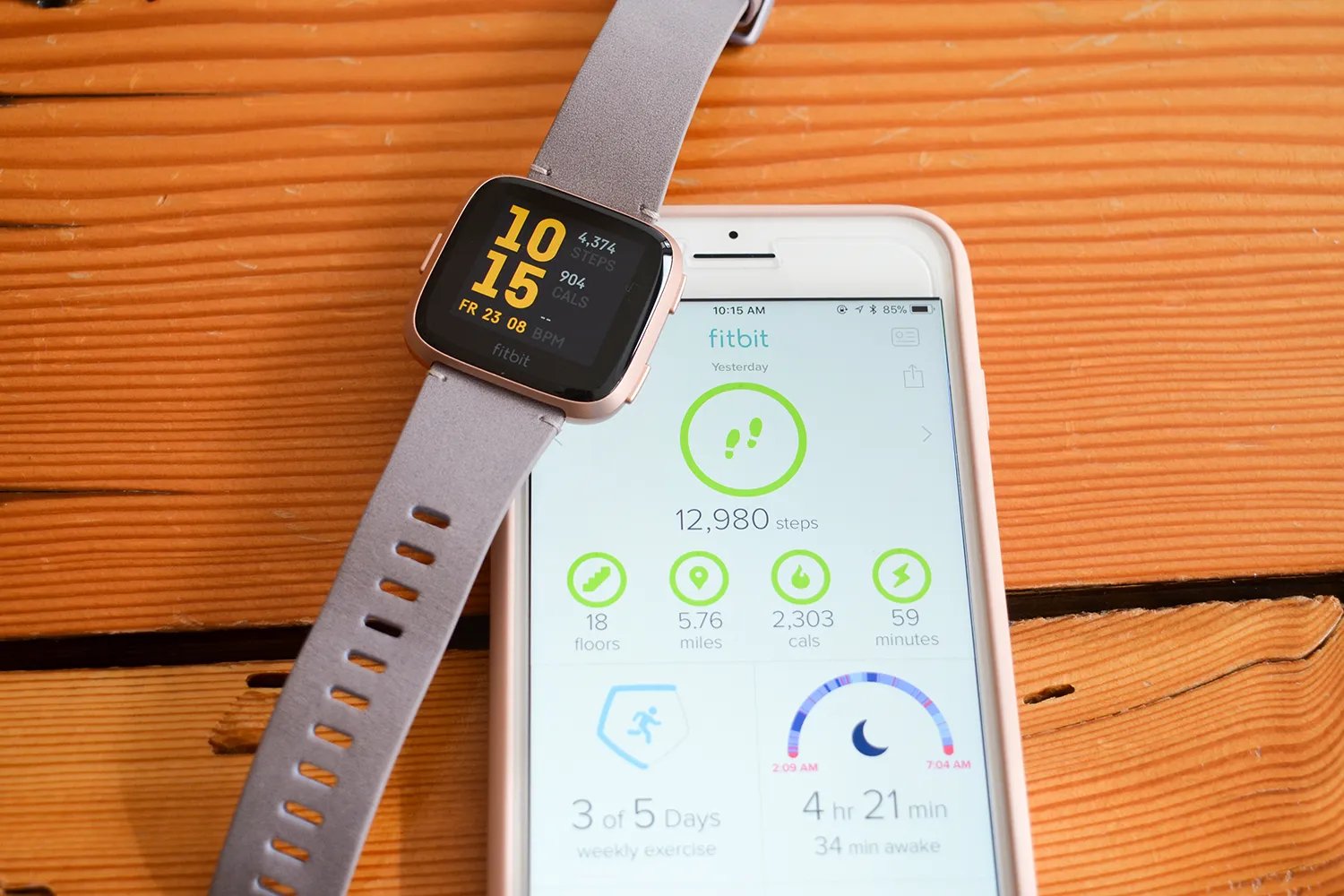
All-Day Sync is a setting in the Fitbit app that makes your device sync periodically throughout the day. Fitbit documents that turning on All-Day Sync keeps your data up to date but may shorten battery life on your phone or Fitbit device. For best results, Fitbit says All-Day Sync should stay on.
What are the real risks of not syncing?
The practical, documented risk is straightforward: going against Fitbit's once-daily recommendation means your data is only stored on the device. If your Fitbit is lost, damaged, or runs out of battery before the next sync, you could lose your activity history. Fitbit's official help pages do not state a specific loss window or exact amount of data that gets overwritten if syncing is delayed. Fitbit devices have a limited storage capacity for storing data; if the device reaches its storage limit, it may stop tracking new data until it is synced and the stored data is cleared. Firmware updates are typically installed when you sync your Fitbit; not syncing regularly means you may miss out on important firmware updates that enhance functionality. Syncing ensures that any alarms you set are properly activated.
Troubleshooting: why won't my Fitbit sync?
If your Fitbit won't sync, start with these basic steps from Fitbit:
- Ensure the device is nearby and connected to your phone through the app.
- Check that Bluetooth is turned on.
- On Android, verify that no other phones or tablets signed into the same account are connected to the device.
- On Android, also check that your phone has cellular data or Wi‑Fi and that the device is not paired to other nearby phones or tablets.
For more advanced issues, Fitbit troubleshooting resources cover additional scenarios such as rapid Fitbit battery drain, which can affect how long your device stays powered between syncs.
Frequently Asked Questions
How often should a Fitbit sync?
Fitbit says data syncs throughout the day, and if All-Day Sync is off, you should sync at least once a day.
Can I sync my Fitbit without a phone?
Fitbit devices sync to the Fitbit app on a smartphone or tablet. Without a phone or tablet nearby with the app installed and Bluetooth on, the device cannot sync.
Does Fitbit document an exact "how long without syncing" limit?
No. Fitbit's official help pages do not state a maximum number of days a device can go without syncing or a specific data overwrite window.
What happens to my sleep data if I don't sync?
Sleep data is stored on the device until the next sync. If the device runs out of battery or is lost before syncing, that sleep data may be lost.
Can I use my Fitbit if I never sync it?
Yes, the device will continue tracking steps, heart rate, and other metrics, but you will not be able to view detailed insights, set goals, or participate in challenges in the app until you sync.
Will my data be lost if I don't sync my Fitbit for more than 7 days?
Fitbit devices have a 7-day storage limit, and unsynced data may be overwritten by new data after this period.
Can I sync my Fitbit with multiple devices?
You can sync your Fitbit with multiple devices like smartphones, tablets, and computers.
Related reading: What Can The Fitbit Versa 4 Do.