This tag collects all of CellularNews's articles about T-Mobile, from plan comparisons and coverage questions to account management and device troubleshooting. It is designed for anyone researching T-Mobile as a potential carrier, current customers looking to get the most out of their service, or users trying to solve a specific problem like unlocking a phone or blocking spam calls.

The articles here help you make informed decisions about choosing and using T-Mobile. One clear theme is carrier comparison and plan selection: you can read about how T-Mobile stacks up against AT&T and Verizon, see reviews of flanker brands like Mint Mobile and Metro by T-Mobile, and learn which unlimited data plan is best for 2022. Another major theme is practical account and device management. These guides show you how to unlock a T-Mobile phone, get your account number for a port, pay your bill on your phone, check voicemail, and even find out what time your local store closes. You can also learn about specific perks like the Netflix on Us offer and what T-Mobile insurance actually covers.

Finally, a set of articles addresses technical and operational questions about the network itself. You can find out which towers T-Mobile uses, how fast its 5G home internet is, and how to block scam likely calls. For those looking into connectivity hardware, there are also pieces on resetting a dongle and the cost of a T-Mobile hotspot. Whether you are comparing carriers, managing your plan, or fixing a service issue, these articles provide straightforward answers to common T-Mobile questions.

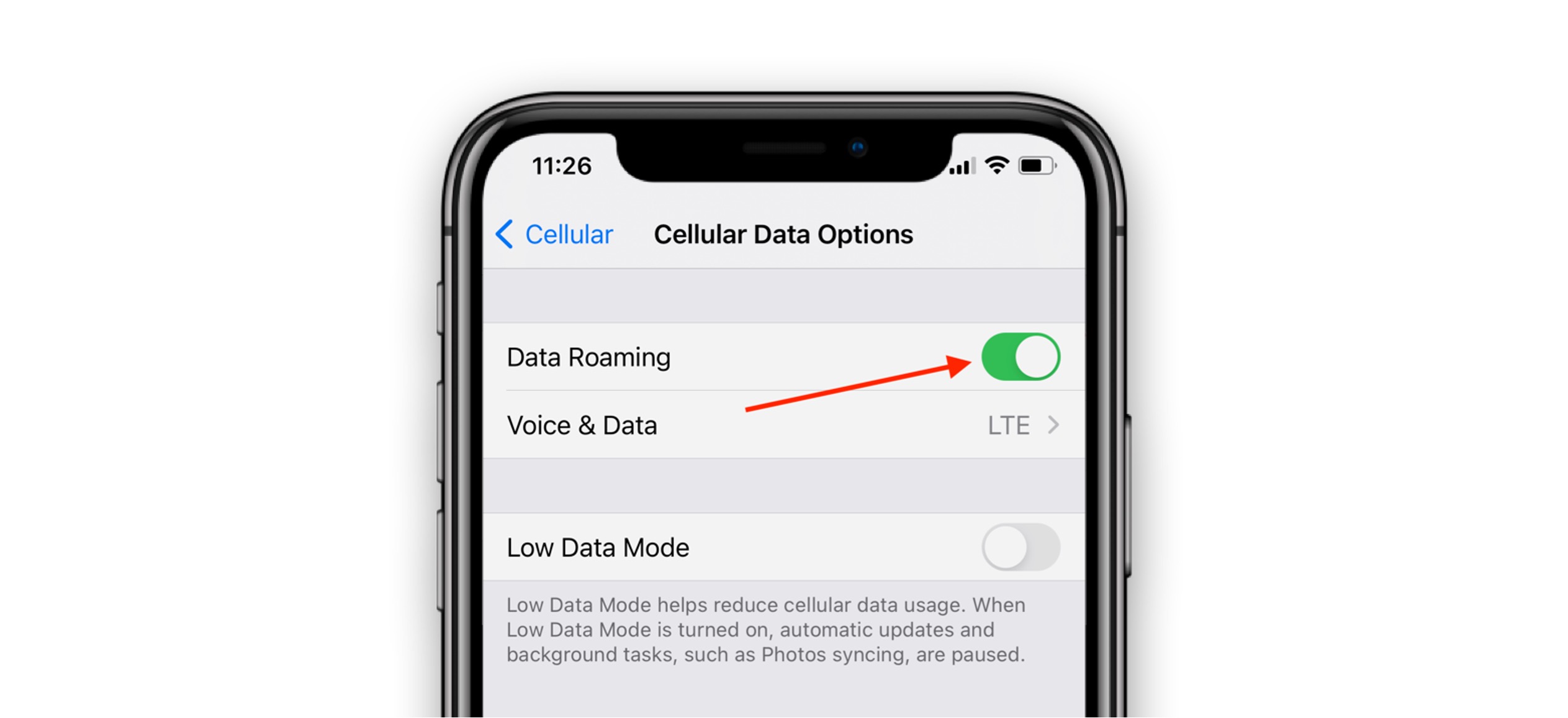
How Does T-Mobile International Plan Work

T-Mobile international plan benefits are included free with qualifying postpaid plans, giving you unlimited texting and reduced-speed data in over 215 countries and destinations. This means you can use your...

How To Get AAA With T-Mobile

To get AAA with T-Mobile, you can claim a free year of AAA Classic or Basic membership if you are a qualifying T-Mobile customer. This is not a discount on...

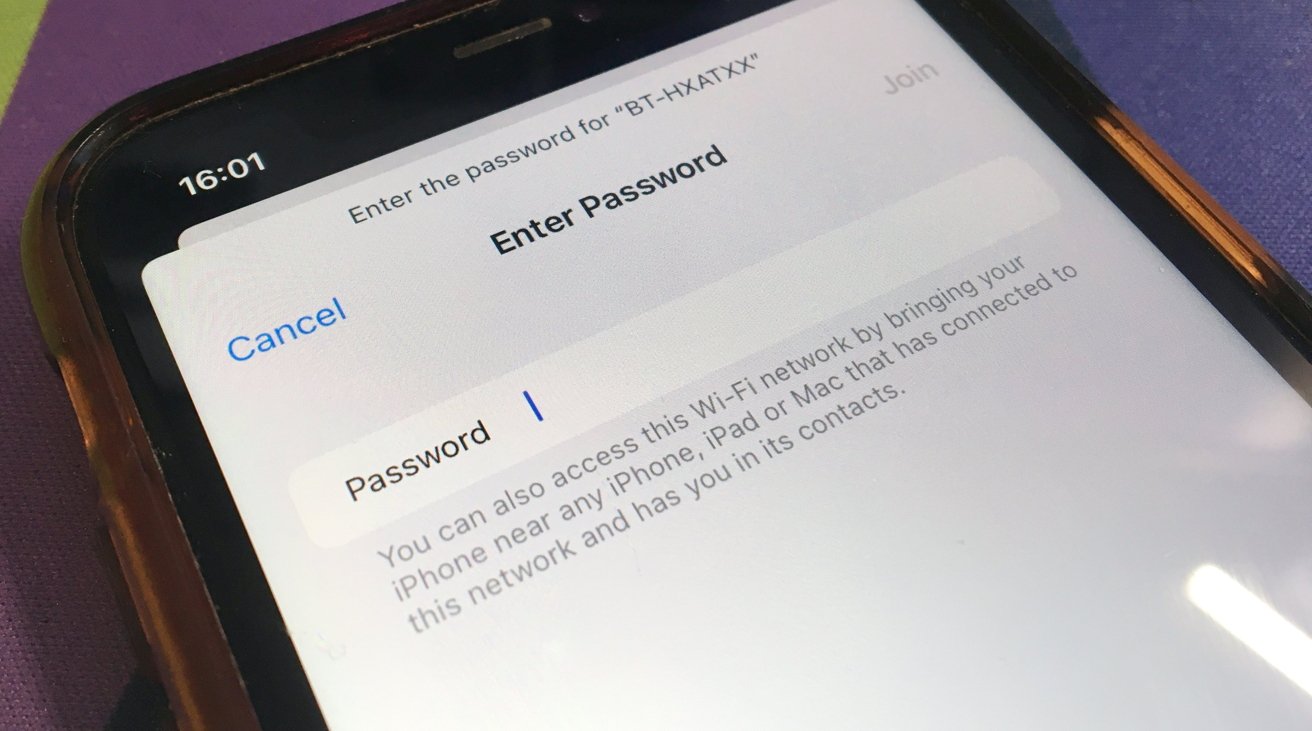
How To Find T-Mobile WiFi Password

The quickest way to find your T-Mobile WiFi password is to look at the physical device itself. For a T-Mobile Home Internet gateway, the default network name (SSID) and password...

How To Use T-Mobile In-Flight WiFi

To use T-Mobile in-flight WiFi, enable Airplane Mode on your device, turn on Wi-Fi, and connect to the airline’s network. Then, open your browser, sign into your airline loyalty account,...

How To Activate Paramount Plus With T-Mobile

To activate Paramount Plus with T-Mobile, redeem the offer through your T-Mobile account and then complete registration on the Paramount+ website. This process links your T-Mobile plan to a free...

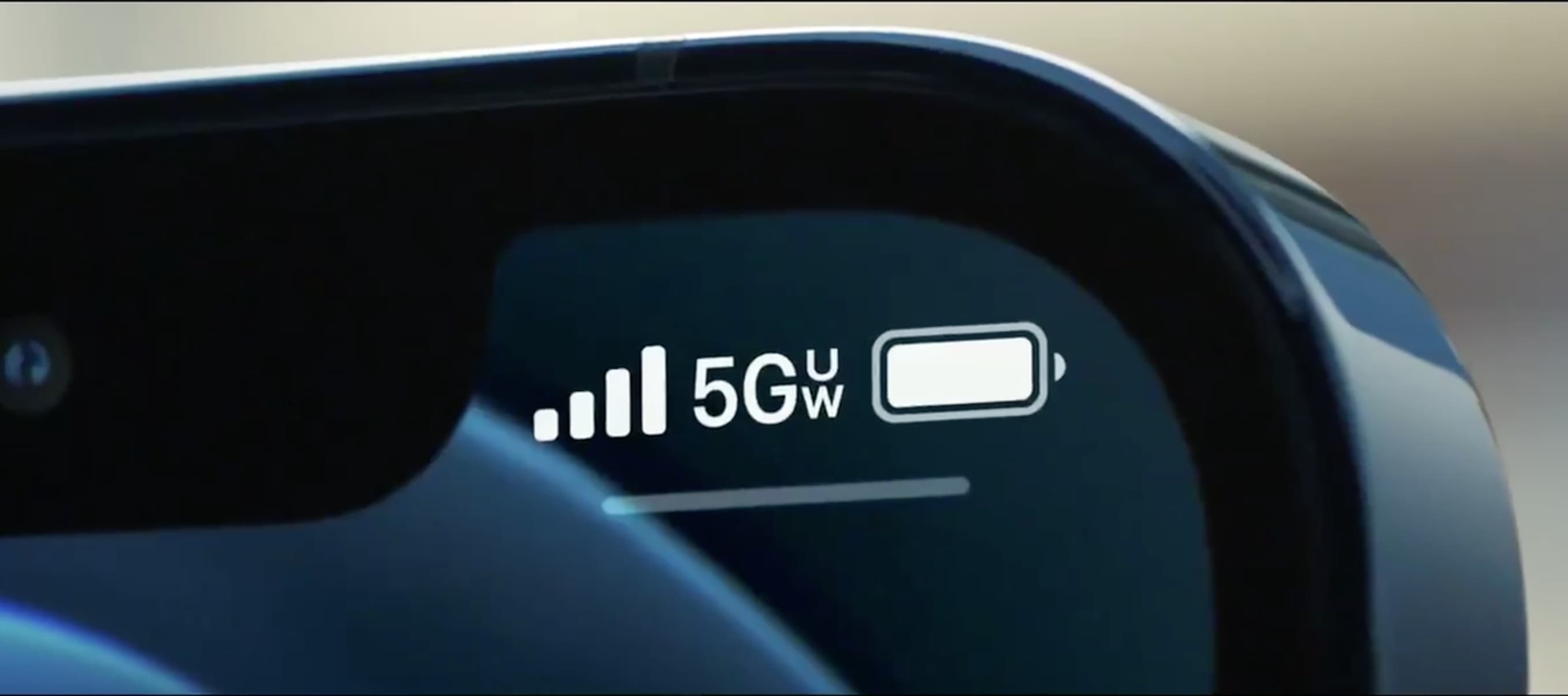
What Does 5G UC Mean On T-Mobile Phone

The 5G UC icon on your T-Mobile phone means you are connected to T-Mobile's Ultra Capacity 5G network. This is T-Mobile's faster mid-band and high-band (mmWave) 5G, distinct from its...

Why Isn't My T-Mobile Cellular Data Working

If your T-Mobile cellular data is not working, the most common fix is verifying that your device's mobile data toggle is turned on and that your Access Point Name (APN)...

Walmart Family Mobile: Which Network Does It Use?

Walmart Family Mobile uses the T-Mobile network. The carrier's official coverage and troubleshooting pages confirm that Walmart Family Mobile network service is built entirely on T-Mobile's infrastructure, not a separate...

How Fast Is T-Mobile Home Internet

How fast is T-Mobile home internet: what to expect before you sign up How fast is T-Mobile home internet? Real-world experience starts with understanding that T-Mobile internet quality depends almost...