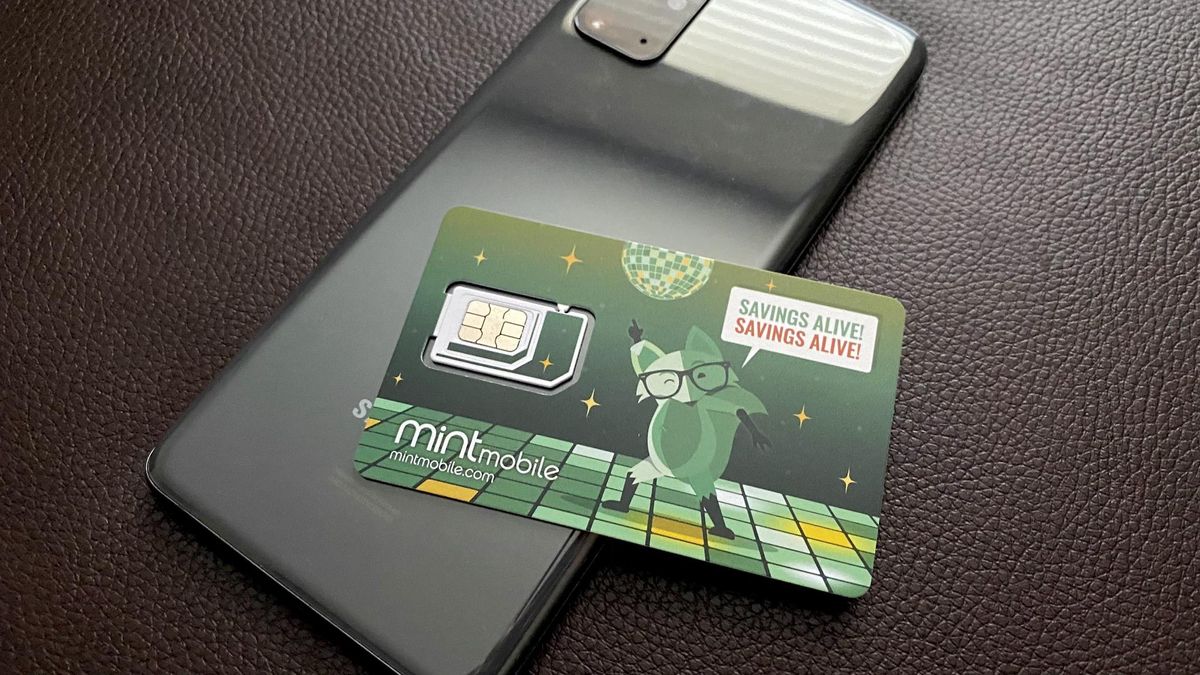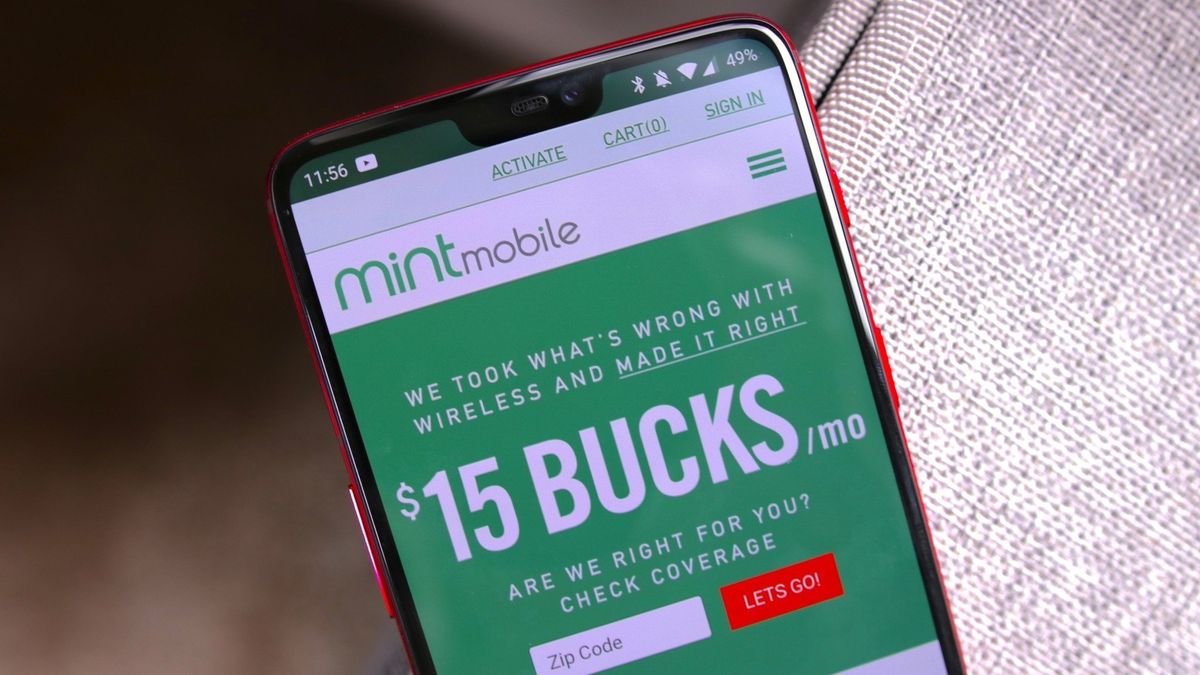
Mint Mobile uses the T-Mobile network. As a mobile virtual network operator (MVNO) and a subsidiary of T-Mobile US since May 2024, Mint Mobile leases access to T-Mobile's towers and infrastructure rather than owning its own.
Mint Mobile coverage and 5G/4G LTE performance
Mint Mobile's 4G LTE network, powered by T-Mobile, covers approximately 99% of Americans, while its 5G network covers approximately 98% of Americans and is considered the nation's largest 5G network. The key 5G bands that define the experience include n71 (low-band for wide coverage) and n41 (mid-band for faster speeds). Access to 5G requires a 5G-capable phone and being within a 5G coverage area, and it is included at no extra charge on all Mint Mobile plans.
Will your phone work with Mint Mobile?
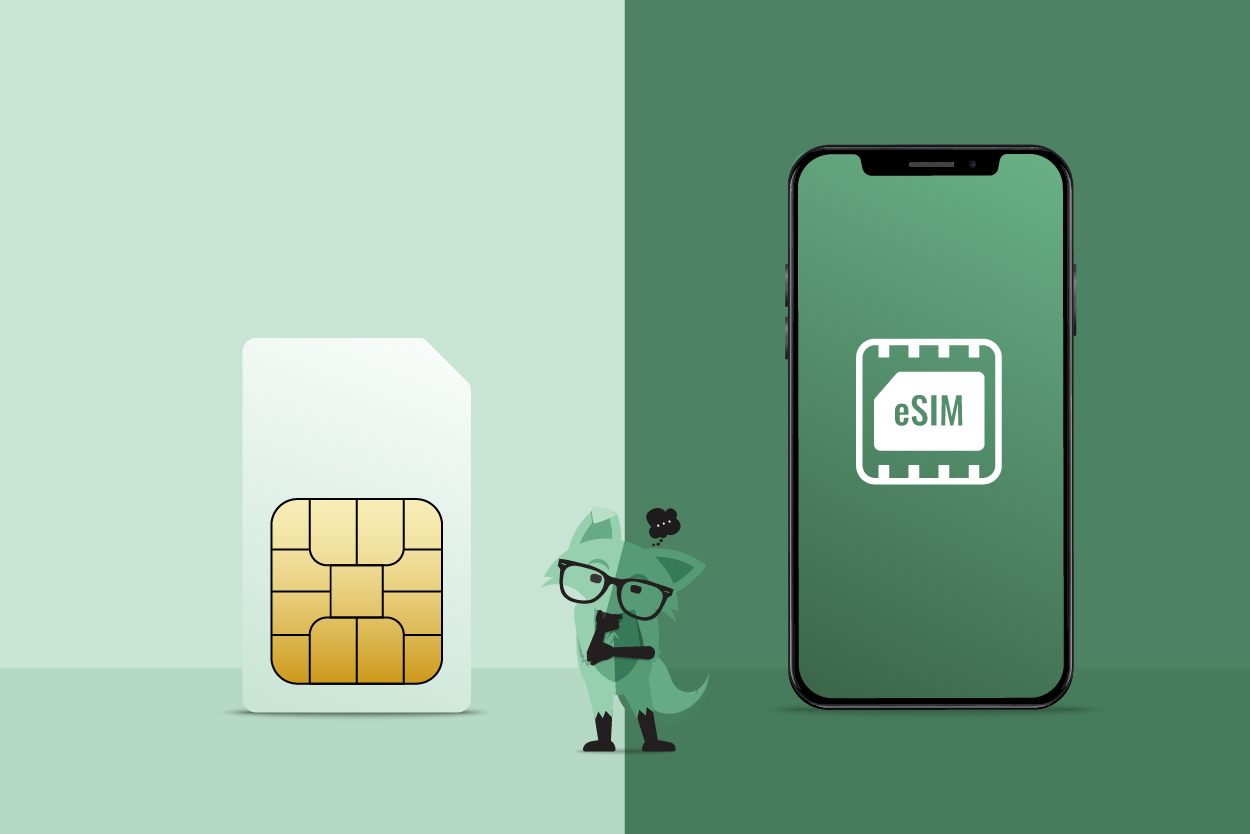
To use Mint Mobile, your device must be unlocked and compatible with T-Mobile's frequency bands (GSM compatible). Mint Mobile supports eSIM on most unlocked iPhone models (XS/XR and newer) and recent Android devices such as Google Pixel 3a+ and Samsung Galaxy S20+ and newer flagships. eSIM activation involves purchasing a plan, receiving a QR code via email or the Mint app, and scanning it within the phone's cellular settings while connected to Wi-Fi. For eSIM activation, your phone must be unlocked and eSIM-compatible, and any number transfer should be completed before installing the eSIM. iPhones can have up to two active eSIM lines and store at least eight additional lines, while Android phones typically support one active eSIM line and can store up to five, depending on the model. Devices introduced in 2017 or earlier may experience limited functionality, such as issues with multimedia messages on Android or managing call settings, after April 1, 2026, due to T-Mobile's network security standard upgrades.
How to use Wi-Fi Calling on Mint Mobile
All Mint Mobile plans include free Wi-Fi Calling, enabling calls and texts over Wi-Fi, useful in areas with weak cellular signal or for international communication. To enable Wi-Fi Calling, first log in to the Mint Mobile app or online account, select "Wi-Fi Calling & Text," click "Enable," and provide your emergency 911 address. On an iPhone, go to Settings > Cellular > Wi-Fi Calling and turn it on, entering the emergency 911 address if prompted. Wi-Fi Calling is not available in China and North Korea and may be restricted in other countries with tightly regulated internet access.
Frequently Asked Questions
Can I keep my current phone number when I switch to Mint Mobile?
Yes, you can transfer your existing phone number to Mint Mobile through a process called number porting. This allows you to retain your current number while enjoying Mint Mobile's affordable plans and T-Mobile network coverage.
Does Mint Mobile support 5G at no extra cost?
Yes, 5G access is included at no extra charge on all Mint Mobile plans. You simply need a 5G-capable phone and to be within a 5G coverage area to take advantage of faster data speeds.
Are there any contracts with Mint Mobile?
Mint Mobile plans are contract-free, providing flexibility to choose the duration and data options that best suit your needs without long-term commitments. There are no hidden fees.
Can I use my own unlocked phone with Mint Mobile?
Mint Mobile supports most unlocked GSM-compatible phones. If your device is unlocked and compatible with T-Mobile's frequency bands, you can insert a Mint Mobile SIM card or activate an eSIM and start using the service.
Readers comparing a separate eSIM can browse uPhone eSIM plans and verify destination coverage, data allowance, and validity before buying.
More eSIM resources: Browse our eSIM guides and troubleshooting resources for compatibility, setup, travel-data and account-safety advice.
Related reading: Spectrum Mobile: Which Network Does It Use? and What Network Does Xfinity Mobile Use.