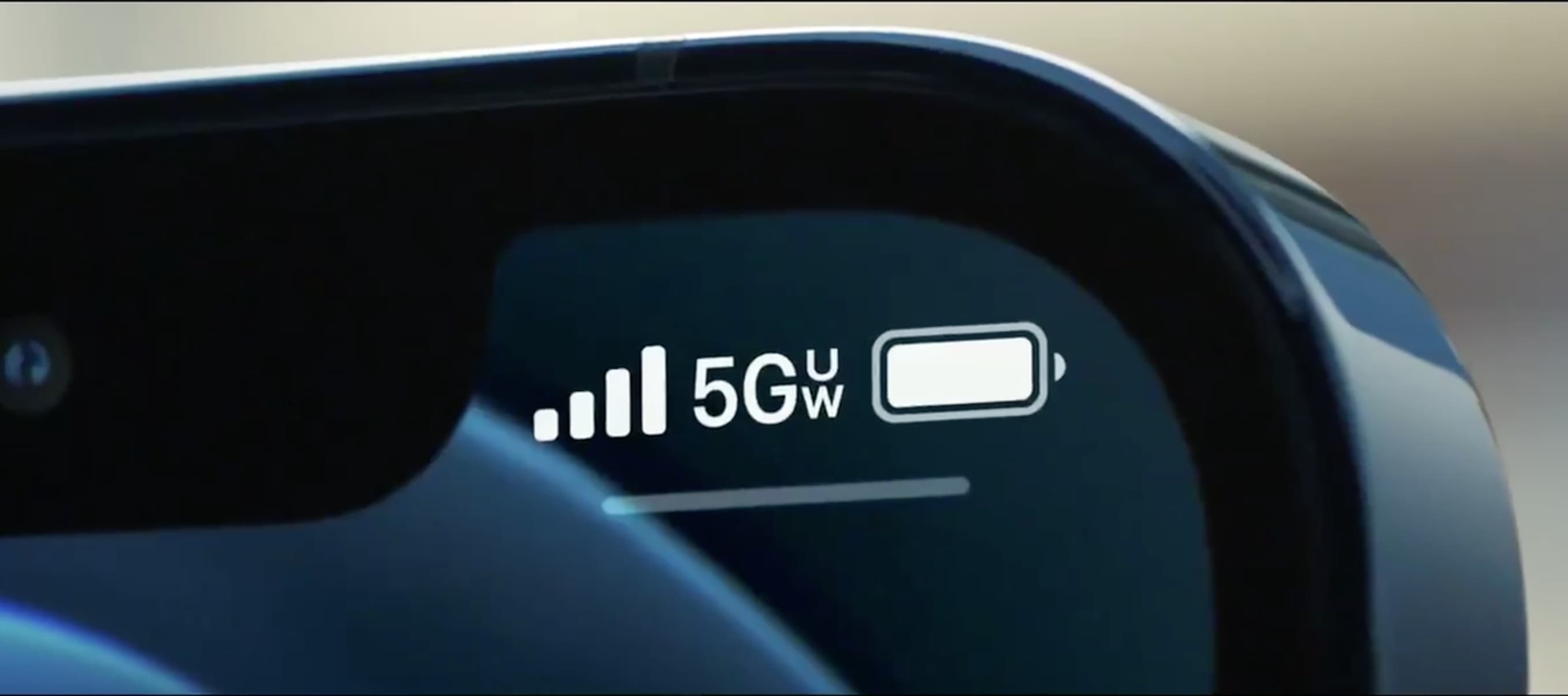
The 5G UC icon on your T-Mobile phone means you are connected to T-Mobile's Ultra Capacity 5G network. This is T-Mobile's faster mid-band and high-band (mmWave) 5G, distinct from its standard Extended Range 5G, and it indicates you are in an area where the fastest available speeds are possible.
What does 5G UC mean on a T-Mobile phone?
5G UC stands for 5G Ultra Capacity. It is the icon displayed on your phone’s status bar when your device is connected to T-Mobile’s mid-band or high-band (mmWave) 5G network. This is the faster, higher-capacity layer of T-Mobile’s 5G, designed for speed and performance where it is available. Seeing this icon means you are not on the slower, broader Extended Range 5G.
5G UC vs. 5G Extended Range: what's the difference?
The key difference is purpose. 5G UC (Ultra Capacity) is T-Mobile’s speed-focused 5G, using mid-band and mmWave spectrum to deliver faster download and upload speeds and lower latency. It is built for high-demand activities and dense areas but has a more limited coverage footprint. 5G Extended Range, in contrast, is T-Mobile’s wide-area coverage 5G, using low-band spectrum to provide a broad, reliable signal over long distances and through buildings. Extended Range 5G is the baseline 5G experience, while 5G UC is the premium, high-speed upgrade where it is deployed. T-Mobile claims an average download speed of 300 Mbps for 5G UC.
How to enable 5G on your iPhone
T-Mobile tutorial pages are organized by device family and model, including iPhone 16 Plus, universal iPhone iOS 18, and Google universal phone Android 16. T-Mobile provides an iPhone tutorial page titled 'How to enable 5G' for iPhone 16 Plus and a universal iPhone page for iOS 18.
- Open Settings.
- Tap Cellular (or Mobile Data).
- Tap Cellular Data Options (or Mobile Data Options).
- If using Dual SIM, first tap Cellular or Mobile Data and choose the line you want to change.
Once 5G is enabled in these settings, your iPhone will automatically connect to the 5G UC network when you are in an Ultra Capacity coverage area.
How to enable 5G on your Android phone
T-Mobile has a Google Android tutorial page titled 'How to enable 5G'.
- Open Settings.
- Tap Network & Internet.
- Tap Mobile networks.
- Tap Advanced.
- Tap Preferred network type.
- Select 5G On.
After selecting this option, your Android device will seek out the strongest available 5G signal, including 5G UC where T-Mobile’s Ultra Capacity network is present.
Why don't I see the 5G UC icon?
If the 5G UC icon is not showing on your phone, one of three verified limits is likely the cause. First, you may not be in a location with Ultra Capacity coverage; T-Mobile’s coverage map can confirm whether 5G UC is available at your address or nearby. Second, your device must be a 5G phone that supports the specific bands and frequencies T-Mobile uses for Ultra Capacity 5G. Third, even with a compatible device, the network capability varies by device, so not every 5G phone will access the same speeds or bands. Checking T-Mobile’s coverage map is the most direct way to verify if the icon should appear where you are.
Frequently Asked Questions
Do I need a special T-Mobile plan to get 5G UC?
No, you do not need a special plan. Most T-Mobile plans that include 5G access will connect to the 5G UC network automatically when you are in a coverage area and using a compatible device. No additional add-on or premium plan is required.
Will 5G UC drain my battery faster than regular 5G?
5G UC can use more battery than Extended Range 5G, particularly when the phone is actively searching for or maintaining a high-band mmWave connection. However, T-Mobile’s mid-band 5G UC is more power-efficient than mmWave. Battery impact varies by device, signal strength, and usage patterns.
Is 5G UC the same as T-Mobile's "5G+" or other carrier icons?
No. 5G UC is T-Mobile’s specific branding for its Ultra Capacity 5G. Other carriers use different icons, such as "5G+" for their own faster 5G networks. The icon and technology are carrier-specific, so 5G UC only applies to T-Mobile’s network.
Can I use T-Mobile Home Internet speed limits with 5G UC on my phone?
No. T-Mobile Home Internet speed limits are separate from your phone’s 5G UC connection. The 5G UC icon on your phone indicates a mobile data connection, not a home internet connection. Home internet plans have their own data prioritization and speed policies that are distinct from mobile 5G UC performance.
Does the 5G UC icon mean I have the fastest possible speed at all times?
No. The icon indicates you are connected to T-Mobile’s Ultra Capacity 5G network, which is capable of very fast speeds. Actual speeds depend on many factors, including your specific location, network congestion, device capabilities, and signal strength. The icon is a good indicator of potential performance, not a guarantee of a fixed speed.
Related reading: What Towers Does US Mobile Use and How Long Does T-Mobile Keep Phone Records.