This tag collects guides for using third-party apps and built-in software tricks to extend what your phone can do, whether you own an iPhone or an Android device. It is written for anyone who wants to go beyond basic calling and texting, people looking to turn their smartphone into a more powerful tool for productivity, gaming, photography, and everyday convenience.
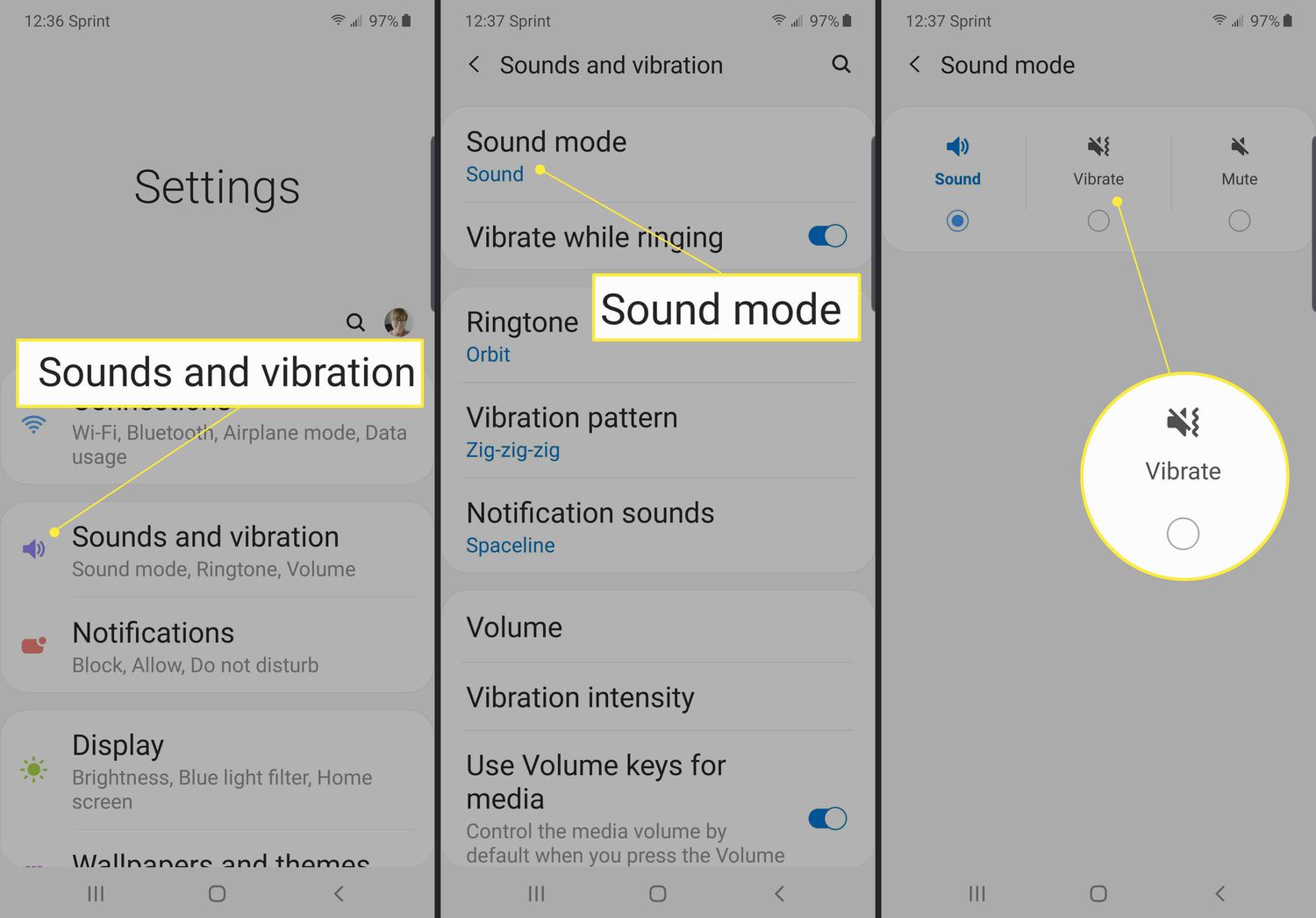
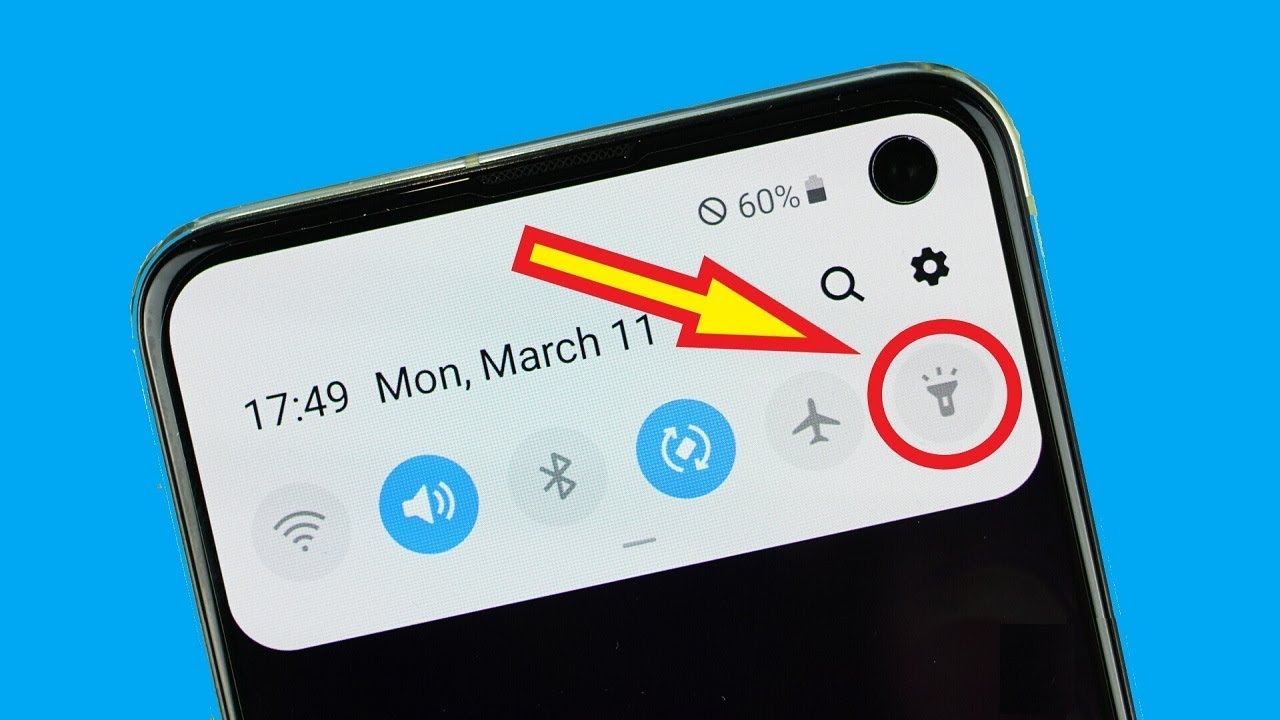
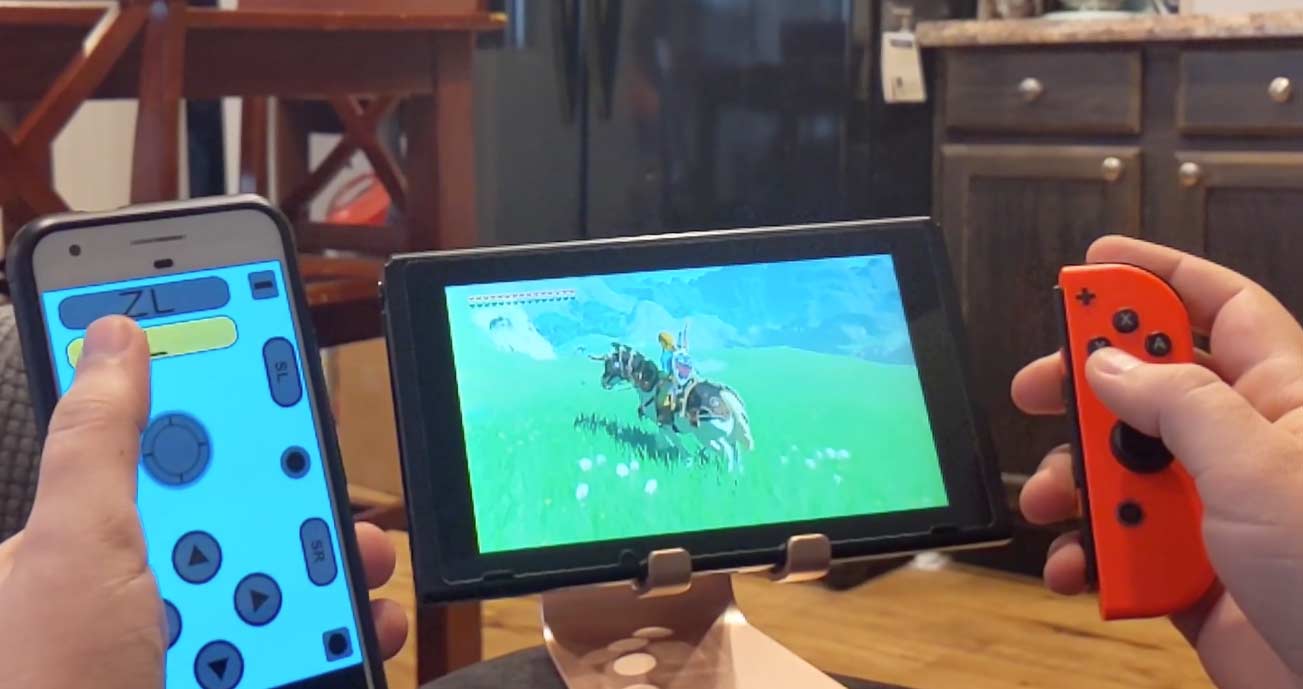
The articles here solve practical problems grouped around a few clear themes. One major theme is using your phone as a controller or secondary screen for other devices: you can learn how to use an iPad as a second monitor for a Windows or Mac computer, how to use your phone as a Nintendo Switch controller, or how to cast your phone to a PlayStation 4. Another theme focuses on clever camera and media tricks, such as turning a video into a Live Photo, taking macro photos with an iPhone 11, or adding a person to a photo on iPhone. A third theme covers hidden settings and system tweaks, including how to show seconds on your iPhone, how to check your phone’s temperature, and how to make your phone vibrate non-stop.
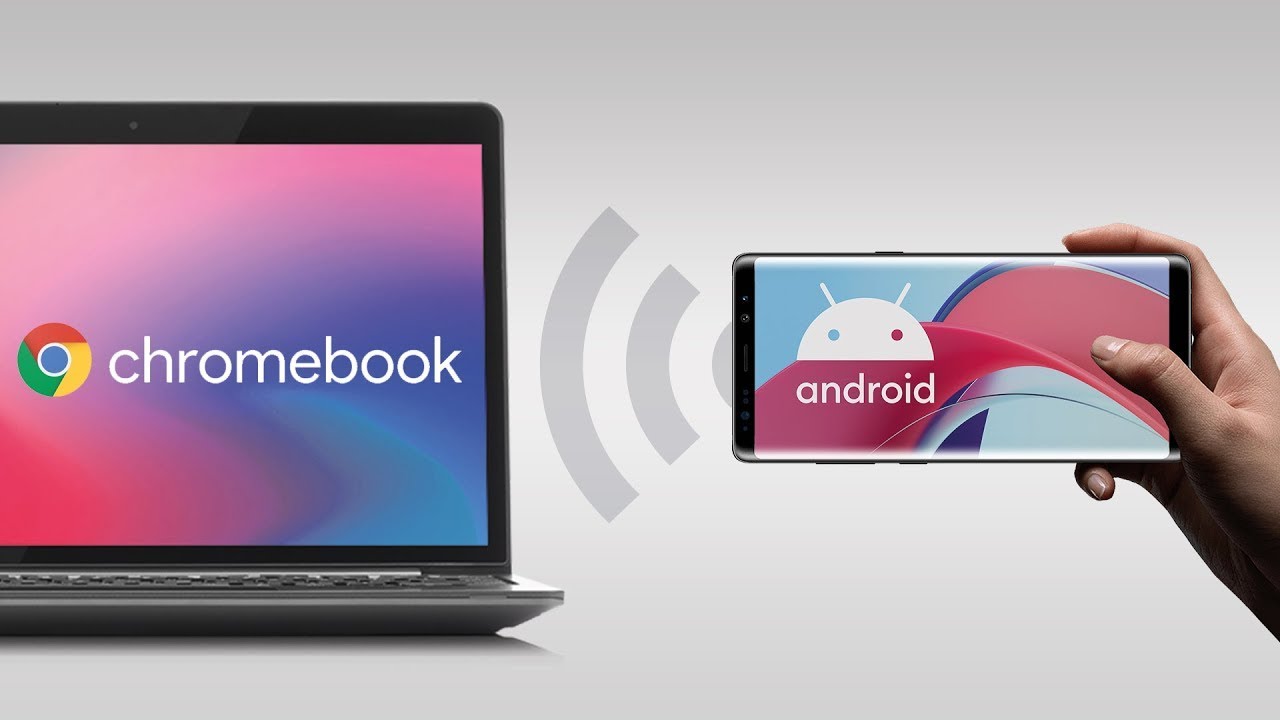
Whether you want to mirror your phone to a Chromebook, copy an NFC tag to your phone, or use a voice changer on Discord Mobile, these articles give you straightforward steps to make it happen. No hype, just clear instructions for real tasks.