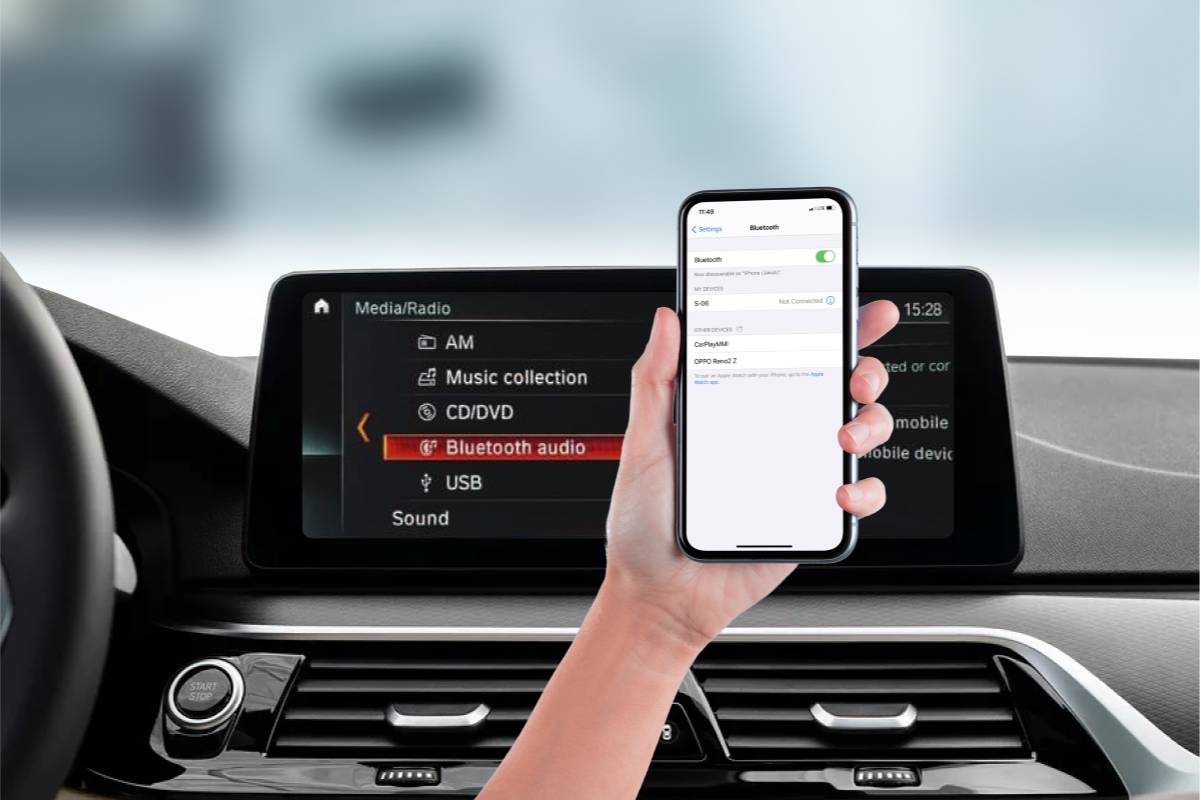
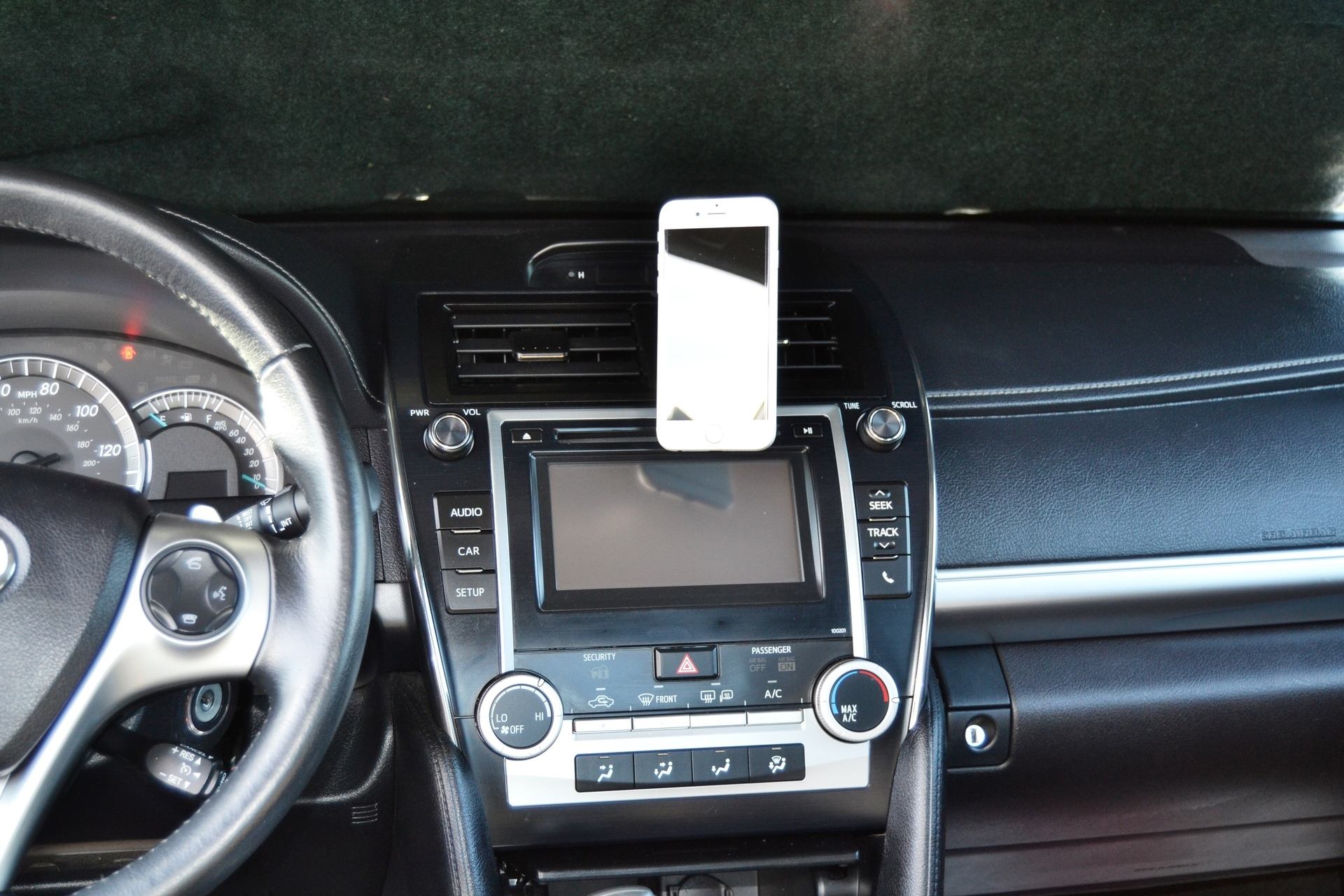
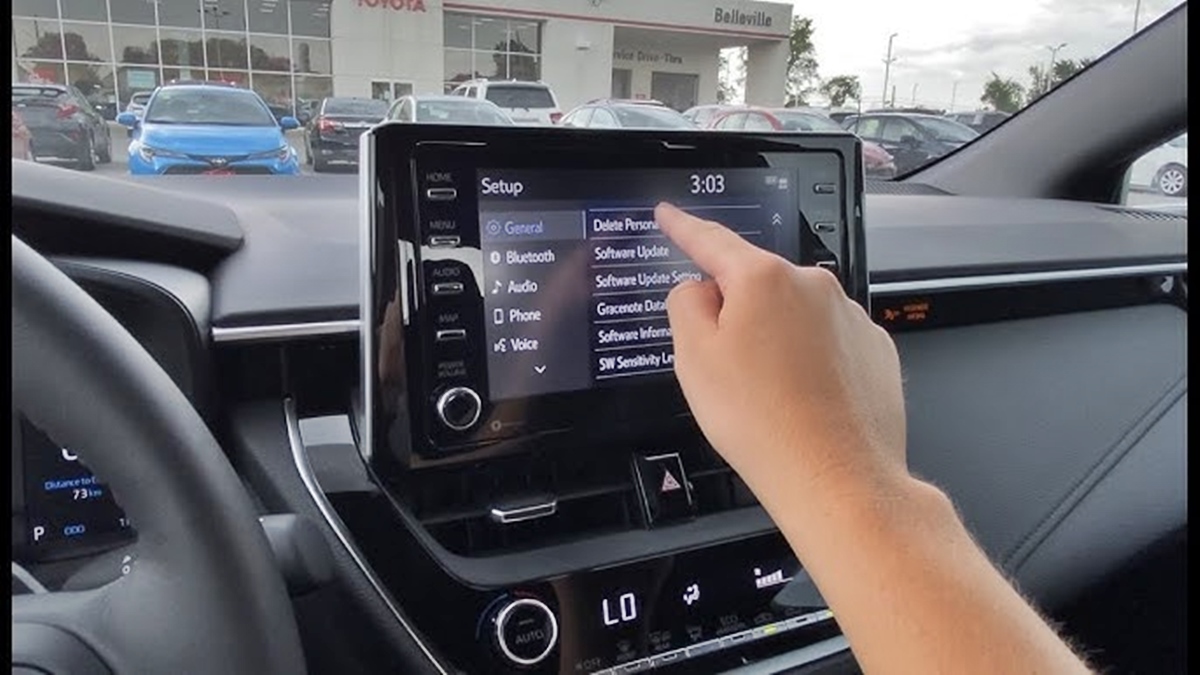
Managing the connection between your phone and your Toyota vehicle. This page is for anyone who drives a Toyota model, like a Camry, RAV4, or Corolla, and needs practical help with pairing, removing, or troubleshooting their phone’s Bluetooth link with the car’s infotainment system.
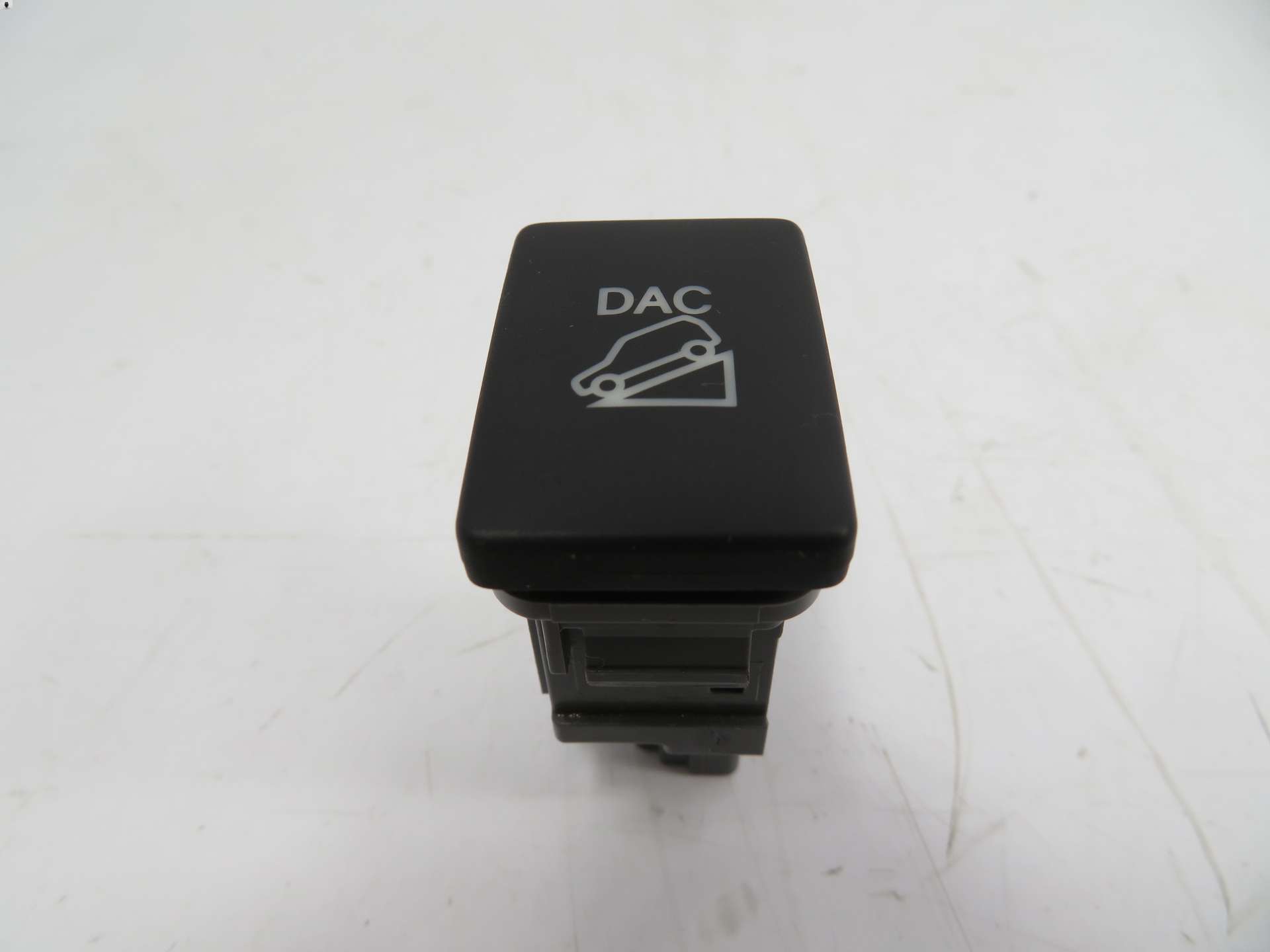
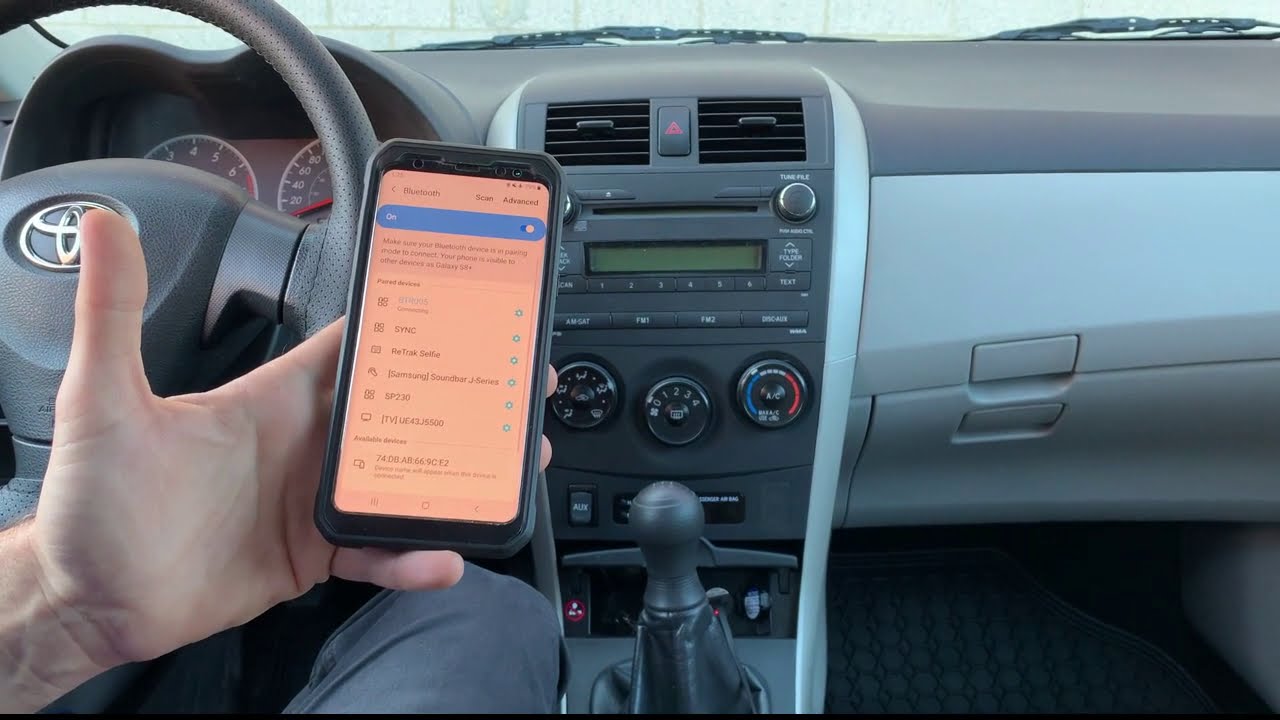
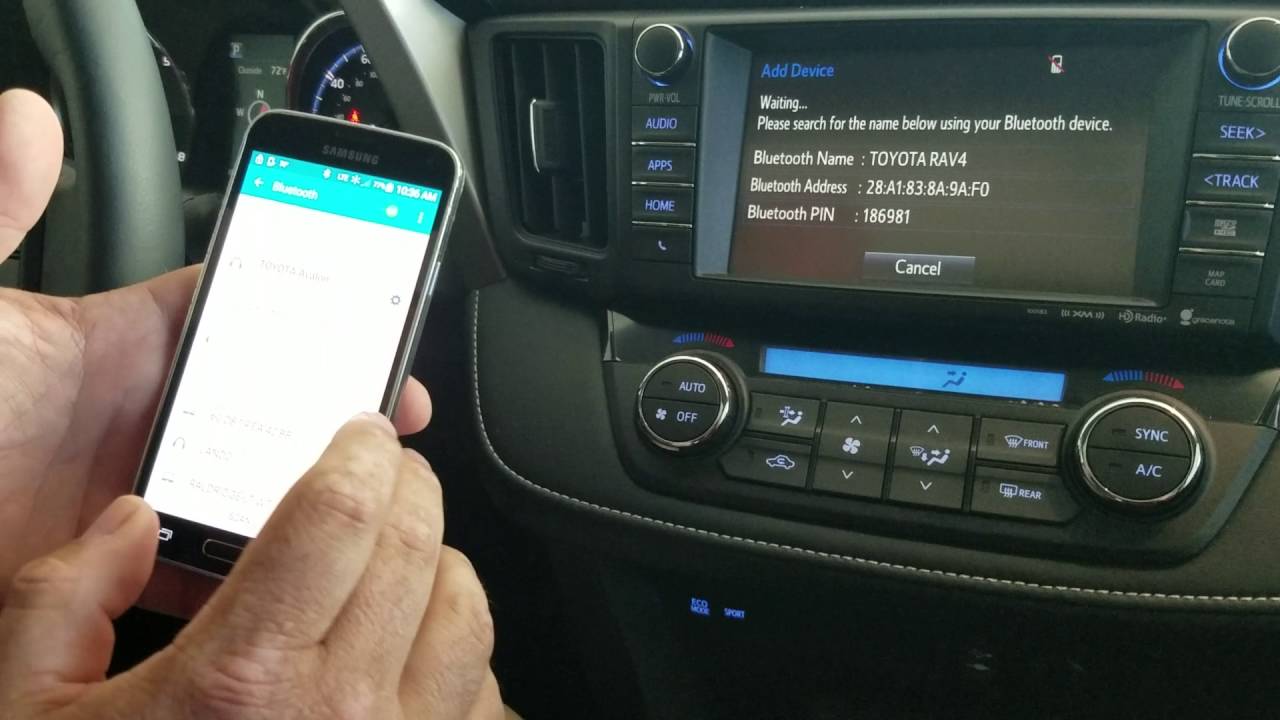
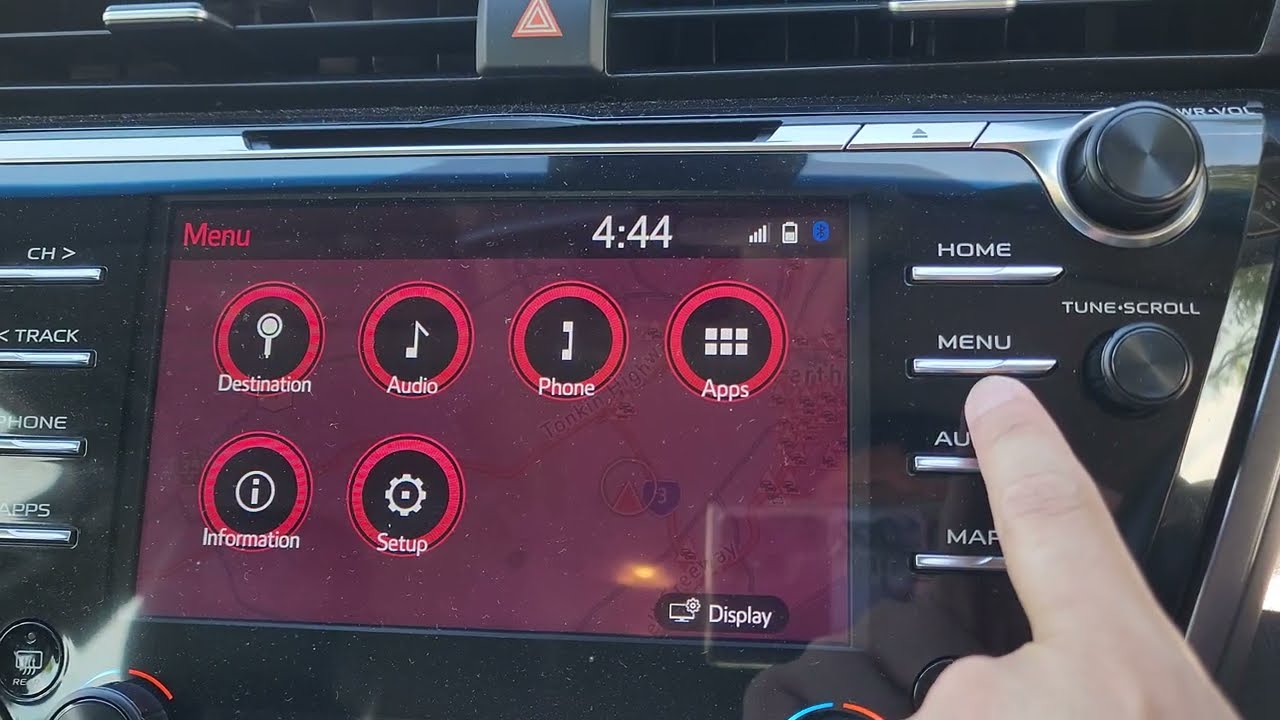
The articles here solve two main kinds of problems. The first is removing a phone from a specific Toyota model, such as learning how to delete a phone from a Toyota Camry 2018 or how to delete a phone from a Toyota Corolla Bluetooth system. The second theme covers broader Bluetooth removal steps that work across different vehicles, including guides on how to remove a phone from car Bluetooth and how to remove a phone from Toyota Bluetooth in general. One article also addresses a specific technical question, explaining what DAC means on a Toyota Highlander.
These articles help the reader perform clear, step-by-step actions: unpair a device from their car’s memory, clear out old phone profiles, and understand specific features or settings related to their Toyota’s audio and connectivity. Whether you are selling your car, troubleshooting a connection issue, or just want to start fresh with a new phone, these guides give you the direct instructions you need.