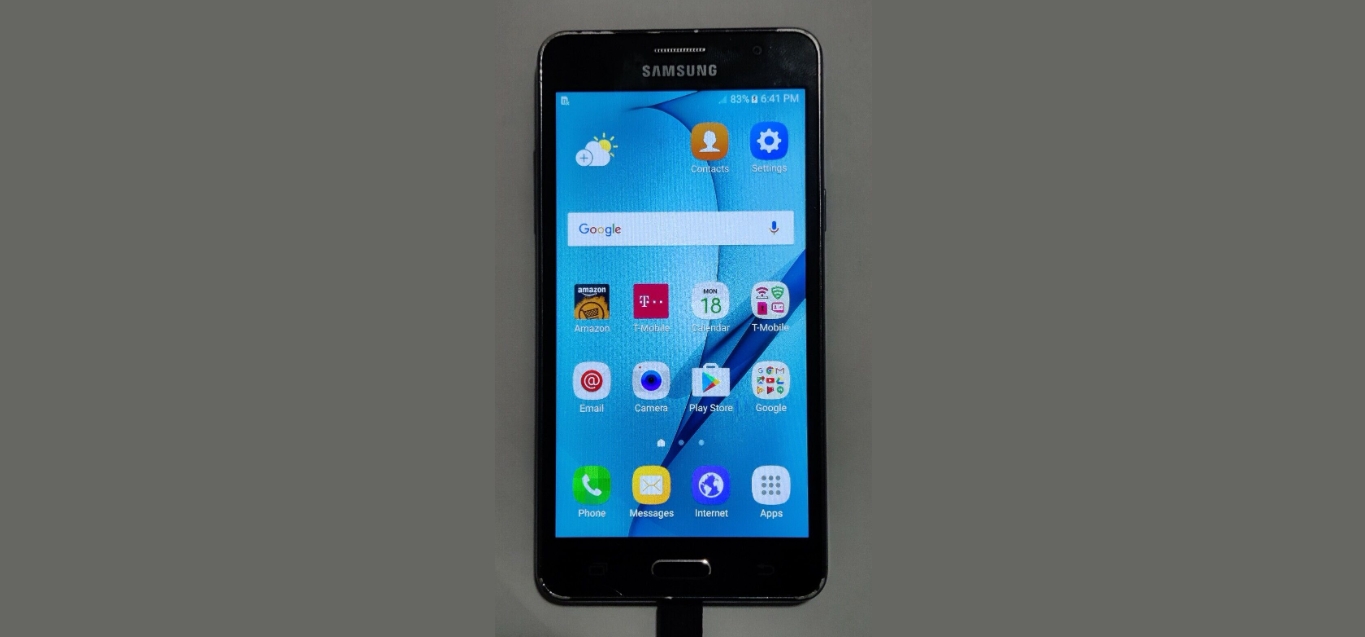
This tag collects articles focused on removing software from mobile devices, written for anyone who needs to free up space, stop unwanted background activity, or simply clean up their phone’s app drawer. Whether you are a new smartphone user or someone troubleshooting a stubborn pre-installed service, these guides offer clear, step-by-step instructions for the uninstall process.
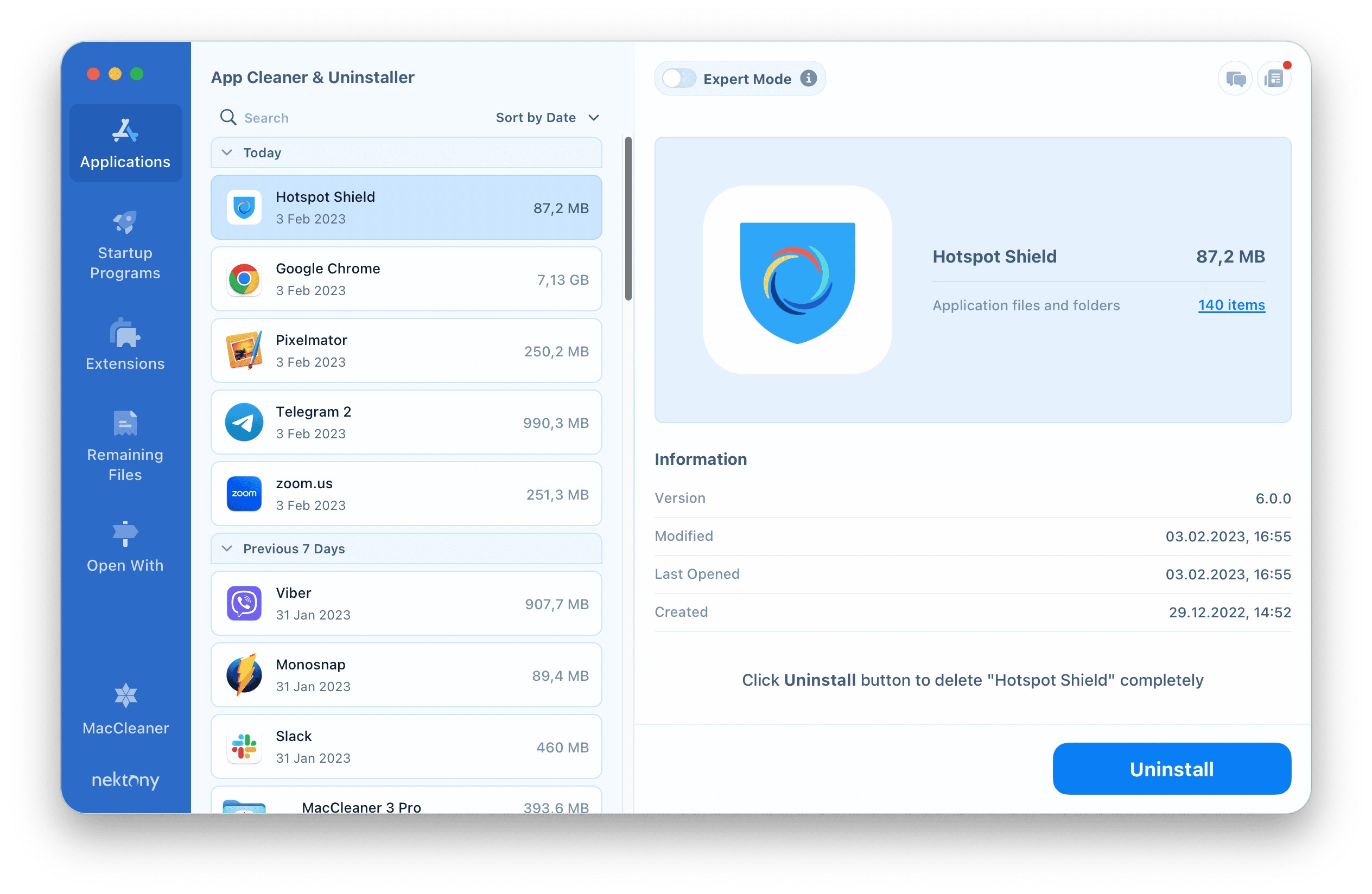
The articles address two main kinds of problems. First, they help with manufacturer-specific interfaces, such as the different menus found on Samsung and Motorola phones compared to standard Android. Second, they tackle carrier-bundled and third-party applications that often resist normal removal methods. For example, the guide on how to remove the T-Mobile app shows how to handle carrier software that may require special settings, while the uninstall instructions for Hotspot Shield walk through disabling a VPN that might be interfering with other network connections.
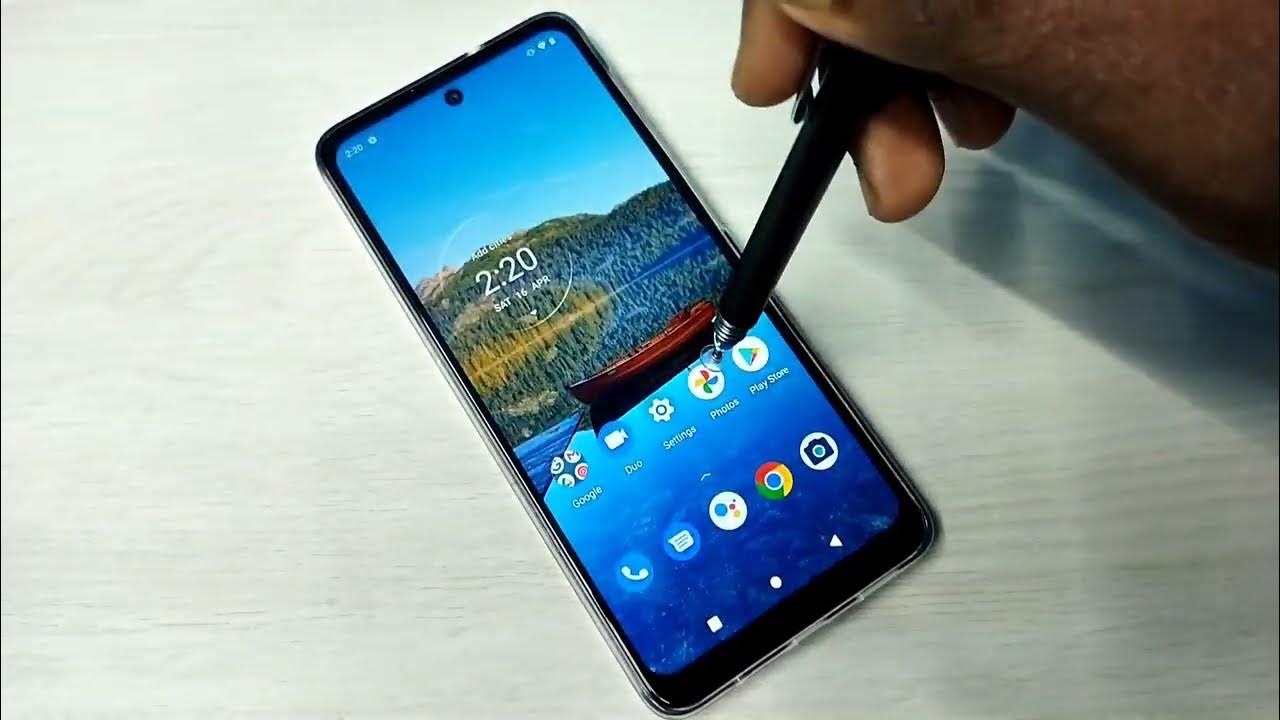
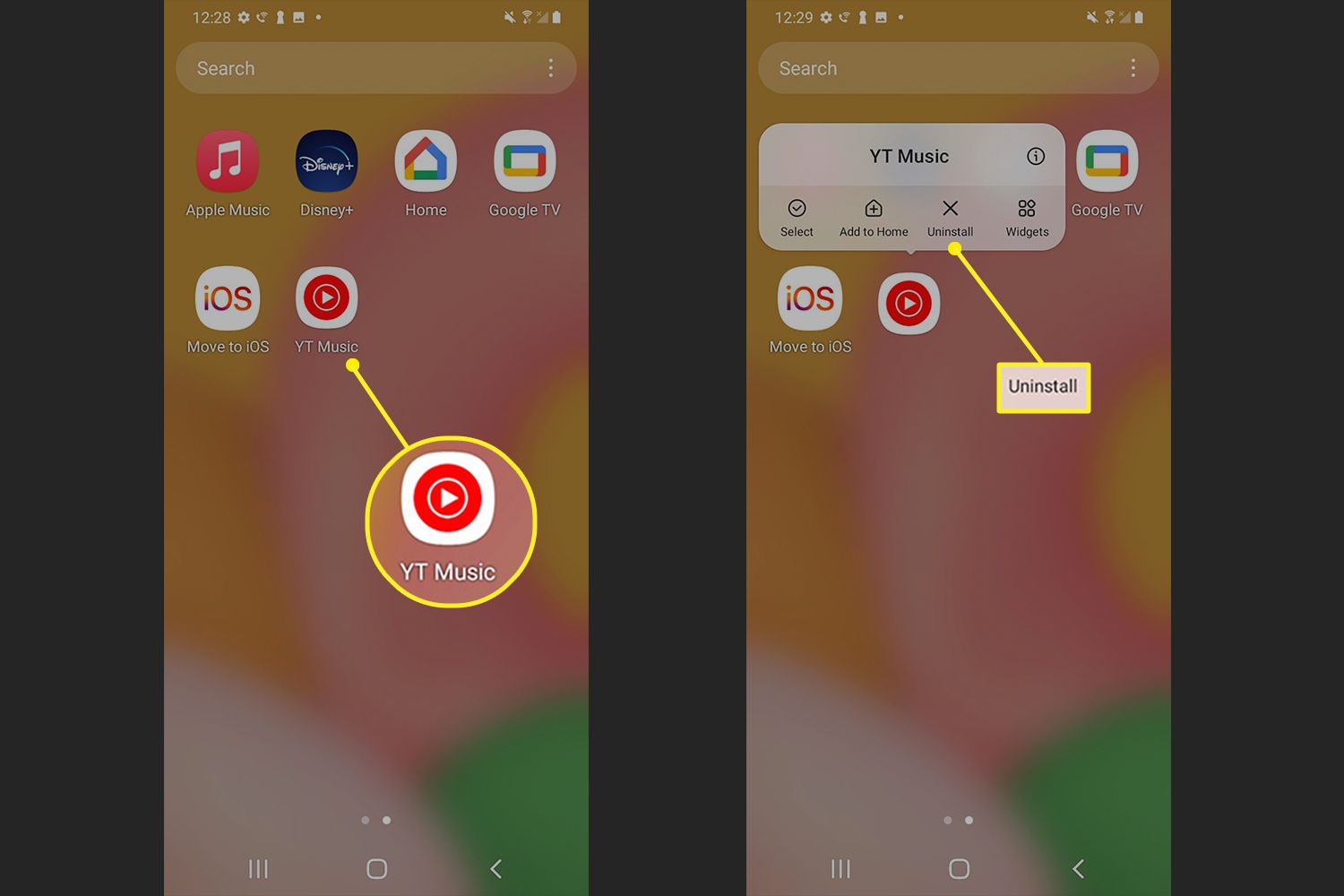
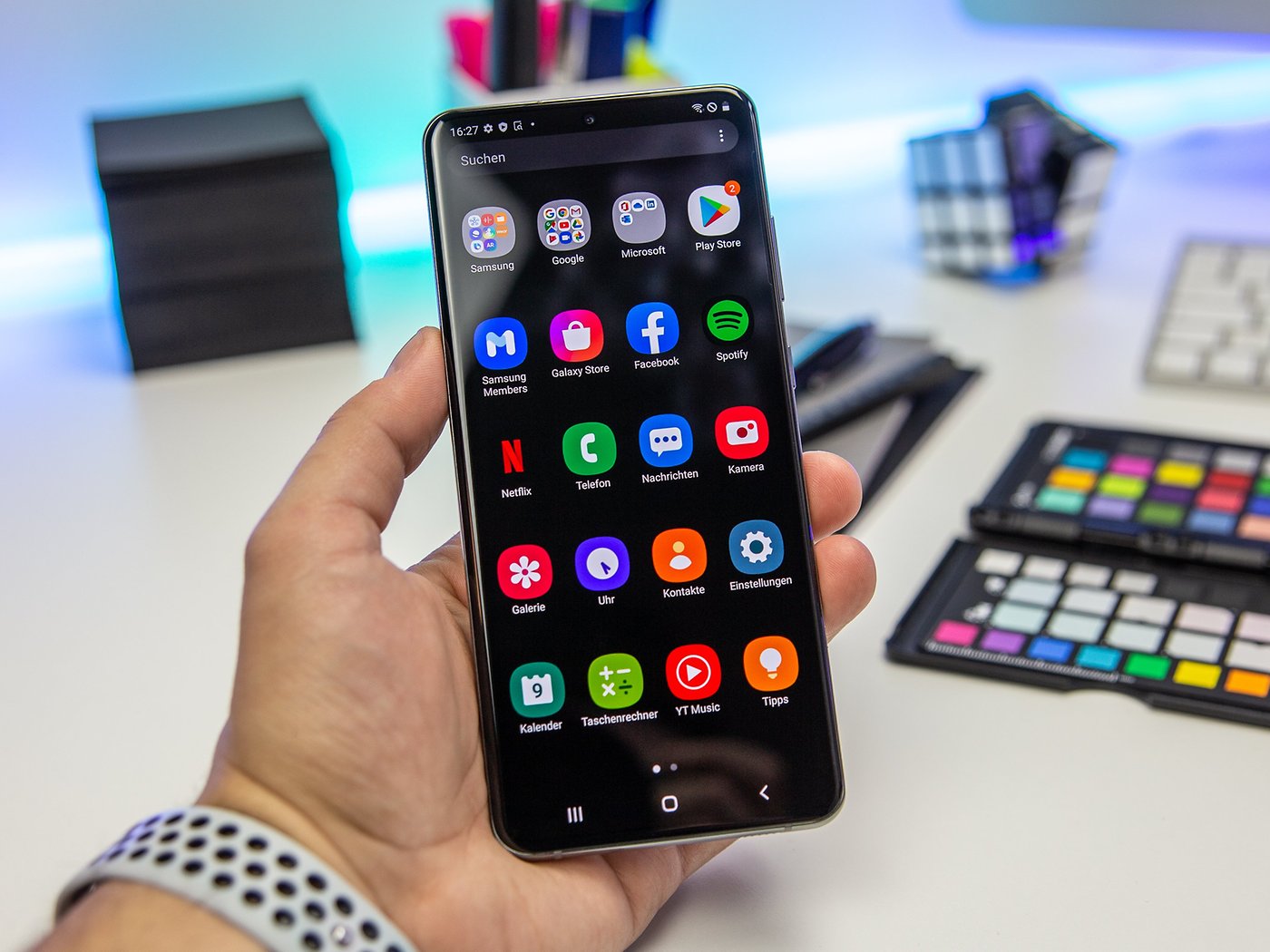
Each article helps the reader perform a specific action: delete an app from an Android phone, remove apps on a Samsung device, delete an app on a Motorola phone, remove a T-Mobile application, or uninstall Hotspot Shield. The focus is on practical, repeatable steps that work on current phone models and software versions, so you can confidently manage your device’s installed applications.