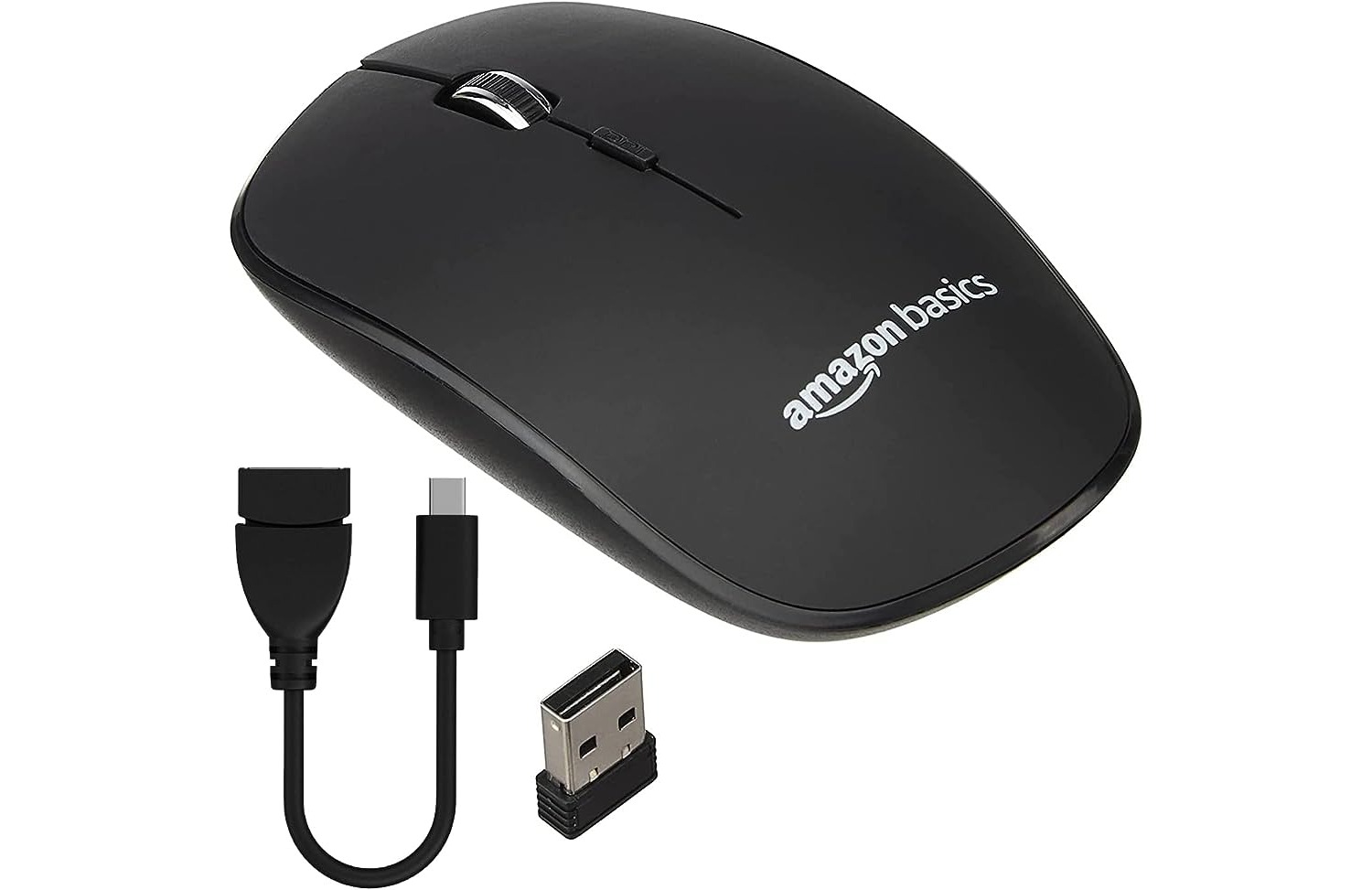
This tag collects all of CellularNews’s articles about USB receivers, the small adapters that connect wireless mice and keyboards to your computer or phone. It is for anyone who uses a wireless peripheral and needs practical help with setup, connection, or troubleshooting.
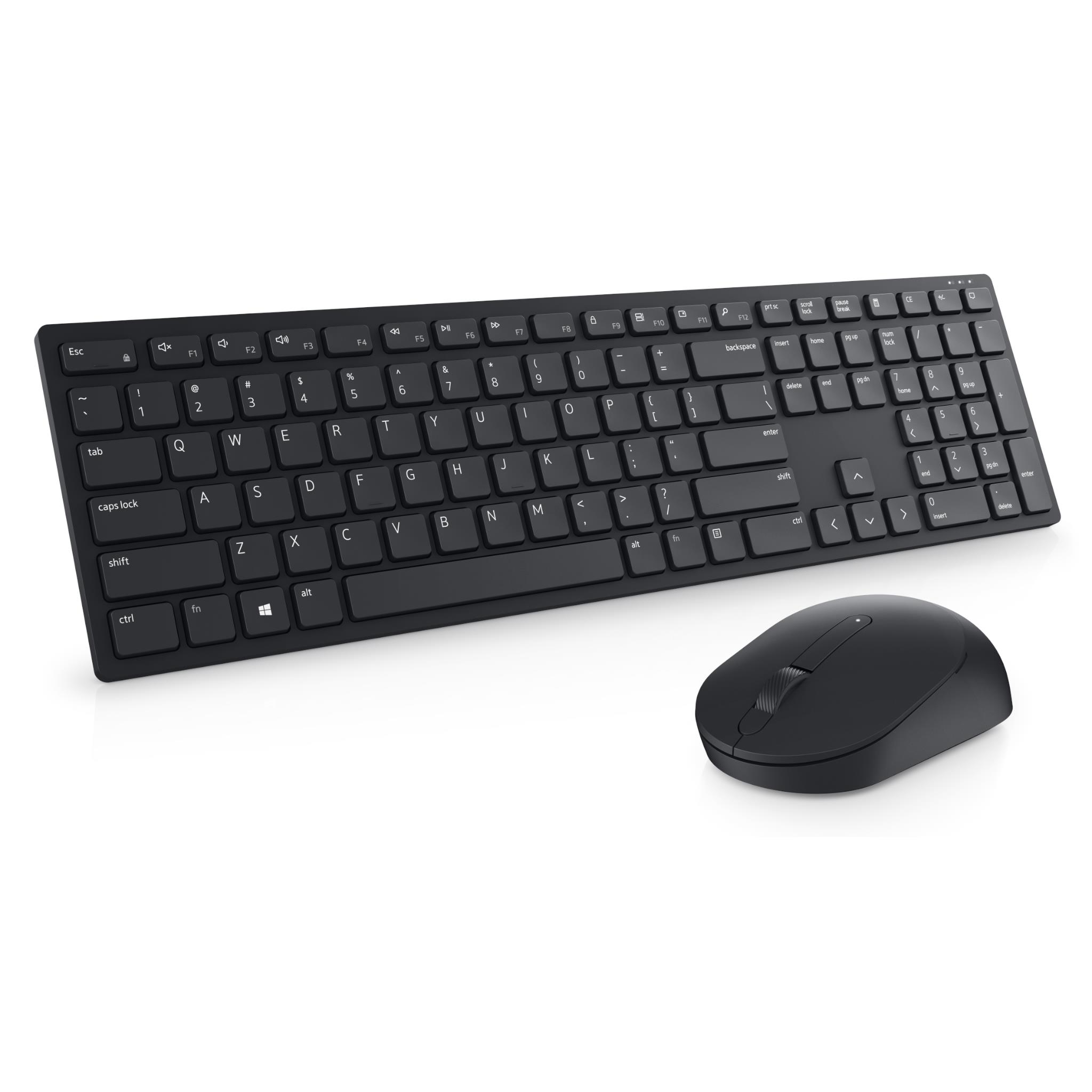
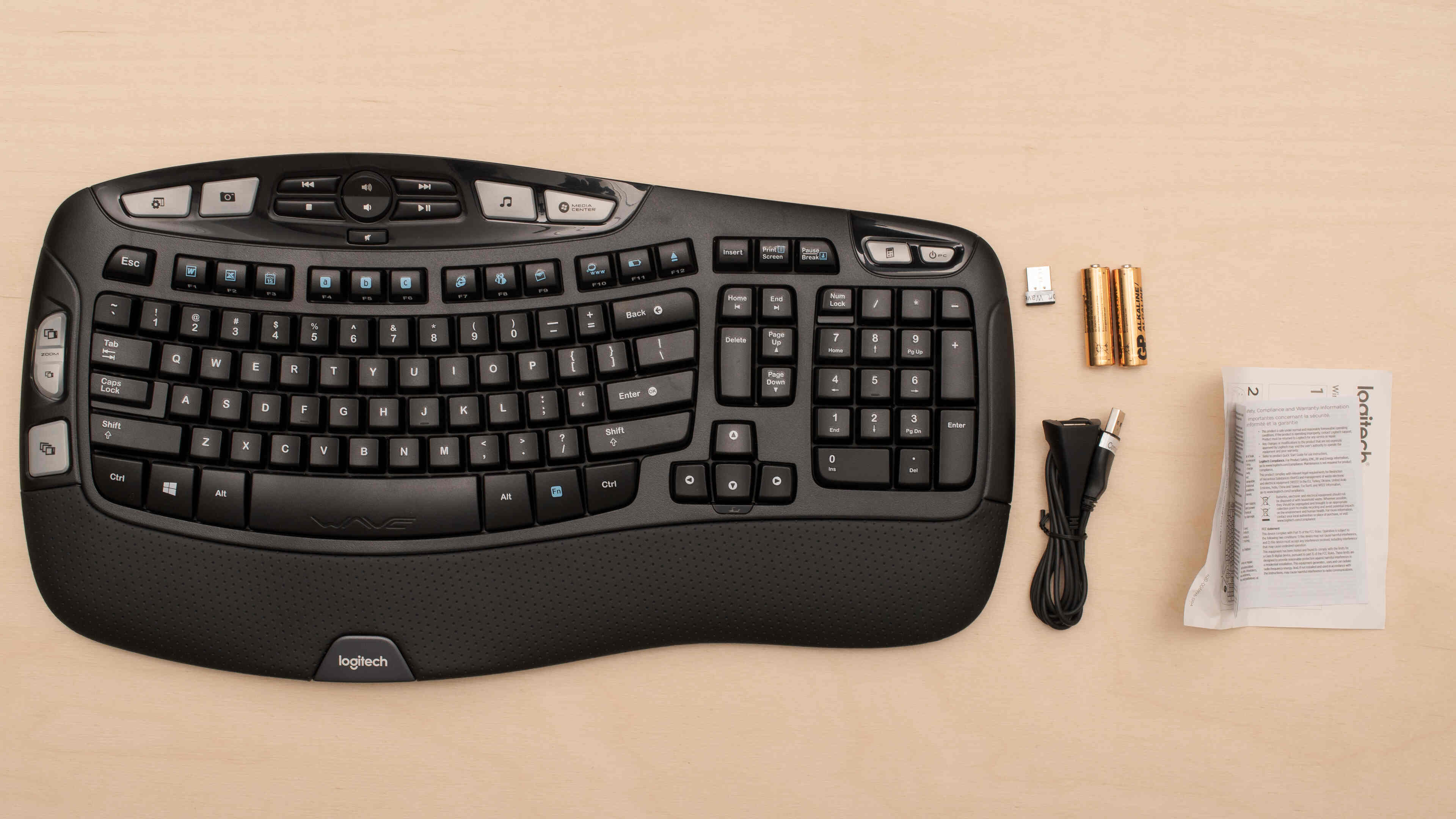
The articles here solve two main kinds of problems. First, they help you identify and replace a lost or missing receiver, as shown in “What To Do If I Lost My Mouse Dongle” and the guide explaining what a dongle for a mouse actually is. Second, they walk you through connecting specific wireless keyboards to their receivers, covering Logitech models like the K350 and K540, as well as a general guide for a Dell wireless keyboard. You will also find instructions for pairing a Logitech keyboard with a Unifying receiver.
Whether you need to figure out how to connect a Logitech wireless keyboard K350 to a Unifying receiver or simply want to know what to do if you lost your mouse dongle, these articles give you clear, step-by-step instructions to get your device working again.