Welcome to the USSD codes tag page on CellularNews. This collection brings together guides that focus on the short, numeric codes you can dial directly into your phone to manage your account. It is designed for anyone who needs quick, menu-less access to carrier information without relying on an app or an internet connection, whether you are on a prepaid plan or just want a faster way to check your account status.

The articles here solve two main kinds of practical problems. First, they help you locate your own details, such as your phone number or your call history, which is useful when you have a new SIM or need to share your number quickly. Second, they help you monitor your usage, covering how to check your data balance and how to see how many minutes you have left. Several guides also address the specific codes for major carriers, including how to check your T-Mobile balance, how to buy data on MTN, and how to check your Glo phone number.

Whether you need to add minutes to Boost Mobile, verify your Vodafone number, or check your Lycamobile phone number, these straightforward instructions are built to get you the information you need with just a few taps on your dialer. No fluff, just the codes and steps that work.
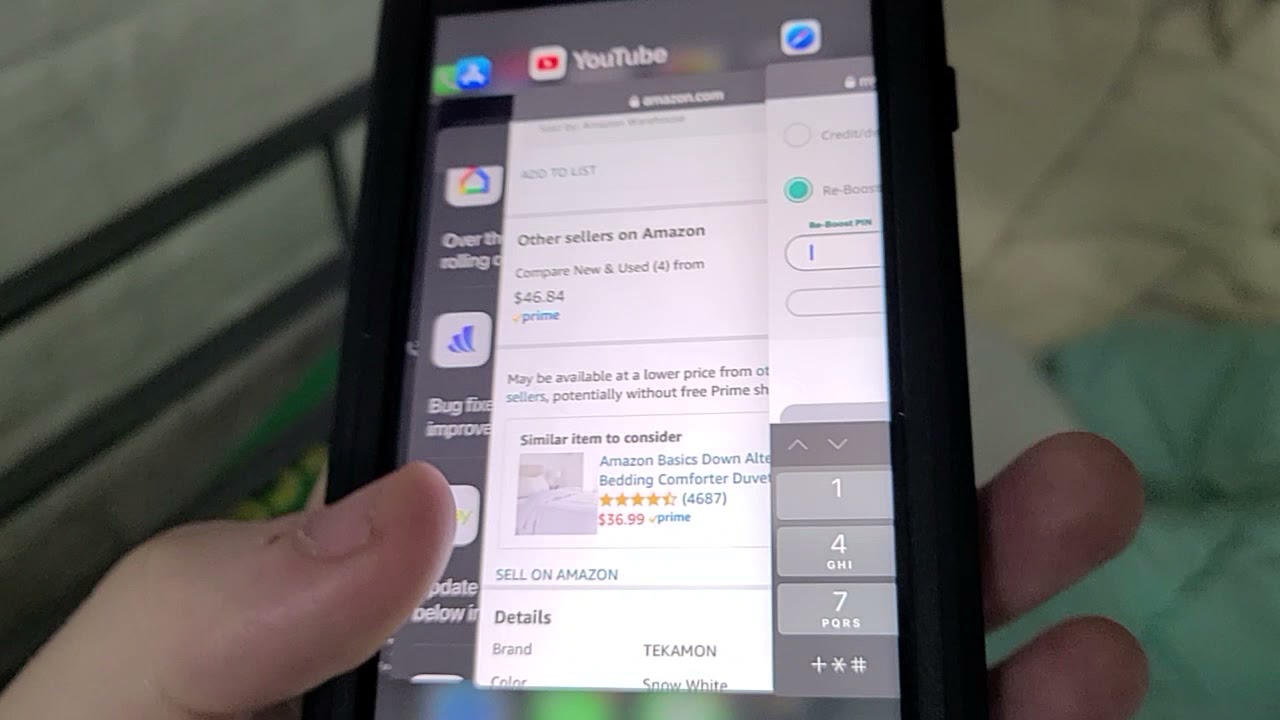
How To Add Minutes To Boost Mobile

To add minutes to Boost Mobile, you have three official options: redeem a Re-Boost card by phone, in the Boost Mobile app, or on the Boost Mobile website. Before adding...

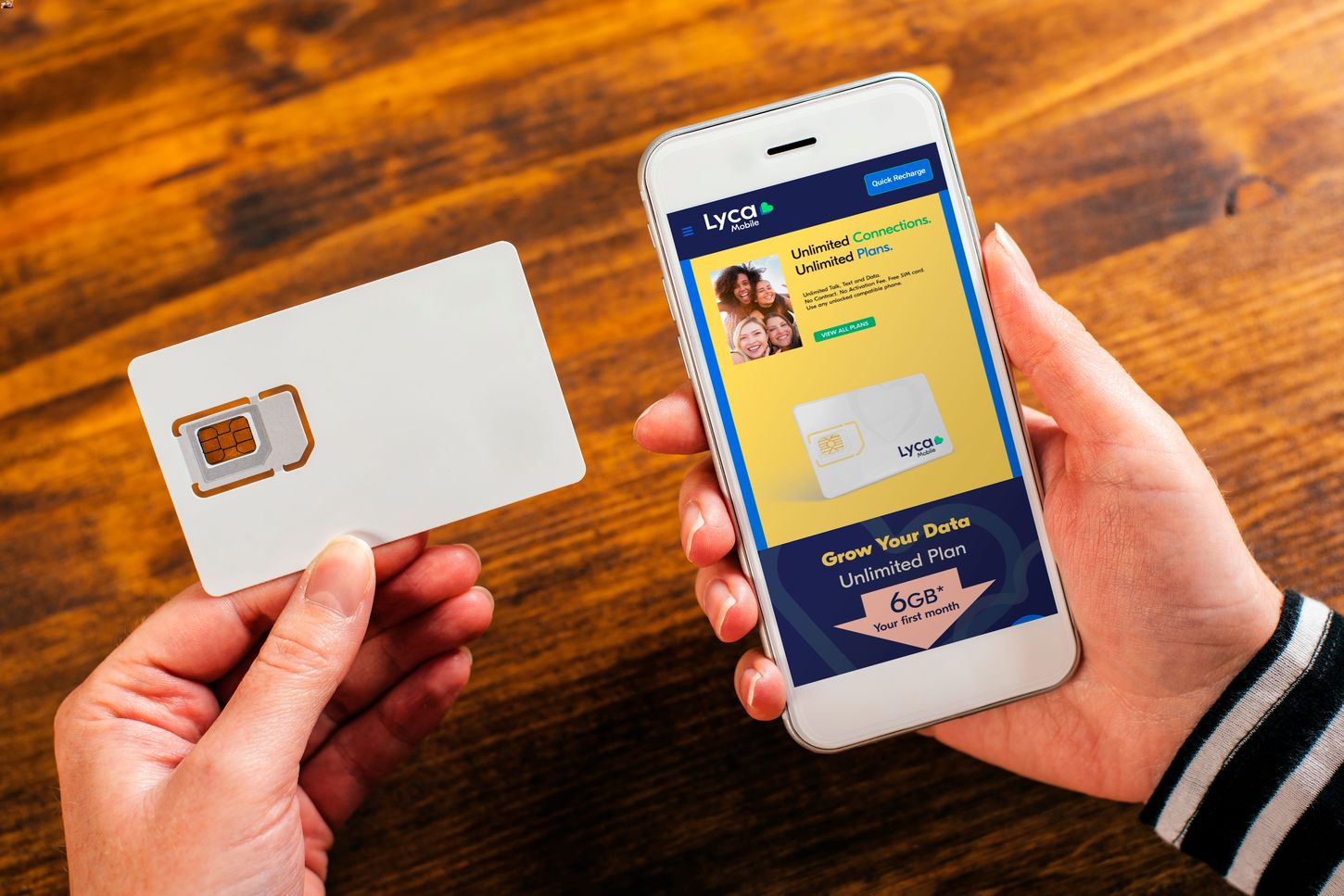
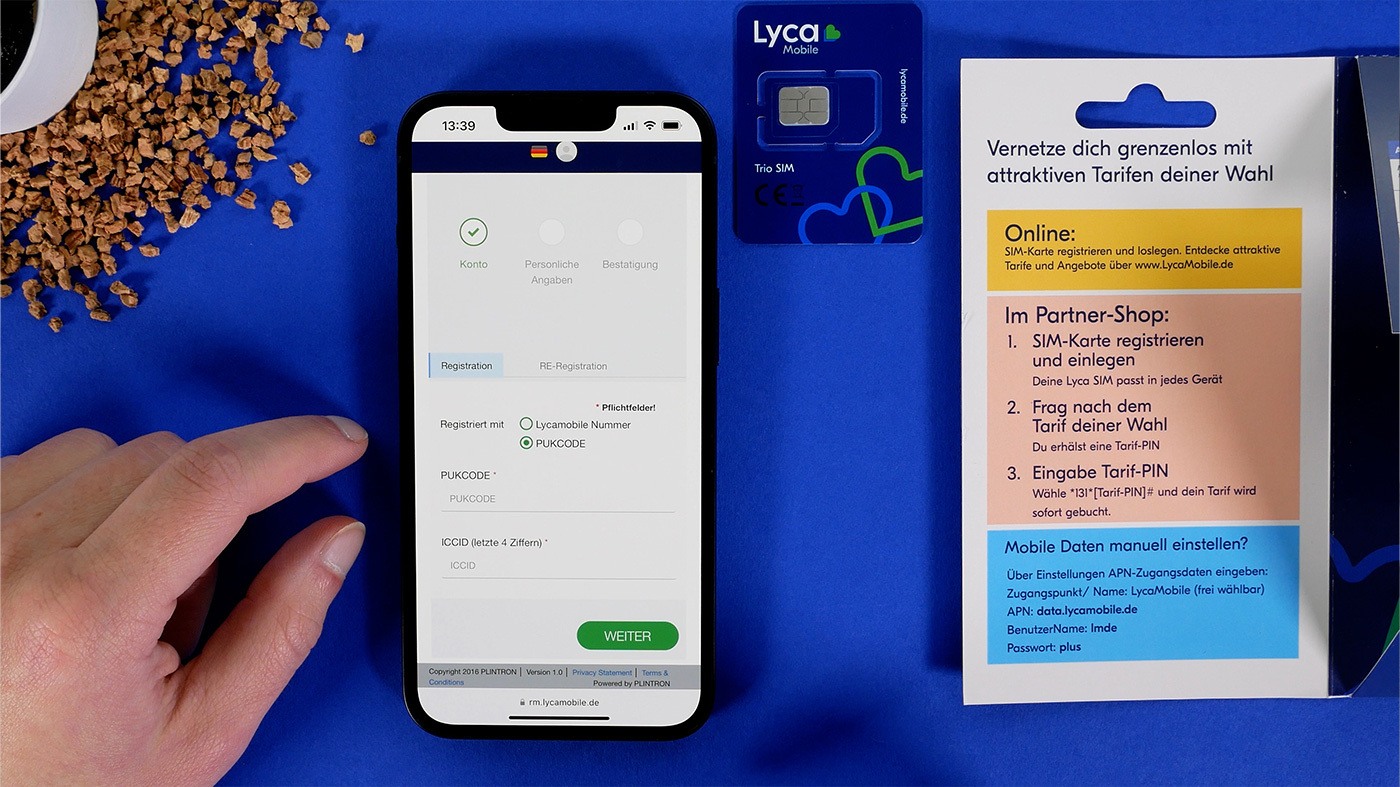
How To Check Data Balance In Lyca Mobile

To quickly check your Lyca Mobile data balance in the USA, dial *611# from your Lyca Mobile handset and press call, your remaining balance will appear on screen. Alternatively, log...

How To Check My Mobile Number In Vodafone

To check my mobile number Vodafone, dial *#100# from your phone and your number will appear on the screen after a few seconds. For Vodafone Idea (Vi) in India, dial...

How To Check My Mobile Number T-Mobile

To check your mobile number T-Mobile, the fastest method is to look in your phone's settings menu. For most Android devices, go to Settings > About Phone > Status or...

How To Know Own Mobile Number In Airtel

To know your own mobile number in Airtel instantly, dial *282# from your Airtel SIM and press the call button. Your Airtel mobile number will appear on the screen in...

How To See If You Have Unlimited Data

The most reliable way to see if you have unlimited data is to check your carrier's official website, mobile app, or monthly bill. 1. Check your mobile plan details online...

How To Buy Data On MTN

To buy data on MTN, dial *312# on your MTN line and follow the menu prompts to select your preferred data plan category, data size, and confirm your purchase. This...

How To Check Data Balance In Etisalat

To check Etisalat data balance in the UAE, dial *121*170# on your mobile device. This USSD code is the primary method documented by Etisalat UAE support for tracking usage of...

How To Check Phone Number On MTN

To check your phone number on MTN, the fastest method is to use a Please Call Me request to instantly display your number on another phone. Dial *121*recipient's number# and...