Welcome to the USSD codes tag page on CellularNews. This collection brings together guides that focus on the short, numeric codes you can dial directly into your phone to manage your account. It is designed for anyone who needs quick, menu-less access to carrier information without relying on an app or an internet connection, whether you are on a prepaid plan or just want a faster way to check your account status.
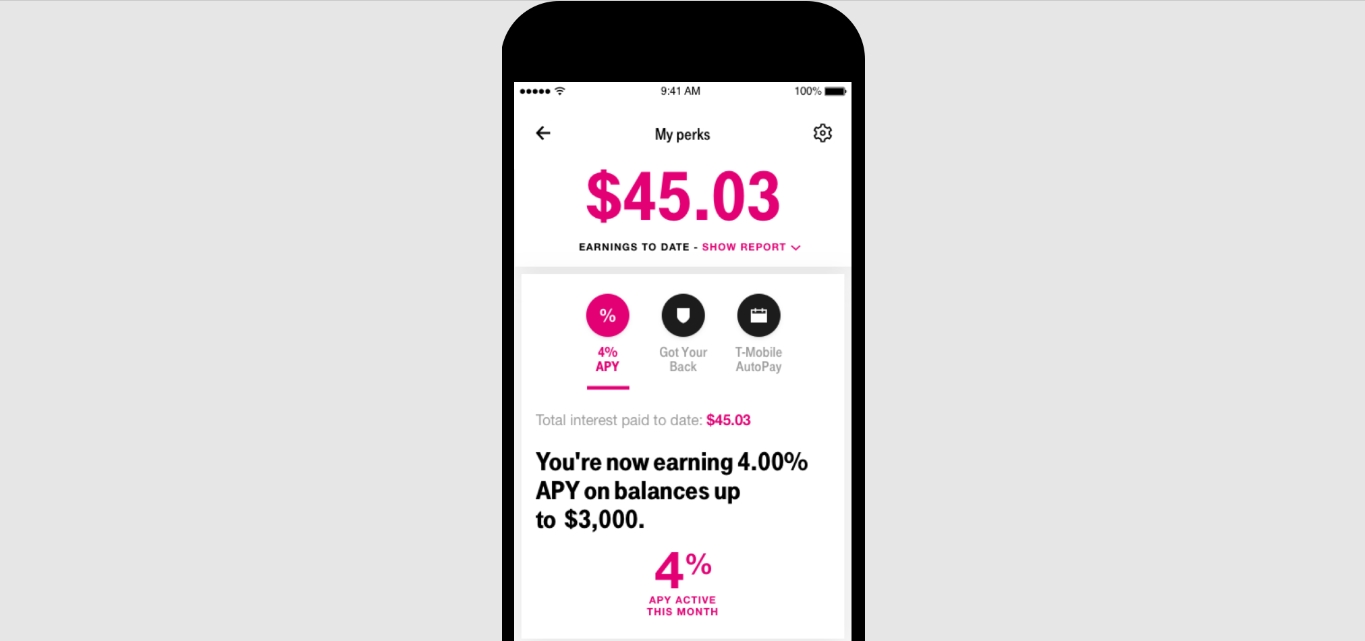
The articles here solve two main kinds of practical problems. First, they help you locate your own details, such as your phone number or your call history, which is useful when you have a new SIM or need to share your number quickly. Second, they help you monitor your usage, covering how to check your data balance and how to see how many minutes you have left. Several guides also address the specific codes for major carriers, including how to check your T-Mobile balance, how to buy data on MTN, and how to check your Glo phone number.
Whether you need to add minutes to Boost Mobile, verify your Vodafone number, or check your Lycamobile phone number, these straightforward instructions are built to get you the information you need with just a few taps on your dialer. No fluff, just the codes and steps that work.