Practical, step-by-step guides focused on the physical controls and sound settings of your phone. This page is for anyone who has ever fumbled with their device, trying to silence a loud ringtone, find a hidden mute switch, or power off a phone without using the touchscreen. The articles here solve everyday problems that arise from using these essential hardware keys.
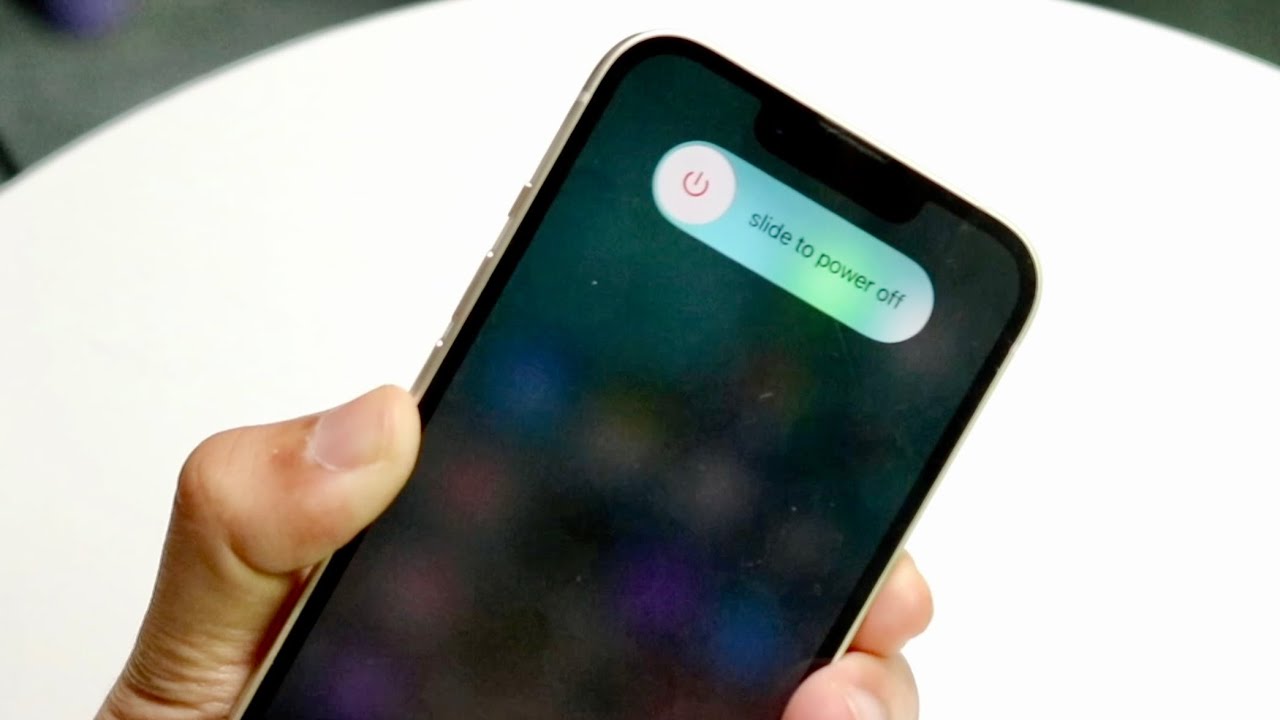
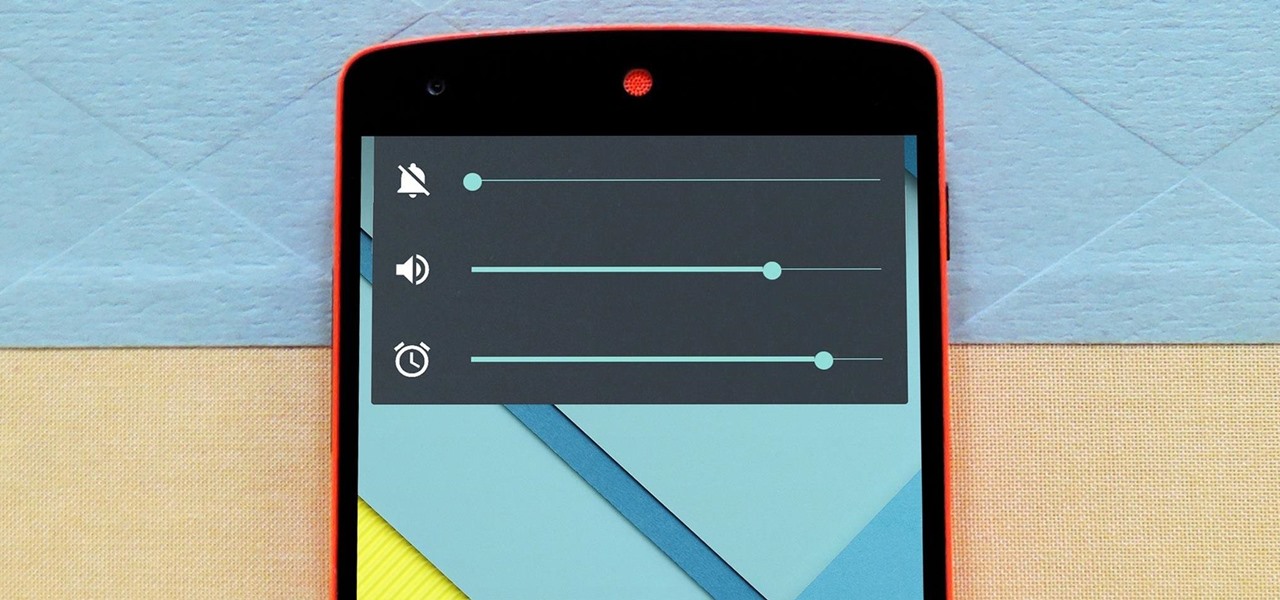
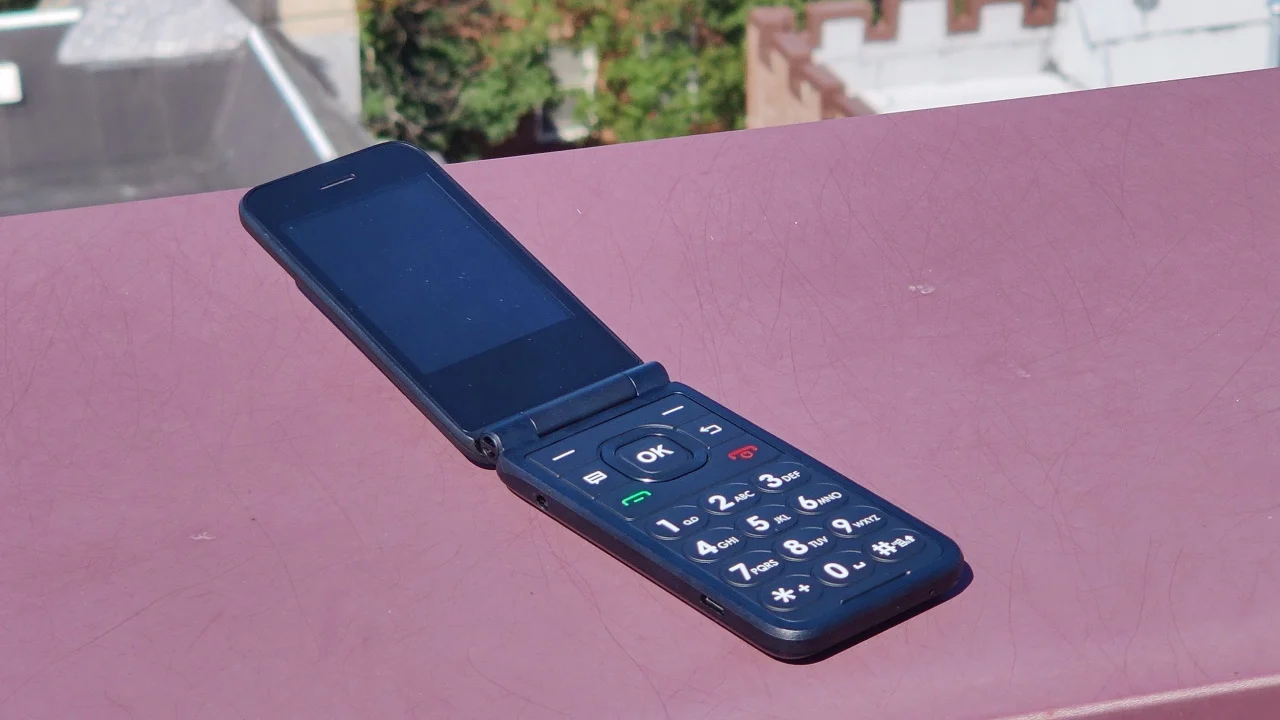
The content naturally falls into two main areas. First, several guides help you control your phone’s audio state, showing how to unmute a device, turn on vibrate, or silence an Android phone. For example, there is a specific article on how to turn on the ringer for an AT&T Flip Phone, addressing a common issue with simpler devices. Second, the collection covers alternative uses for the volume and side buttons, such as taking a screenshot on a Motorola Android or powering off an iPhone 13 without touching the screen. A dedicated article even answers the question of where the mute button is located on an iPhone 11.
These articles help you take direct action with your phone’s hardware. Whether you need to quickly silence a phone in a meeting, capture what is on your screen, or turn off a device with a broken display, the guides provide the exact steps to get it done. They focus on the core functions of the volume button and related physical controls.