To unmute a phone, first check for a physical switch or button. On most iPhones, this is a small switch on the left side; on most Android phones, press the Volume Up button. This is the fastest way to restore sound when you need to know how to unmute a phone quickly.
How to unmute a phone: the first thing to check
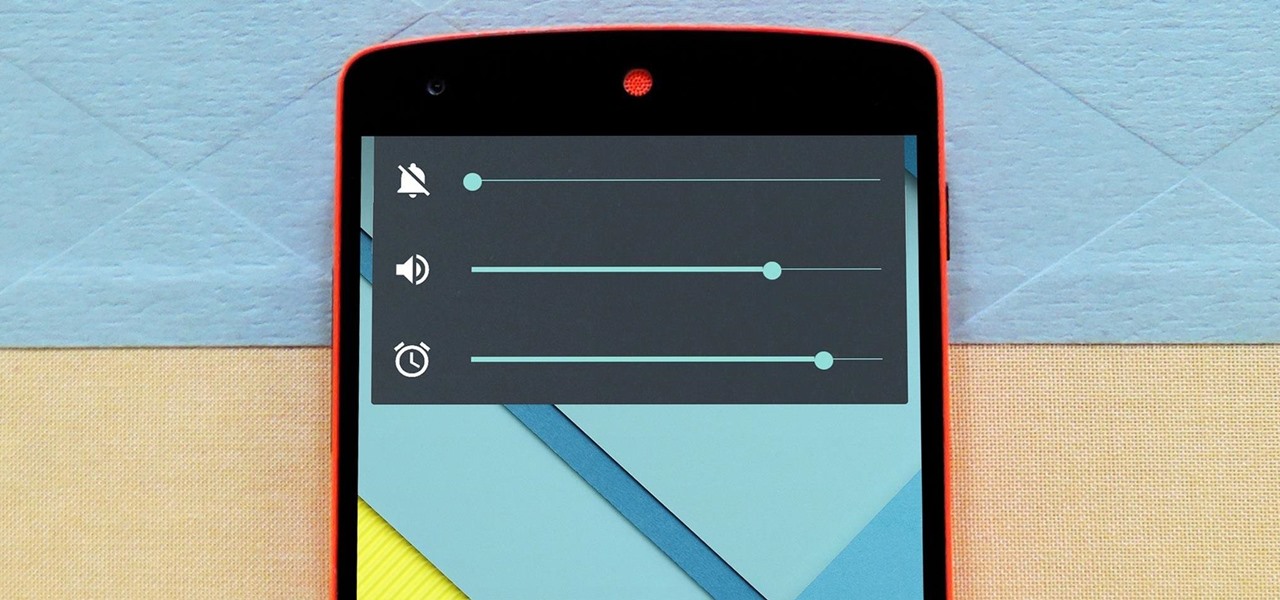
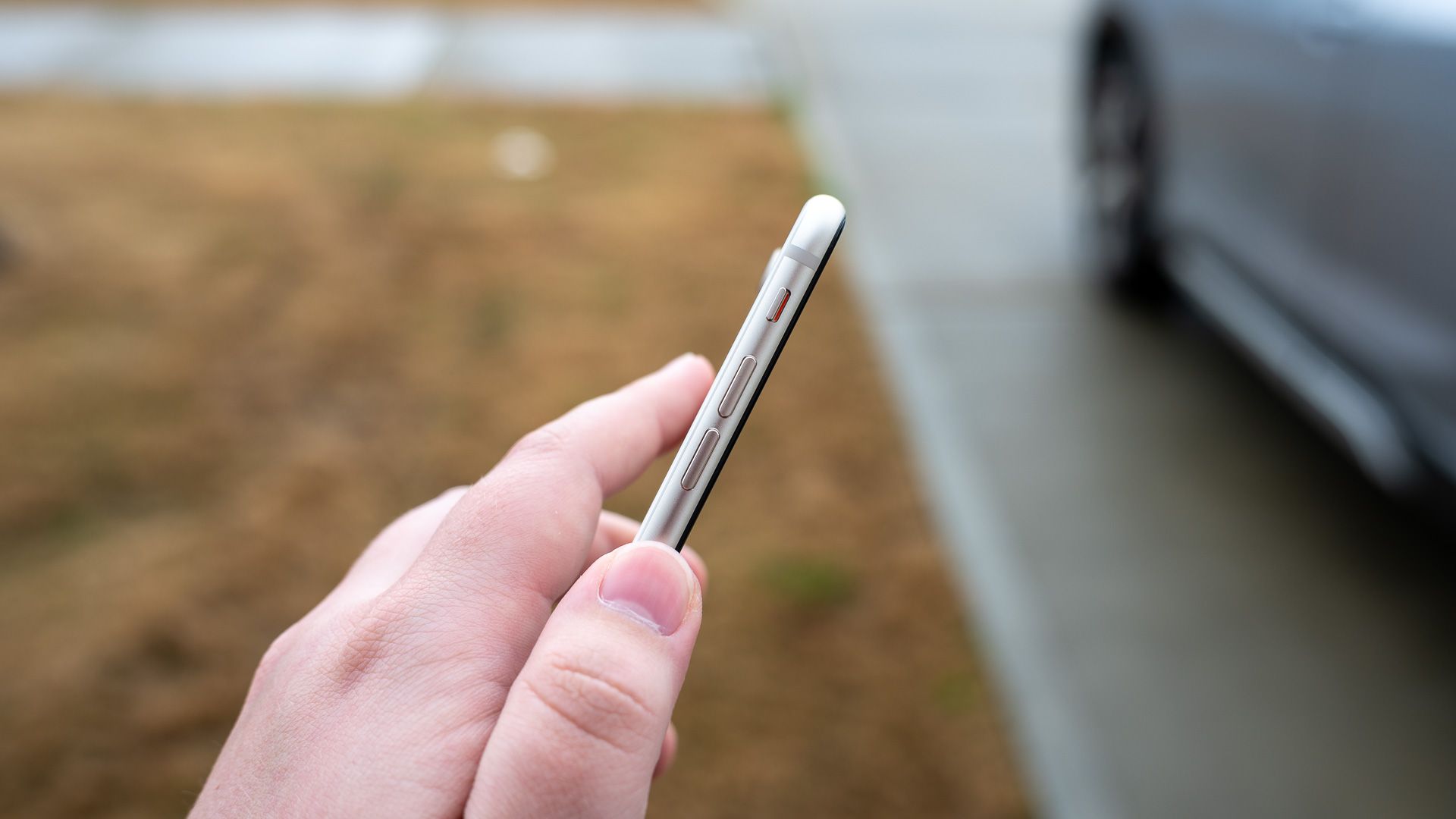
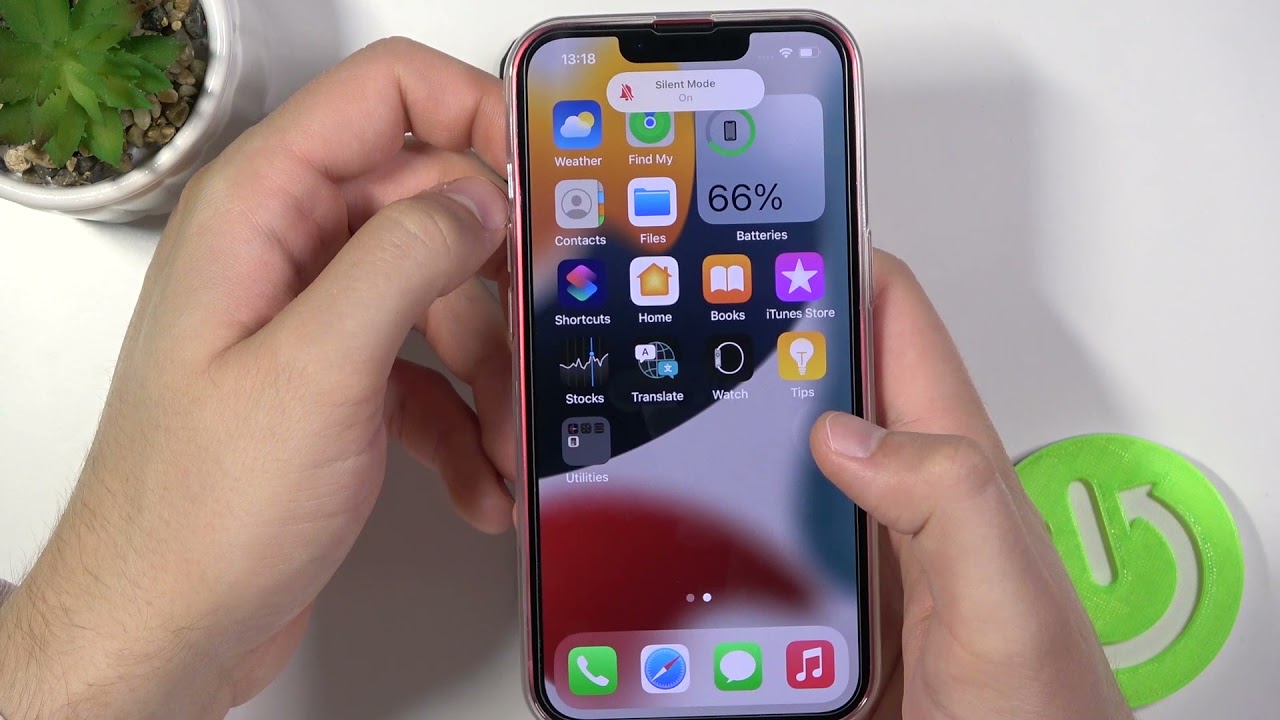
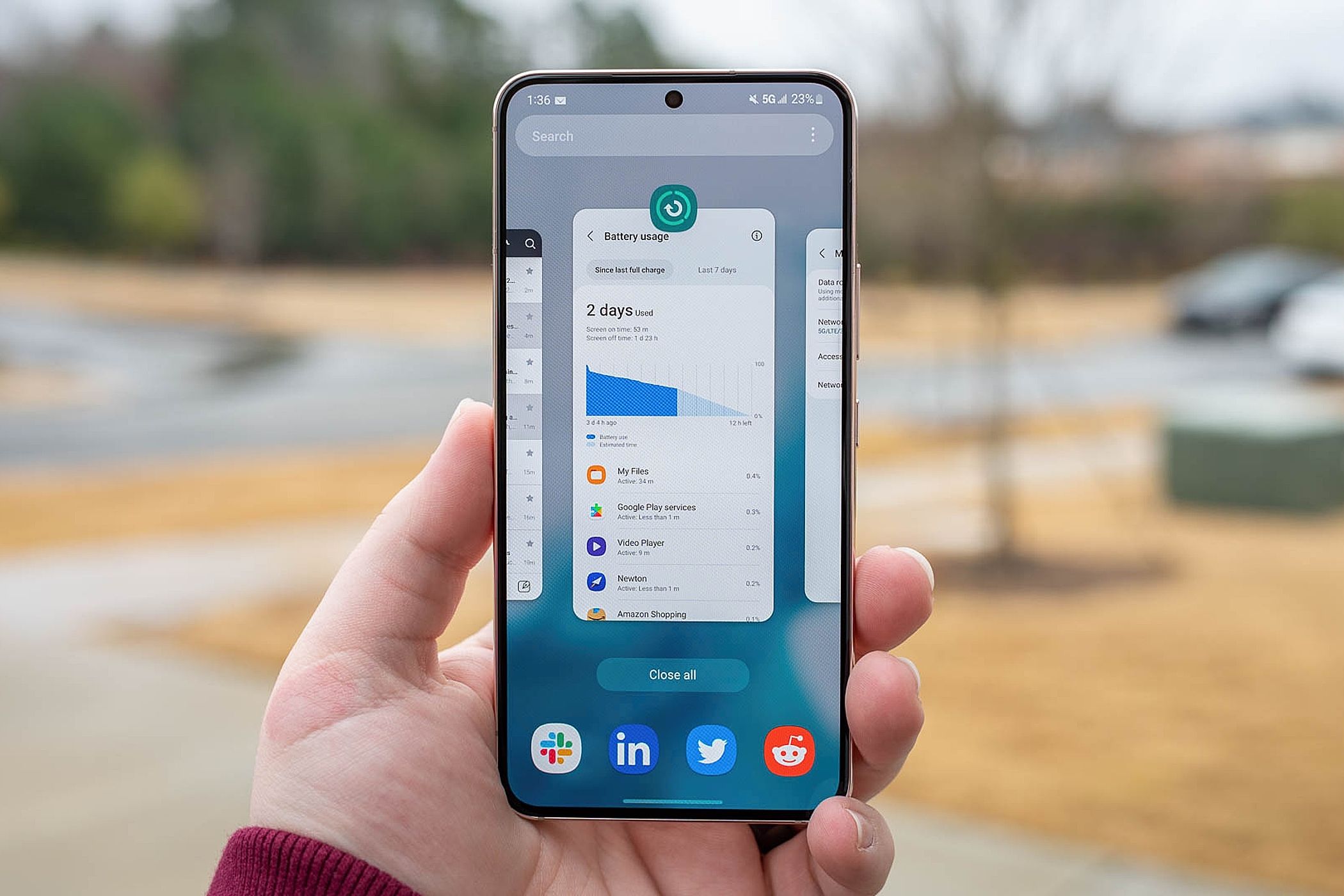
Immediately distinguish between iPhone and Android. On an iPhone, look for the physical Ring/Silent switch on the left edge of the device. On an Android phone, press the Volume Up button on the side of the phone to see if a volume slider appears and sound returns.
Unmute an iPhone using the side switch or Action button
On iPhone 14 and older models, and some iPhone 15 models, flip the Ring/Silent switch toward the front of the phone (the screen side). If an orange indicator is showing, the phone is muted. On iPhone 15 Pro, Pro Max, iPhone 16, and iPhone 17e models that feature an Action button instead of a Ring/Silent switch, press and hold the Action button to toggle Silent mode on or off by default. If the Action button has been customized for a different function, you can still toggle Silent mode within the Settings app by navigating to Sounds & Haptics.
Unmute an Android phone with the volume buttons
- Press the physical Volume Up button located on the side of the device.
- When the on-screen volume slider appears, tap the three dots or an expand button next to it.
- Adjust the Ring and Notification sliders individually to ensure they are not set to zero.
Turn off silent mode and Do Not Disturb in software settings
On an iPhone, open Control Center (swipe down from the top-right corner on models with Face ID, or swipe up from the bottom edge on models with a Home button) and tap the bell icon or the Focus button (represented by a moon icon) to turn off Silent Mode or Do Not Disturb. On Android, swipe down from the top of the screen (sometimes twice or with two fingers) to open the Quick Settings panel, then tap the sound mode icon (a speaker or bell) to cycle between Sound, Vibrate, and Silent modes, or tap the Do Not Disturb icon to turn it off. Ensure that Do Not Disturb (or Focus on iPhone) is disabled, as this feature silences most calls and notifications; check its settings for any active schedules or allowed exceptions.
Adjust sound settings in the menu
On iPhone, go to Settings > Sounds & Haptics and adjust the Ringer and Alerts volume slider to increase sound for calls and notifications. On Android, navigate to Settings > Sound & vibration (or a similar menu like Sound or Sounds and Haptics) and adjust the individual volume sliders for different sound types. Some Android devices offer a Shortcut to prevent ringing setting under Sound & vibration, which can be configured to Mute, Vibrate, or Do nothing when specific physical buttons are pressed simultaneously.
Check for app-specific mute and in-call mute
During an active phone call, if the call audio is muted, tap the microphone icon with a slash through it on the call screen to unmute your voice. For apps that are not producing sound, open the app and look for any mute or sound-related options within its settings menu. Verify that individual apps aren't independently muted, restoring voice during conversations and ensuring you have full access to volume, mute and speaker controls.
Restart your phone to fix stuck mute issues
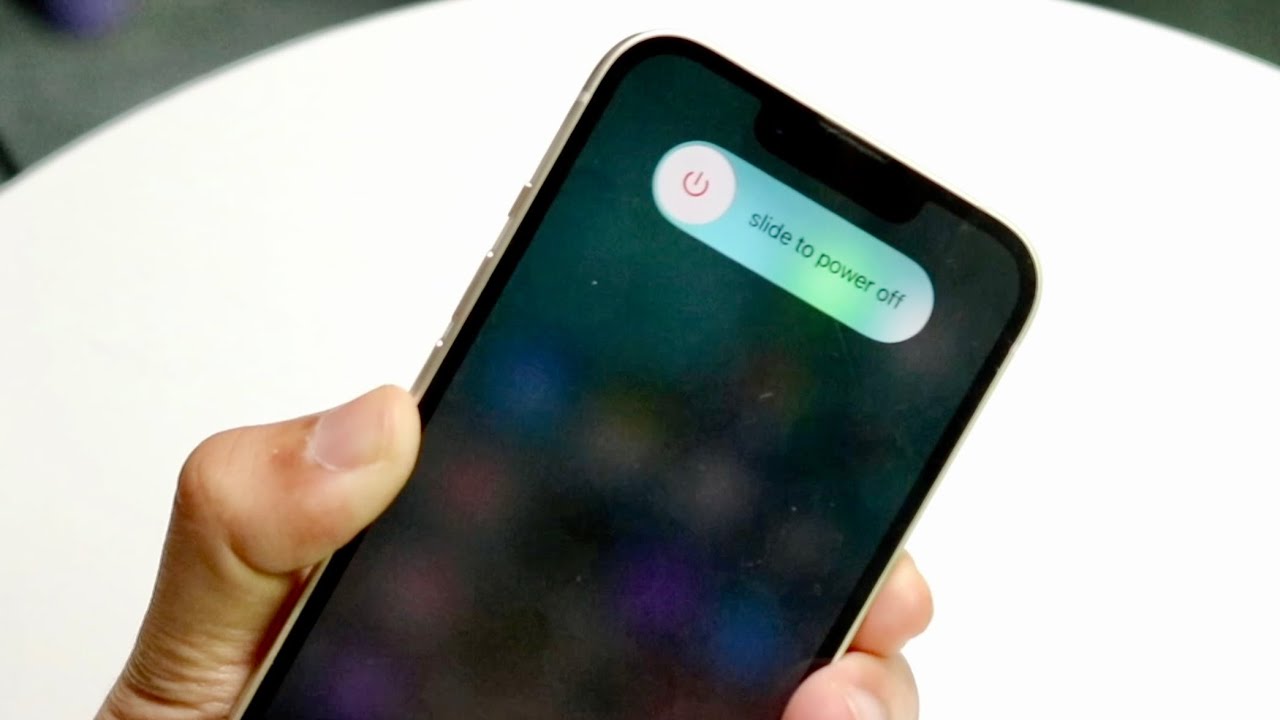
If sound still does not play even when the phone appears unmuted, a simple reboot can resolve temporary software glitches or processes that may be interfering with audio. Press and hold the power button until the power menu appears, then select the option to restart your phone.
Frequently Asked Questions about unmuting a phone
Why do alarms still play on a muted iPhone?
It is a common misconception that all sounds are muted when an iPhone is in Silent mode. Clock alarms and audio from media apps like music or videos will typically still play.
How can I unmute my phone using voice commands?
Many modern smartphones have voice assistants like Siri or Google Assistant that can unmute your phone. Activate your voice assistant and say a command such as "Hey Siri, unmute my phone" or "OK Google, turn off silent mode."
What should I do if sound is routed to a Bluetooth device instead of the phone speaker?
If your phone appears unmuted but you hear no sound, check if audio is being sent to a connected headset, earphones, or Bluetooth speaker. Disconnect the Bluetooth device or turn off Bluetooth to route sound back to the phone's speaker.
Can I unmute my phone if the physical mute switch is stuck?
If the physical Ring/Silent switch on an iPhone feels stuck or does not toggle properly, try cleaning around the switch with a soft, dry cloth. If the issue persists, contact Apple Support or visit a service center, as this may indicate a hardware problem.
Related reading: How To Turn On Vibrate On Phone and How To Turn On Ringer On AT&T Flip Phone.