Power off means completely shutting down a smartphone so it stops running until you turn it back on, unlike sleep mode which keeps the device partially active.
What is power off on a smartphone?
Powering off a smartphone is a full shutdown that stops all processes and puts the device into a dormant state until you press the power button again. This is different from sleep mode or standby, where the screen turns off but the phone remains partially active and can resume instantly. When you power off, the device consumes no power, which is why it's a reliable way to preserve battery life when you won't be using the phone for a while. The steps vary by manufacturer and model, so the sections below cover the exact button combinations for the most common devices.
How to power off an iPhone
Apple documents different shutdown steps depending on your iPhone model. The key is to use the correct button combination for your device, then drag the slider and wait 30 seconds for the phone to fully turn off.
- On iPhone X, 11, 12, 13, or later, press and hold either volume button and the side button simultaneously until the power-off slider appears.
- On iPhone 6, 7, 8, or SE (2nd or 3rd generation), press and hold the side button until the power-off slider appears.
- On iPhone SE (1st generation), 5, or earlier, press and hold the top button until the power-off slider appears.
- Drag the slider, then wait 30 seconds for the device to turn off.
To turn the device back on, press and hold the side button or top button until the Apple logo appears. If your iPhone is frozen or unresponsive, Apple says to use a force restart instead of a normal power off.
How to power off a Google Pixel phone
Google Pixel phones have different shutdown steps depending on the generation. Pixel 5a and earlier use a simple Power button hold, while Pixel 6 and later require a button combination.
Pixel 5a and earlier
- Press and hold the Power button for a few seconds.
- Tap Power off.
For restart on Pixel 5a and earlier, press and hold the Power button for about 30 seconds, or until the phone restarts, then tap Restart.
Pixel 6 and later
- Press and hold the Power and volume up buttons together for a few seconds.
- Tap Power off.
For restart on Pixel 6 and later, including Fold, press and hold the Power and Volume up buttons for a few seconds, then tap Restart.
On Pixel 6 and later, you can change the behavior so the power menu appears when you press and hold just the Power button. Go to Settings > System > Gestures > Press and hold the power button, then select Power menu.
How to power off a Samsung Galaxy phone
Samsung Galaxy devices offer two main ways to power off, and both require a confirmation tap to complete the shutdown.
Method 1: Side and Volume down buttons
- Press and hold the Side and Volume down buttons simultaneously for a few seconds.
- Tap Power off.
- Tap Power off again to confirm.
Method 2: Quick settings menu
- Swipe down from the top of the screen using two fingers.
- Tap the Power icon in the upper right of Quick settings.
- Tap Power off.
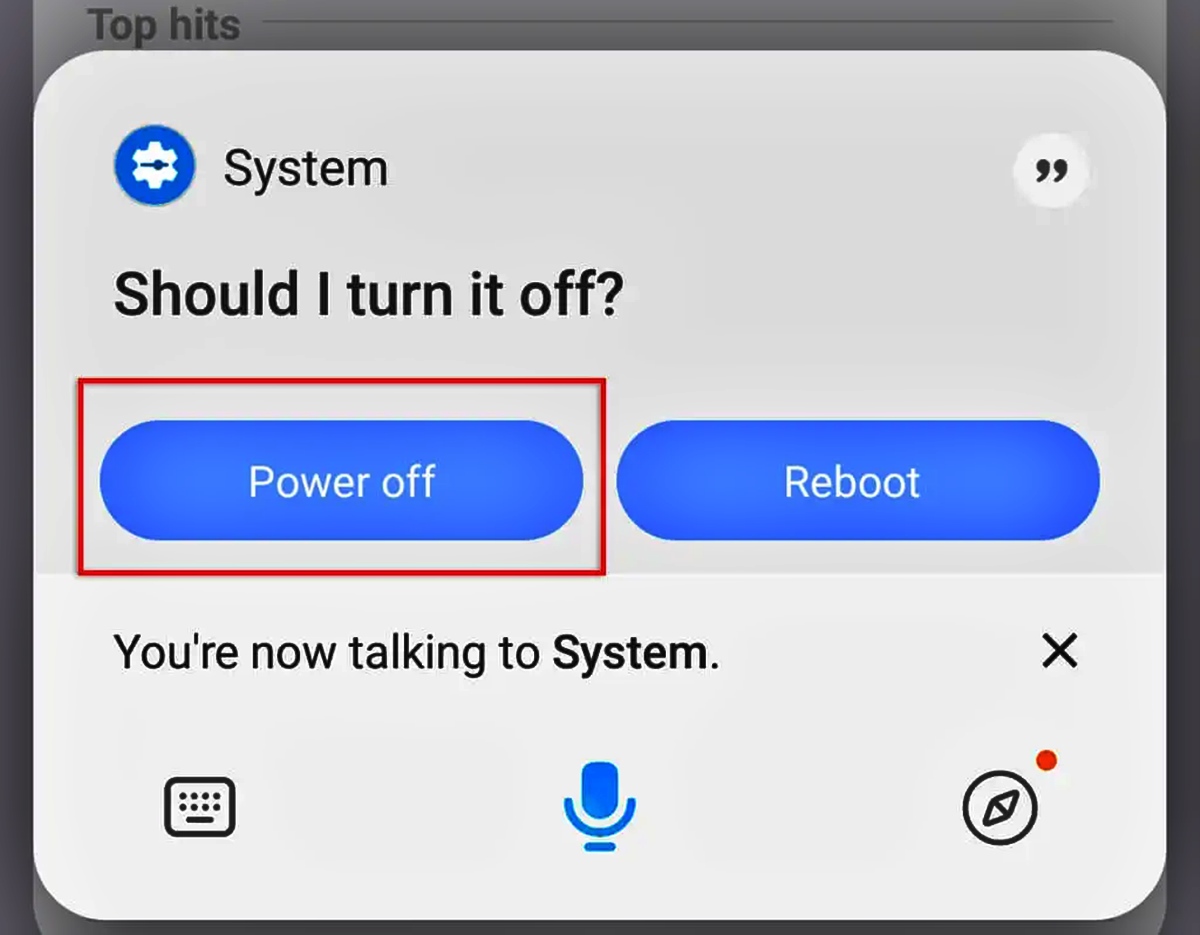
Samsung US also says you can swipe down from the top of the screen using two fingers, tap the Power icon in the upper right of Quick settings, then tap Power off. Samsung says Bixby Voice can also be used after setup by pressing and holding the Side button and saying “Turn off the phone” or “Turn off the tablet.” Samsung’s help pages apply this to Galaxy phones and tablets, but the exact button behavior can vary by region and device configuration.
Power off vs. force restart for troubleshooting
A normal power off is the right choice when your phone is working but you want to fully stop it to save battery or take a break. However, if your device is frozen, unresponsive, or stuck on a screen, a force restart is the correct troubleshooting step. Apple and Google both separate normal shutdown from force restart on unresponsive devices.
For iPhones, Apple says to use a force restart if the device is frozen or unresponsive. For Pixel phones, Google says to press and hold the Power button for up to 60 seconds until the "G" logo appears to force a restart. For Samsung Galaxy phones, if the Power menu does not appear when you press the buttons, keep holding the Volume down and Side buttons to force the device to reboot. A force restart does not erase your data, but it bypasses the normal shutdown process to recover a stuck device.
Frequently Asked Questions
Does powering off save more battery than using battery saver mode?
Yes, powering off completely stops all power consumption, while battery saver mode reduces background activity but keeps the phone on. If you won't use the phone for hours, power off is the most effective way to preserve battery, but if you need to stay reachable, turn on battery saver instead.
Will I lose my data if I power off my phone?
No, powering off does not delete any data. Your apps, photos, and settings remain intact, and the phone simply resumes where you left off when you turn it back on.
How long should I wait after dragging the power-off slider?
Apple specifically says to wait 30 seconds for the iPhone to turn off completely. For Android devices, wait until the screen goes fully black and the device stops vibrating or showing any activity before you consider it off.
Can I power off my phone while it's charging?
Yes, you can power off a phone that is plugged in, but it will continue to charge while off. Some phones may show a battery icon on the screen while off and charging, which is normal.
Related reading: What Is A Passkey? Definition, How They Work, Pros And Cons and What Is A Power Distribution Unit (PDU)?.