This tag collects all of CellularNews’s articles about Wi-Fi Calling and related mobile connectivity solutions. It is for anyone who has struggled with a weak signal at home, wants to save money on international calls, or is curious about how to make phone calls without a traditional cell plan.
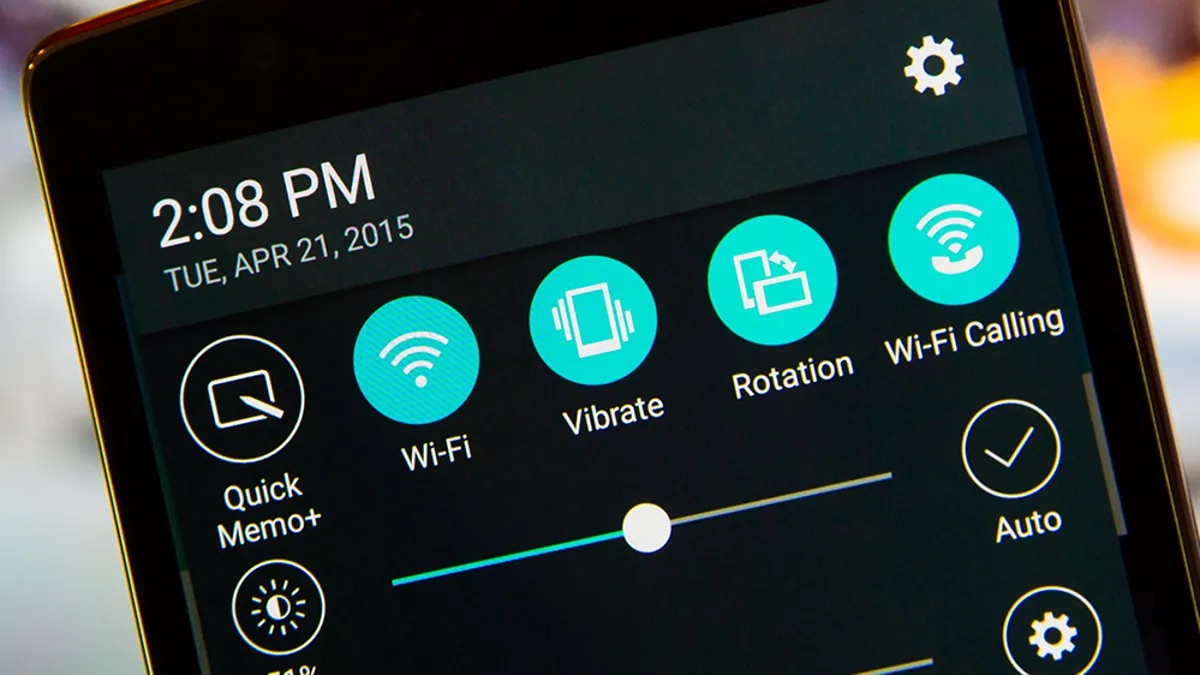
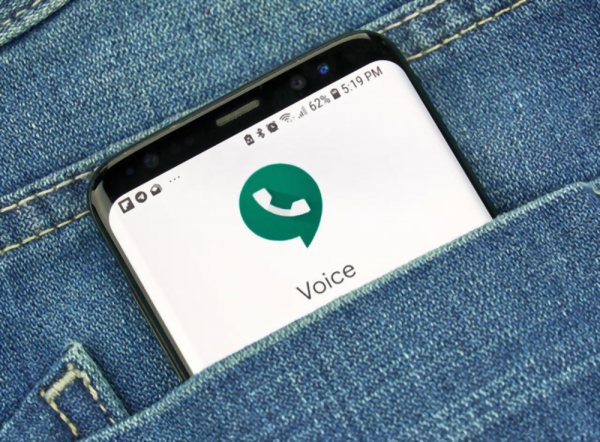
The articles here solve two main kinds of problems. First, they help you fix poor reception and boost your signal, whether you are on T-Mobile, AT&T, or Verizon. You will find guides on improving coverage at home, troubleshooting why you have no service, and learning how long it takes for a carrier to restore service. Second, they explain how to use internet-based calling as an alternative to standard cellular networks. Specific topics include how to turn Wi-Fi Calling on and off on an iPhone or Android, how to use Google Voice for internet calls, and which unlocked phones work with T-Mobile’s Wi-Fi Calling feature.
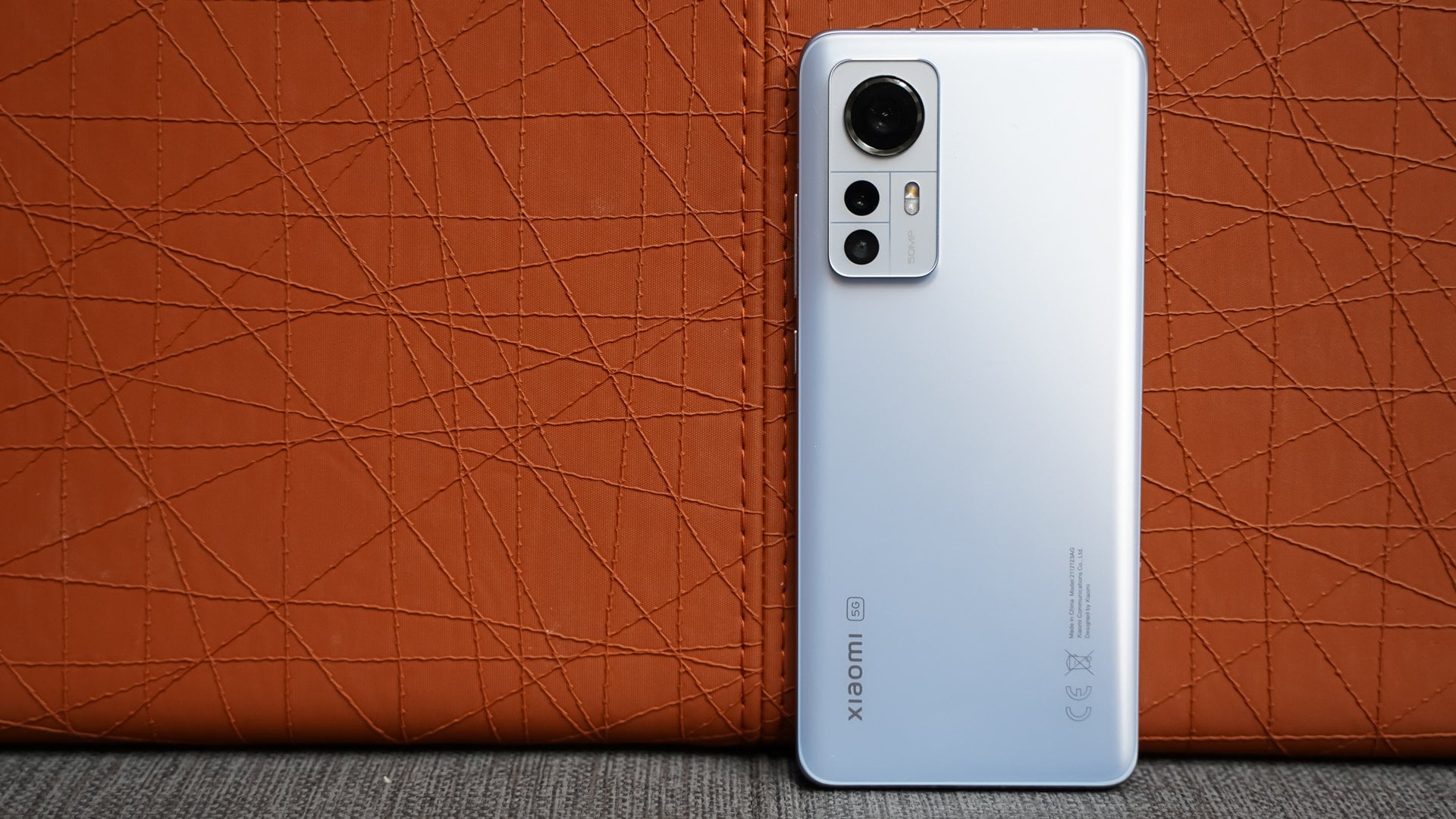
These articles help you do practical things: turn on T-Mobile’s in-flight Wi-Fi, make international calls without extra fees, and even use an Android tablet as a phone. They also clarify what Wi-Fi Calling actually is, what a Wi-Fi connector does, and which Xiaomi models work on U.S. T-Mobile networks. Whether you need a quick fix for a dead zone or a full guide to switching your calling method, the content here gives you clear, actionable steps.