First, understand your Google Voice calling options
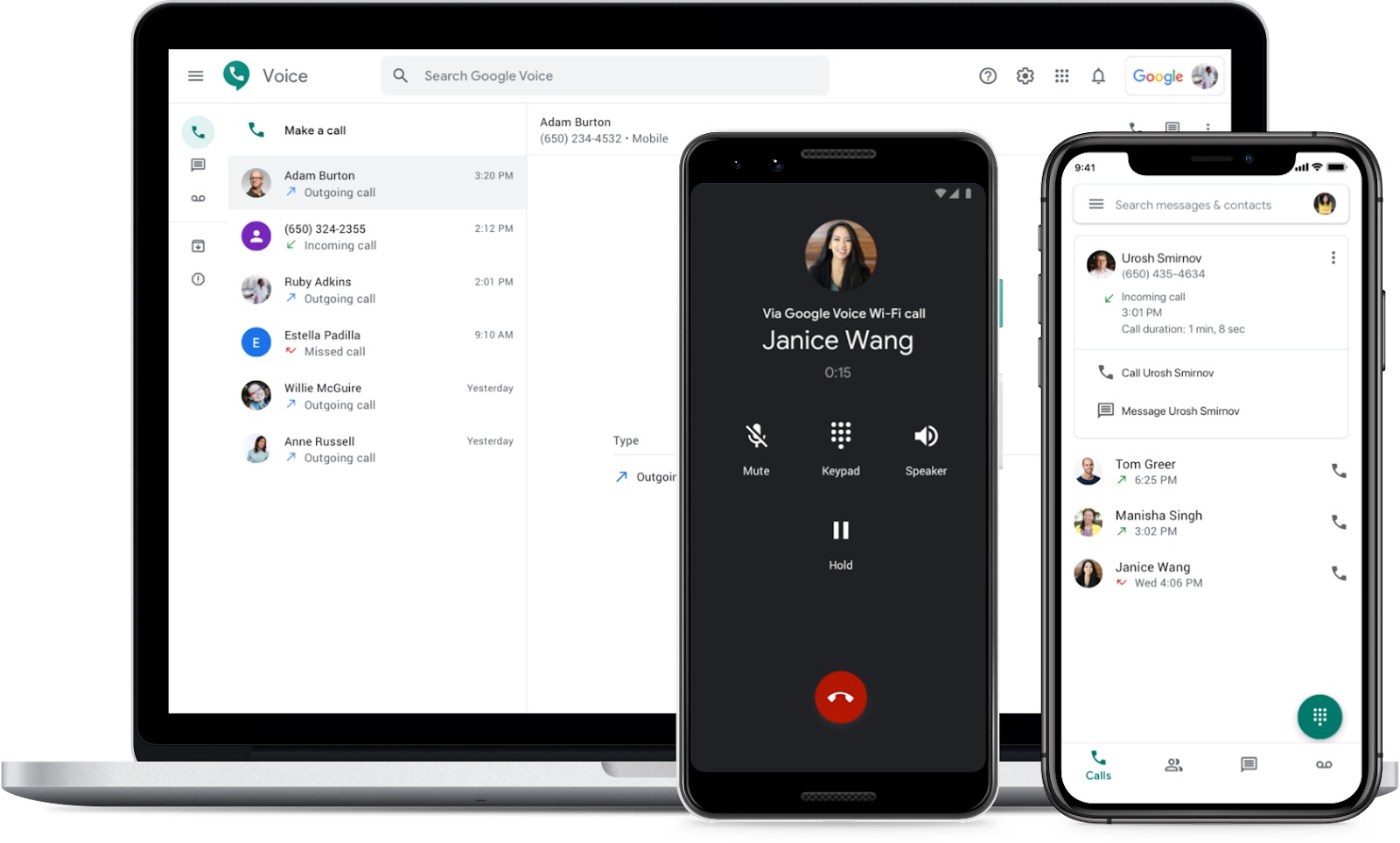
Before you commit to a setup path for Google Voice calling, it helps to look at the Google Voice service overview and separate what the app actually does from what people assume it does. At its core, Google Voice lets you use the internet to make phone calls from a phone or computer, and it can also fall back to a linked carrier line when Wi‑Fi or mobile data is unavailable. Understanding what is a Google phone number and how does it work means knowing it is a cloud digit that rings your devices and routes calls via the Voice app or your carrier. In the app, you control this by going to Menu > Settings > Making and receiving calls and choosing Prefer Wi‑Fi and mobile data or Use carrier only. If you are researching phone services compatible with Google Voice, know that the app runs on Android and Apple iOS on the current release and 2 previous major releases, while web calling works in Chrome, Edge, Firefox, and Safari.
Get a new number or set up a second line
To get a Google phone number, start by going to voice.google.com on a computer or open the app on your iPhone, iPad, or Android device. Sign in, and if you have an existing number, delete it first, then search for an available number by city or area code, verify with a qualifying US mobile number, and confirm your choice to make that number your cloud identity for calls, texts, and voicemail. The system will still ask you to verify a forwarding number before it activates.
If you need to get 2 phone numbers on one phone, you link another real phone number to your Voice account rather than adding a second carrier line to your SIM slot. On a mobile device, open the app and go to Settings, then under Account, tap Devices and numbers, then select New linked number. The app sends a six‑digit code to complete the link.
When you want to get a phone number that charges per minute, the tool you are actually looking for is the calling credit balance inside Voice, not a separate number. Calls to destinations outside the US and Canada draw from a prepaid balance you set up in the Payments section, and the per‑minute rate is applied in real time against that credit through your Voice balance rather than billing you through your carrier.
To add money to my Google phone call account, open voice.google.com on a computer, click the gear icon, then Payments, and click Add credit next to Current balance. After you choose an amount and a payment method and click Buy, Google sends a confirmation email and the balance is available immediately for international calls made from the Voice app or web.
Move or manage your current number
Moving a number into Google Voice begins on a computer at voice.google.com. Have a recent billing statement from your current carrier ready and keep that service active until Voice confirms the port is complete so you do not lose the digit sequence mid-transfer.
When you want to shed the forwarding contact entirely, the path to use Google Voice without phone number involves selecting the option to leave Google Voice not linked to a device number; that resource shows you how to keep your Voice line active even when you do not want a forwarding number attached, making it ideal for those who need to use Google Voice without phone number attached to their account.
- remove my mobile number from Google Voice
- Google Voice number eligibility issues
- transfer phone number to Google Voice
Make and answer calls on your phone
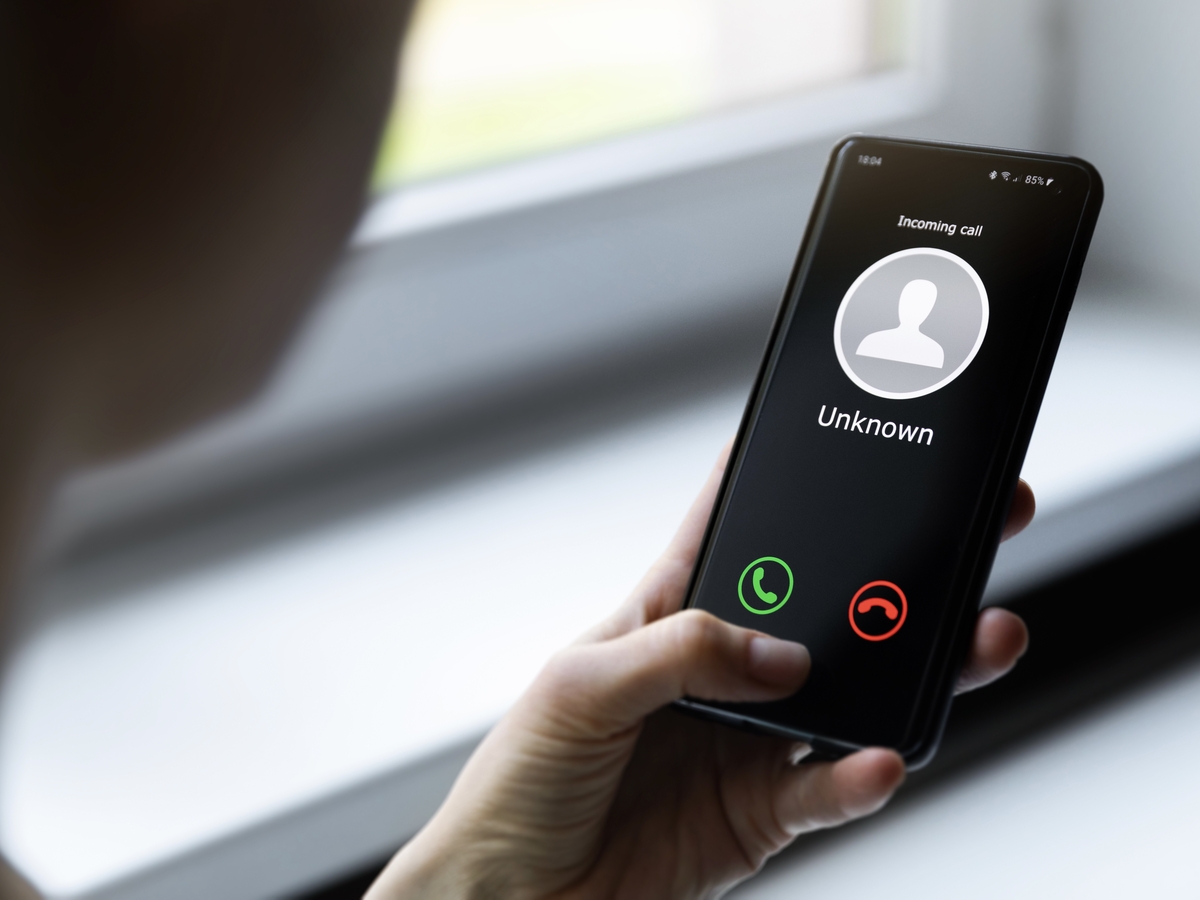
When you want to place a call, you can start directly from the Google phone app for Android by opening the Phone app, tapping a recent contact or entering a digit string on the keypad, and pressing Call. For calls routed over data instead of your carrier minutes, you use Google Voice on Android by opening the Voice app and tapping Calls, then either searching a saved contact or tapping Dial to enter a digit string. How you answer an Android phone depends on your screen state: on a locked device, swipe the incoming call icon right, and when the phone is already unlocked, simply tap the Answer button that appears. Because the Voice app can be set to prefer Wi‑Fi and mobile data in its calling preferences, an incoming Voice call rings your device via the app rather than via the standard dialer, a distinction that trips up new users. If your workplace relies on Microsoft’s platform, you can also make a call on teams using phone number right from the Teams app, a path entirely separate from your Google Voice setup. In an office environment where you need to use a Polycom phone for conference-room audio, the dialing and answering behavior is managed by your organization’s calling plan and does not go via the Google Voice or standard Phone app interfaces on your mobile device.
Set up calling with apps and smart devices
Linking your Google Voice digits to the smart speakers and displays around your home starts in the Google Home app, where you follow the mobile calling setup and then turn on Personal results and Voice Match so the device recognizes you. You can then adjust call preferences like Only ring when home or Do not disturb for a specific speaker. If you want to add a phone number to Alexa for calling.
On a Google-powered handset, you can use Google assistant on Android by touching and holding the Home button or saying Hey Google, and you can also activate hey Google on my phone by opening the Google Home app, going to your account's Data & privacy controls, and turning on Voice Match under the Assistant options. Before you attempt any of these setups, remember that mobile calling with Google Voice requires a valid Google account and a U.S. or Canadian phone number for verification, and is available only in the US.
For workplace calling, when you set up a teams meeting with a phone number. Finally, if you are trying to get Bixby on my phone, no official Samsung support page was retrieved for Bixby setup, supported models, or activation steps, so you will need to consult your device's own configuration menus or Samsung's support materials.
Connect payments, contacts, and other services
Adding your Google Voice number to payment apps may involve verification steps that vary by the app and your financial institution. When you want to make Zelle work with a phone number, you enroll through your bank or credit union’s mobile app. Zelle ties to your financial institution rather than a standalone account.
On the personal safety side, you can set emergency contact on Android using your device’s own configuration menus, though the exact menu path differs by the version of the operating system. For travel planning, looking up the Greyhound Bus telephone number gives you a direct line to schedules and booking, and having that contact saved before you leave means you are not fumbling for it at a station with spotty data coverage.
Frequently Asked Questions
Can I make Google Voice calls from my computer?
Yes, open voice.google.com in Chrome, Edge, Firefox, or Safari and place calls from the web. The browser list is separate from the mobile app setting path, and calls use your Google Voice number rather than your computer's hardware.
How do I set up Google Voice calling on my Alexa device?
Add your phone number to Alexa through the Alexa app's calling setup, which is separate from Google Home. The page text does not document the exact Alexa menu path, so consult Amazon's support materials for the current steps.
How do I make a Teams call using a phone number?
Start the call from the Teams app using your organization's calling plan. This path is entirely separate from Google Voice and does not use the Voice app or your standard Phone app interfaces.
How do I set up Voice Match for Google Assistant calling?
Open the Google Home app, go to your account's Data and privacy controls, and turn on Voice Match under Assistant options. You also need Personal results enabled so the speaker or display recognizes you for calling.