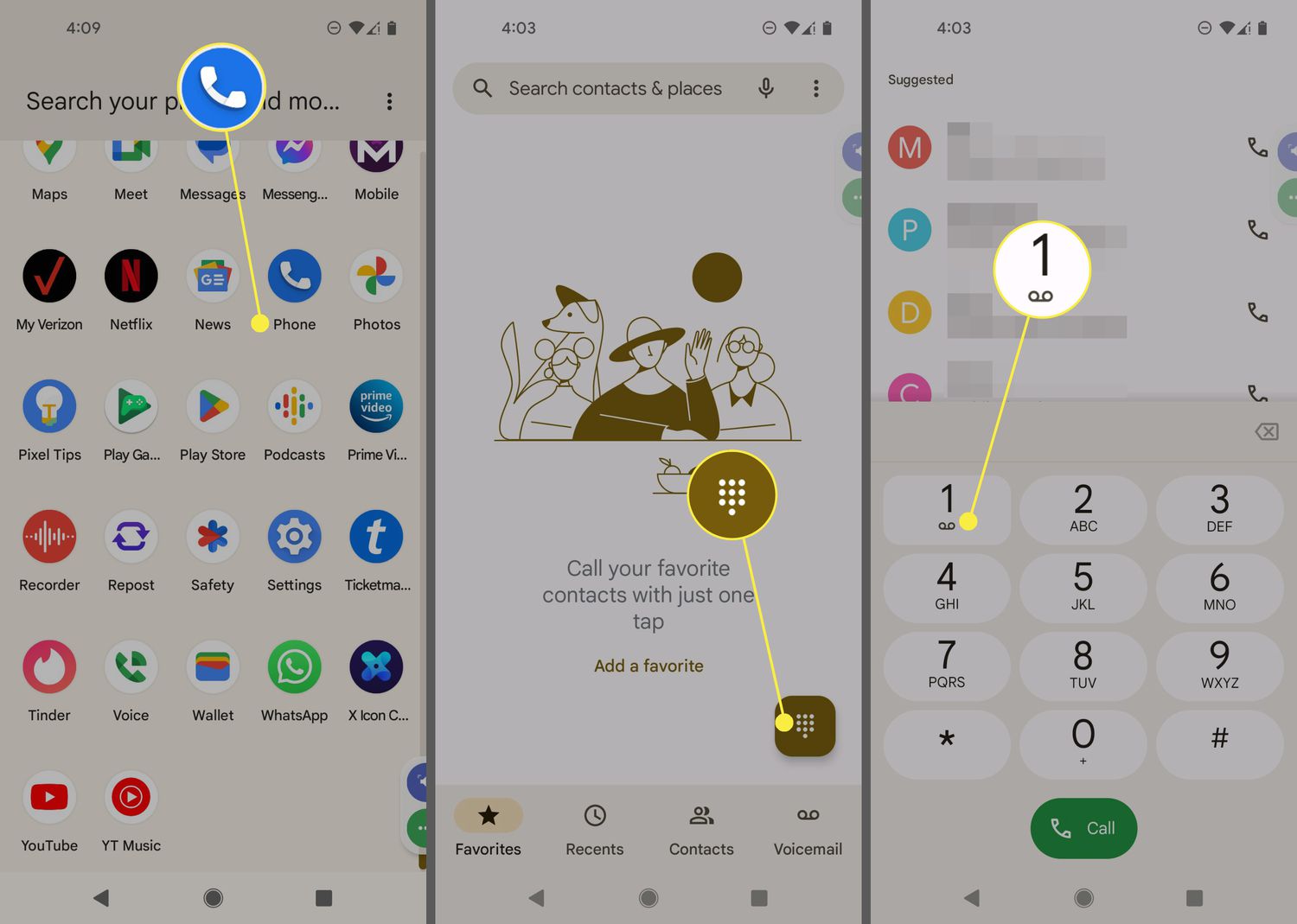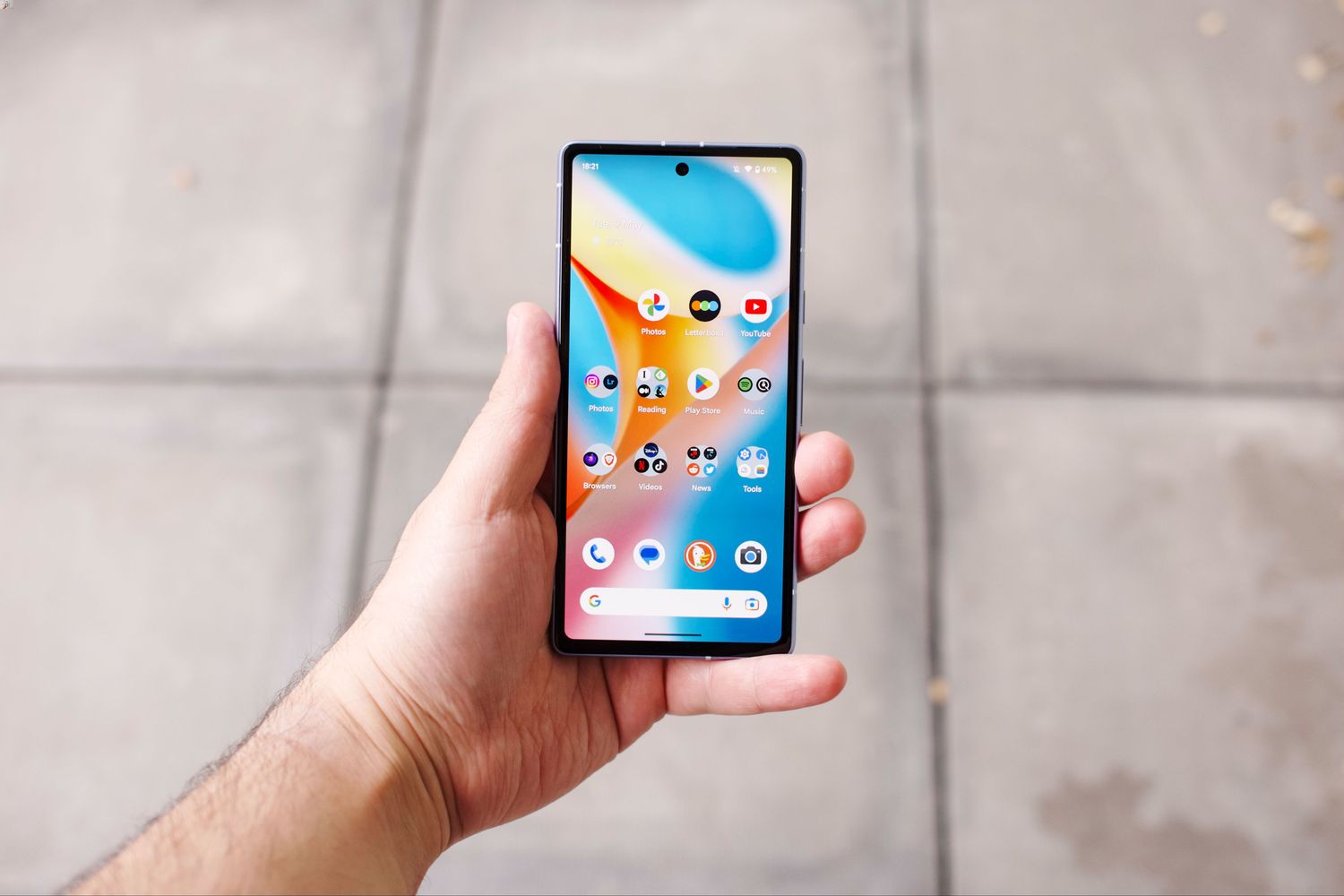
Google phone compatible services include Google Fi as a primary carrier and Google Voice for internet-based calling, but the term "Google Phone" can be confusing because it refers to two different things: the Phone by Google app (the default dialer on many Android devices) and Google Fi, the wireless carrier service.
What 'Google Phone' actually means
When searching for "Google Phone," you might be looking for the Phone by Google app, the dialer app that comes on Pixel phones and is available for many Android devices, or for Google Fi, the wireless carrier. The Phone by Google app handles calls, voicemail, and spam blocking, while Google Fi is the network service that provides cellular and Wi-Fi calling.
Google Fi: the carrier built for Google phones
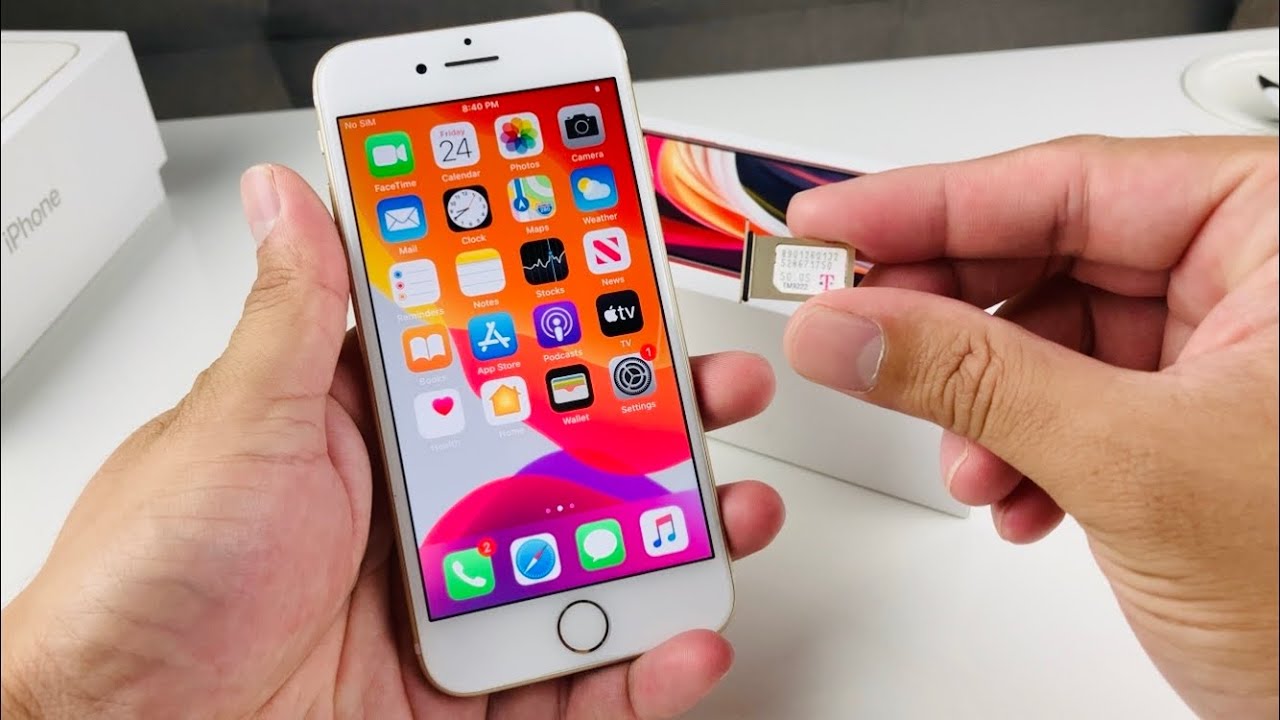
Google Fi is the wireless carrier designed to work seamlessly with the Phone by Google app, especially on Pixel devices. It uses a combination of cellular networks and Wi-Fi to provide coverage, and it supports most unlocked Android phones and iPhones. Google Fi says most unlocked devices work and users should ensure the phone is unlocked. However, the features you get depend on your device, its operating system version, and whether the phone is designed for Fi.
Android device requirements for Google Fi
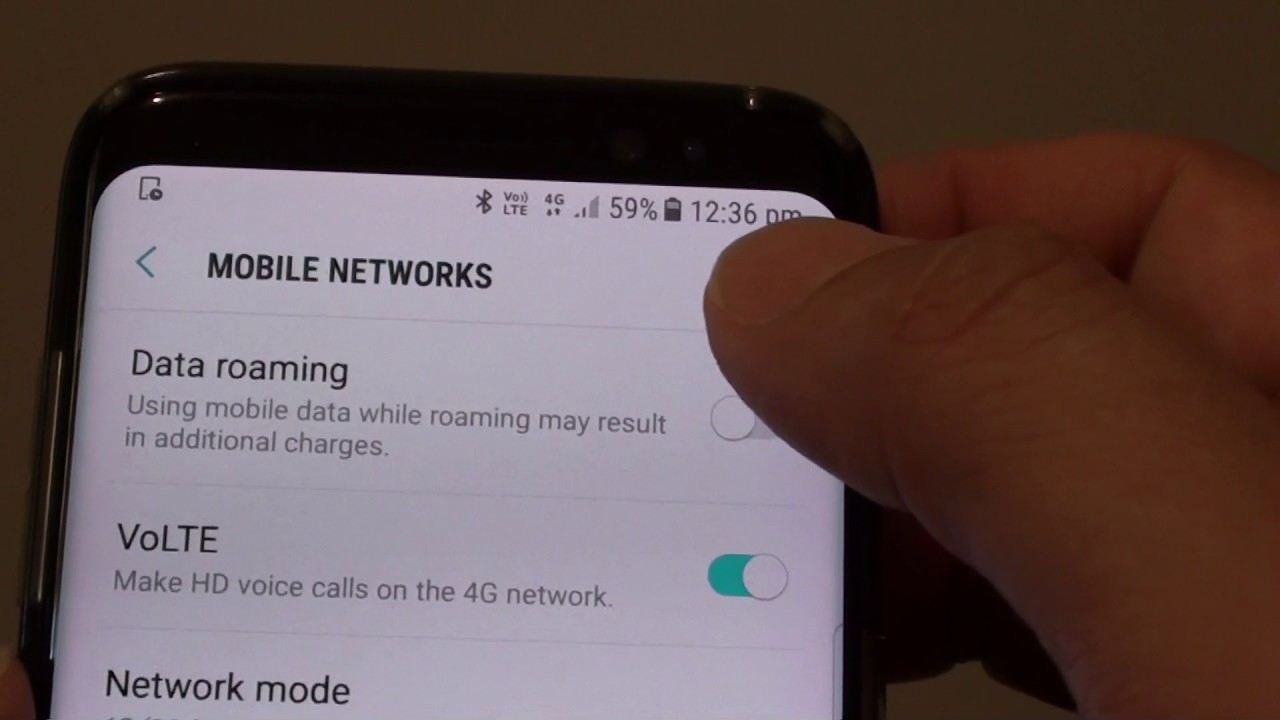
To use Google Fi on an Android device, your phone must meet several requirements. It needs Android 7.0 or higher, support for LTE bands 2 and 4, and VoLTE capability for network connectivity. For full Fi features such as Wi-Fi calling, VPN security, and visual voicemail, Google says devices must run more recent versions of Android; the company does not specify a single universal version for those full features. For eSIM activation, Android 11 and above is required. Google Fi also lists specific verified compatible models, including Pixel 2 and later and certain Moto G models, and it notes that several regional variants are excluded.
iPhone and iPad compatibility with Google Fi
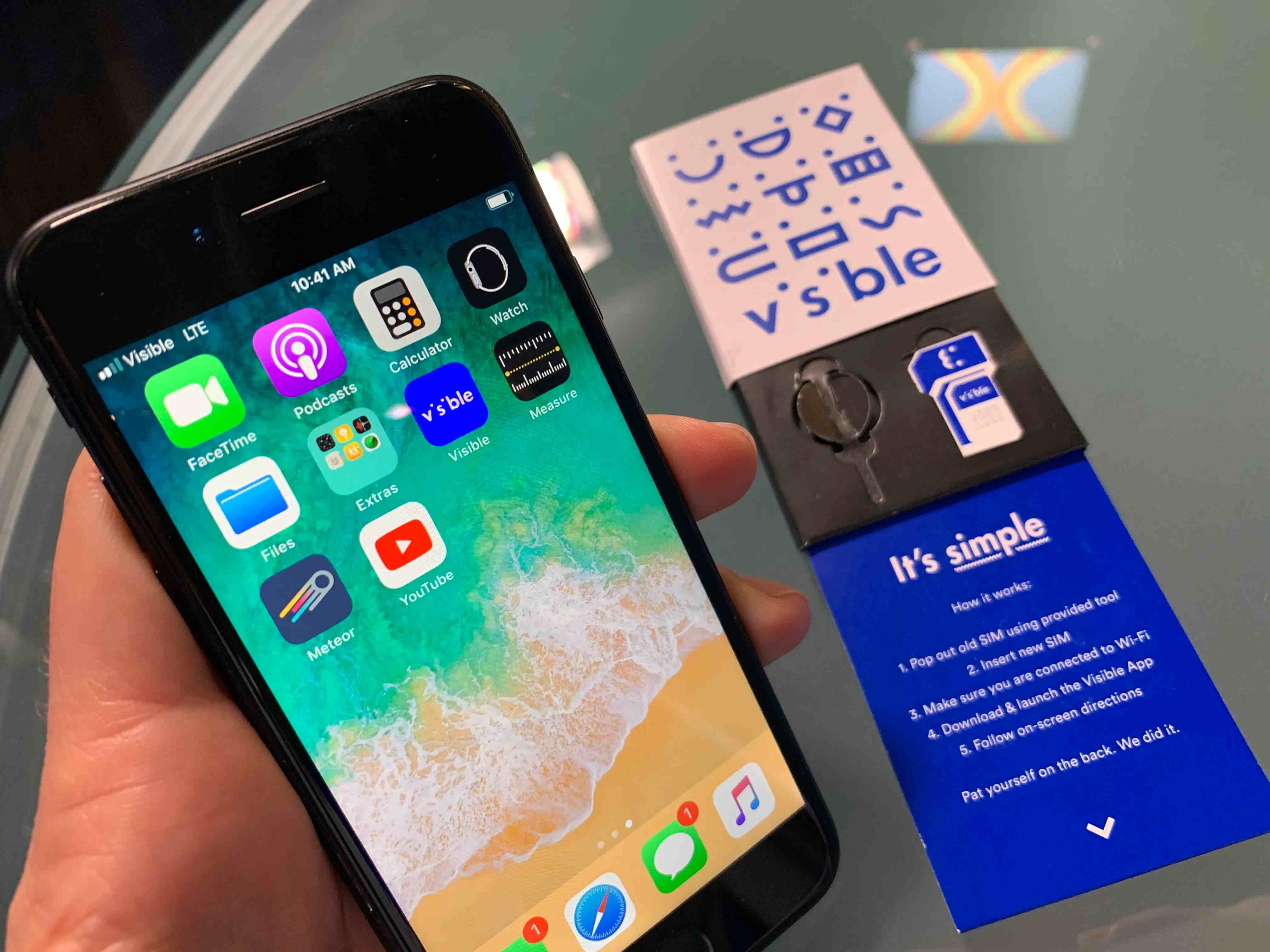
Google Fi works with iPhones and iPads running iOS 13 or later. During setup, the Google Fi app performs a device and compatibility check. Apple Watch standalone cellular service is not available on Google Fi. Feature limitations compared to Android include fewer integrated Fi features, such as no built-in VPN or visual voicemail through the Phone app.
Using the Phone app with Google Fi
Google Fi recommends using the Phone app that came on your phone or the Phone app by Google for calls. If you experience call problems or want to set up Wi-Fi calling, Google Fi says to use one of these apps. The service is designed to work with the Phone by Google app, so you can make and receive calls normally once your device is activated.
International coverage and network switching
Google Fi subscribers on Pixel 7 and later devices can use multiple international networks while traveling. Google Fi's seamless network switching feature is documented as available on Pixel 7 and later devices. The most seamless network switching requires an eSIM with no other active SIM cards alongside the Google Fi SIM. The international coverage module in the Google Fi app is for visibility only; it shows the last network switch and does not support manual network switching. To keep this feature working, Google Fi says to keep the OS and Fi app software on the latest versions.
Google Voice as a secondary phone service
Google Voice and internet calling options provide a flexible secondary phone service that works alongside your primary carrier. Google Voice has Android and iPhone apps and also supports use on the web. It provides advanced voicemail transcriptions that you can read in the app and/or have sent to your email. On Android, you can set up call screening by opening the Voice app, tapping Menu, then Settings, then under Calls turning Screen Calls On. Google Voice's call screening, when on, screens all calls to your Voice number on all your devices. Google Voice also offers cost-effective international calling, making it a useful addition to Google Fi for frequent travelers.
Frequently Asked Questions
Can I keep my number when switching to Google Fi?
Yes, Google Fi allows you to transfer your existing phone number to its service through number porting. This process lets you keep your familiar number while enjoying Google Fi's features and plans.
Does Google Fi support international roaming?
Yes, Google Fi provides international coverage in over 200 countries and territories. You can use your phone abroad without purchasing local SIM cards or dealing with complicated roaming arrangements.
Which specific phone models are verified to work with Google Fi?
It also notes that most unlocked Android devices and iPhones running iOS 13 or later work, but you should check the official Google Fi compatibility page for the most up-to-date list.
For the wider topic, see Google Voice and internet calling.
Related reading: Which Networks Are Compatible With T-Mobile Phones and Which Cell Phone Plans Are Compatible With Verizon Phones?.