Welcome to the Wireless Audio tag on CellularNews. This collection is built for anyone looking to cut the cord between their devices and their speakers or headphones. Whether you own a modern gaming console, a classic record player, or the latest smartphone, these guides are designed to help you pair, connect, and troubleshoot your audio gear without the frustration of tangled wires.
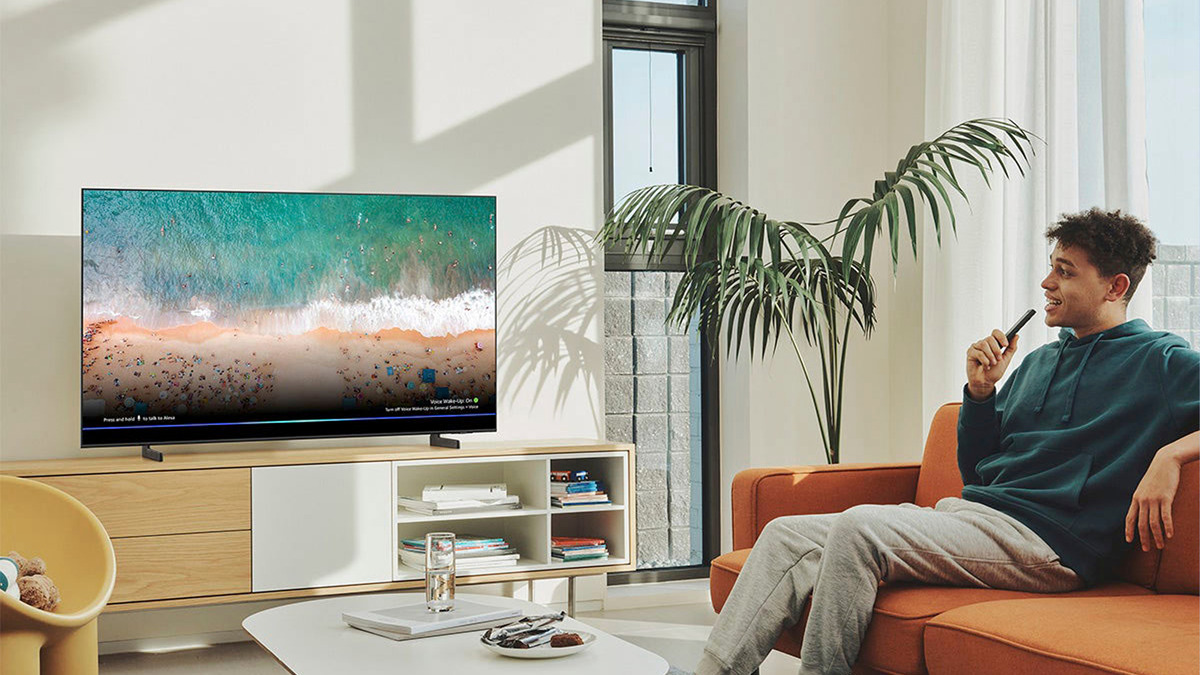
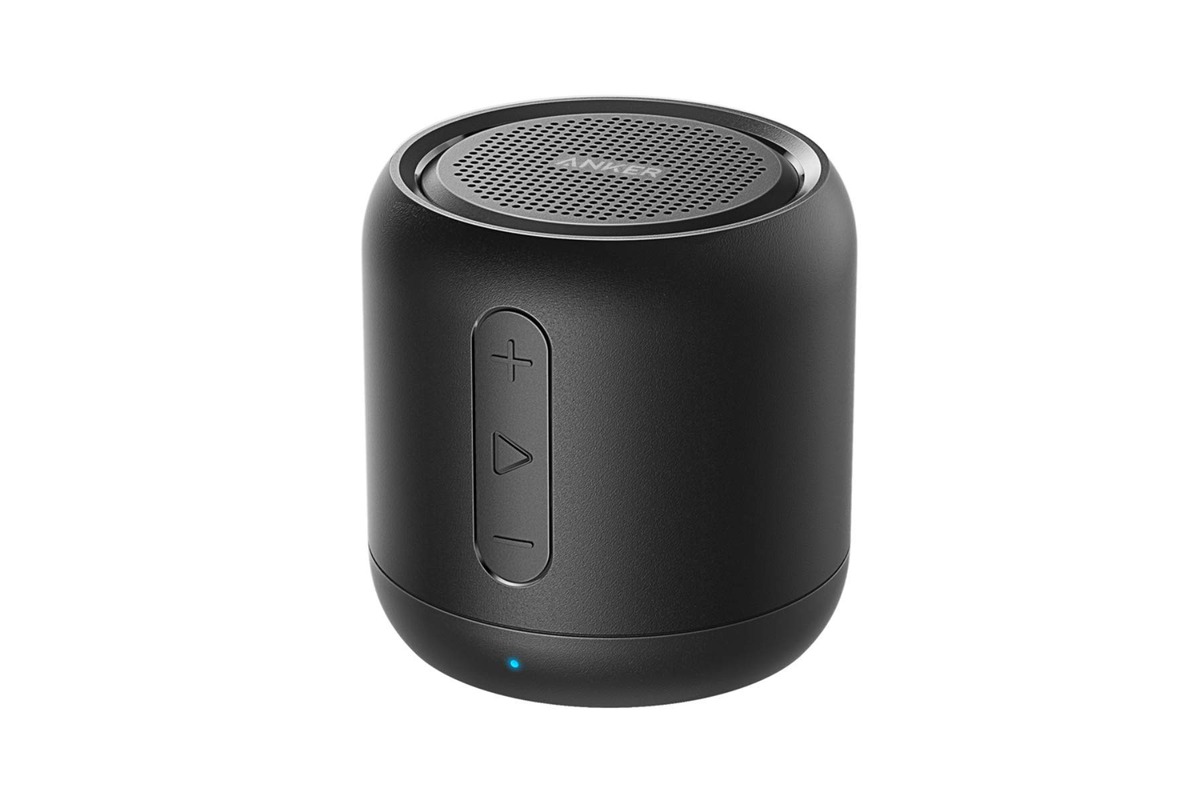
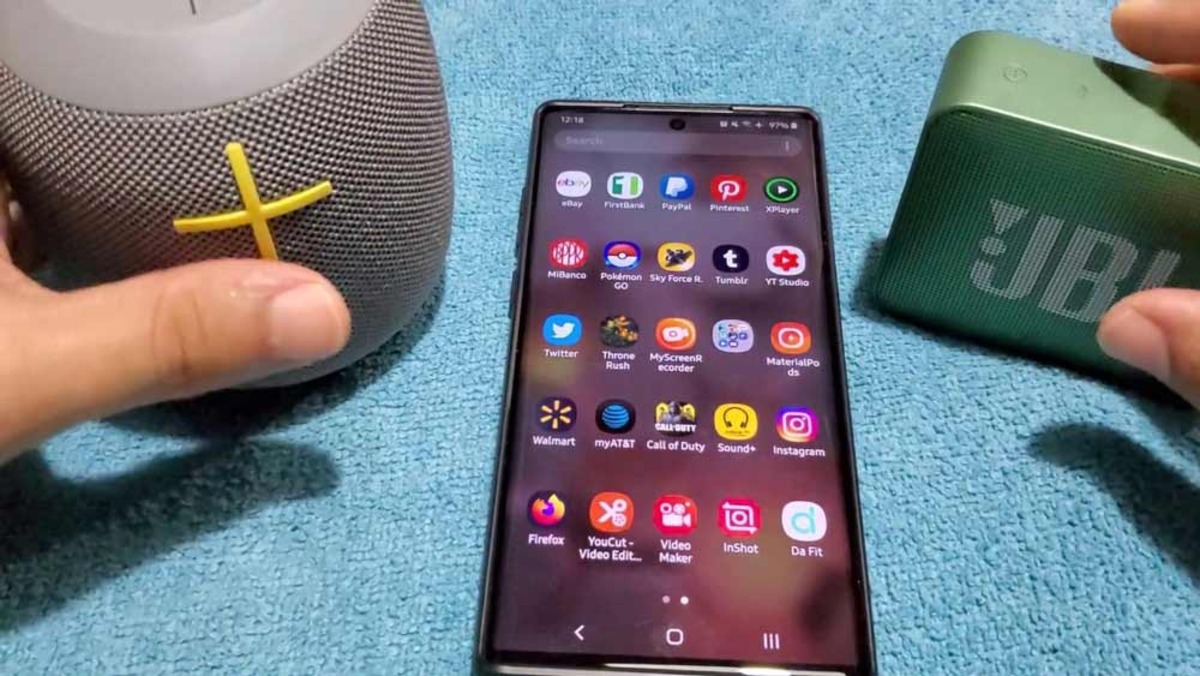
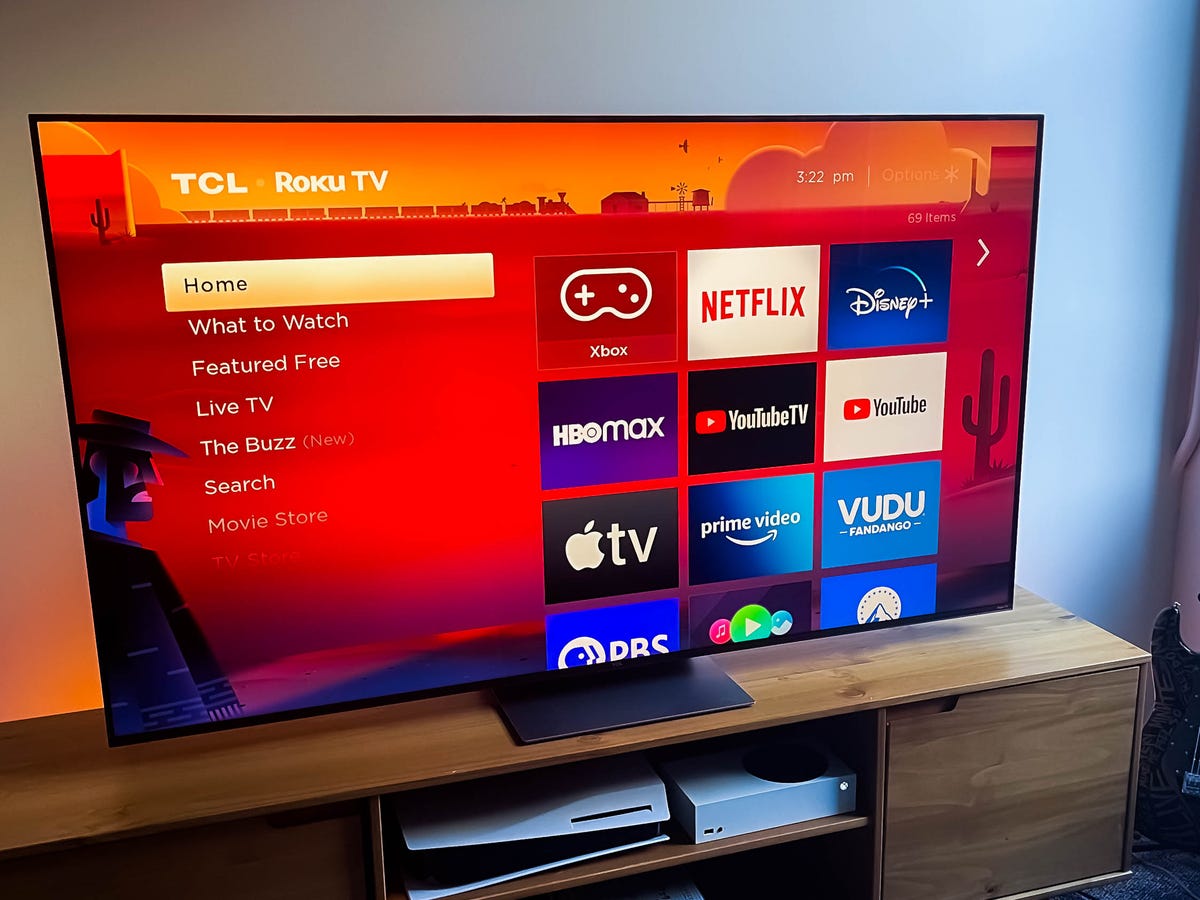
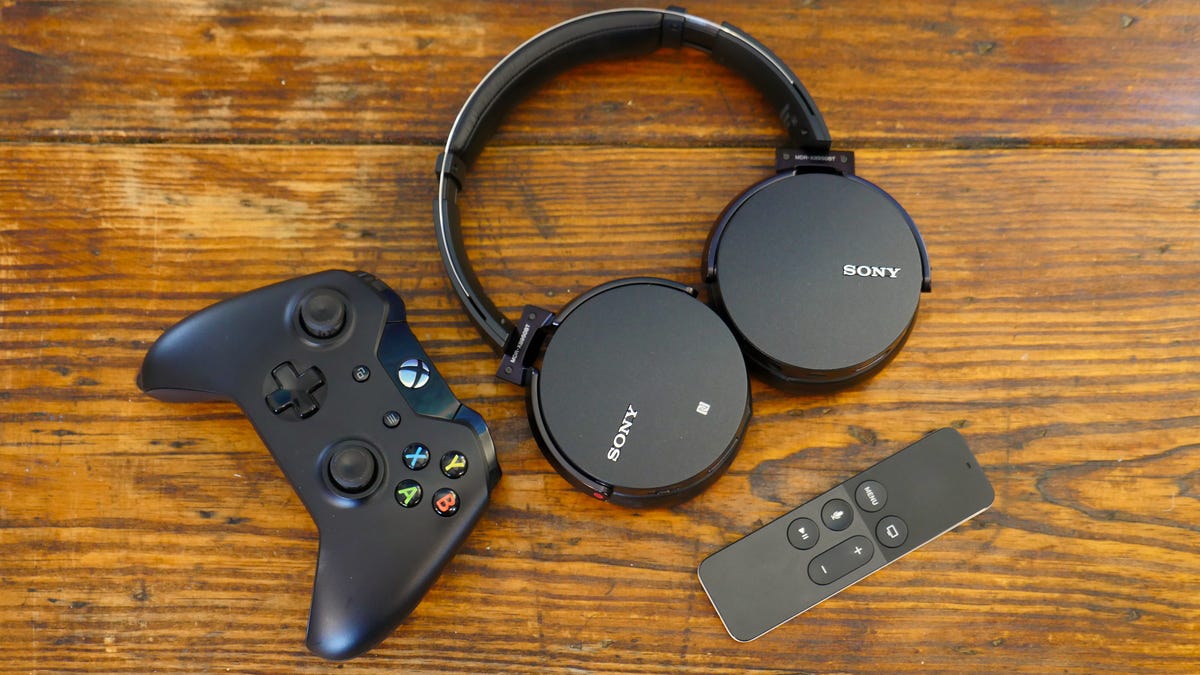
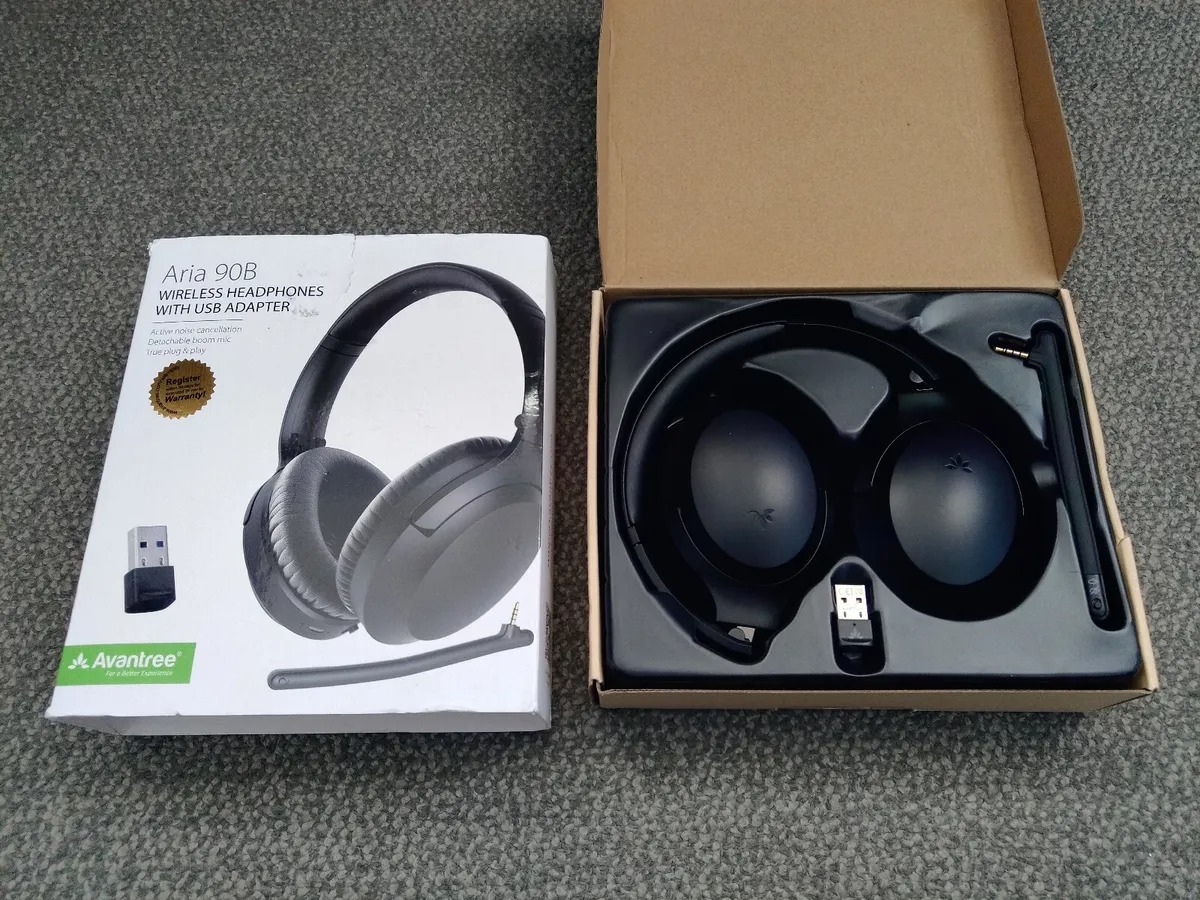
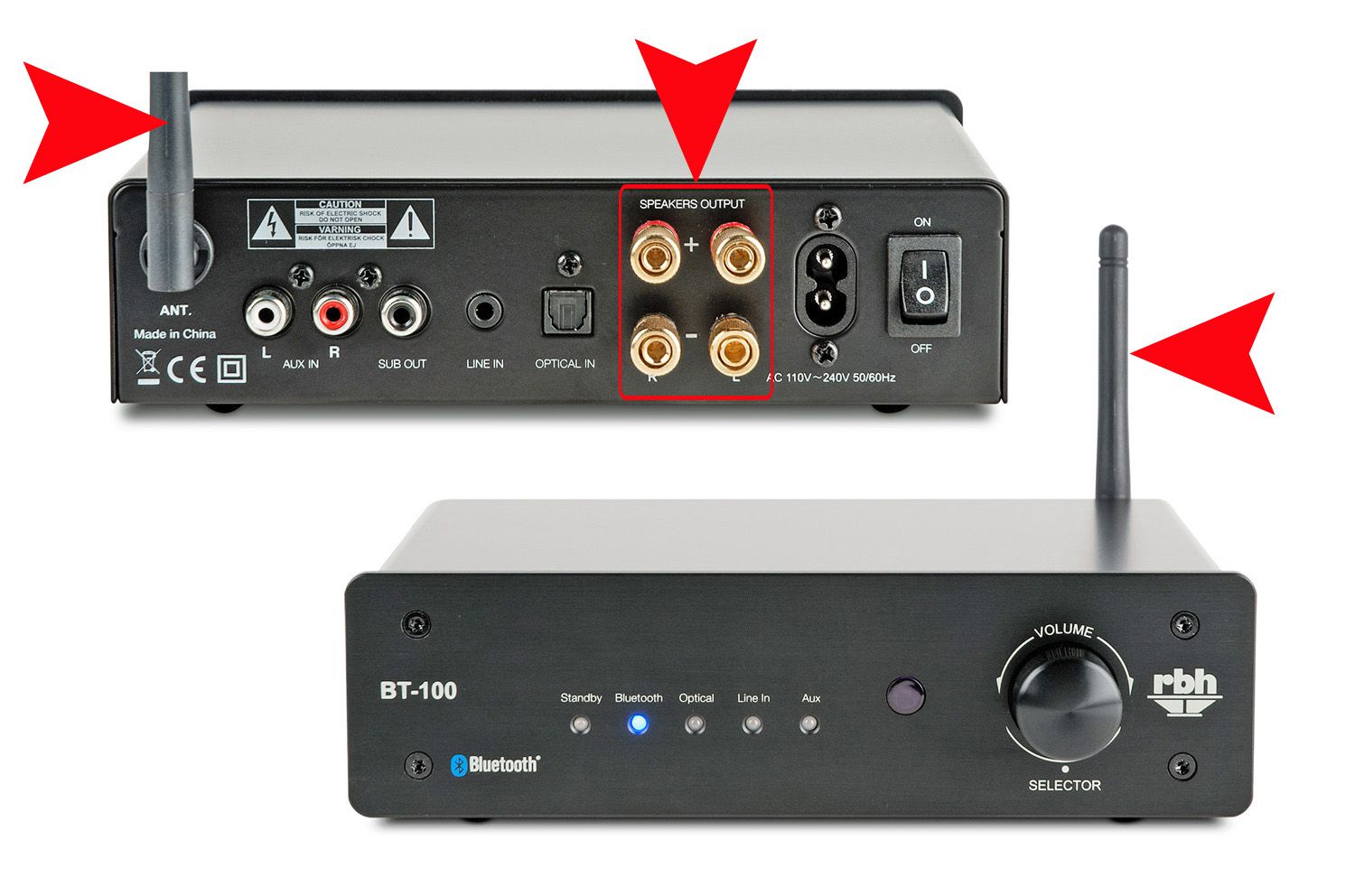
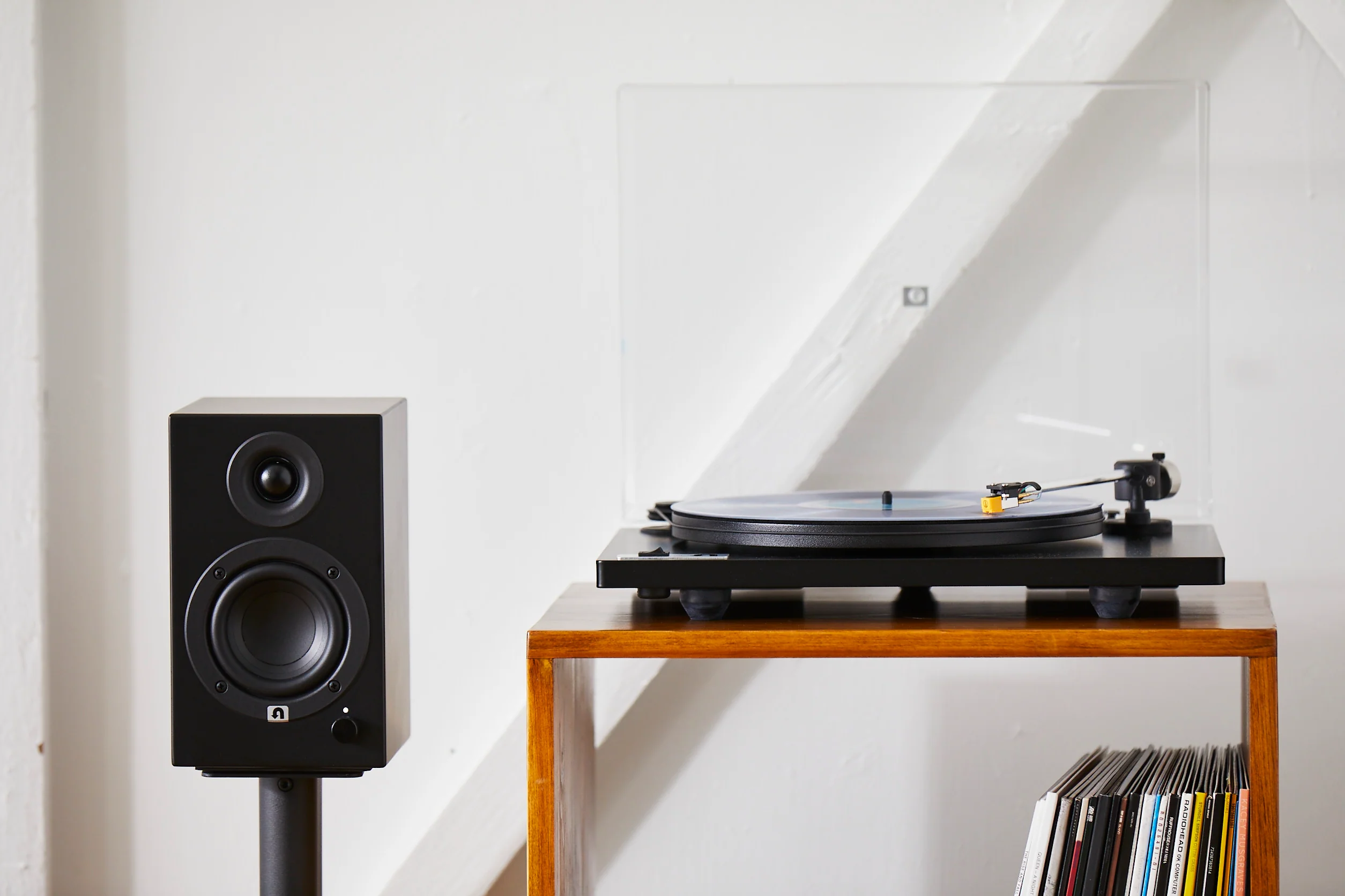
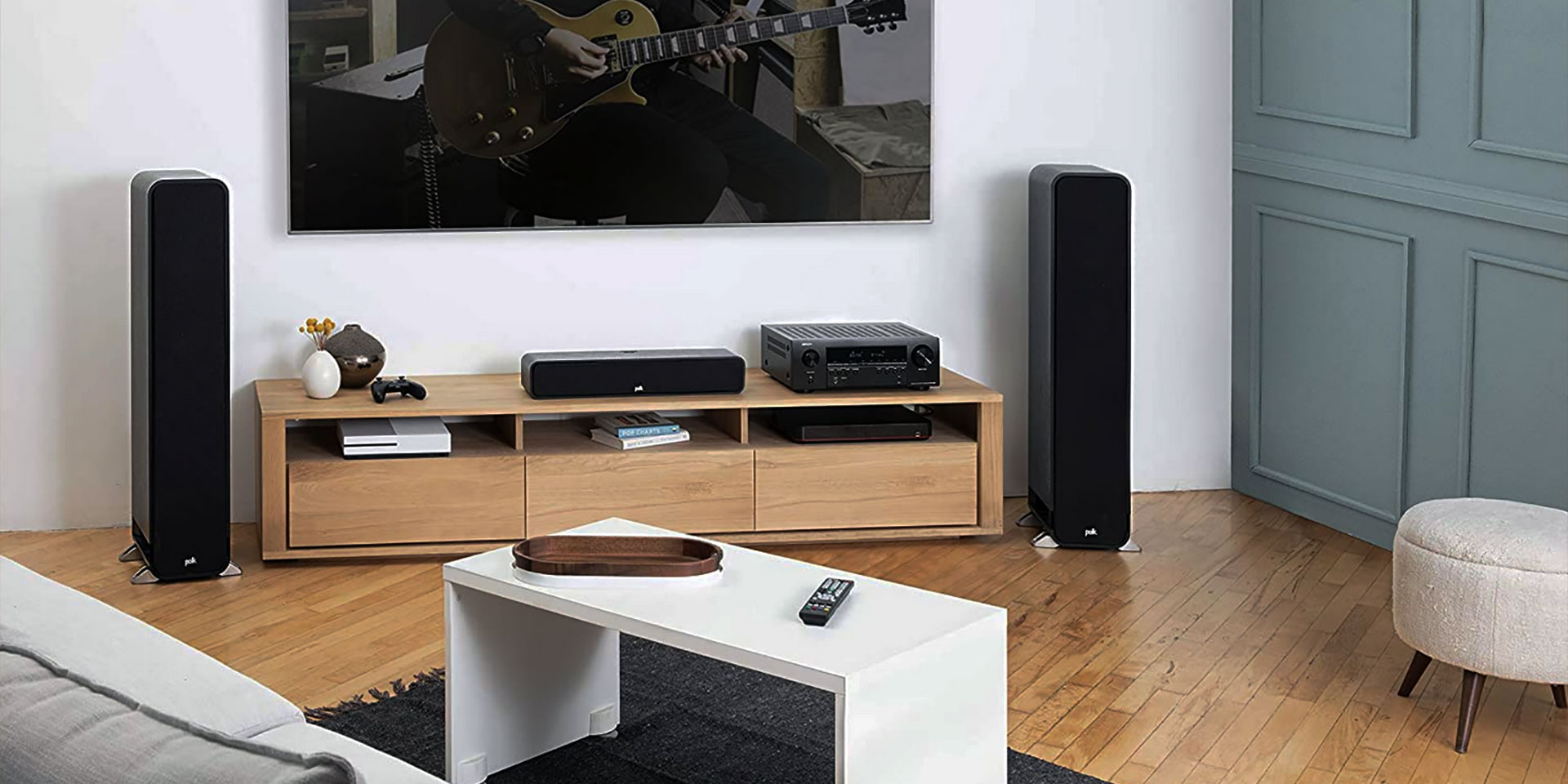
The articles here tackle three common connection challenges. First, they bridge the gap between older or non-standard equipment and modern Bluetooth systems, showing you how to connect a record player to Bluetooth speakers or how to make a wired speaker wireless. Second, they address the specific pairing quirks of gaming and home entertainment setups, with step-by-step instructions for linking Bluetooth speakers to an Xbox One X, a PS5, or a Samsung TV. Finally, a strong focus is placed on getting accessories to work with mobile devices, including how to connect an Anker speaker to an iPhone, how to connect an Android phone to a Bluetooth speaker, and how to pair Avantree Bluetooth headphones with an iPhone.
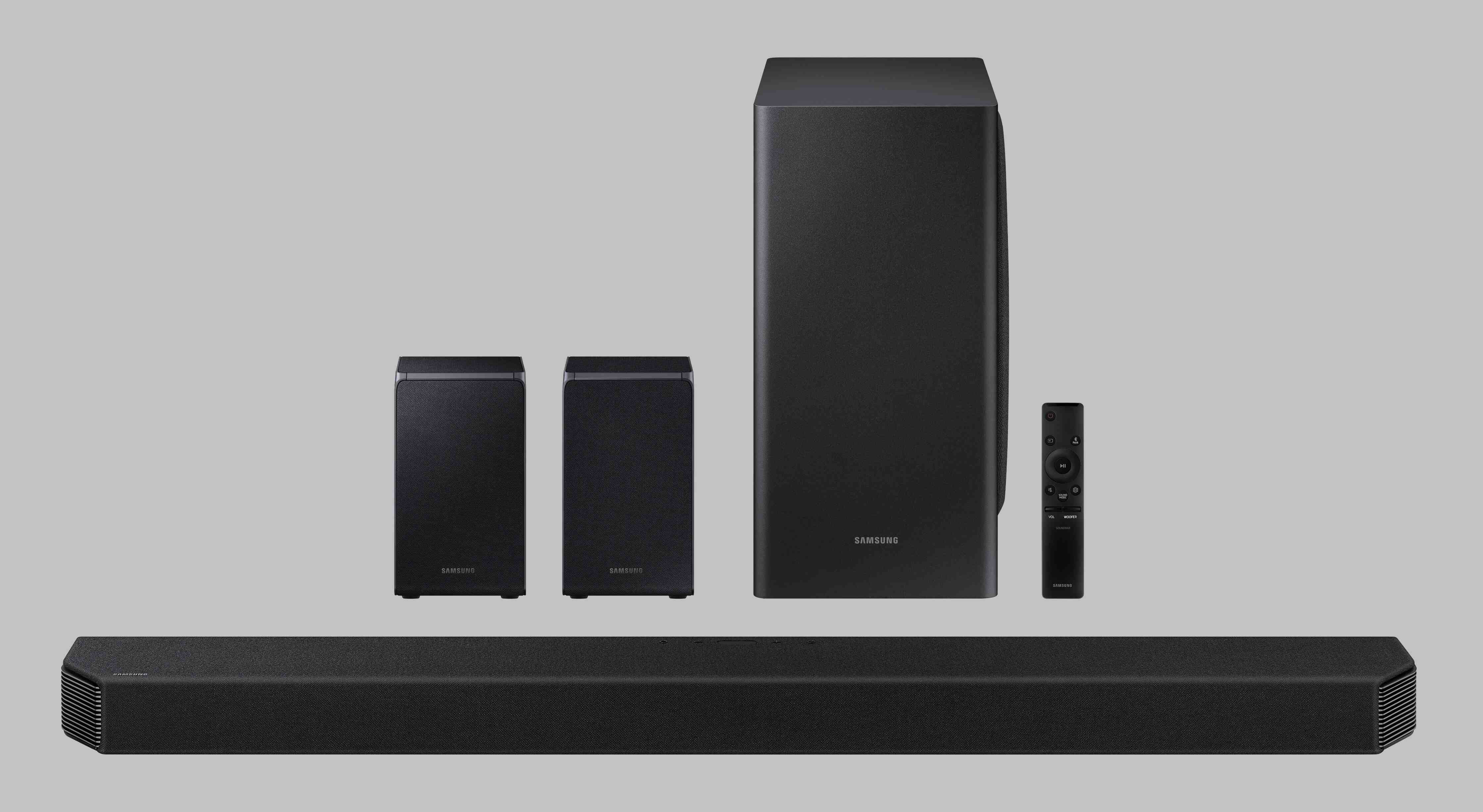
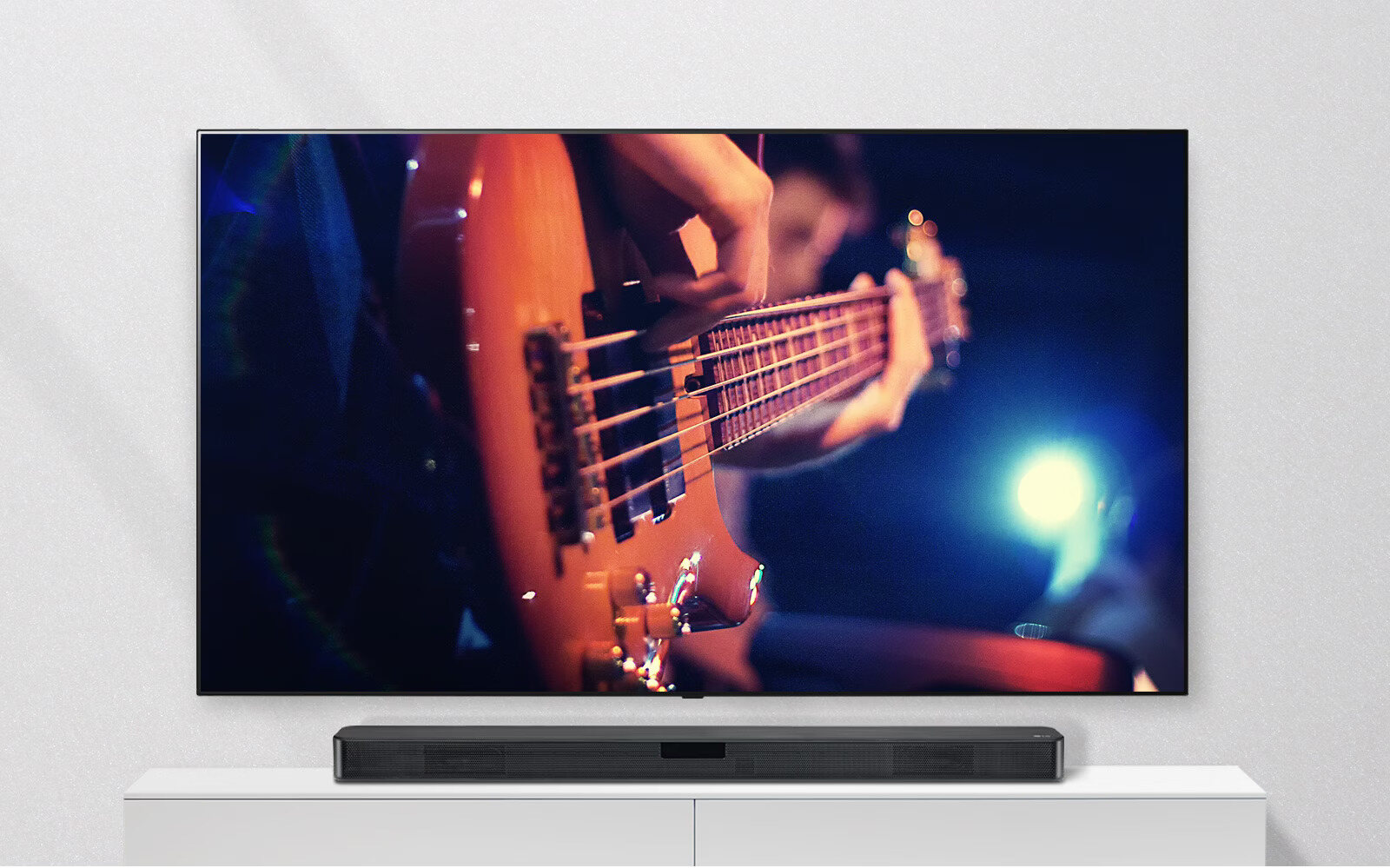
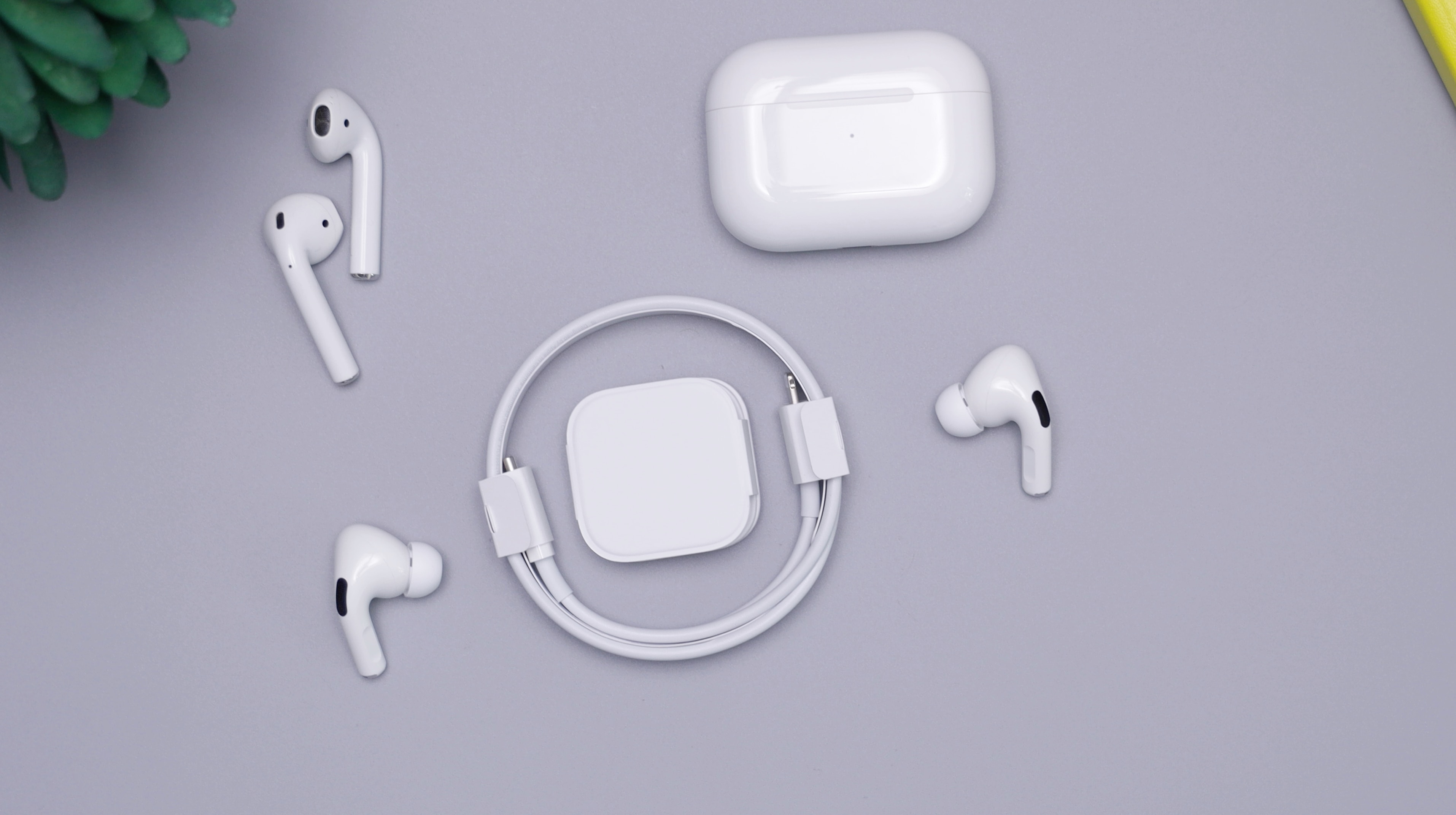
Beyond these specific brand and device pairings, you will also find broader guides on setting up an LG wireless sound bar, linking a Samsung wireless subwoofer, and understanding the history of wireless earbuds. Each article provides the direct steps needed to make your wireless audio work, helping you go from frustration to full sound in minutes.