
This tag collects all of CellularNews’s guides to wireless headphones, from picking the right pair to getting them working with your devices. It’s built for anyone who owns a pair of Bluetooth headphones, whether you just unboxed a new set or are troubleshooting an old favorite, and needs clear, no-nonsense steps that work with your phone, TV, or game console.
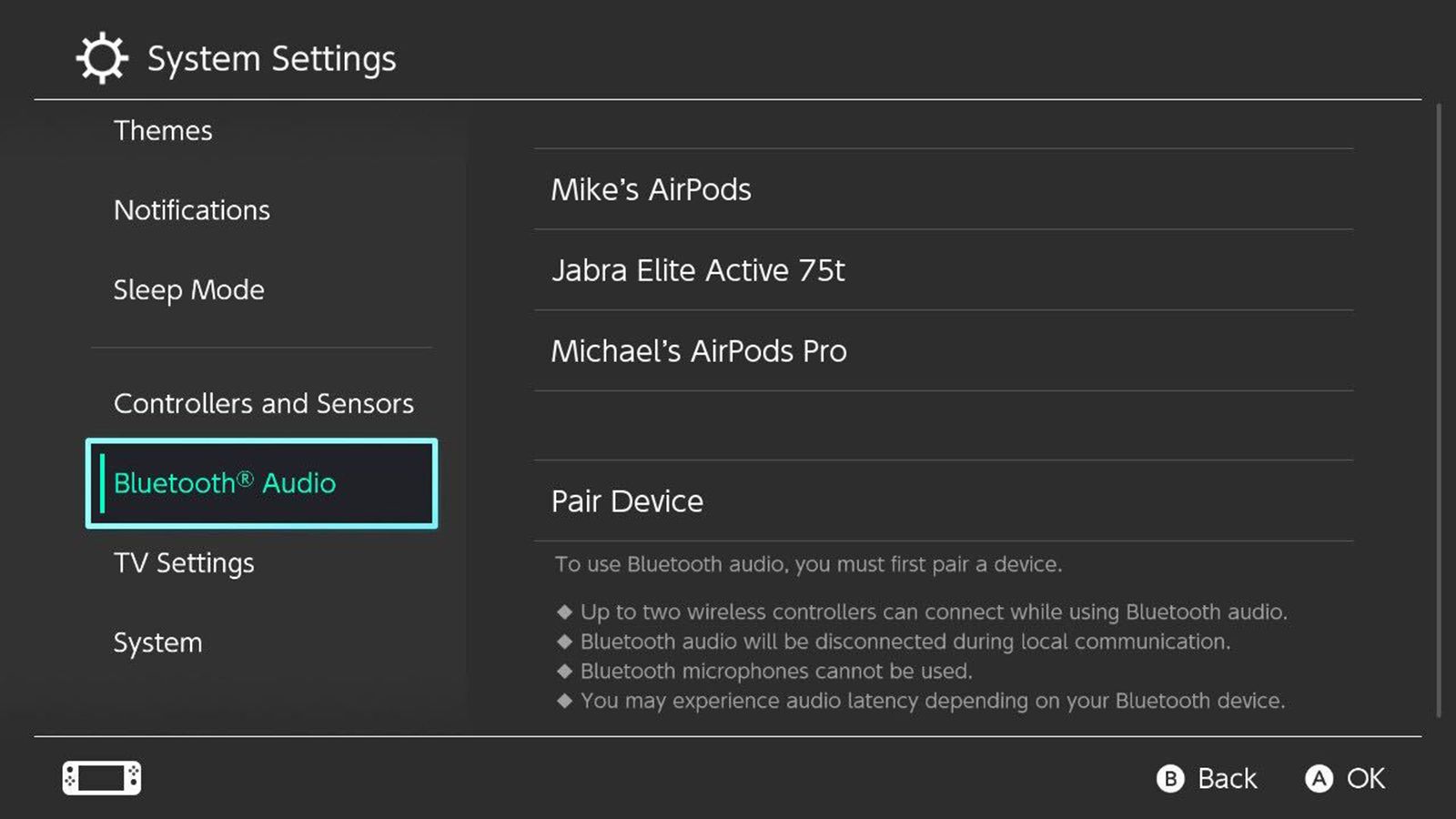
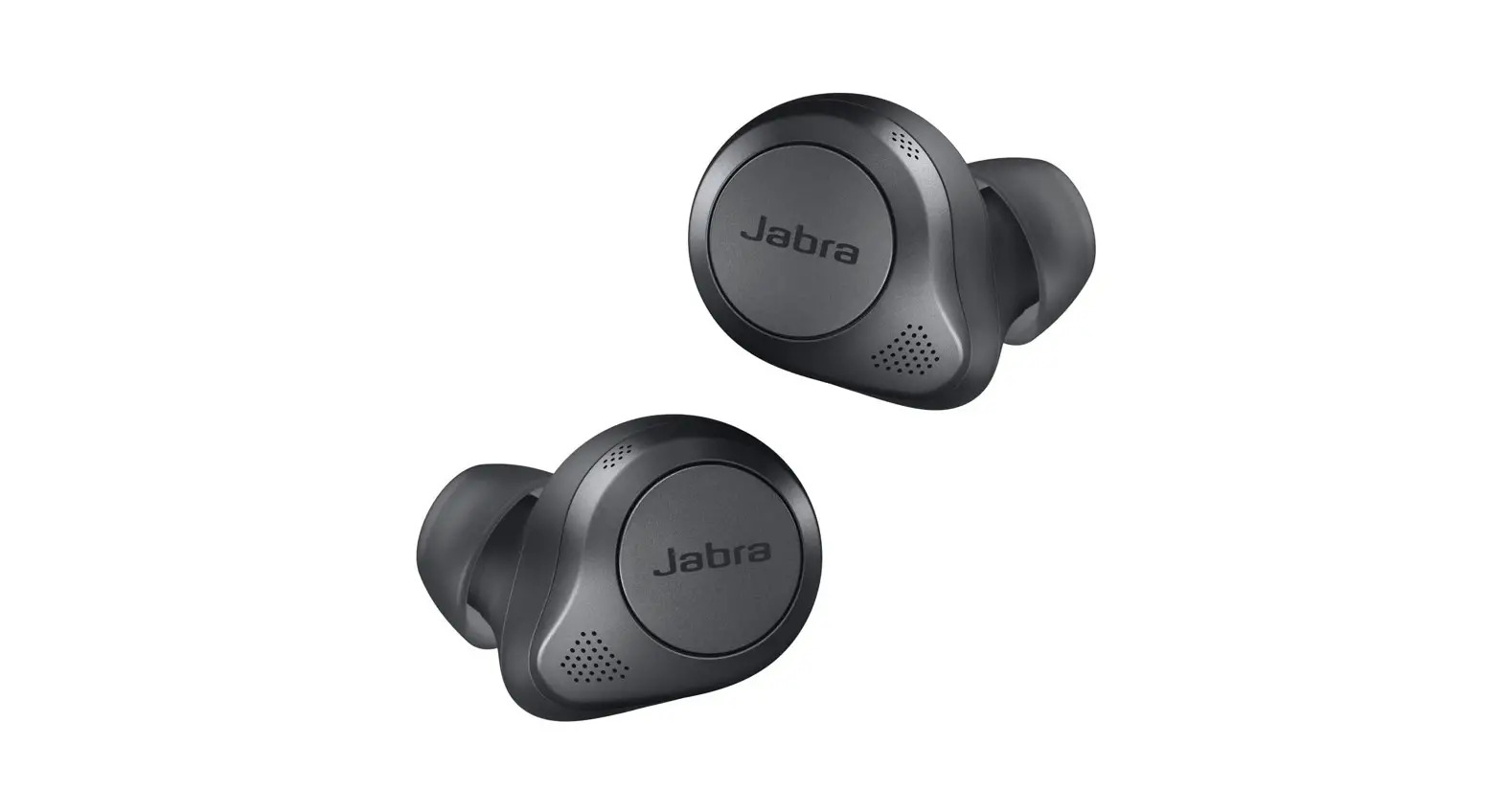
The articles here solve two main kinds of problems. First, there are the setup and pairing guides that walk you through connecting specific brands like Jabra, Sennheiser, Bose, and Blackweb to your phone or TV. You will also find instructions for pairing headphones directly to a Sony TV, an LG TV, a Roku TV, or a Nintendo Switch. Second, a handful of articles focus on charging and maintenance, such as how long Beats wireless headphones take to charge and the correct way to charge both Beats and Skullcandy models.
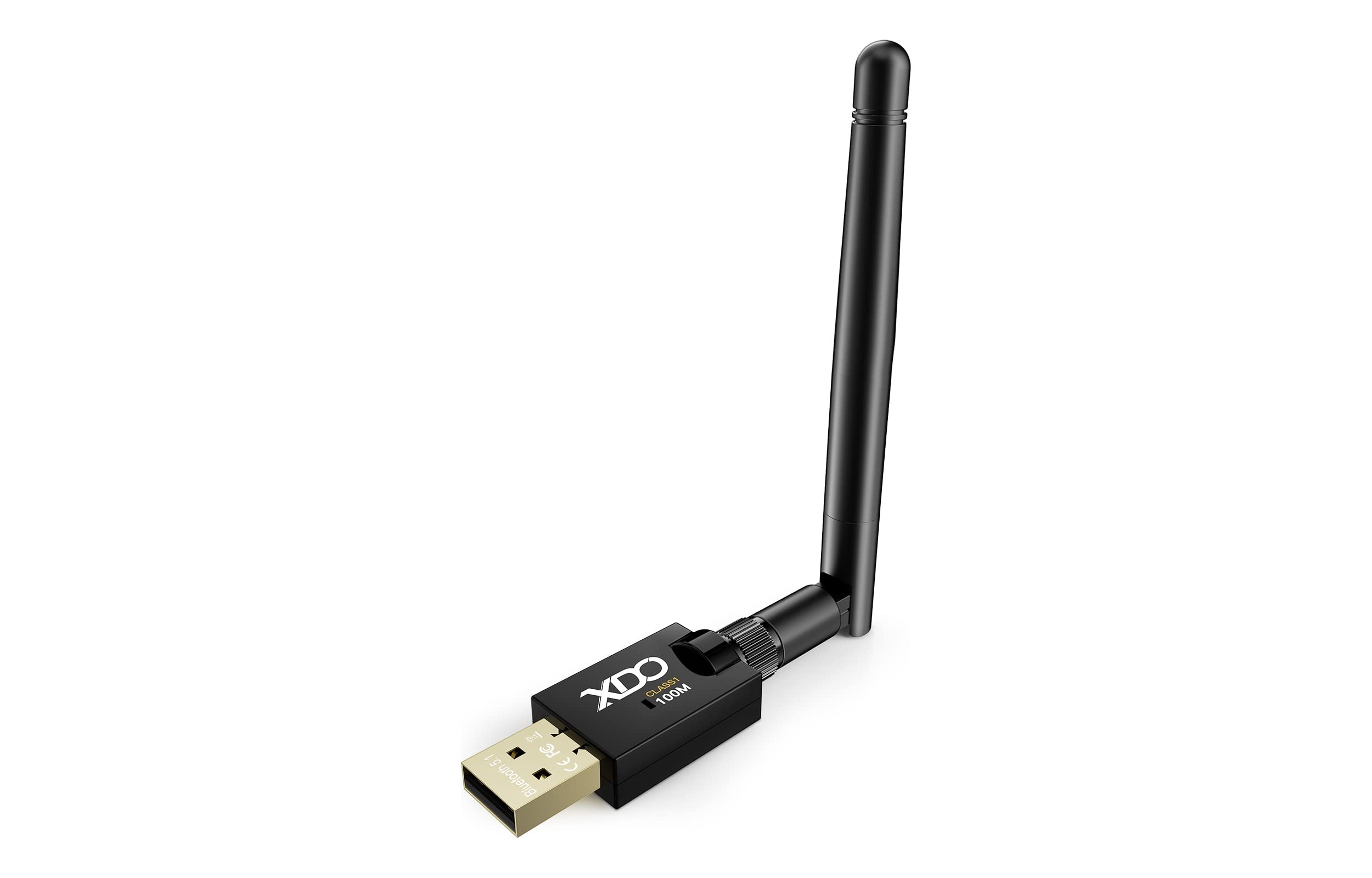
Beyond brand-specific help, the tag includes general advice on installing and setting up any headset, plus a guide to choosing the best Bluetooth dongle if your device lacks built-in wireless audio. Whether you need to turn on your Beats for the first time or figure out how to connect wireless headphones to a TV that doesn’t support Bluetooth, these articles give you the exact steps to get audio flowing.
![Ultimate Guide to Choosing The Best Mobile Accessories [Android & iPhone]](/wp-content/uploads/2020/01/MARBLEFY-Custom-Cases.jpg)
