This tag collects articles focused on connecting, setting up, and troubleshooting wireless printers, specifically for readers who manage their printing tasks from mobile devices, laptops, or Chromebooks. The content is aimed at everyday users who need practical, step-by-step guidance rather than technical deep dives, helping them resolve common issues that arise when integrating a printer into a home or small office network.
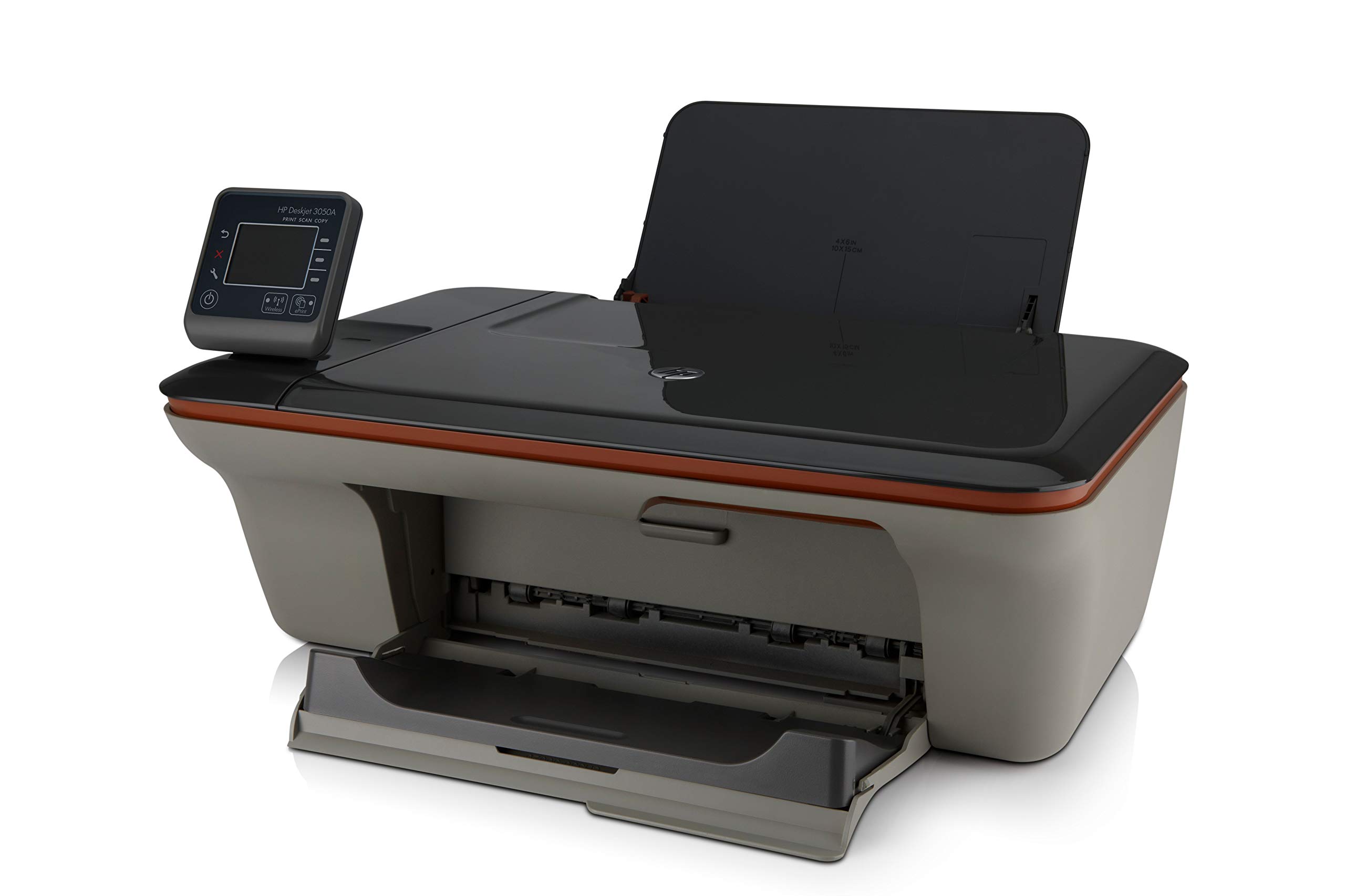
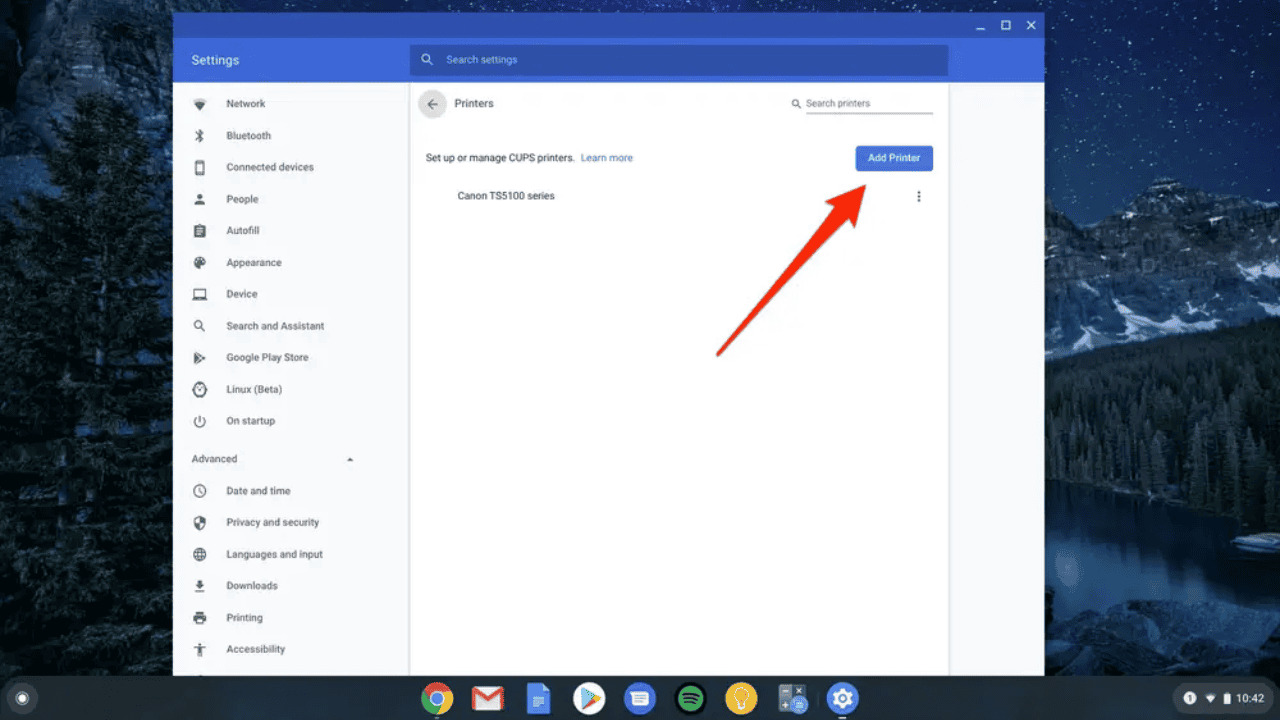
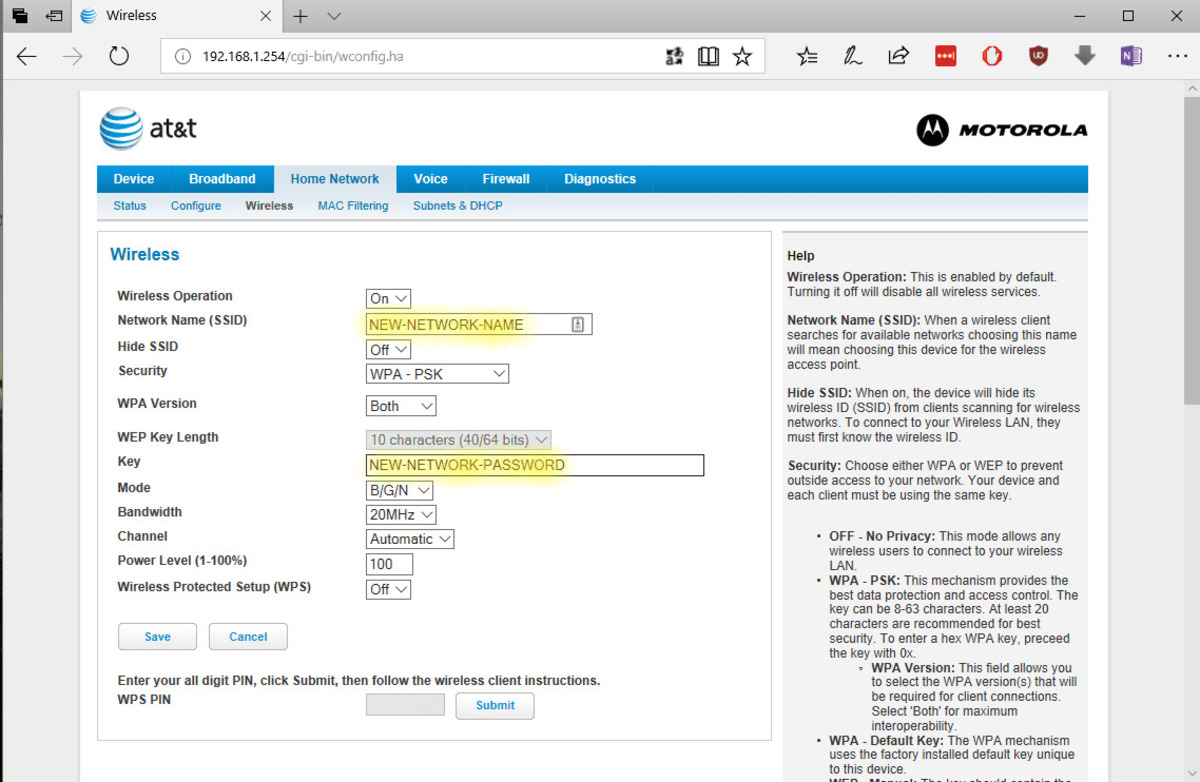
The articles address two main problem areas. The first is the initial setup and connection process, covering how to pair a printer with different devices. For example, you will find guides on how to connect a Chromebook to a Canon wireless printer, how to set up a wireless printer on a Dell laptop, and specific instructions for models like the HP Deskjet 3050A J611. The second theme focuses on restoring connectivity and managing network access, with articles explaining how to get a wireless printer back online and how to enter a PIN in wireless router settings to authorize the device.
Whether you are dealing with a printer that has dropped off the network or are starting from scratch with a new machine, these articles help you complete the connection from start to finish. They walk you through the necessary steps to link your printer to your Wi-Fi, configure it with your computer or phone, and resolve the most frequent hiccups that prevent successful printing.