This tag collects articles about using an Xbox controller beyond a traditional console, aimed at anyone who wants to use their gamepad with a PC, phone, or Chromebook. Whether you are a PC gamer looking to play with a controller, a mobile user wanting a better gaming experience, or someone trying to connect a wireless receiver, these guides cover the practical steps needed.
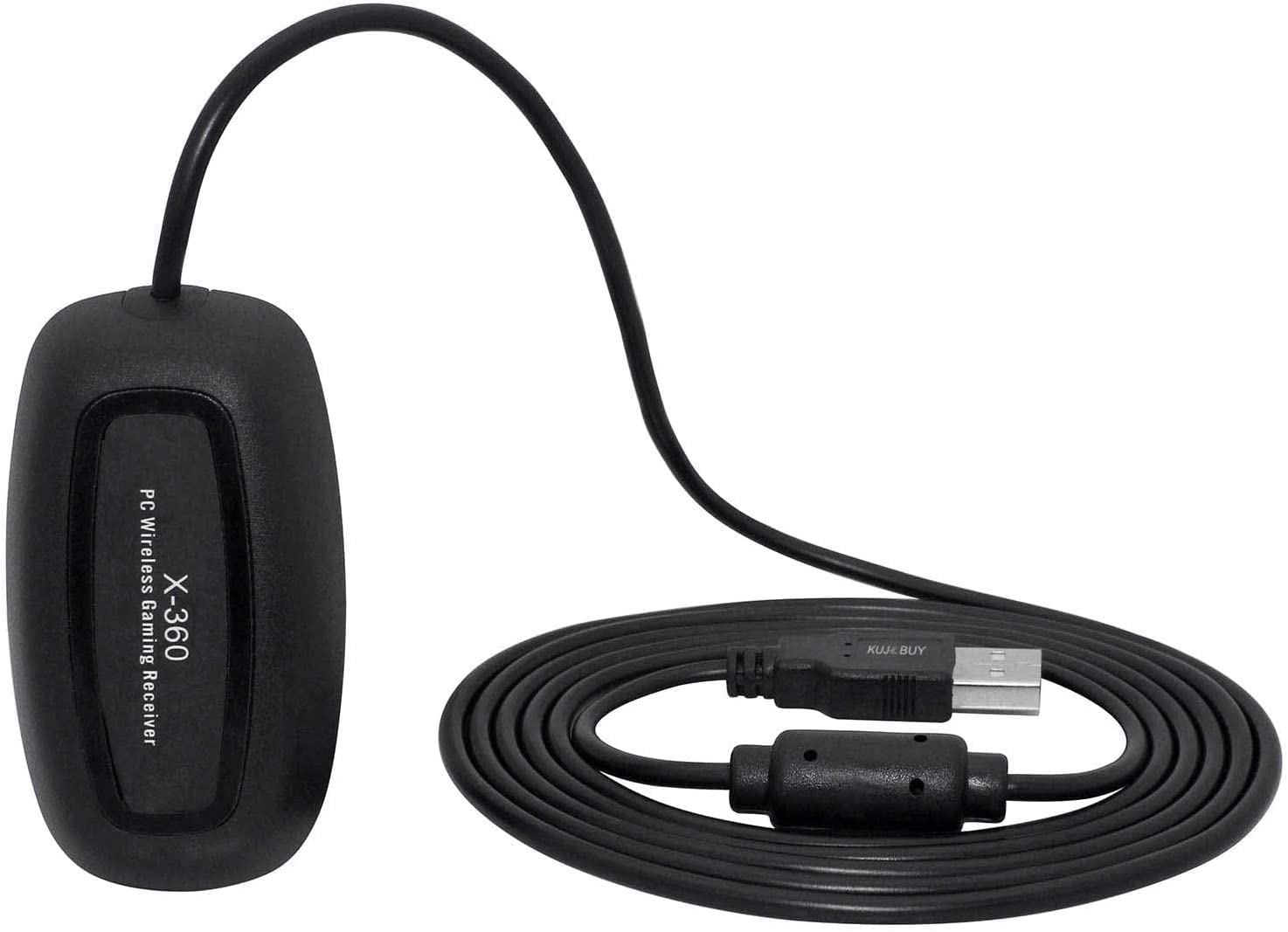
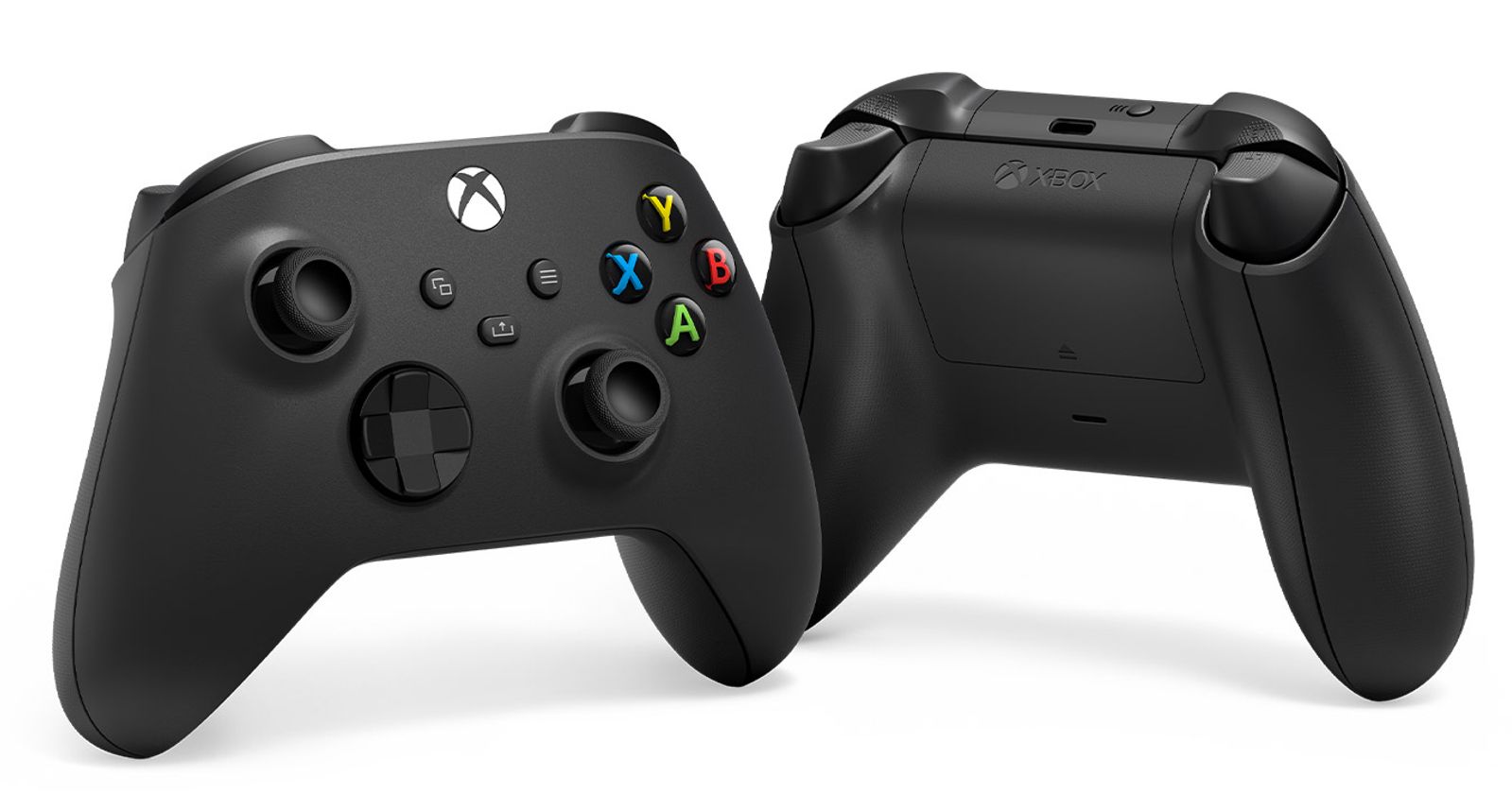
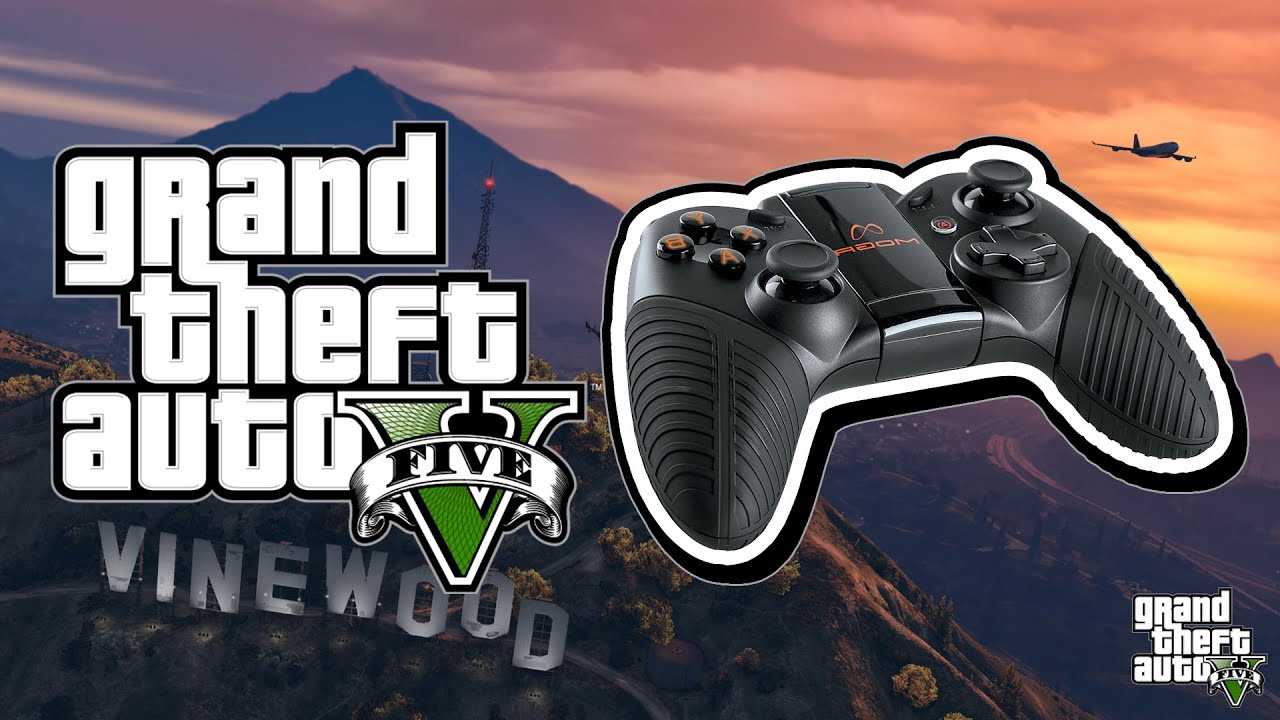
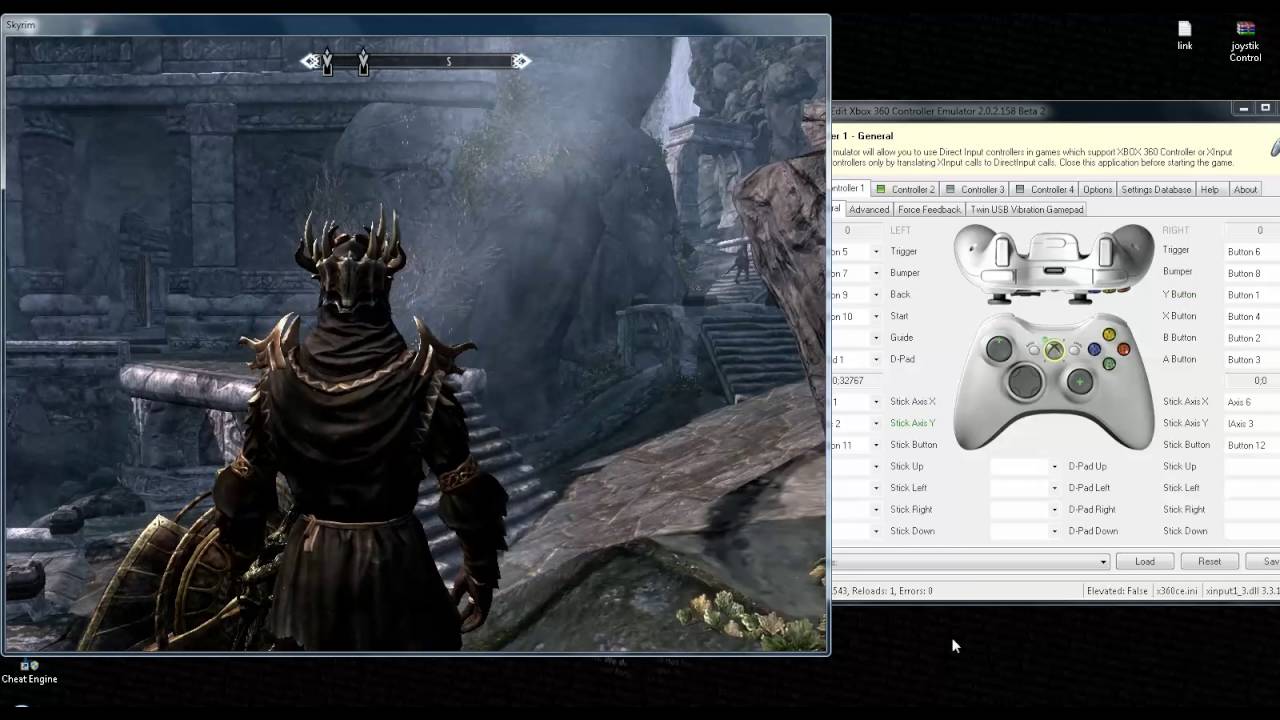
The articles here solve two main kinds of problems: connecting your Xbox controller to different devices and setting it up for specific games. For connectivity, you will find clear instructions on how to connect an Xbox controller to a phone and how to connect a wireless Xbox controller to a Chromebook. For game-specific setup, the guides explain how to use a gamepad for Skyrim on PC and how to use a gamepad for GTA 5 on PC. Additionally, one article covers how to use a PC wireless gaming receiver, helping you get a wireless controller working on a desktop computer.
These articles help the reader actually do things: pair a controller with a phone for mobile gaming, get a gamepad working with popular PC titles like Skyrim and GTA 5, and set up a wireless receiver for a seamless PC connection. Each guide focuses on a single, actionable task without extra fluff.