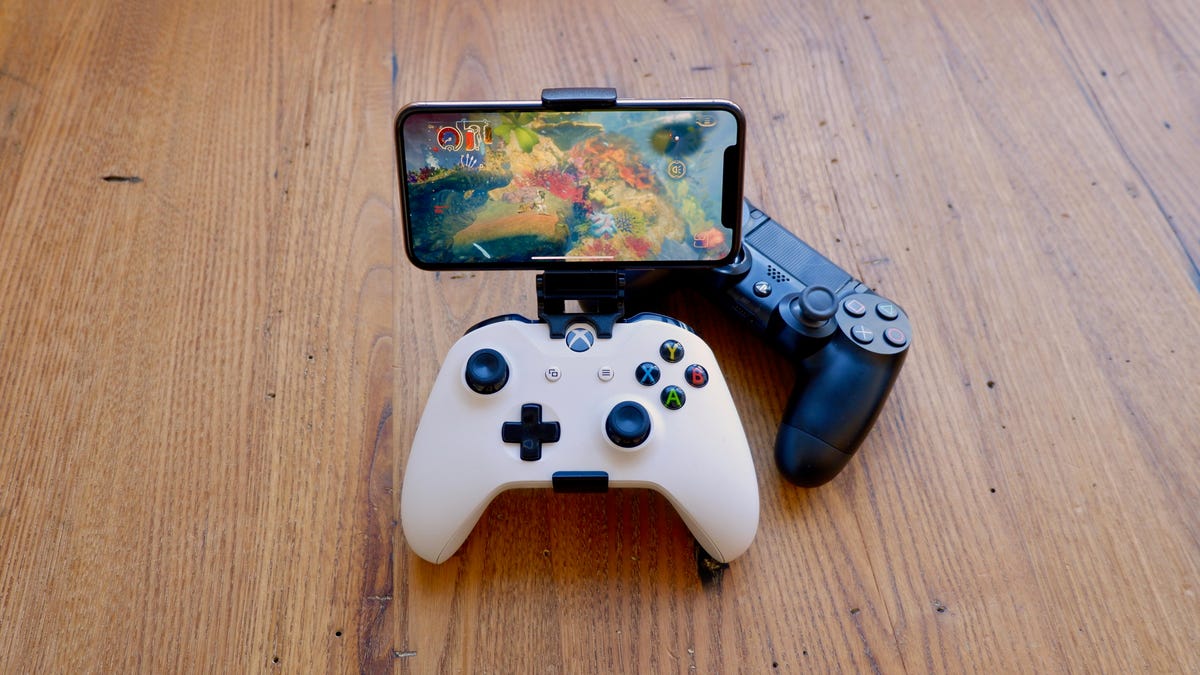
To connect an Xbox controller to your phone, you pair a Bluetooth-capable Xbox controller with your Android or iPhone through the standard Bluetooth settings menu. This lets you play mobile games with a physical controller instead of touchscreen controls, giving you console-like precision and comfort on a portable device.
What you need to connect an Xbox controller to a phone
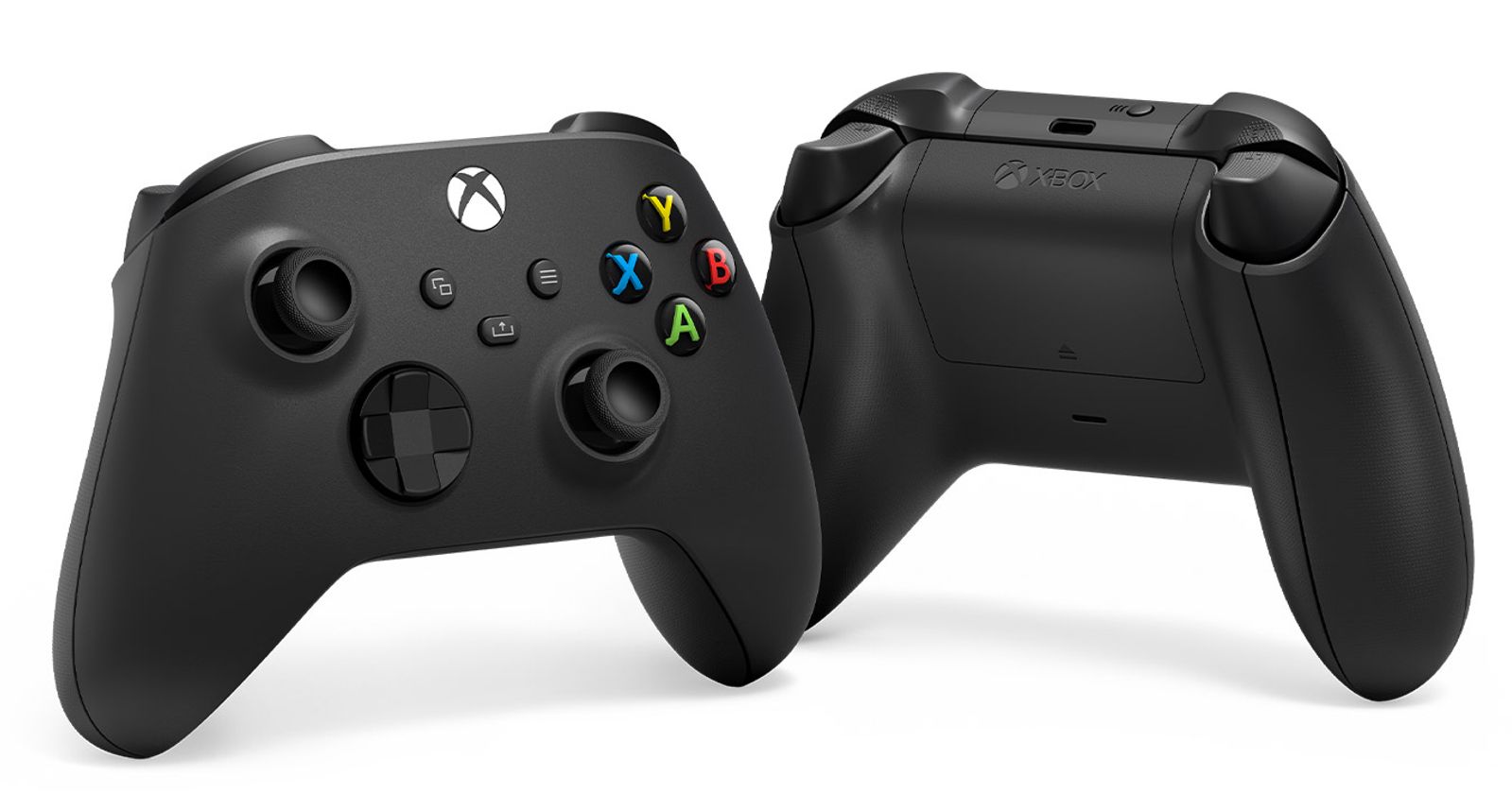
Before you start, confirm you have the right hardware. Your controller must support Bluetooth. Compatible models include the Xbox One controller with Bluetooth capability, the Xbox Wireless Controller included with Xbox Series X|S, the Xbox Elite Wireless Controller Series 2, and the Xbox Adaptive Controller. For wired Xbox controllers, simply connect to phone using a USB cable. For iPhone users, the Xbox Series X|S Wireless Controller requires the latest firmware update to work. Your phone needs Bluetooth support, most modern smartphones have it built in. No additional apps or adapters are needed for either Android or iPhone.
How to pair your Xbox controller to an Android or iPhone
The pairing process is identical for both Android and iPhone. Follow these four steps exactly:
- Press the Xbox button on the controller to turn it on. The Xbox logo will light up.
- Press and hold the Connect button on the top of the controller for a few seconds until the Xbox logo starts flashing rapidly. This puts the controller into pairing mode.
- Open the Bluetooth settings on your phone. On Android, go to Settings > Connected devices > Bluetooth. On iPhone, go to Settings > Bluetooth.
- From the list of nearby devices, select "Xbox Wireless Controller." Your phone will pair with the controller, and the Xbox logo will stop flashing and stay solid.
Once paired, the controller will automatically reconnect to your phone whenever both are turned on and within range, as long as it isn't connected to another device.
Troubleshooting the connection
If your phone doesn't find the controller or the connection drops, try these fixes:
- Disconnect from other devices: The controller may still be paired to an Xbox console, Windows PC, or another phone. Turn off Bluetooth on those devices or unpair the controller from them before pairing with your phone.
- Restart both devices: Turn your phone off and on, then turn the controller off (hold the Xbox button for a few seconds) and back on. Repeat the pairing steps.
- Check the battery: Low battery can cause intermittent connections. Replace or recharge the controller's batteries.
- Update firmware (iPhone only): If you're using an Xbox Series X|S controller on iOS and it won't pair, ensure the controller has the latest firmware. Connect it to an Xbox console or a Windows PC with the Xbox Accessories app to check for updates.
Frequently Asked Questions
Do all Xbox controllers work with phones?
No. Only Xbox controllers that support Bluetooth work with phones. This includes Xbox One controllers with Bluetooth (identifiable by the plastic around the Xbox button matching the controller's body), Xbox Series X|S controllers, Xbox Elite Series 2, and the Xbox Adaptive Controller. Xbox One controllers with Bluetooth can be identified by the plastic around the Xbox button matching the controller's body. Older Xbox One controllers without Bluetooth and Xbox 360 controllers do not work wirelessly with phones. Xbox 360 controller can be connected to phone using a USB OTG cable, but not all phones support this.
Will an Xbox controller work with every mobile game?
Most modern mobile games support controllers, especially those available on major app stores like Apple Arcade, Google Play Pass, and popular titles like Call of Duty: Mobile and Genshin Impact. However, not all games have controller support. Check the game's description or settings before relying on the controller.
Can I use my phone as a controller for Xbox Cloud Gaming?
Using your phone as a controller for Xbox Cloud Gaming is not the same as pairing an Xbox controller. While you can use touch controls in cloud games, pairing a physical Xbox controller gives you a more responsive and familiar experience. The controller connects directly to your phone via Bluetooth, not through the cloud service.
Does the connection work differently on Android versus iPhone?
No. The pairing steps are identical for both operating systems: turn on the controller, put it in pairing mode, open Bluetooth settings, and select the controller. The only difference is that iPhone requires the Xbox Series X|S controller to have the latest firmware update, while Android does not have that documented requirement.
Can I connect multiple Xbox controllers to one phone?
Yes, you can pair multiple Xbox controllers to one phone, but only one can be actively connected at a time for gameplay. To switch, disconnect the current controller in Bluetooth settings and connect the other one.
Related reading: How To Connect A PS4 Controller To My Phone.