This tag collects guides and troubleshooting articles for Xbox One owners who want to integrate their console with their phone, improve their wireless accessories, or solve common connection problems. Whether you are a gamer looking to stream, a user trying to fix a headset, or someone needing to get online, these articles are written for everyday players who need clear, step-by-step instructions.
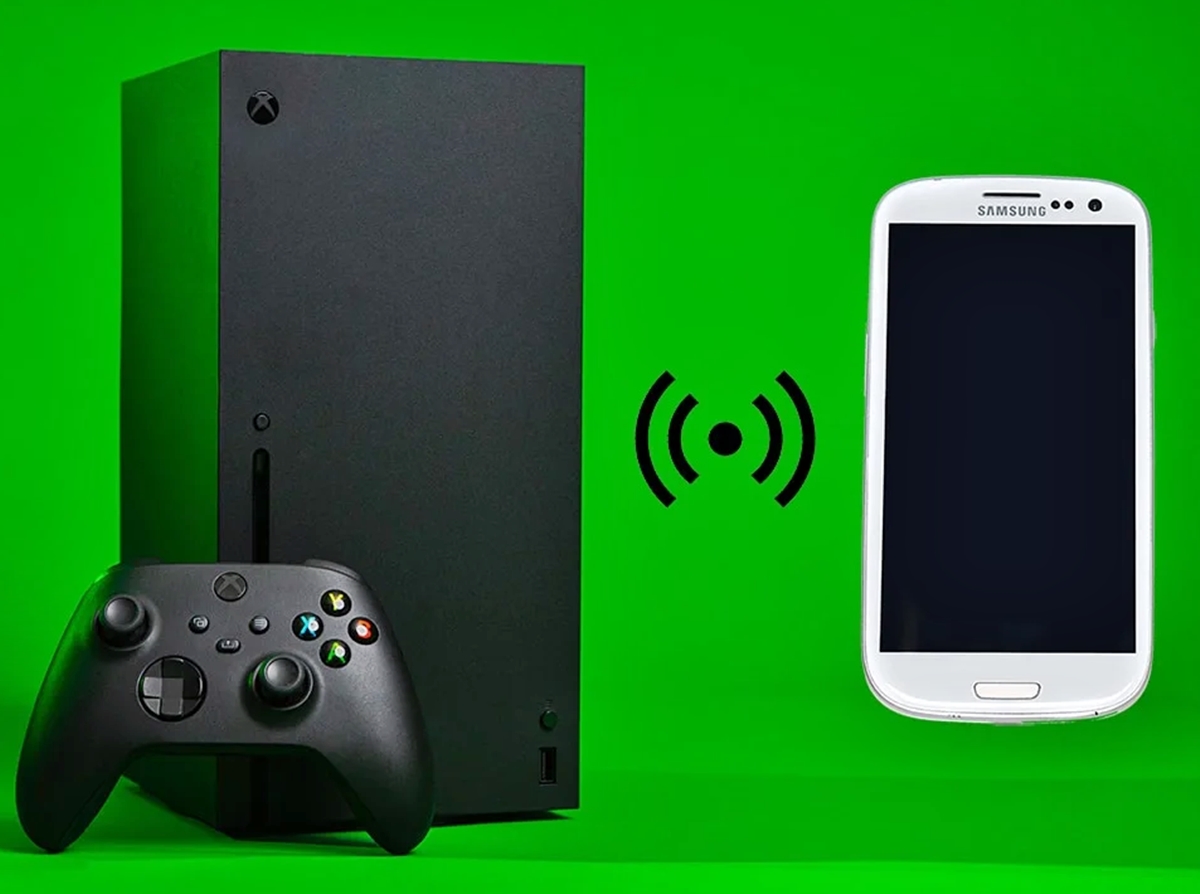
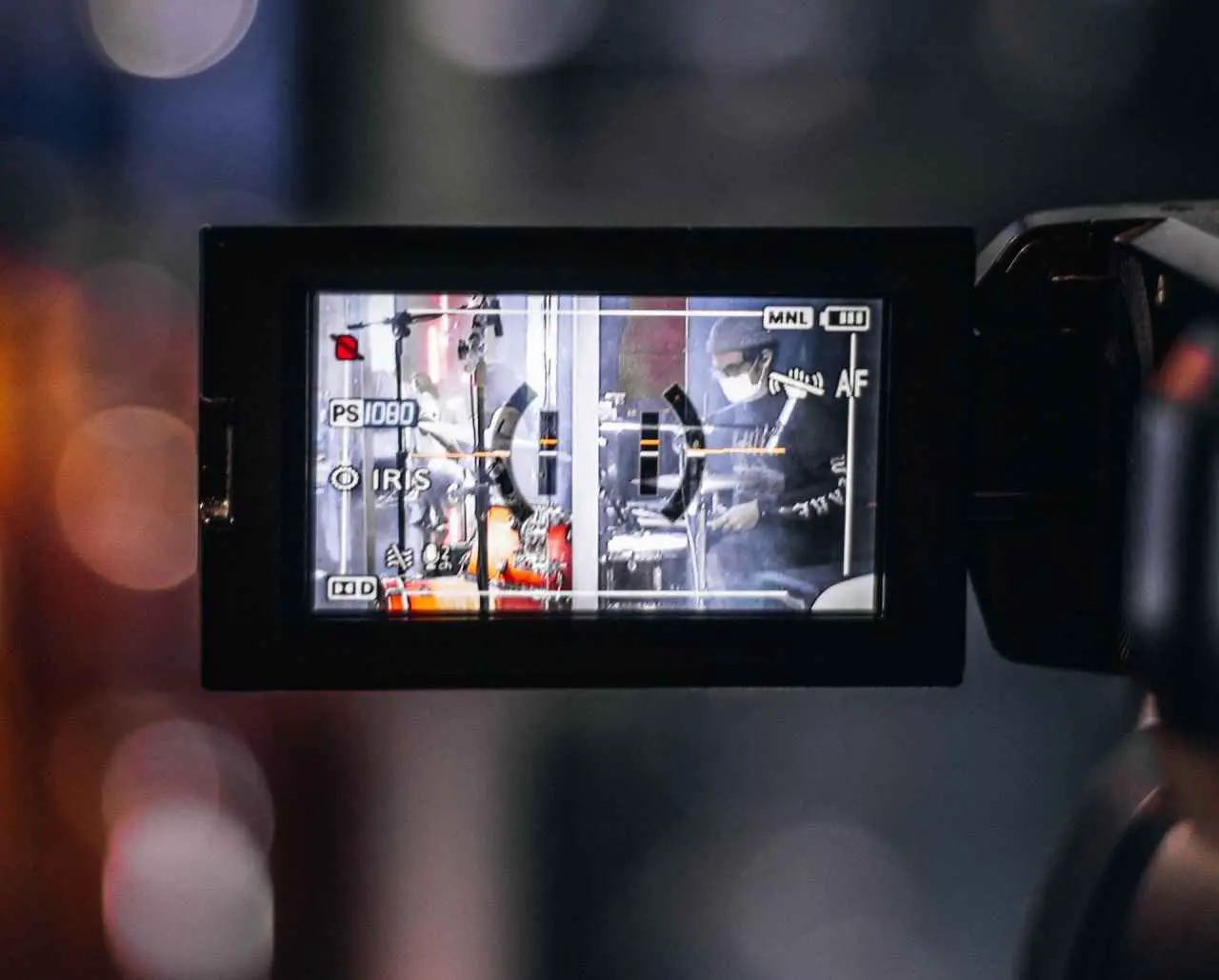
The articles solve three main types of problems. First, they help you connect your phone to your Xbox One for streaming and casting, including how to use your phone as a webcam for Twitch, how to stream videos from your phone, and how to use the Xbox One Wireless Display. Second, they address wireless connectivity issues, such as how to improve wireless strength on your Xbox One, how to connect a wireless keyboard and mouse, and how to pair a wireless controller. Third, they focus on headset and audio setups, covering how to connect a Turtle Beach headset, a Logitech wireless headset, a Corsair Void headset, a USB headset, and how to hear game audio through your headset.
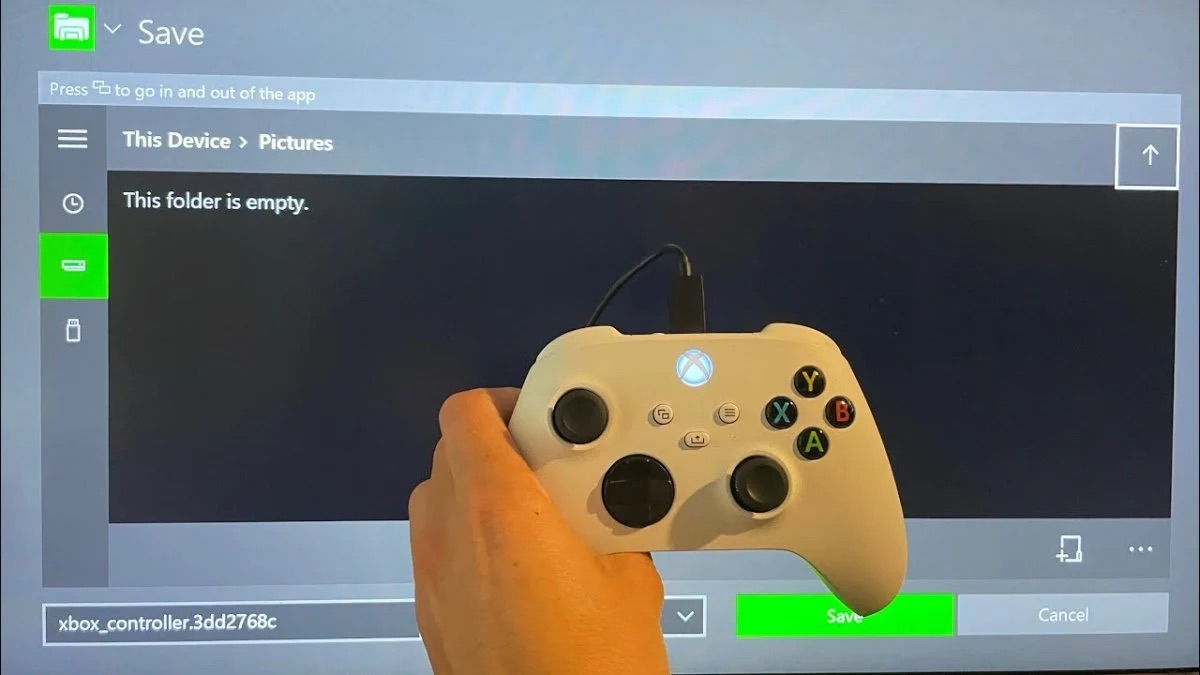
Specific topics you can find here include deleting saved game data, connecting to an Xfinity Wi-Fi hotspot, and pairing a wireless controller. Each article helps you perform a specific task, like getting your phone to act as a camera for your stream or making your headset work properly, without unnecessary complexity.