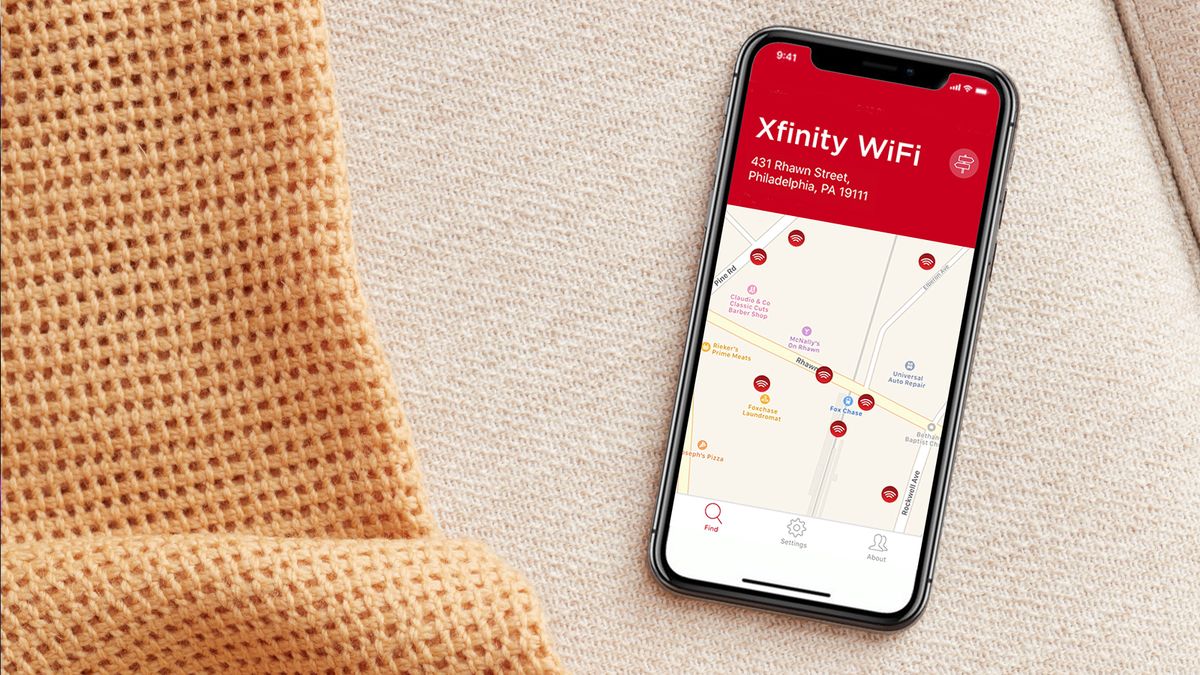
An Xfinity Wi‑Fi hotspot is Comcast’s public xfinitywifi network that eligible Xfinity Internet customers can use to get online while away from home. Whether you are at a café, airport, or shopping center, the Xfinity wifi hotspot gives you a way to connect your phone or laptop without using your mobile data plan.
What is an Xfinity Wi‑Fi hotspot?
Xfinity Wi‑Fi Hotspot is Comcast’s public hotspot service. It lets eligible Xfinity Internet customers use the xfinitywifi network away from home. There are two types of hotspots: public hotspots in locations like cafes and airports, and the optional home hotspot that some Xfinity gateway customers can broadcast from their own router. The home hotspot can be turned on or off at any time.
How to connect to an Xfinity Wi‑Fi hotspot
The universal manual connection steps work the same on any device:
- Open your device’s Wi‑Fi settings and make sure Wi‑Fi is on. Xfinity says to open Settings > Wi‑Fi and make sure Wi‑Fi is On (iPhone-specific step).
- Select the xfinitywifi network from the list of available networks. Xfinity says to go to Settings > WiFi, select xfinitywifi, then use the browser redirect to sign in if needed (Android-specific step).
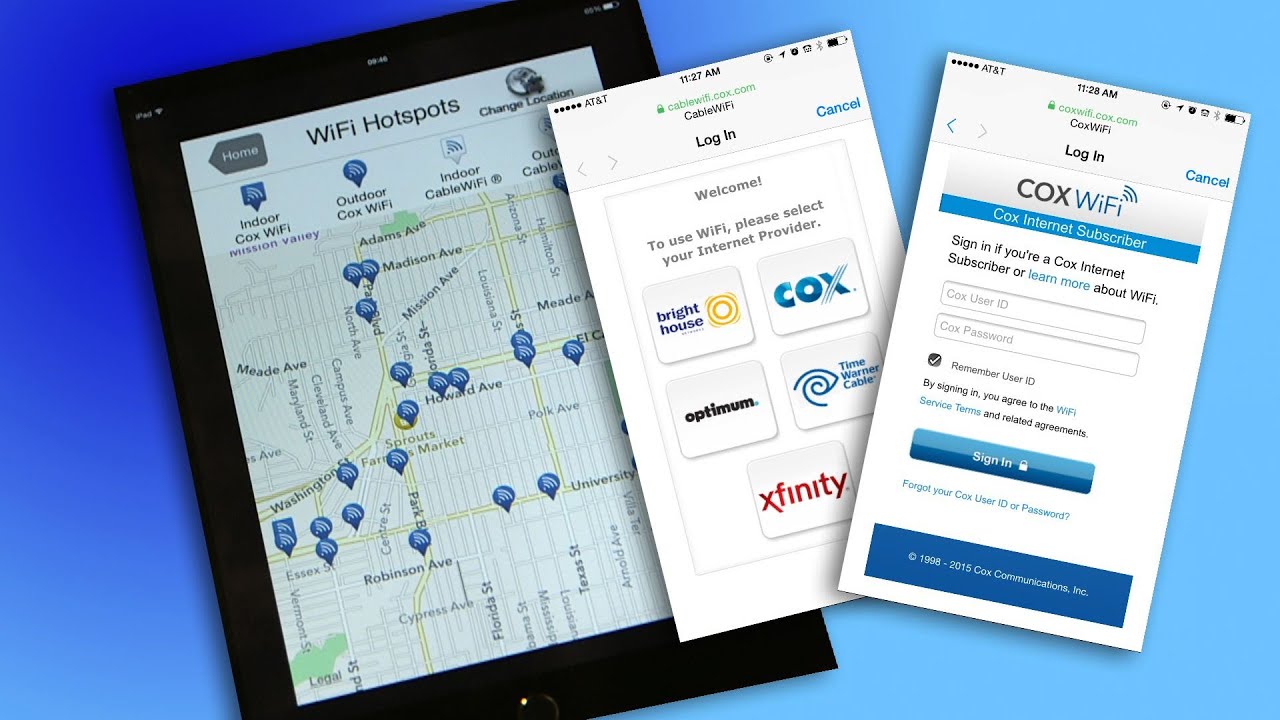
- Wait for the browser redirect page to appear automatically. If it does not, open a web browser and go to any website to trigger the sign‑in page.
- Complete the sign‑in with your Xfinity account credentials.
How to auto-connect on iPhone and iPad
To get the most convenient experience and automatically connect whenever you are near a hotspot, use the Xfinity app. If a previously installed Xfinity WiFi Hotspots app exists on the device, it must be deleted before using the current Xfinity app flow on iPhone, iPad, or iPod touch. If you have an old Xfinity WiFi Hotspots app installed, delete it first.
- Sign in to the Xfinity app.
- Go to WiFi > WiFi hotspots.
- Tap Connect automatically.
- Tap Auto-connect now.
How to auto-connect on Android
Android users can also set up secure auto-connect through the Xfinity app. This is the best way to get personal hotspot access without manual sign‑ins each time.
- Download and sign in to the Xfinity app from Google Play.
- Go to WiFi > WiFi hotspots.
- Follow the on‑screen instructions to install the secure auto-connect profile.
If the profile installation fails, grant the required permission: go to Settings > Apps > three dots > Special access > Wi‑Fi control, select Xfinity, and allow Wi‑Fi control.
How to turn your home Xfinity hotspot on or off
If your Xfinity gateway broadcasts a home hotspot, you can manage it from the Xfinity app or your account page.
In the Xfinity app, go to WiFi > View WiFi equipment > Advanced settings > Xfinity WiFi hotspot network and use the toggle to turn the public hotspot on or off.
On the account website, navigate to customer.xfinity.com/#/settings/security/hotspot and use the Turn On or Turn Off controls.
Frequently Asked Questions
What is the difference between “xfinitywifi”, “XFINITY”, and “Xfinity Mobile” SSIDs?
Guests and non‑customers should see the xfinitywifi network. Xfinity Internet customers may also see XFINITY or Xfinity Mobile SSIDs in some situations, depending on their account type and location.
Are there any session limits or data caps on Xfinity Wi‑Fi hotspots?
Can Xfinity Mobile customers on iOS with a different carrier use auto-connect?
No. The secure auto‑connect feature is not available to Xfinity Mobile customers using the Xfinity app on iOS devices with a different mobile carrier.
What devices are compatible with Xfinity Wi‑Fi hotspots?
Xfinity links to a PDF titled 2025.03.25 Full List of Compatible Devices, though exact supported models were not in retrieved text.
How do I connect to Xfinity Wi-Fi Hotspot?
Select the 'XFINITY' network and open a browser to enter your credentials or create an account.
Is Xfinity Wi-Fi Hotspot secure?
Xfinity addresses encryption and recommends using a VPN for extra security.
Can I use Xfinity Wi-Fi Hotspot for free?
Internet customers get free sessions per month, and paid access passes are available.
Where can I find Xfinity Wi-Fi Hotspot locations?
Use the hotspot finder tool on the website or the Xfinity Wi-Fi app.
For the wider topic, see get personal hotspot.
Related reading: How To Set Up Xfinity Wi-Fi Hotspot.