To deactivate a phone number from Apple and Google services, you remove it from Messages, FaceTime, and your Google account, you do not cancel your mobile carrier line.
Remove your phone number from iPhone Messages and FaceTime
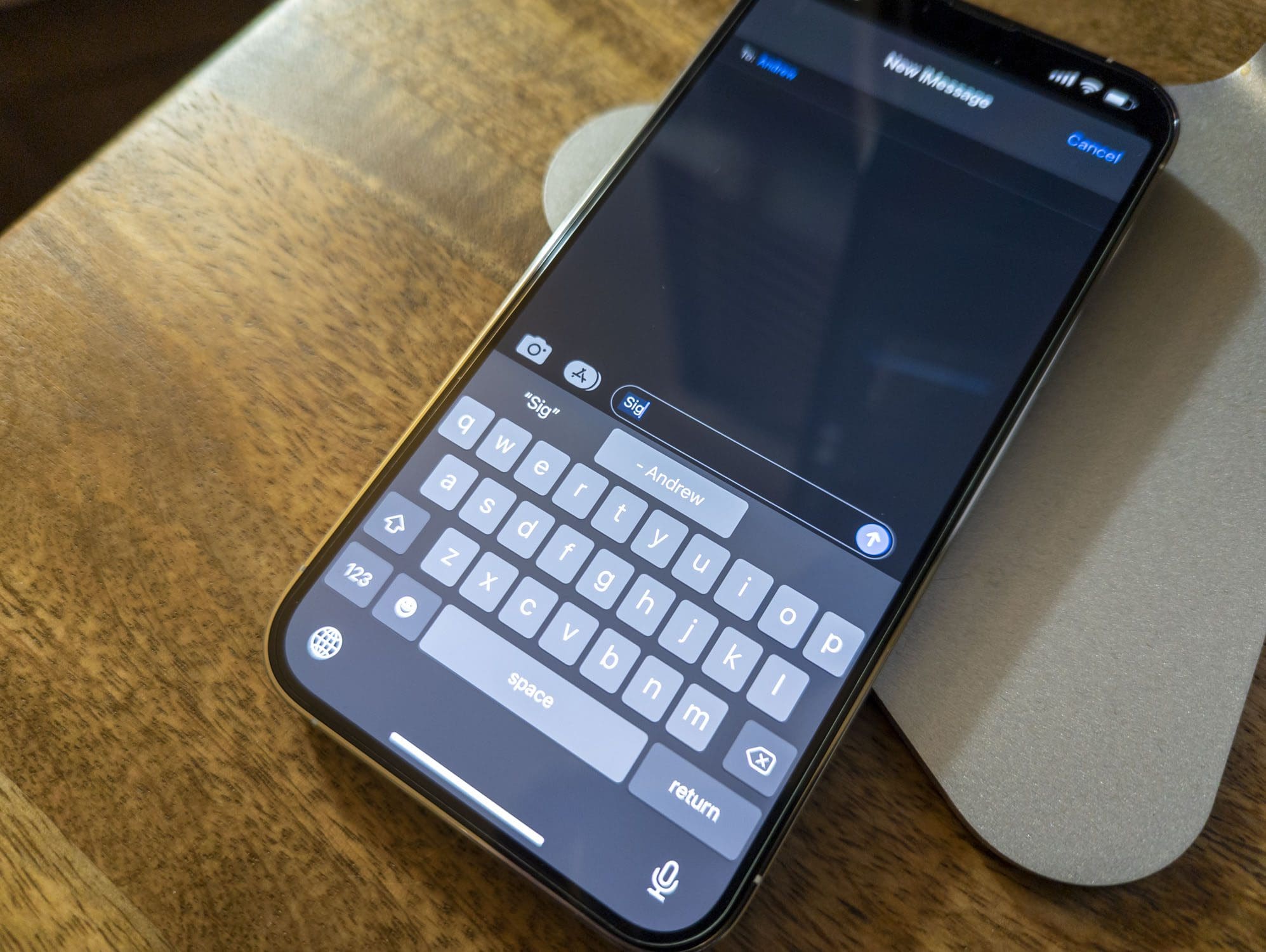
- Open Settings > Apps > Messages > Send & Receive.
- Tap your Apple Account at the bottom of the screen and tap Sign Out.
- Go to Settings > Apps > FaceTime, tap your Apple Account, and choose Sign Out.
If the phone number belongs to an iPhone you cannot access, change your Apple Account password instead. This action removes the number from Messages and FaceTime on all Apple devices signed into that account.
Remove your phone number from a Google account on Android
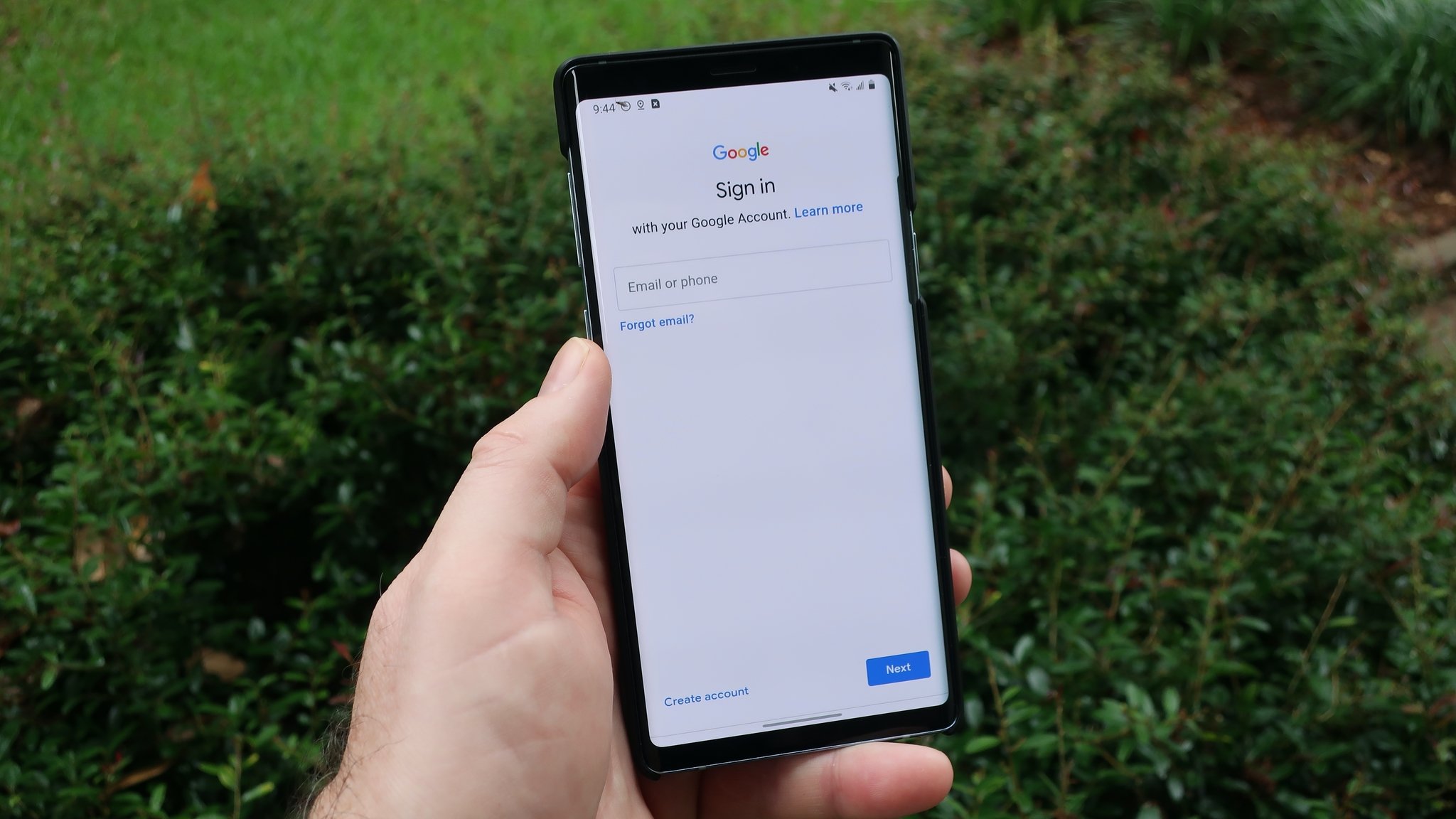
- Open Settings > Google > Manage your Google Account.
- Tap Personal info, then under Contact info tap Phone.
- Next to the number, tap Delete or Remove number.
To remove a recovery phone number, go to Security & sign-in > Recovery phone > Delete. You may need to sign in before completing these steps.
Remove your phone number from a Google account on iPhone or iPad
- Open the Gmail app and tap your profile picture or initial.
- Select Manage your Google Account > Personal info > Phone.
- Choose Remove phone number or Remove number.
For the recovery number, use Security & sign-in > Recovery phone and follow the on-screen steps to delete it.
Confirm the phone number is removed
On iPhone, check Messages > Send & Receive and FaceTime settings, no number should appear. On Google, verify the number no longer shows under Personal info > Phone or Recovery phone. These steps do not cancel your carrier service; they only unlink the number from Apple and Google accounts.
Limitations and what these steps do not do
These procedures unlink the phone number from Apple and Google services only. Carrier deactivation requires contacting your service provider directly. If you are under a contract or have outstanding obligations like device installment plans, your service provider can explain any fees or repercussions associated with deactivation. For mobile deactivation, you may need to provide the IMEI number of the device linked to the number to confirm the association and prevent unauthorized deactivations. For business phone numbers, you might need to provide details like the business name or tax identification number to differentiate from personal accounts. If porting your number to a new provider, you may need a Porting Authorization Code (PAC) to coordinate deactivation and transfer. For topics like porting and releasing phone numbers, see the related page on porting, transferring, and changing your number. If you need to reach your carrier, for example to call Verizon wireless from cell phone, use the customer service number from your provider’s website or billing statement.
Frequently Asked Questions
Can a removed phone number be re-added to my Apple or Google account?
Yes. On iPhone, you can sign back into Messages and FaceTime with the same Apple Account, and the number will reappear if it is still associated with that account. On Google, you can add the number again under Personal info > Phone.
How long does it take for the removal to take effect?
Removal from Apple Messages and FaceTime takes effect immediately after signing out. Google account changes also apply right away, though it may take a few minutes for the change to sync across all devices signed into that account.
Does removing my number from Apple or Google affect my carrier line?
No. Removing the number from Messages, FaceTime, or your Google account does not cancel your mobile service or deactivate your SIM card. Your carrier line remains active until you contact your service provider to end the service.
Can I reactivate a deactivated phone number?
In many cases, yes, by contacting your service provider, though conditions or fees may apply.
Will deactivating a phone number affect my account or contract?
It may not, but you should review your service agreement's terms and conditions to understand any potential implications.