To deactivate a Boost Mobile phone, you must call Boost Customer Care at 833-502-6678 to cancel your line and stop billing. There is no self-service button, app menu, or online flow that lets you deactivate a Boost Mobile phone on your own.
How to deactivate a Boost Mobile phone: The direct answer
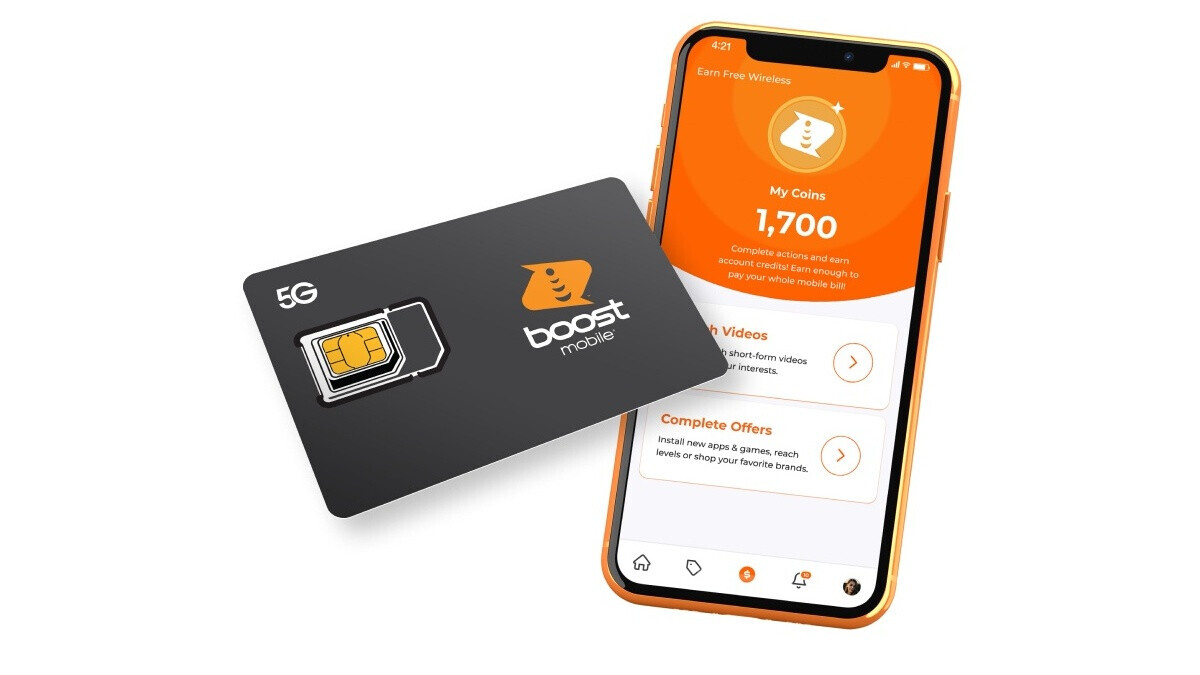
Boost Mobile does not provide a "deactivate phone" button in its app, website, or device settings. Boost Mobile operates as an MVNO on the T-Mobile network. The only documented way to cancel your service and stop future charges is to contact Boost Customer Care at 833-502-6678. You can also dial 611 from your Boost Mobile phone as an alternative contact method. A representative will verify your account and process the cancellation. You cannot complete this step by simply removing the SIM or eSIM from your phone.
What removing the SIM or eSIM actually does
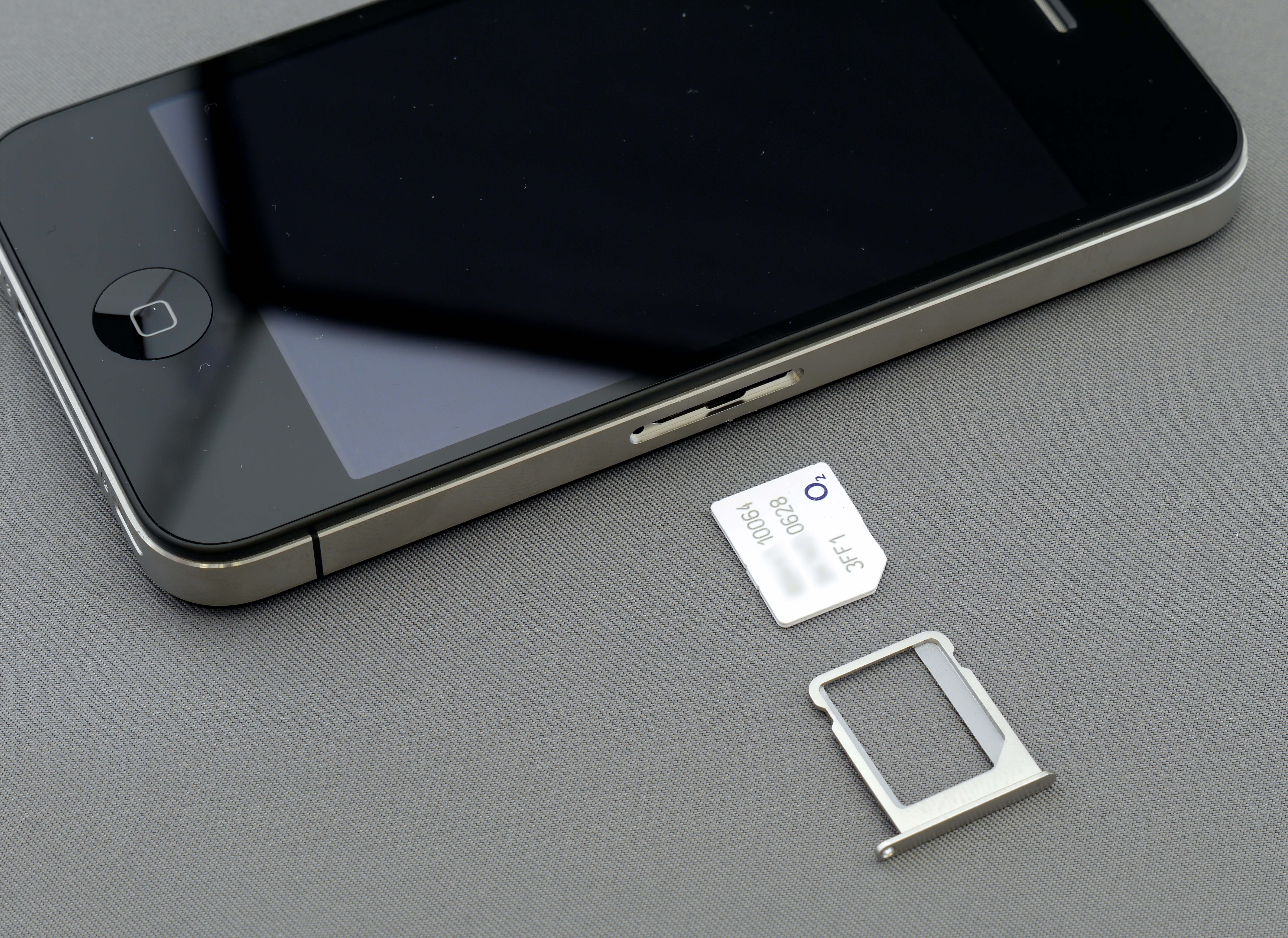
Removing the physical SIM card from the tray, or deleting the eSIM from your phone's settings, only removes service from that specific device. It does not cancel your Boost Mobile account, stop billing, or release your phone number. If your goal is to end your Boost Mobile services, you must still call 833-502-6678 to cancel the account. The device-side action is a separate step that prevents the phone from connecting to the network, but the carrier continues to bill you until the account is formally closed.
iPhone and iPad eSIM removal steps
If you want to remove the eSIM from an iPhone or iPad so it no longer connects to the network, Apple documents these exact menu paths:
- Open Settings > Cellular (on iPhone) or Settings > Cellular Data (on iPad).
- Tap the plan you want to erase.
- Tap Delete Plan, Remove Cellular Plan, or, if there is only one plan, Delete eSIM.
Apple explicitly states that removing the eSIM from the phone does not cancel the cellular plan. The carrier must still be contacted separately to cancel service. These steps work for any iPhone or iPad with an eSIM, regardless of carrier, and do not require a specific Boost Mobile plan or device model.
What to do before you call
Before you dial 833-502-6678, take a few minutes to prepare so the call goes smoothly:
- Back up your data. Save contacts, photos, and other important files to a computer or cloud service. Once the line is canceled, you may lose access to carrier-dependent services.
- Remove the SIM card or memory card from the phone before deactivating. This ensures your personal data stays with you and not with the device if you dispose of it or pass it on.
- Cancel or transfer any active subscriptions tied to the phone before deactivation. This includes app store subscriptions or third-party services billed through your Boost Mobile account to avoid future charges.
- Settle any outstanding balance. Boost Mobile may require payment of any unpaid amounts before processing a cancellation.
- Know your account details. Have your account number, phone number, and PIN or password ready. This speeds up verification and reduces the chance of a second call.
Unlocking your phone after deactivation
If you plan to take your phone to another carrier, request an unlock when you call to cancel. Boost Mobile's unlocking policy also routes through 833-502-6678. The same customer care team that processes cancellations handles unlock requests, so you can handle both in a single call. After the unlock is approved, your device can accept a SIM card from a different carrier.
Frequently Asked Questions
Does removing the SIM cancel Boost service?
No. Removing the physical SIM or deleting the eSIM only disconnects the device from the network. The account remains active, and Boost Mobile continues to bill you until you call to cancel.
Can I deactivate a Boost Mobile phone in the Boost app?
The only documented method is calling Boost Customer Care at 833-502-6678.
Can I reactivate later?
Contact customer care at 833-502-6678 to ask about reactivation options.
What happens to my number when I deactivate?
When you cancel your line, your phone number is released. If you want to keep it, you must port the number to another carrier before the cancellation is processed. Once the account is closed, the number may be reassigned.
Can I transfer my Boost Mobile phone number to another carrier after deactivation?
No. You must port your number to the new carrier before you deactivate your Boost Mobile account. Once the account is closed, the number is released and cannot be transferred.
For provider-specific activation steps, see uPhone’s eSIM installation guide; exact menu names can vary by phone and software version.
More eSIM resources: Browse our eSIM guides and troubleshooting resources for compatibility, setup, travel-data and account-safety advice.
Related reading: How To Pay Your Boost Mobile Bill By Phone.