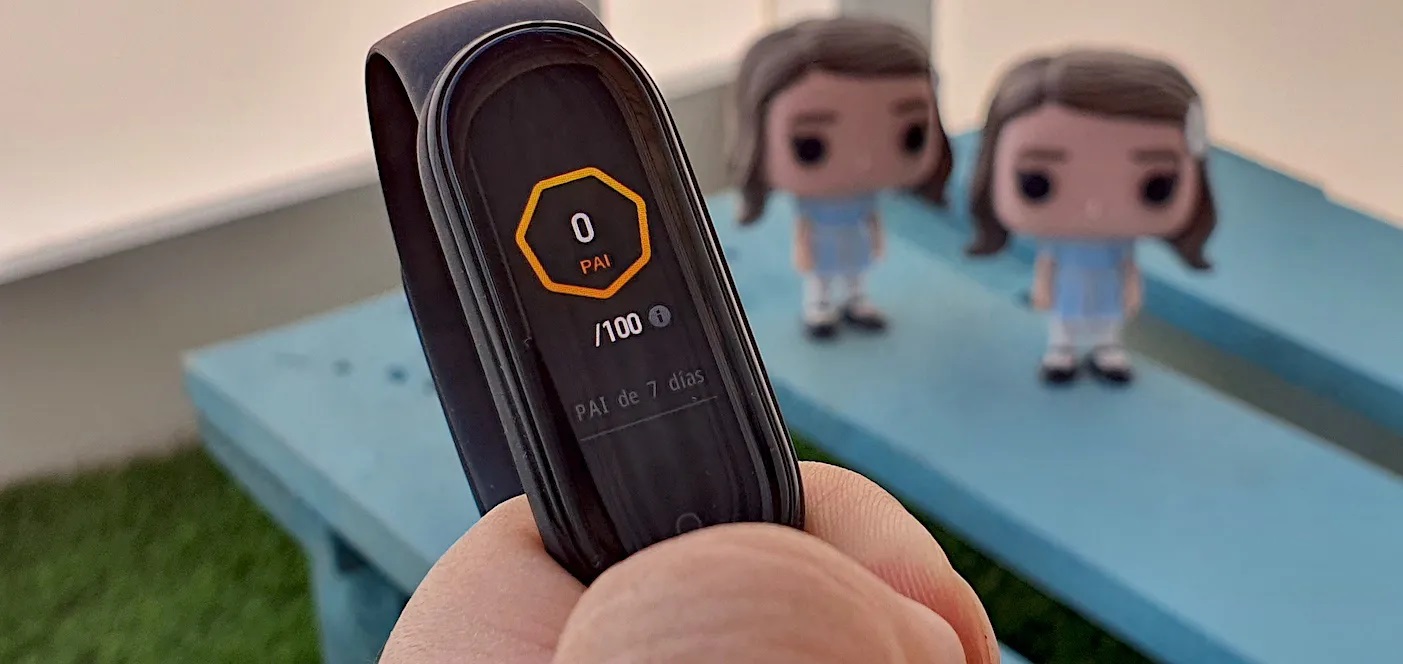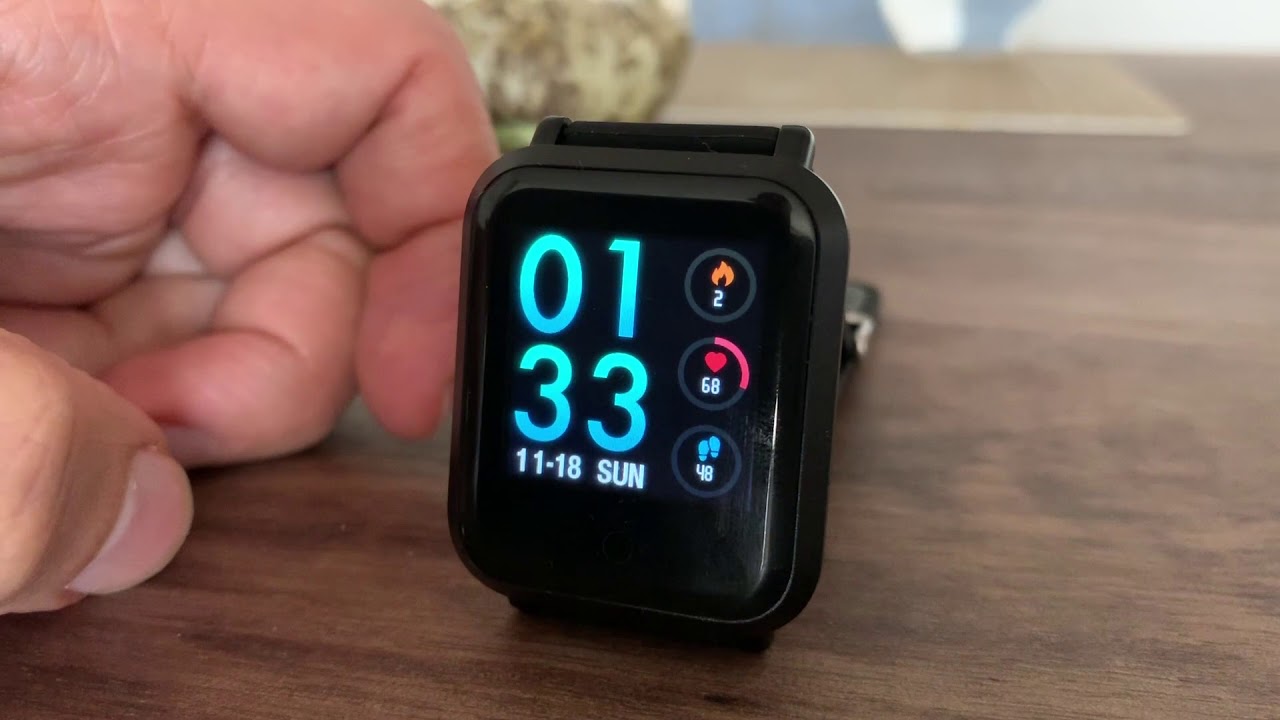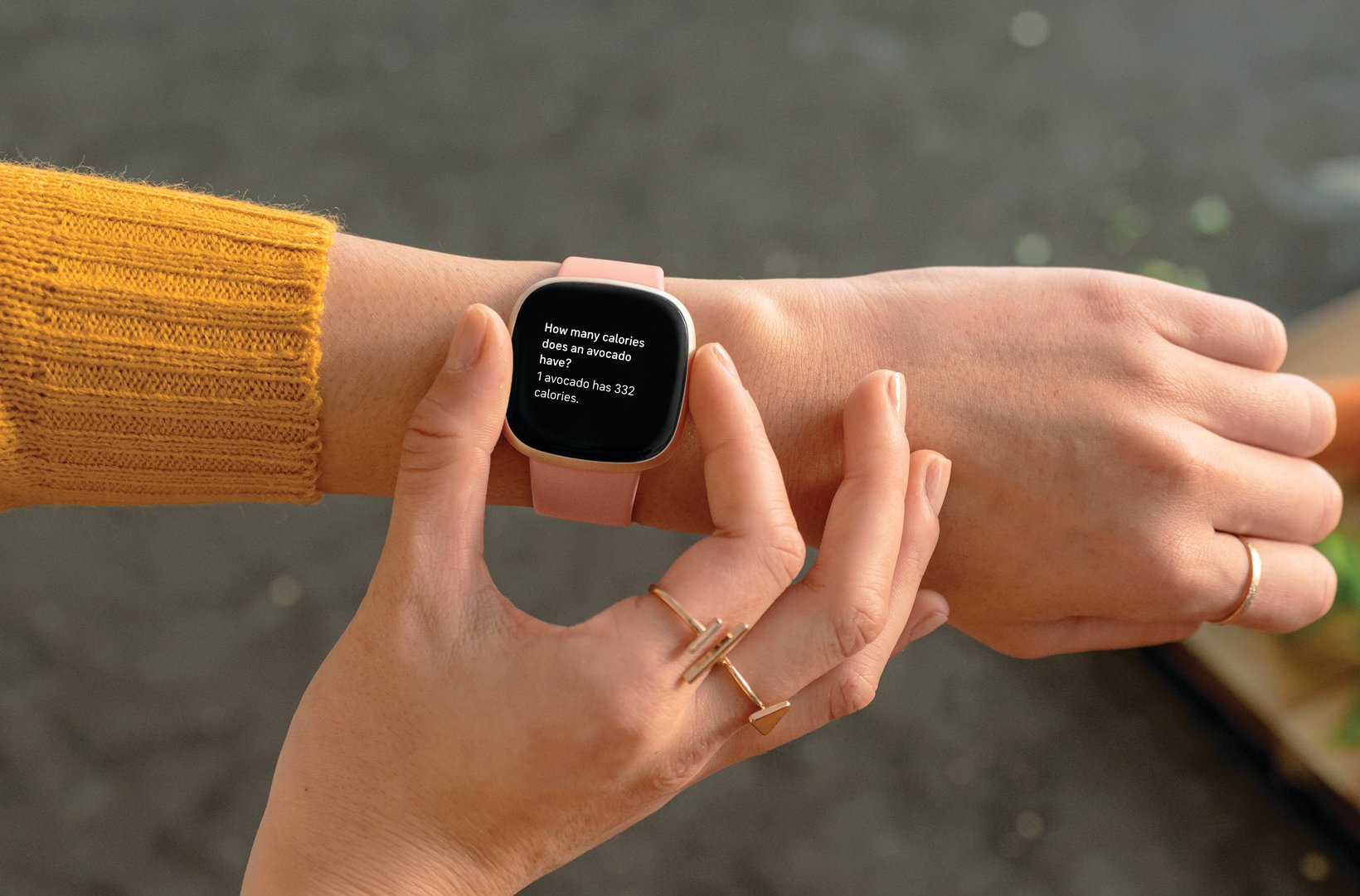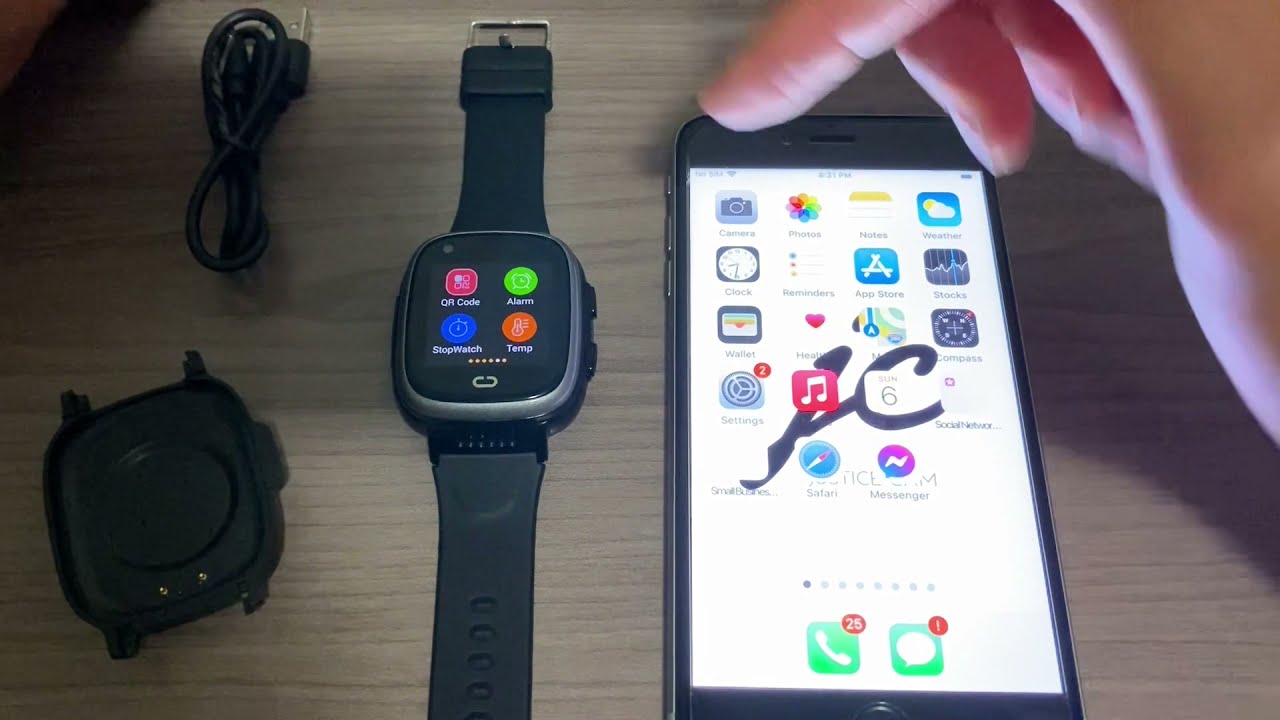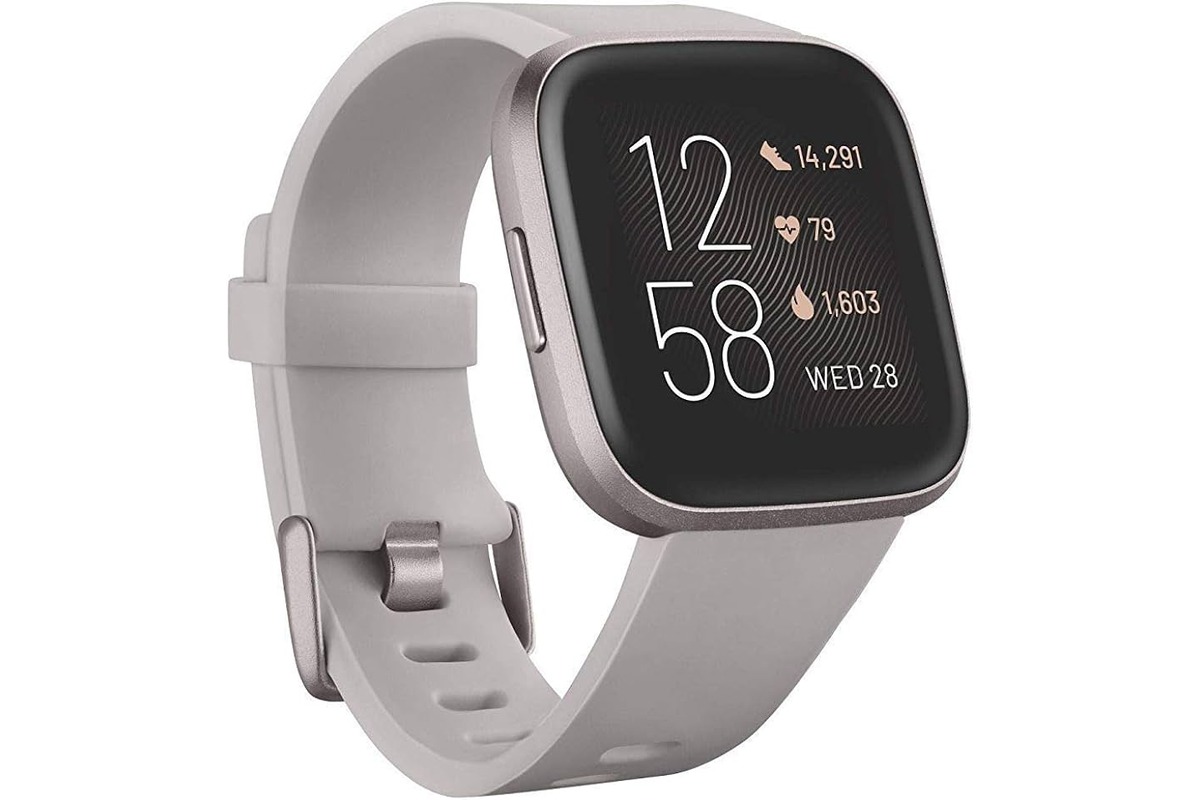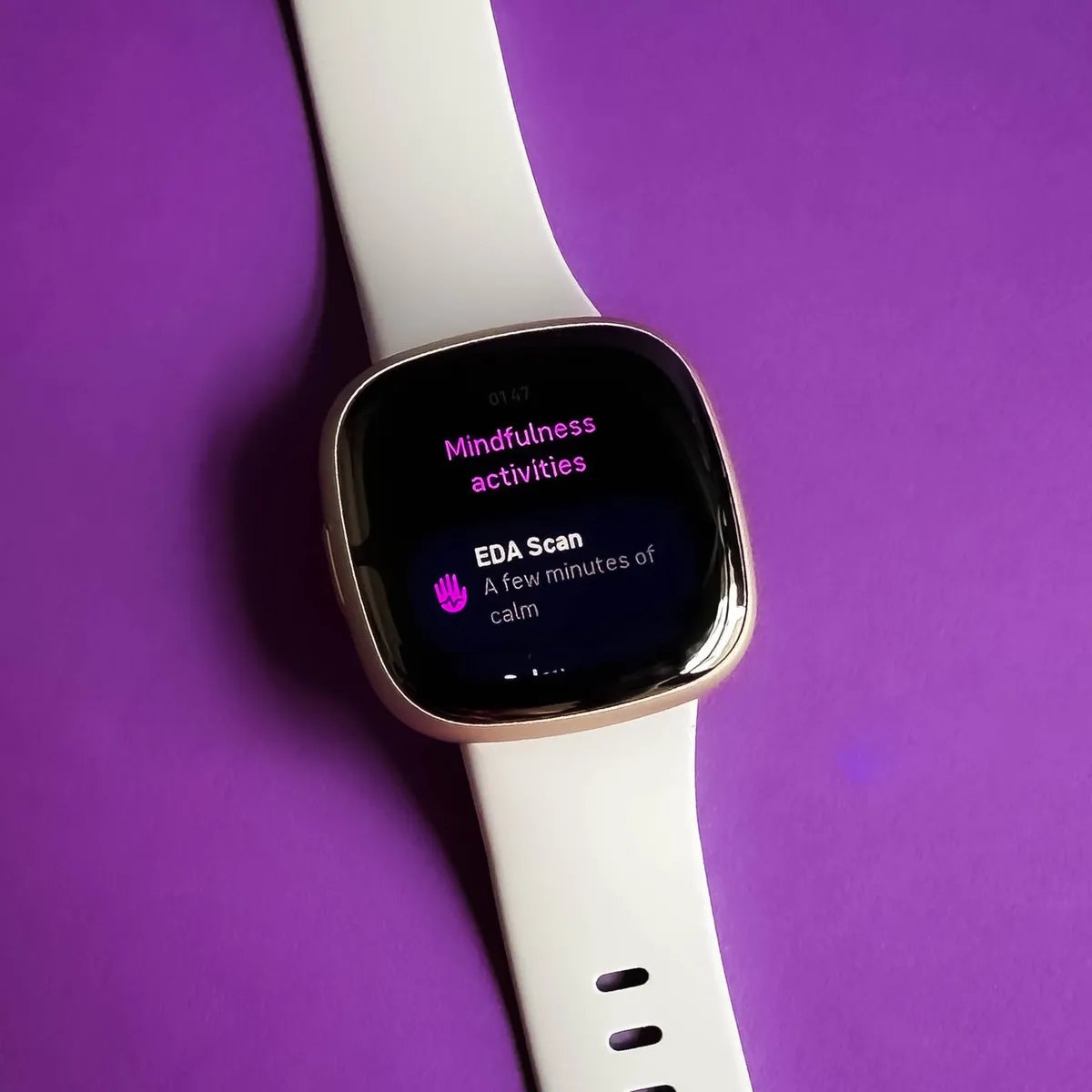
A wearable device is a small electronic product worn on the body, such as a smartwatch, band, or similar accessory, that pairs with a phone to track health, fitness, and notifications. The core idea behind what a wearable device is comes down to a simple relationship: the device on your wrist is managed through a companion app on your phone, which handles setup, data syncing, and feature control.
What Is a Wearable Device?
Manufacturer documentation from Apple, Samsung, and Google describes wearables as body-worn electronics that are paired to a phone and managed through a companion app or system settings. Common examples include the Apple Watch, Samsung Galaxy Watch, Galaxy Fit, and Wear OS watches. While the exact setup and features depend on the specific model, your phone platform, and the app used, the universal principle is that the wearable does not operate alone, it relies on a phone connection for most of its core functions.
How a Wearable Device Connects to Your Phone
Every wearable follows the same basic pairing principle, but the specific app and path vary by manufacturer. Apple’s documented setup path is to open the Apple Watch app, tap All Watches, then tap Add Watch, or tap Continue when the setup prompt appears on your iPhone. On iPhone, wait for 'Use your iPhone to set up this Apple Watch', then tap Continue. Samsung devices use the Galaxy Wearable app, with menu paths such as More options > Connect new device or Menu > Add new device. On iPhone, open Samsung Galaxy Watch or Samsung Galaxy Fit from the App Store, then tap START THE JOURNEY. On Android, Samsung says install Galaxy Wearable from the Galaxy Store or Play Store. Google’s Wear OS help page does not provide a universal setup flow; instead, it points users to manufacturer-specific device help, noting that the companion app varies by device maker.
Compatibility is a key limitation to understand. Samsung states that Wear OS Galaxy watches are not compatible with iOS devices, while some other Samsung wearables can be paired with an iPhone through Samsung’s iPhone apps. Apple also lists different iPhone and iOS requirements for different Apple Watch models, so what works for one model may not work for another.
Common Features of Wearable Devices
Manufacturers document a consistent set of features across their wearables, centered on health tracking, notifications, and device management. Turn on Apple Watch by pressing and holding the side button until the Apple logo appears. Apple’s support pages detail setup features like pairing by centering the watch face in the iPhone viewfinder, manually pairing if camera pairing fails, signing in via General > Apple Account, and creating a passcode. To create a passcode, tap Create a Passcode or Add a Long Passcode on iPhone. Samsung’s Galaxy Wearable app handles device management, including turning on Bluetooth before pairing and following carrier service activation prompts when they appear during setup. Google’s Wear OS pages list a Wear 3 OEM Companion app column, confirming that the companion app differs by device maker.
Practical Benefits of Using a Wearable
The practical advantages of a wearable come directly from the features manufacturers document. Health and fitness tracking is a core benefit, implied by Samsung’s Galaxy Fit category and Google Assistant’s wearable use cases for workouts. Notifications mirror to your wrist, giving you quick access to information without pulling out your phone. Hands-free communication is another real-world advantage, as wearables can surface calls and texts directly on your wrist. For those deciding between options, smartwatch and tracker comparisons help clarify which device type matches your priorities, whether that is deeper health metrics or broader app support.
Frequently Asked Questions
Can a wearable device work without a phone?
Most wearables require a phone for initial setup and ongoing management through a companion app. Some models can store limited data or play music independently, but the full feature set depends on the phone connection.
How long does it take to pair a wearable device?
Pairing typically takes a few minutes once Bluetooth is enabled and the companion app is installed. The exact time depends on the device model and whether you need to complete carrier activation or software updates.
What happens if my phone is not compatible with a wearable?
The wearable may not pair at all, or some features may be unavailable. Samsung Wear OS watches, for example, do not work with iOS devices, while Apple Watch requires an iPhone with specific iOS versions.
Related reading: What Is Pai On Smartwatch and How Does Smartwatch Work.