Before you switch to Mint Mobile
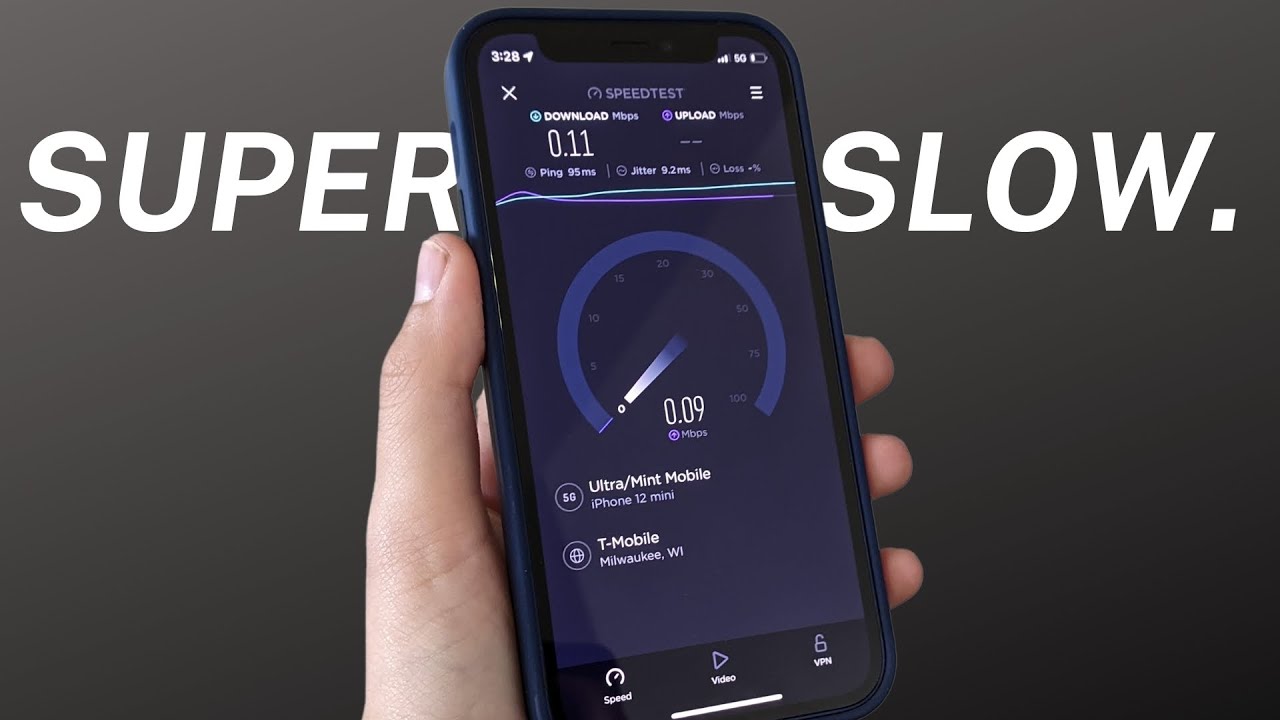
Before you switch to Mint Mobile, it is worth looking closely at the Mint Mobile network provider because your experience depends entirely on the underlying carrier’s towers in the places you live and work. Checking the Mint Mobile coverage quality for your specific zip code and frequent travel routes will tell you more than any nationwide map ever could, especially for indoor reception or rural stretches. While you review the latest plans, prices, and coverage, pay attention to the fine print that follows the advertised rate, including a recovery fee Mint Mobile adds to each monthly plan cycle alongside standard taxes. You will also want a clear picture of the Mint Mobile data cap consequences before you stream a movie on cellular, since exhausting your high-speed allotment on an unlimited plan may slow your connection enough to make most apps unusable until the next month resets your balance.
Signing up and bringing your number
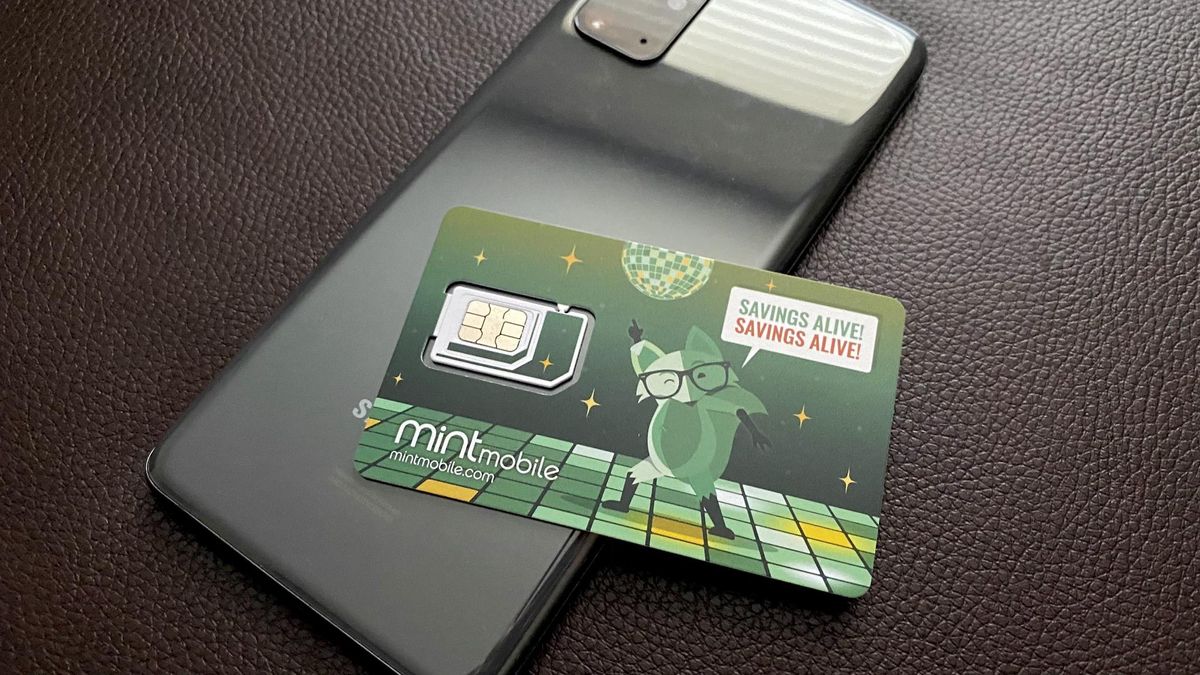
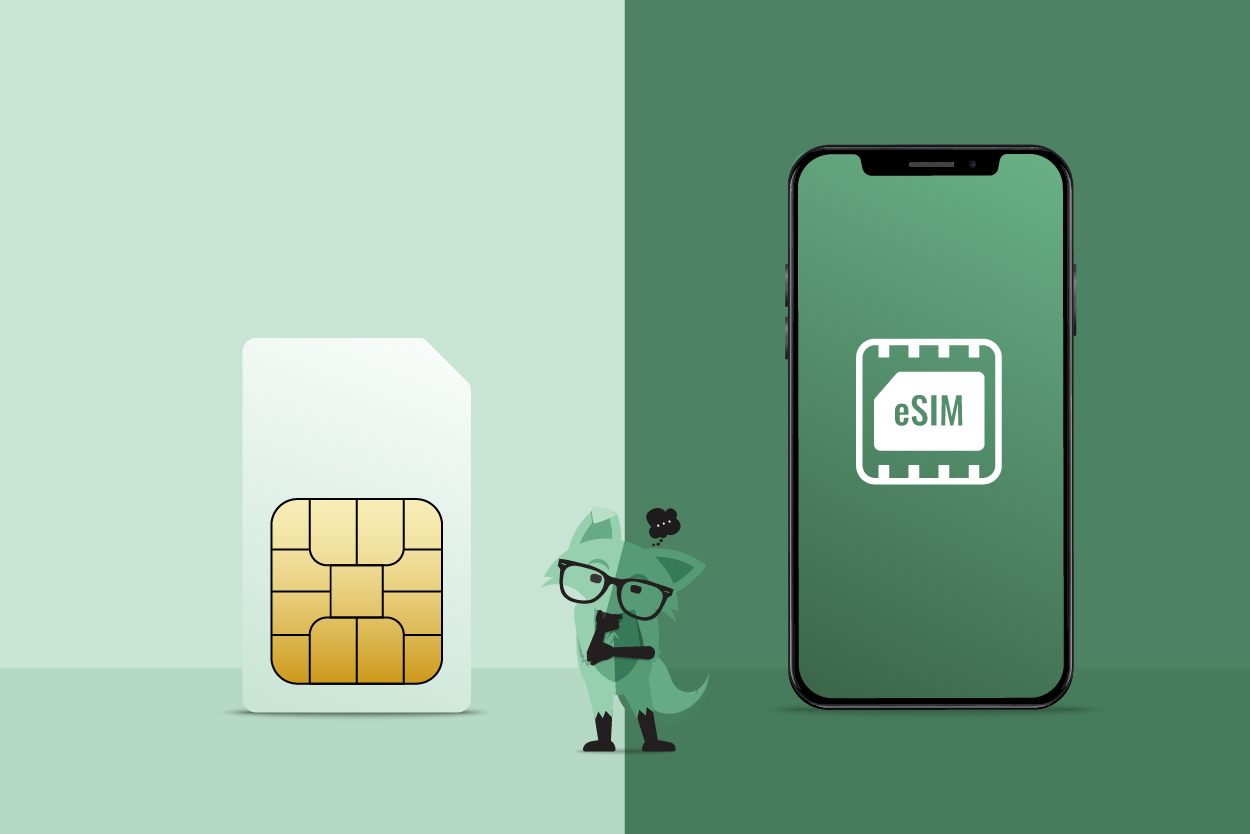
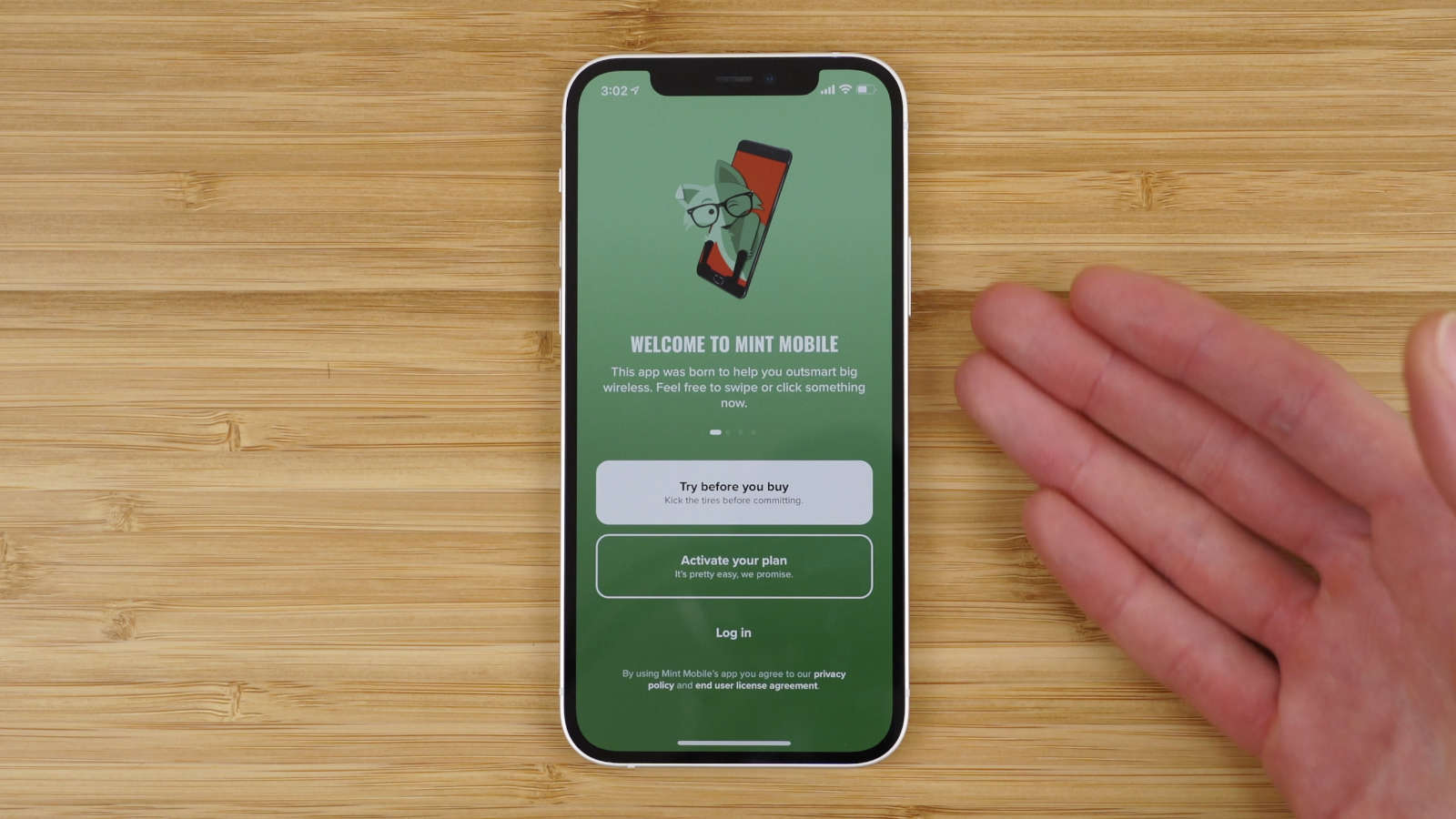
When you are ready to sign up for Mint Mobile and keep your phone number with Mint Mobile, the process hinges on one essential rule: do not cancel your old service beforehand, or you will permanently lose the number you intend to bring over. Start by gathering your current carrier’s account number, PIN or number transfer PIN, and billing ZIP code, which are typically available in your online account settings or on a recent bill. During activation, you will choose the option to keep your current number and enter that information when prompted. For anyone making the transfer from Verizon to Mint Mobile, the same steps apply. If you plan to switch to eSIM Mint Mobile, connect to Wi-Fi, ensure the Mint Mobile app is updated through the App Store or Google Play, then tap “Activate your SIM card” and follow the eSIM prompts or scan the QR code sent to your email. Once your service is active, you may later need to get my Mint Mobile account number for your own records, though the port-in process itself only requires your previous carrier’s details.
Setting up your service
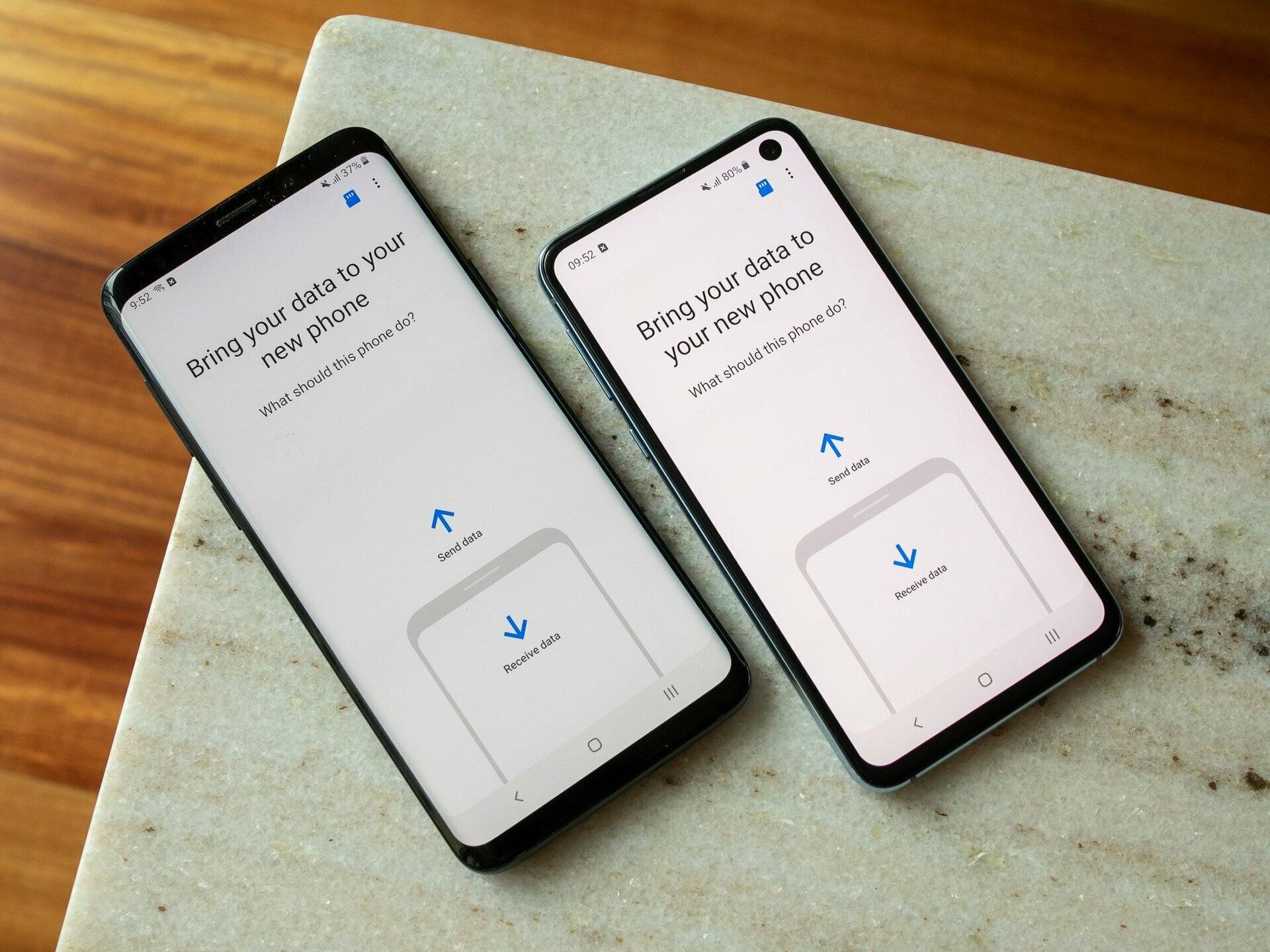
Once you have your account details from your previous carrier ready, you can set up Mint Mobile by following the instructions provided with your SIM kit. The actual Mint Mobile activation time can vary, so it is wise to set up voicemail on Mint Mobile by following the provided steps to create a personalized greeting and password. If you later decide to switch phones with Mint Mobile, the process depends on your SIM type and device, though for eSIM you can transfer your service to the new device.
Managing your account
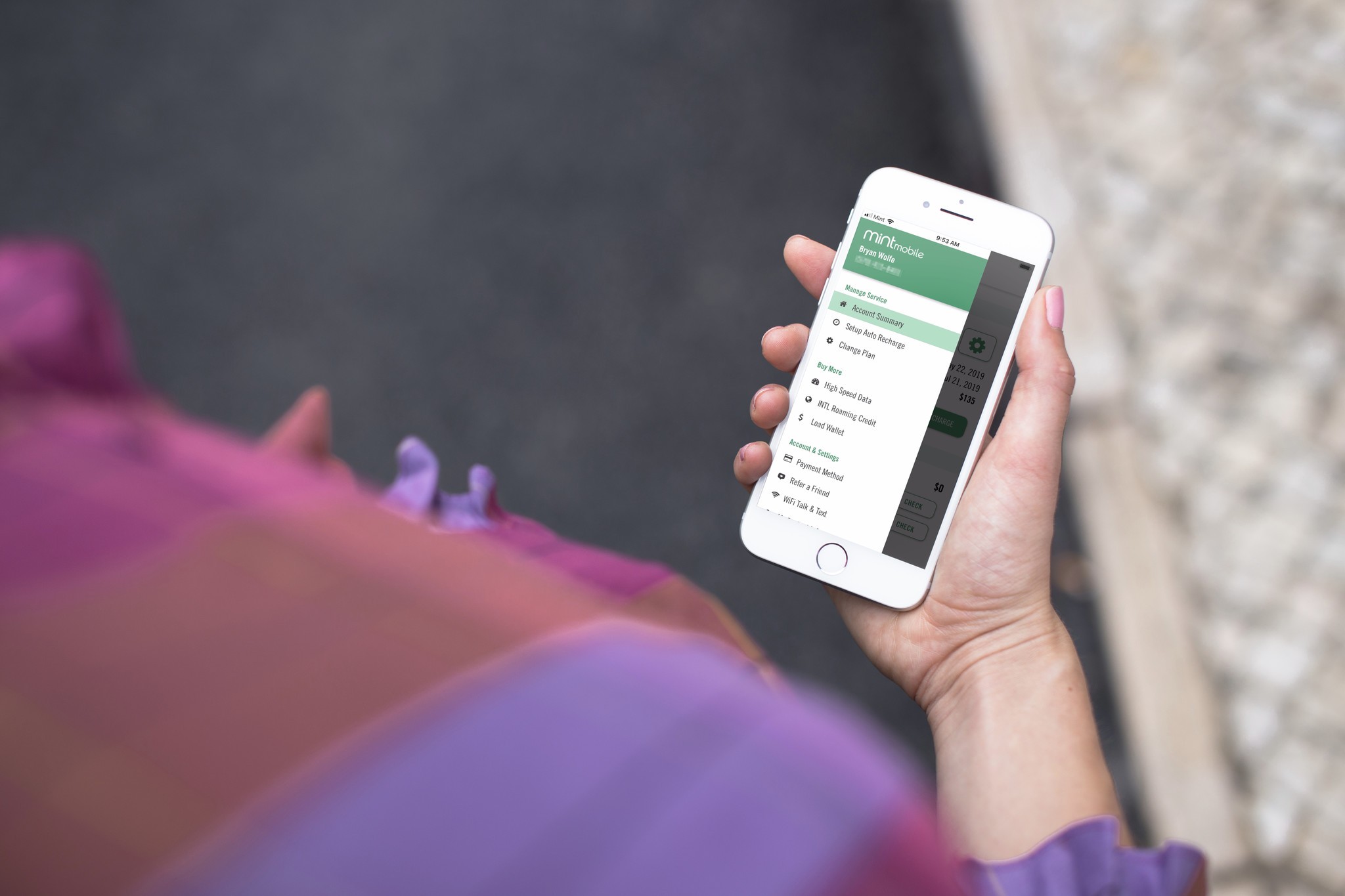
When you need to handle billing, you can pay my Mint Mobile bill by contacting support through the chat in the Mint App or by calling customer care, where you can also set up auto-renewal to avoid service interruptions. If your situation changes and you need a new line, you can change phone number in Mint Mobile through those same support channels, though a new number is typically assigned rather than chosen from a list. For those rare cases where service does not meet expectations, you can get a refund from Mint Mobile by contacting the care team promptly. Should you decide to leave, contact support before you cancel Mint Mobile to ensure you do not lose your number, and only cancel once your new service is fully active and your old number is working on the new line.
Frequently Asked Questions
Does Mint Mobile use T-Mobile towers?
Mint Mobile runs on T-Mobile's nationwide network. Your coverage and data speeds depend entirely on T-Mobile's signal strength at your home, workplace, and along your regular travel routes.
What happens when I use all my high-speed data on an unlimited plan?
Your connection slows to a crawl once you exhaust your high-speed allotment. Most apps become unusable until your monthly balance resets, so streaming or video calls are effectively off the table.
How do I find my Verizon number transfer PIN?
Log into your Verizon account online or in the My Verizon app and look under account settings for the Number Transfer PIN option. This is the PIN you enter during Mint's activation when keeping your current number.
How long does porting my number to Mint actually take?
Official Mint documentation does not specify a port-in time limit. The process typically completes quickly once you submit your previous carrier's account number, transfer PIN, and billing ZIP code during activation.
Can I set up voicemail on Mint Mobile from an Android phone?
Mint's official support pages do not document Android-specific voicemail setup steps. Contact Mint customer care at 1-800-683-7392 or use the chat in the Mint App for guided instructions tailored to your device.