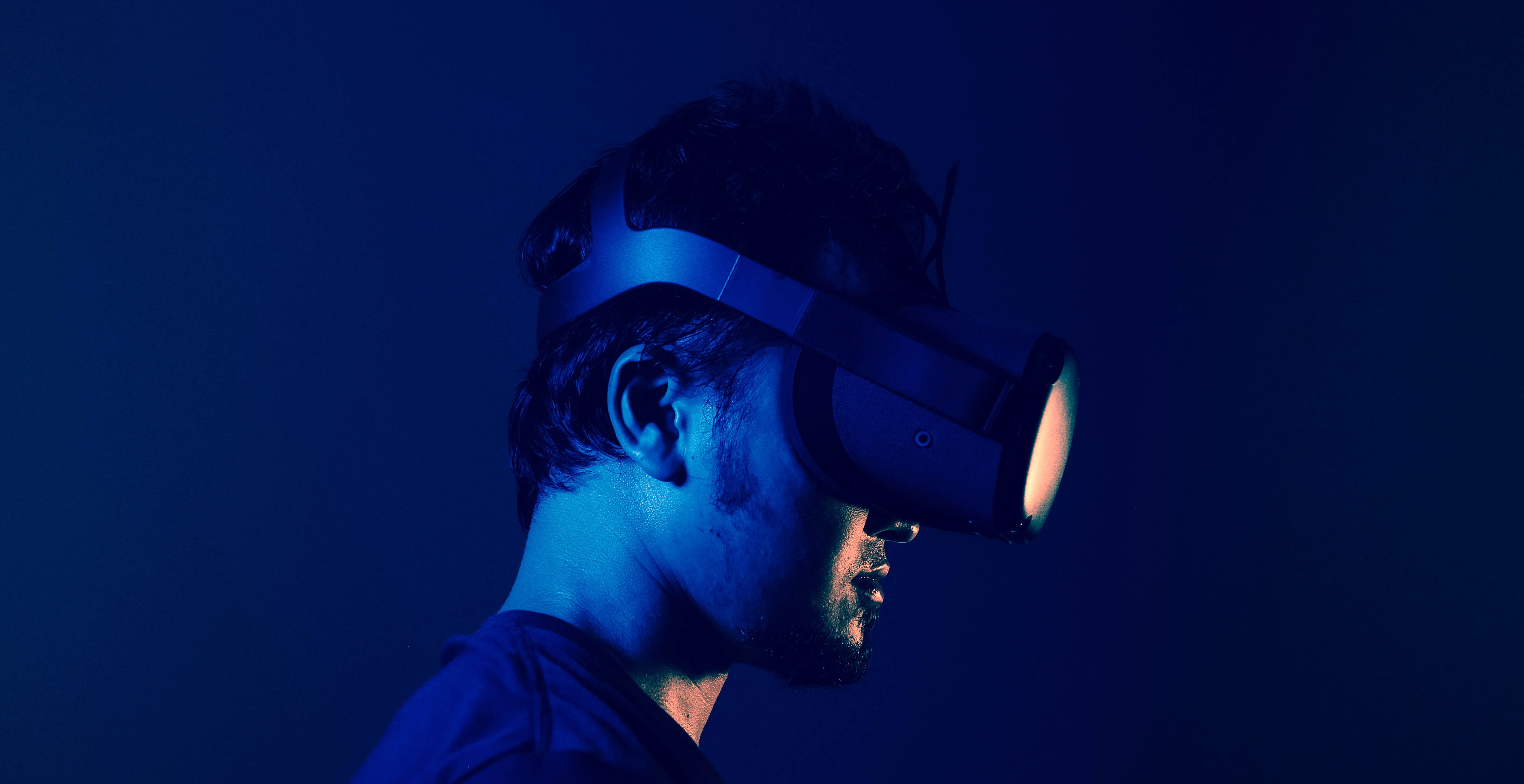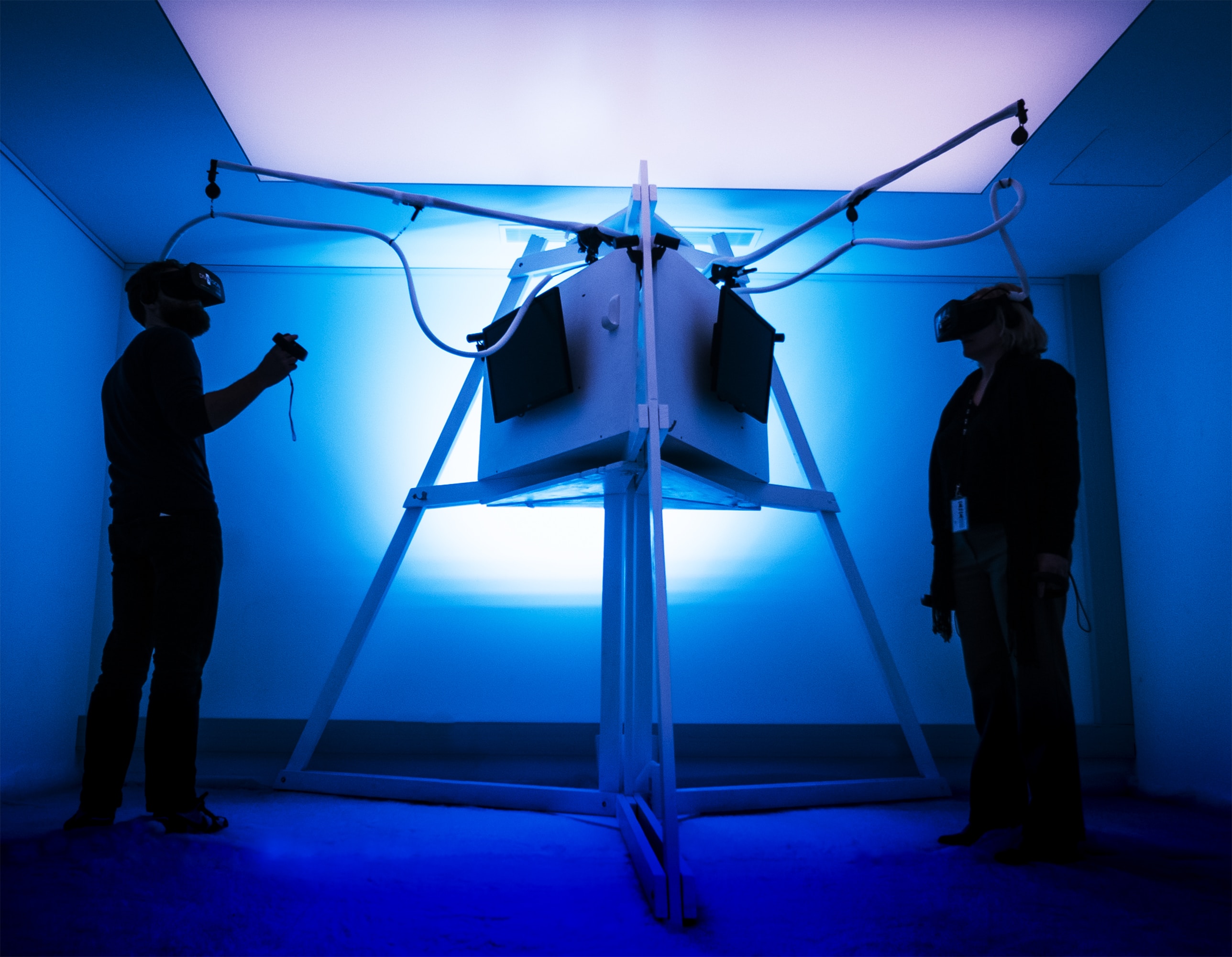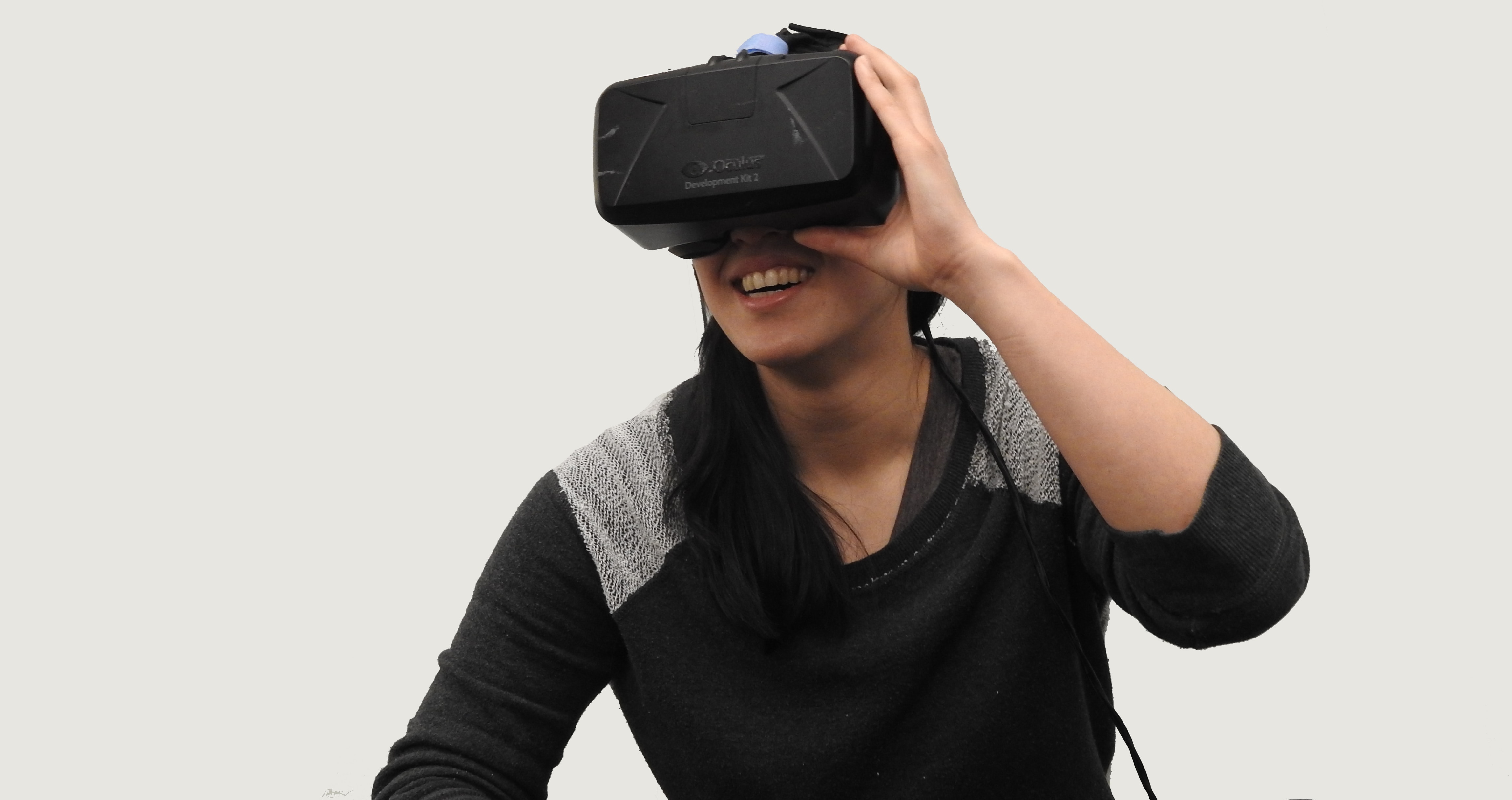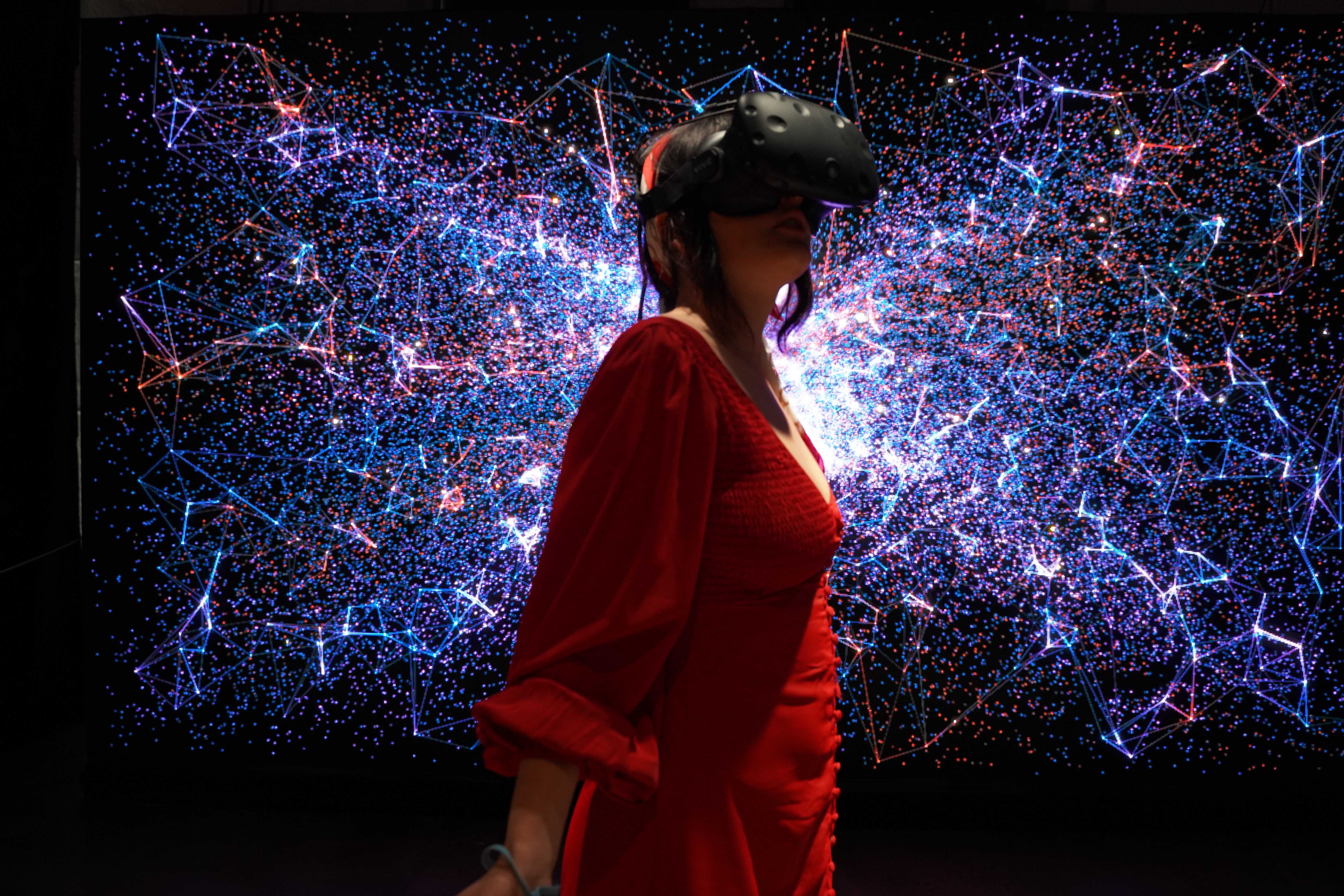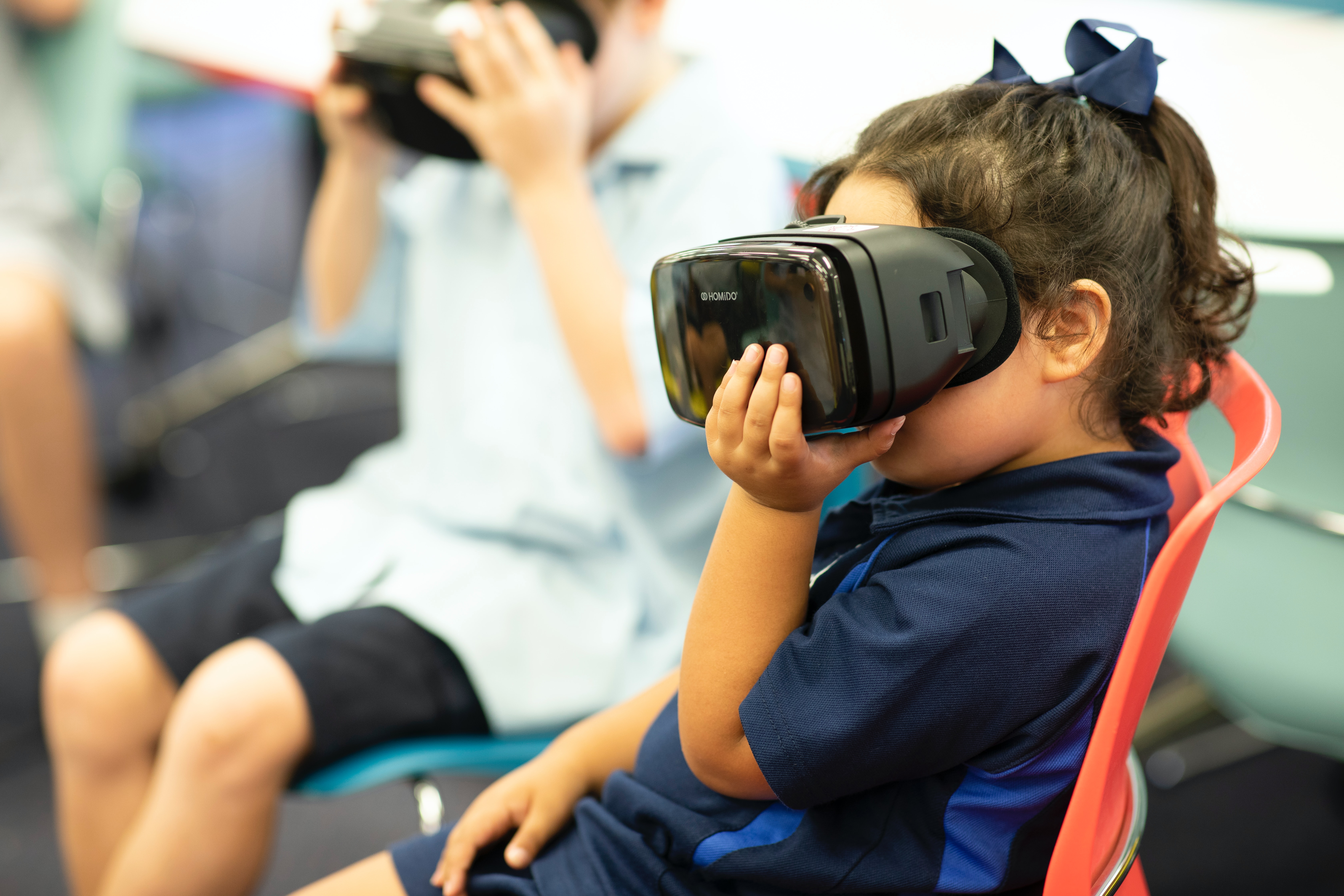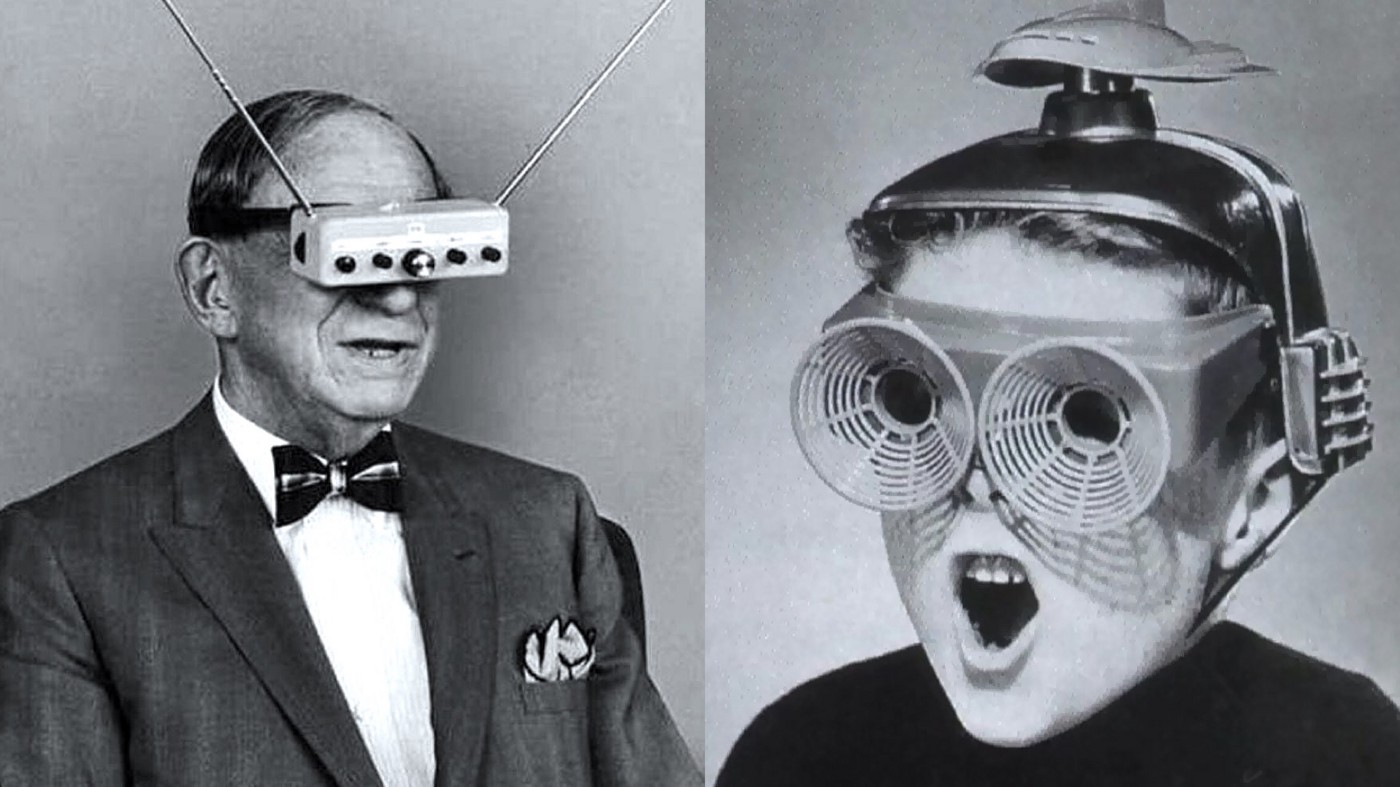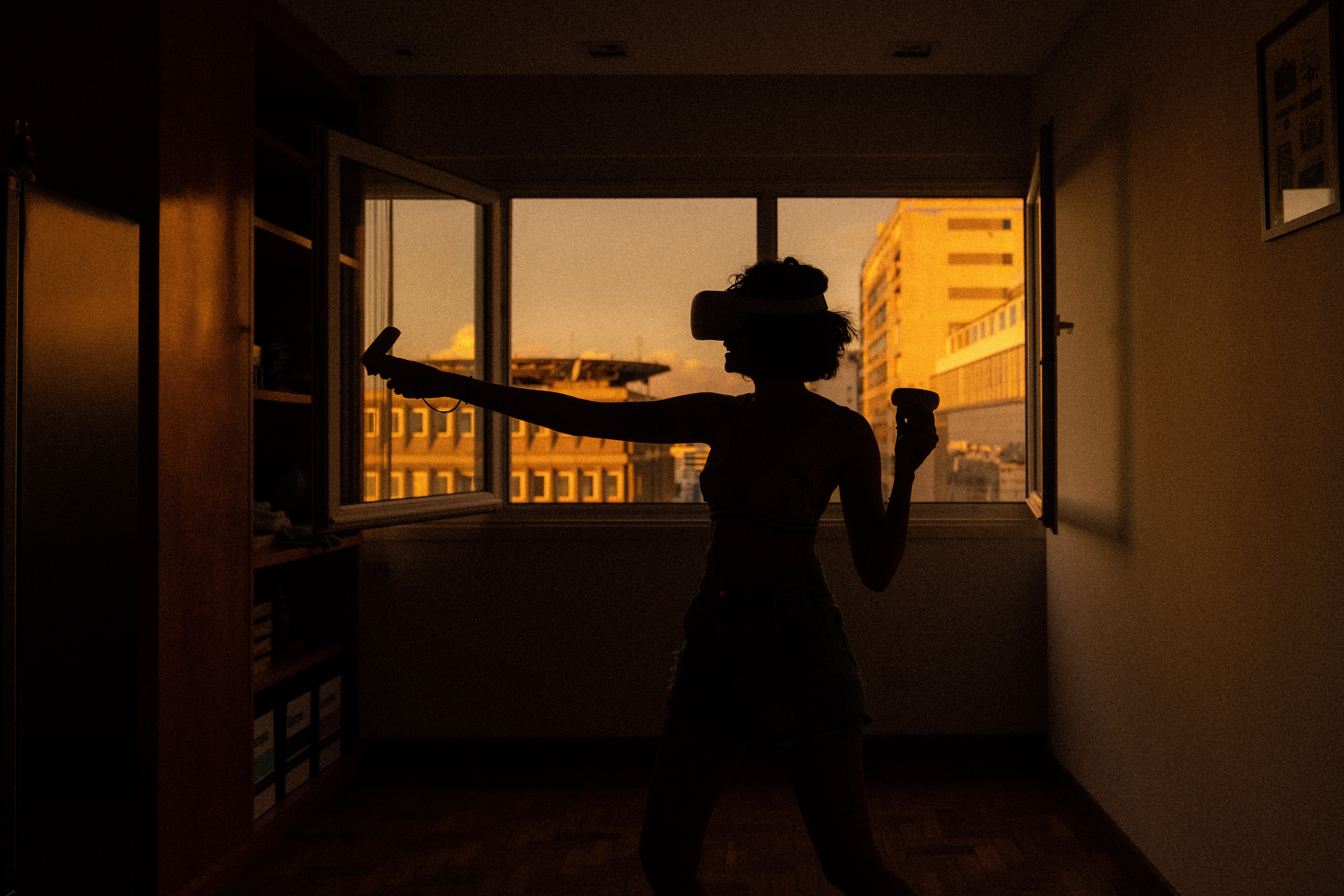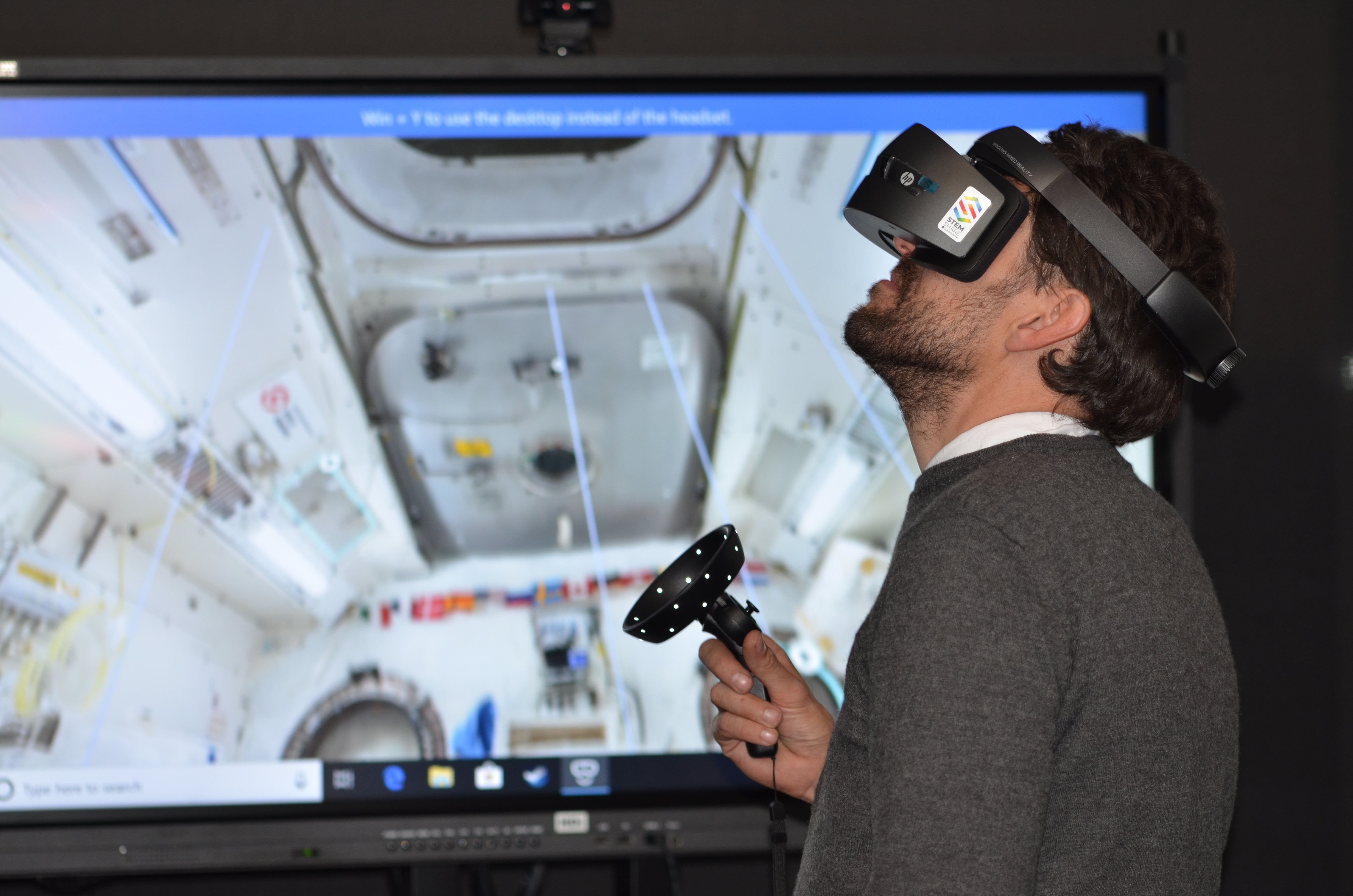
Virtual reality (VR) is a computer-generated, immersive 3D environment you can look around in and interact with using a headset or a phone-based viewer. The core concept is presence, the feeling of actually being inside the digital world, and it works by tracking your head movements to update the visuals in real time.
What is a VR?
VR stands for virtual reality. It is an immersive digital environment designed to replace or simulate a real or imagined space. Using a headset and, on some systems, controllers or a phone-based viewer, you can explore and interact with this environment as if you were physically there. The goal is to create a convincing sense of presence that blurs the line between the real world and the virtual one.
How VR works on Android
Google provides VR software support for Android through the Google VR SDK, which includes two platforms: Cardboard and Daydream. For everyday users, phone-based VR works by inserting your Android phone into a compatible viewer, Cardboard uses a simple cardboard viewer, while Daydream requires a specific headset and controller. The phone’s screen displays a split image, one for each eye, and the built-in sensors track your head movements to change the view.
For developers, setting up VR on Android involves a specific path in Unity:
- Go to Edit > Project Settings > Player.
- Choose the Android icon.
- In XR Settings, enable Virtual Reality Supported.
- In Virtual Reality SDKs, click + and select Daydream or Cardboard.
The minimum Android version for Cardboard is Android 4.4 KitKat (API level 19) or higher. For Daydream, you need Android 7.0 Nougat (API level 24) or higher. Android also supports programmatic VR activation through setVrModeEnabled and trySetVrModeEnabled, which can prompt the installation of Google VR Services if needed.
How VR works on iPhone
Apple does not include a built-in system-level VR mode on iPhone. Two notable apps are iVRy and Mobile VR Station, both of which require iOS 12.0 or later. Mobile VR Station supports any device running iOS 8.1 for installation, but recommends iPhone 5S or iPad Mini (Retina) and above for proper performance. For a dedicated VR experience, Apple offers the Apple Vision Pro, which can relive spatial photos and videos taken on iPhone, but this is a separate device, not a phone-based viewer.
Common uses for VR
VR has practical applications across many fields today:
- Gaming and entertainment: VR headsets let you step into virtual worlds for action, adventure, and realistic simulations.
- Training and simulation: Industries like aviation, medical, and military use VR to practice complex procedures in a safe, controlled environment.
- Education and virtual field trips: Students can explore historical sites, museums, or distant planets without leaving the classroom.
- Healthcare therapy and rehabilitation: VR helps with pain management, exposure therapy for phobias, and physical rehabilitation exercises.
- Architecture and design visualization: Architects and designers create virtual walkthroughs of buildings and spaces before they are built, allowing clients to experience the design in realistic 3D.
Advantages and disadvantages of VR
Benefits: VR offers immersive learning, letting you practice skills hands-on without real-world consequences. It enables virtual travel to places you may never visit physically. It provides safe, repeatable training for high-stakes professions like surgery or flight.
Drawbacks: Equipment cost remains a barrier for many users. Extended use can cause motion sickness and eye strain. Content availability is still limited compared to traditional media like movies or games. Some users also experience isolation since many VR experiences are single-player.
Frequently Asked Questions
Can I use VR without a headset?
No. VR requires a headset or phone-based viewer to create the immersive 3D effect. Without it, you are simply looking at a flat screen.
Do I need a powerful computer for VR?
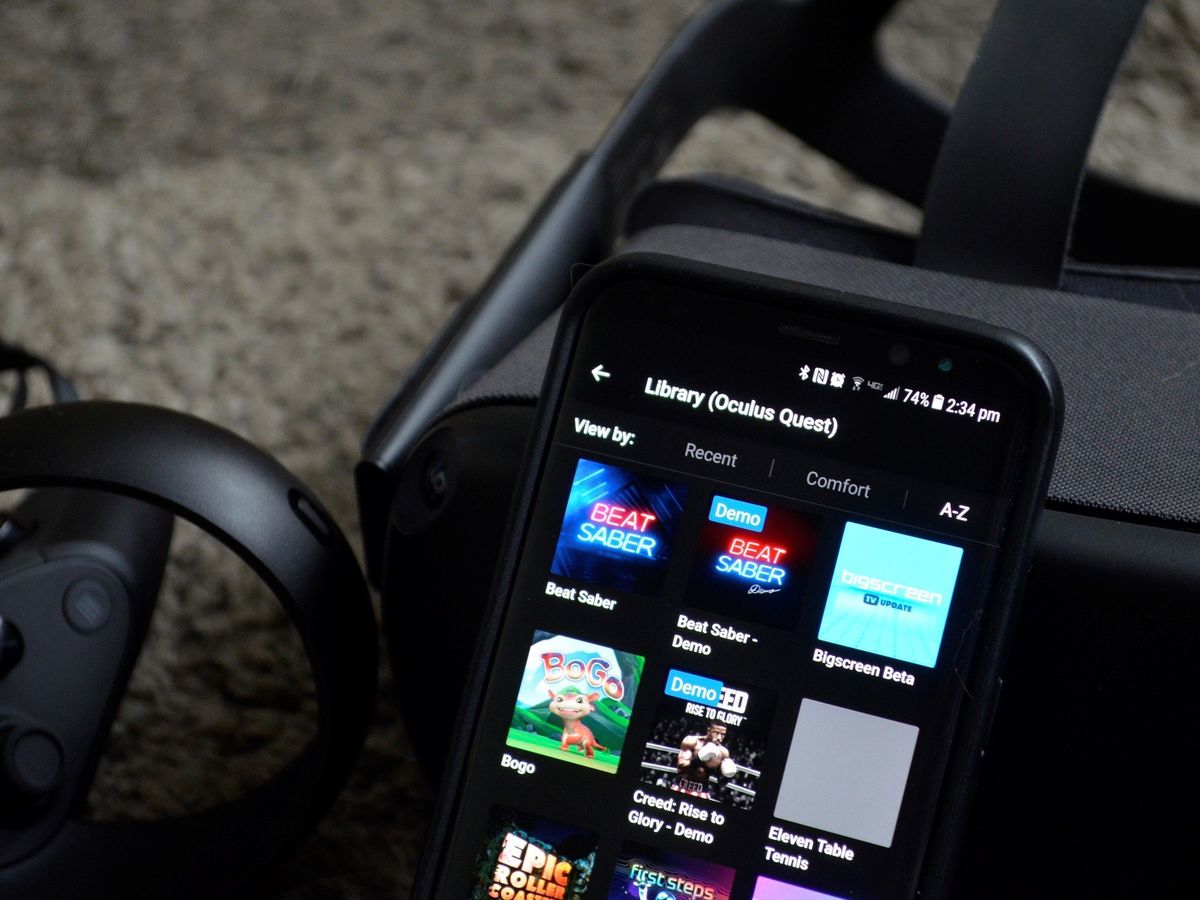
It depends on the headset. PC-based headsets like the Oculus Rift require a high-end gaming computer. Standalone headsets like the Oculus Quest have built-in hardware and need no computer. Phone-based viewers like Google Cardboard use your phone’s processing power.
What is the difference between AR and VR?
AR (augmented reality) overlays digital content onto the real world, like Pokémon GO. VR completely replaces your real-world view with a simulated environment.
Is VR safe for children?
Most manufacturers recommend VR for ages 13 and up due to potential effects on developing vision and balance. Always follow the headset’s age guidelines.
Can I watch regular movies in VR?
Yes. Many VR headsets and apps support a “cinema mode” that lets you watch standard 2D or 3D movies on a virtual big screen. You can also use a VR setup and TV casting feature to share what you see in VR with others on a television.
For the wider topic, see VR setup and TV casting.