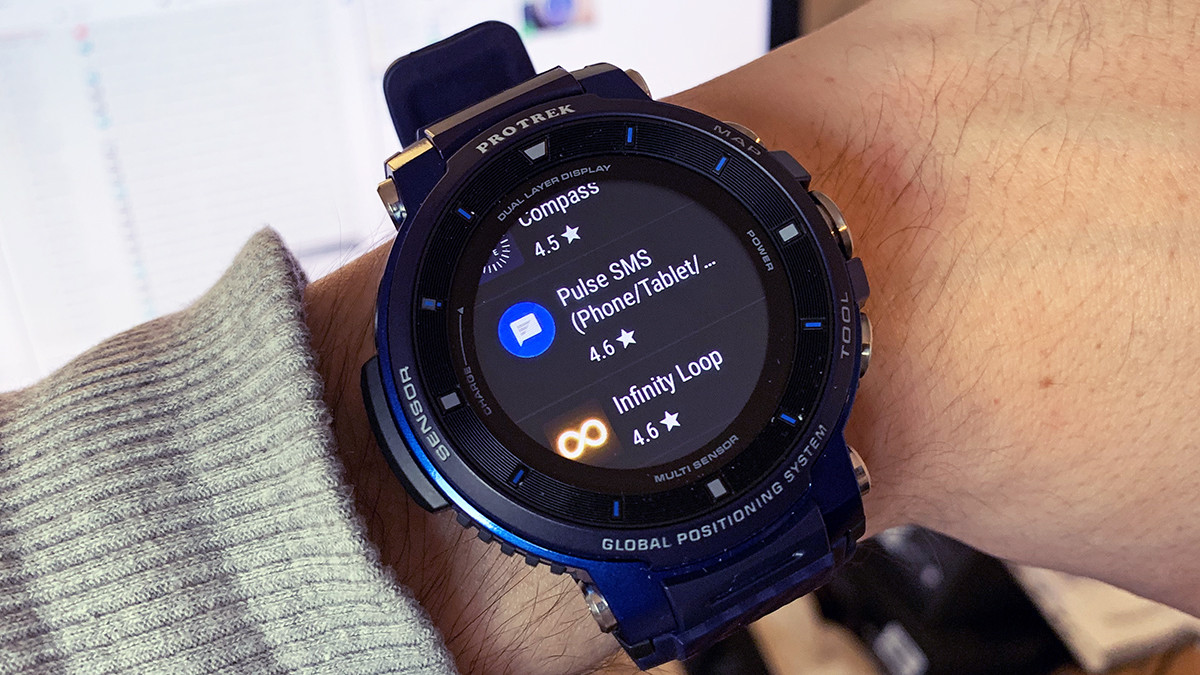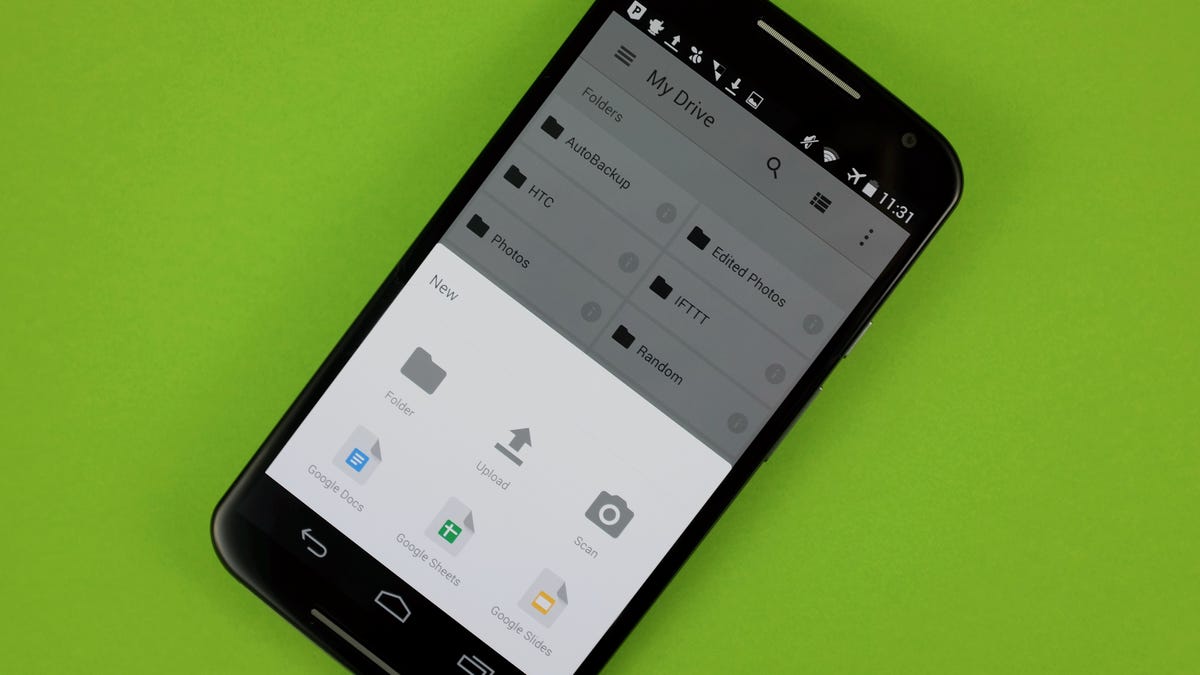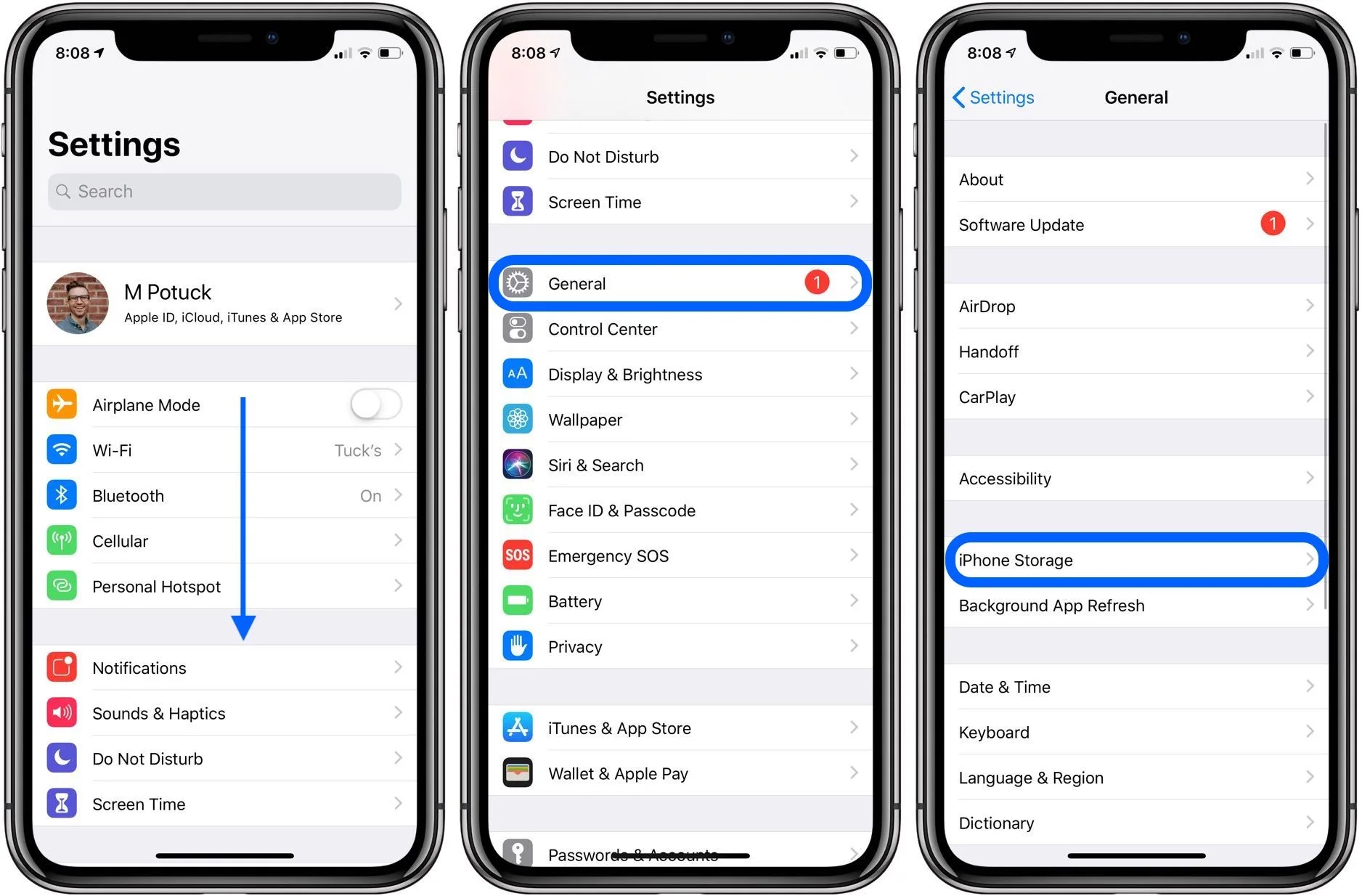
A download is copying an app or file from an online service to your device so it can be used locally. Common examples include downloading apps from an app store, saving a document from a website, or grabbing a movie to watch offline.
What is a download?
A download (D/L) is the process of transferring a file or data from a remote server or website to your local device. When you download something, your device establishes a connection with a server that houses the file, and the server transfers that file to your device so you can store, access, and use it whenever you want. Common items people download include software applications, documents like PDFs and spreadsheets, media files such as photos, videos, and music, as well as games and e-books. If you are looking for a large library of reading material, you might consider Amazon Kindle unlimited (What Is Amazon Kindle Unlimited?), which lets you download thousands of e-books to your device.
How to download an app on iPhone or iPad
- Open the App Store on your iPhone or iPad.
- Browse the Today, Games, Apps, or Arcade tabs, or use Search to find the app you want.
- Tap the app’s price or the Get button. If you see Open instead, the app is already on your device.
- Authenticate using Face ID, Touch ID, the side button, or your Apple Account password to complete the download. Apple says you may need to authenticate with the side button to complete a download.
How to download an app on an Android device
- Open the Google Play Store app on your Android device or Chromebook.
- Search or browse for the content you want.
- Select an item to open its detail page.
- Tap Install for free items, or tap the item’s price for paid apps.
- Follow the on-screen steps to complete the download.
Troubleshooting common download problems
App Store icon missing on iPhone or iPad
If the App Store icon disappears from your iPhone or iPad, it may be due to a Screen Time restriction. Go to Settings > Screen Time > Content & Privacy Restrictions > iTunes & App Store Purchases > Installing Apps and set it to Allow.
Downloads failing on Android due to weak internet
If your download fails on an Android device, check that you have a strong internet connection or a strong mobile data connection if Wi‑Fi is unavailable. A weak connection is the most common cause of download failures.
Supported devices and requirements
The steps for iPhone and iPad apply to all models running a supported version of iOS or iPadOS. For Android, the Google Play Store guidance applies to Android devices and Chromebooks. Google Play services are only supported on devices with Android 7.0 (API level 24) and up. No download-size limits are documented by Apple or Google for app downloads in their official guides.
Frequently Asked Questions
What is the difference between downloading and streaming?
Downloading copies the entire file to your device for offline use, while streaming plays the content in real time without saving a permanent copy to your device.
Can I download an app without an internet connection?
No, you need an active internet connection to start the download process. Once the app is fully downloaded, you can use it offline if the app supports that feature.
How do I know if a download is complete?
On iPhone and iPad, the app icon will appear on your home screen with a progress circle that fills in. On Android, a notification will appear saying the app is installed, and the app icon will appear in your app drawer.
Why do some apps cost money to download?
Developers set prices for their apps to cover development costs or to generate revenue. Free apps may include ads or in-app purchases as an alternative business model.
Can I download the same app on multiple devices?
Yes, if you use the same Apple Account or Google Account, you can download the app on multiple devices you own, as long as the app supports installation on those device types.
Related reading: What Is A Directional Pad (D-Pad)? and How To Download On Cellular Data.