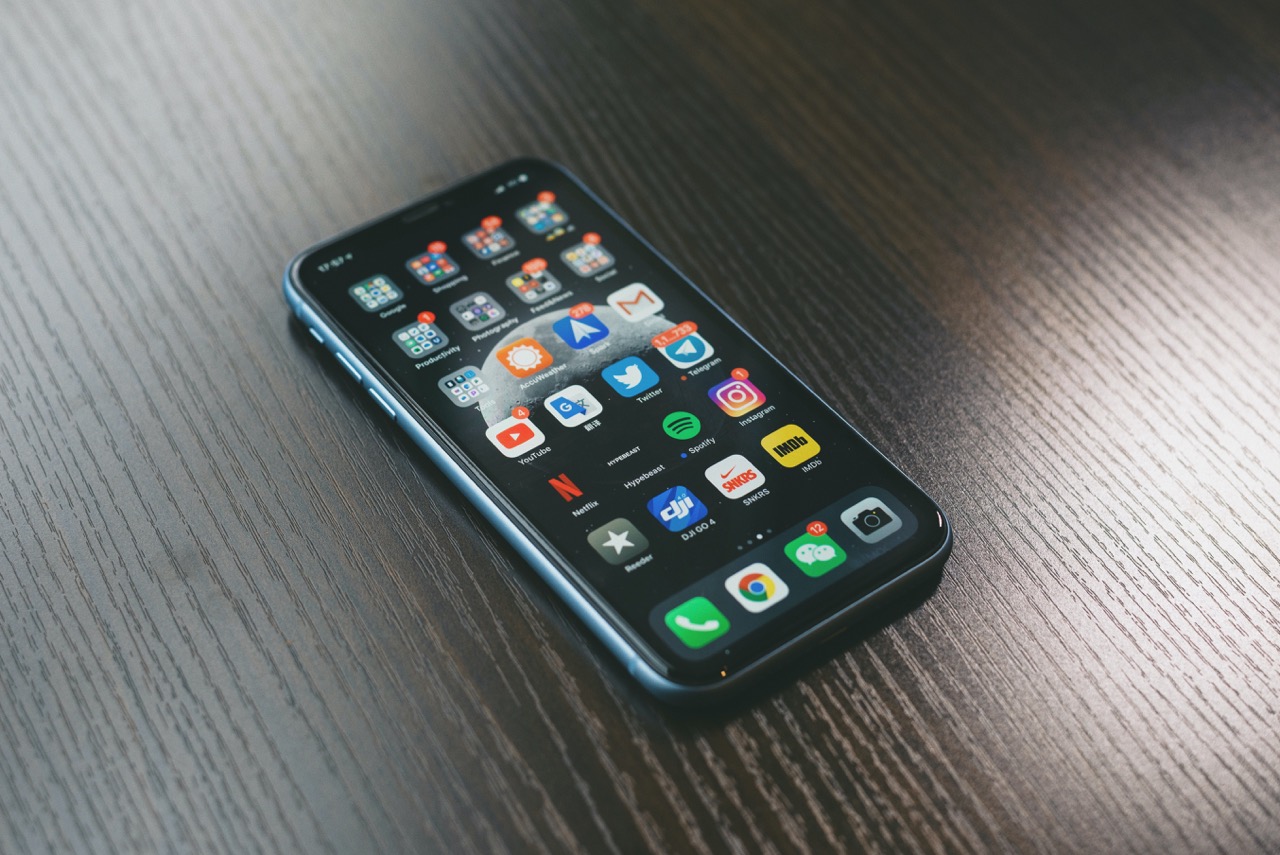
Mobile service is the carrier-provided connectivity that lets a phone use voice, messaging, and data over a cellular network. Understanding what is mobile service starts with knowing that carriers configure your device for three core capabilities: voice calls, SMS text messages, and mobile data, which together form the foundation of mobile phone basics.
What is mobile service?
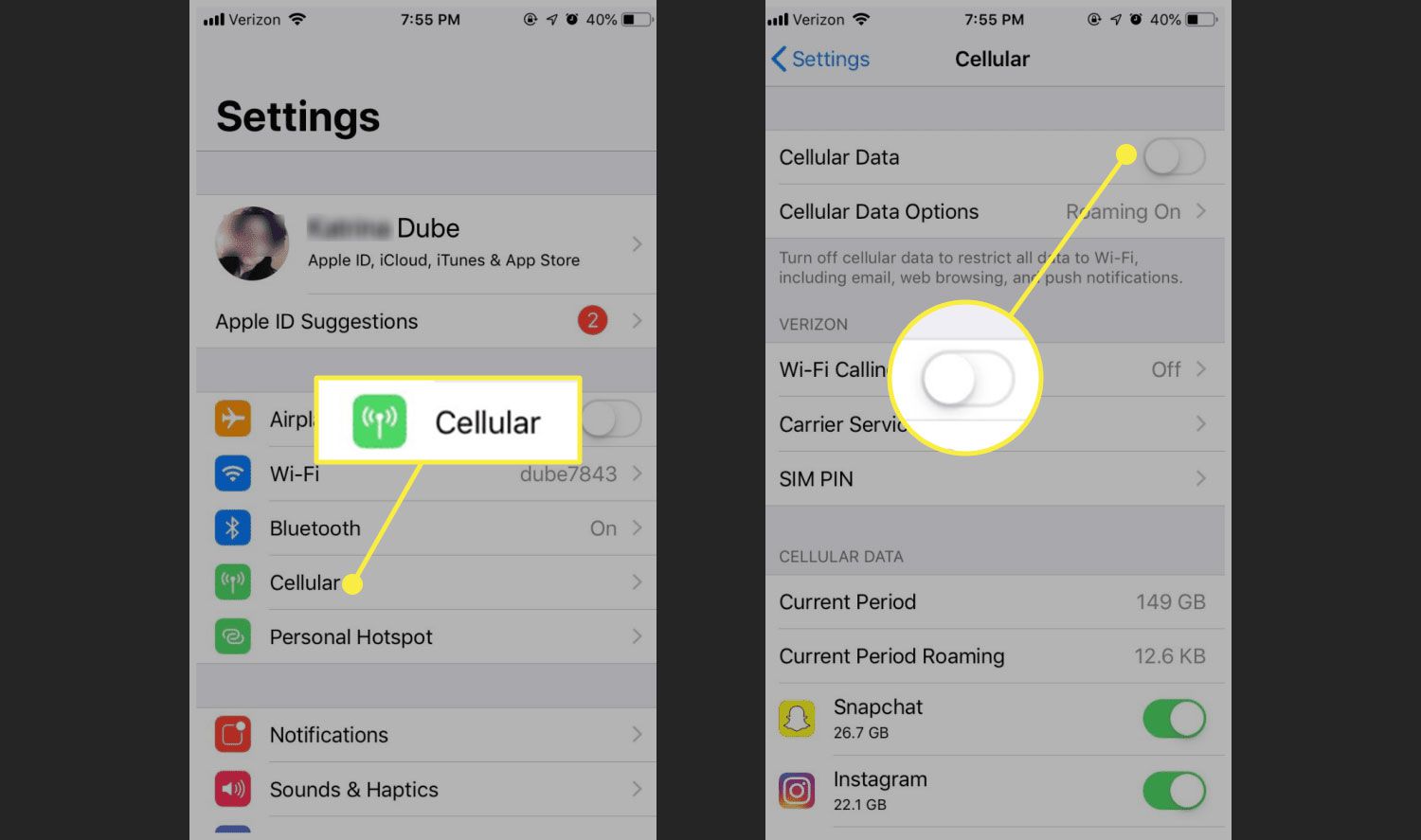
Mobile service is the carrier-provided connectivity that enables a phone to make voice calls, send and receive SMS messages, and access the internet over a cellular network. On Android, carrier configuration explicitly treats voice, SMS, and data as the core service capabilities on a device, meaning a carrier can mark a device as voice-capable, SMS-capable, and data-capable. On iPhone, cellular service is managed through Settings > Cellular, where you control data connections and other network behaviors.
Core mobile service capabilities: voice, SMS, and data
Carriers configure devices for three core service capabilities: voice, SMS, and mobile data. Android documents voice, SMS, and data as carrier service capabilities, but there is no universal consumer menu path for enabling voice or SMS on all Android phones. On iPhone, the cellular settings page documents cellular-data controls only and does not provide a separate menu for voice or SMS service management.
How to manage mobile service on iPhone
To manage mobile service on an iPhone, go to Settings > Cellular. From there you can:
- Turn Cellular Data on or off.
- If your iPhone has multiple SIMs, go to Settings > Cellular > Cellular Data to choose which line to use for data.
- Go to Settings > Cellular > Cellular Data Options to change roaming and data behavior.
- In Cellular Data Options, turn Data Roaming on or off to permit internet access when outside your carrier’s network.
- Under Data Mode, enable Low Data Mode to reduce usage and pause automatic updates and background tasks when not on Wi‑Fi.
- To control which apps use mobile data, stay in Settings > Cellular and turn cellular data on or off for each app or service in the list. Note that System Services appear in this list, but cellular data cannot be turned on or off for individual system services.
- To see usage by app, scroll to the app list and tap Show All.
- To reset cellular usage statistics, tap Reset Statistics at the bottom of the Cellular settings page.
How to manage mobile service on Android
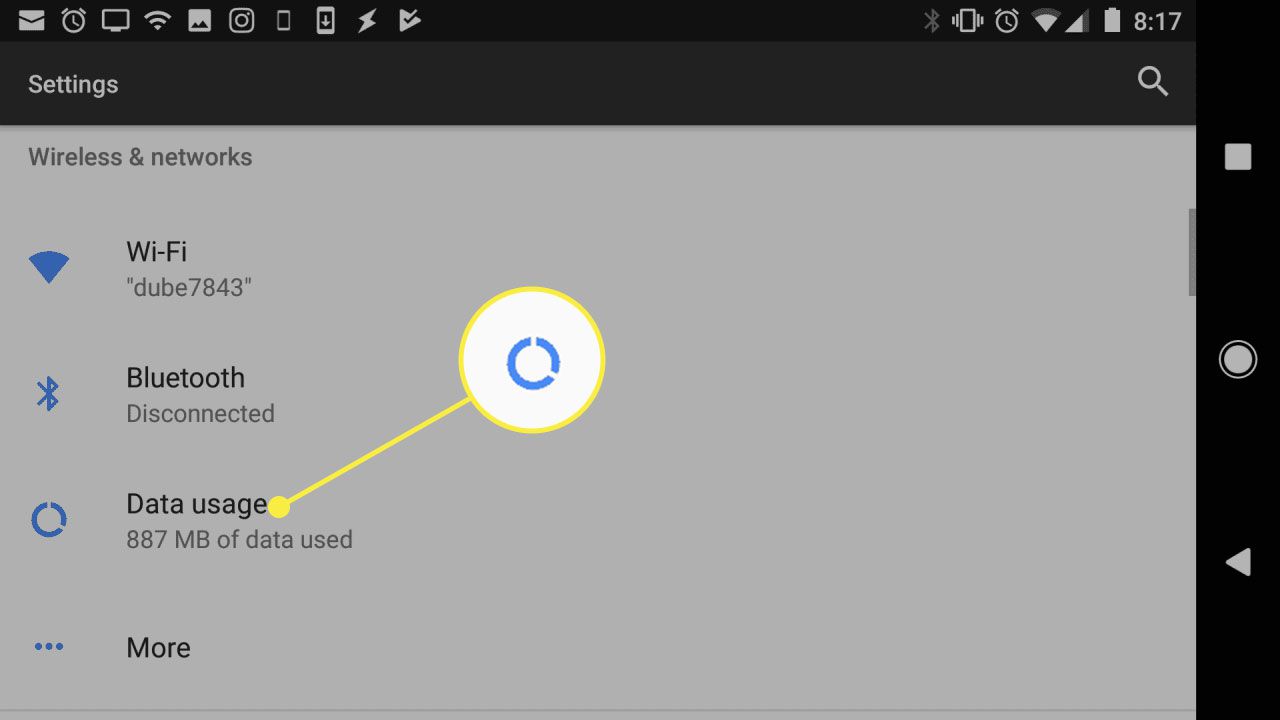
On Android, network settings are found under Settings > Network & internet. The exact steps can vary by device and carrier, but Google Fi provides specific paths:
- Open Settings > Network & Internet > Internet, then tap the carrier settings next to your carrier and turn on Mobile data.
- To select your preferred network type, go to Settings > Network & Internet > SIMs. Check Automatically select a network, then choose a Preferred network type. Google Fi documents 5G (Recommended) as the preferred network type in that path.
Frequently Asked Questions
What is the difference between mobile service and a mobile plan?
A mobile service is the underlying cellular connectivity (voice, SMS, data) that a carrier provides. A mobile plan is the specific pricing and allowance structure, such as prepaid or postpaid, that determines how much voice, text, and data you can use each month.
How does mobile service work without Wi-Fi?
Mobile service works over a cellular network made up of base stations that transmit and receive radio signals to and from your device. These signals carry voice calls, SMS messages, and data packets, allowing you to stay connected wherever there is coverage.
Can I use mobile service for voice calls without a data plan?
Yes. Voice calls and SMS are separate service capabilities from mobile data. A carrier can enable voice and SMS on a device even if data is not included in your plan, as long as the device is marked as voice-capable and SMS-capable in carrier configuration.
What is the key feature that makes mobile service different from landline service?
The key feature is mobility: mobile service lets you make and receive calls, send messages, and use data from virtually anywhere within a carrier’s coverage area, without being tethered to a fixed location.
How do I choose the right mobile service plan?
Consider your typical usage for voice calls, messaging, and data, as well as the coverage and network quality in your area. Also assess any additional features you may need, such as international roaming or mobile hotspot access.
Related reading: What Is A Mobile Network and What Is Mobile Carrier.