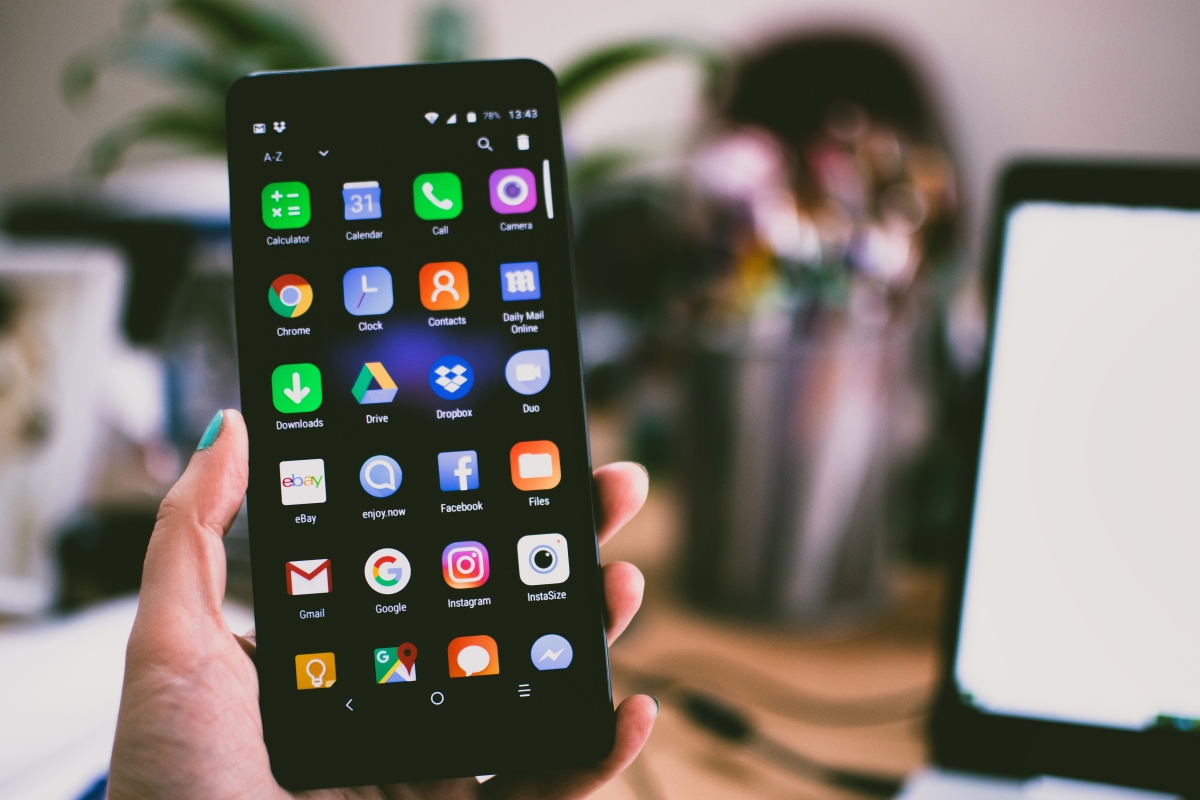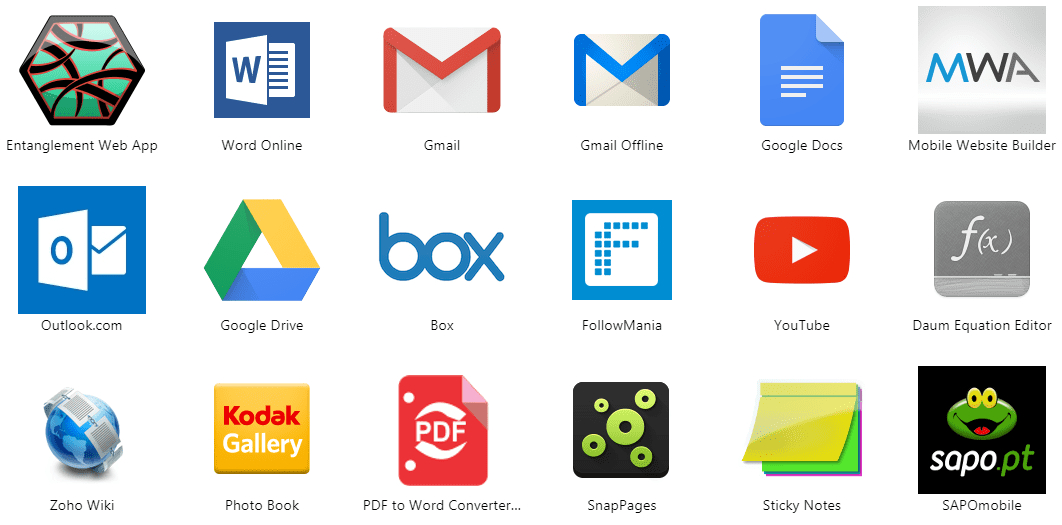
An app is a software program you install on a phone to perform a specific task, such as browsing the web, messaging friends, shopping, or editing photos. On an iPhone, apps come from the App Store; on an Android phone, they come from the Google Play Store.
Key takeaways
- An app is a piece of software designed for a phone or tablet to do a specific job.
- Apps are downloaded and installed from official stores: the App Store on iPhone and Google Play on Android.
- Installing an app takes only a few taps: find it in the store, tap the download button, and authenticate.
What is an app?
Apple and Google both treat apps as downloadable items that are installed from their app stores. Whether you need to check email, play a game, or track your fitness, an app is the tool that makes it possible on your mobile device.
How to download an app on iPhone
- Open the App Store app on your iPhone.
- Browse by tapping Today, Games, Apps, or Arcade, or use the search tab to find a specific app.
- Tap Get (for free apps) or the price button (for paid apps).
- Authenticate with the side button, Face ID, Touch ID, or your Apple Account password to complete the download.
How to download an app on Android
- Open the Google Play app on your Android device.
- Search for an app or browse the available categories.
- Tap Install (for free apps) or the price button (for paid apps).
- Follow the on-screen instructions to complete the transaction.
Google documents that reinstalling or re-enabling apps is done from Google Play using the Profile icon and selecting apps to install or turn on.
How to manage app permissions on Android
You can control what an app is allowed to access on your Android phone. Go to Settings > Apps > [app] > Permissions. Here, each permission can be set to Allow or Don’t allow. For a broader view, use Settings > Security & Privacy > Privacy > Permission manager to see all apps that use a specific permission, such as the camera or location.
Google's permission dashboard page notes device-version differences for activity history, stating Android 13 or 24 hours in Android 12 for checking app activity.
What to do if the App Store is missing on iPhone
If the App Store icon is missing from your iPhone, check your Screen Time restrictions. Go to Settings > Screen Time > Content & Privacy Restrictions. Tap App Installations & Purchases > App Marketplaces and make sure the option is not set to Don’t Allow. If it is, change it to allow installing apps, and the App Store will reappear.
Apple also documents alternative app marketplaces and web distribution only in the European Union on devices with the latest version of iOS or iPadOS.
Common types of apps
Apps fall into several practical categories that match how people use their phones. Social media apps like Facebook and Instagram connect you with friends. Productivity apps like Microsoft Office help you manage tasks and documents. Entertainment apps like Netflix and Spotify provide movies and music. Gaming apps like Candy Crush and Pokemon Go offer interactive fun. Educational apps like Duolingo and Khan Academy make learning accessible. For deeper guidance on using these tools, mobile app guides and game guides can help you get the most out of your device.
Frequently Asked Questions
How do I update apps on my iPhone?
Open the App Store, tap your profile icon at the top, then scroll down to see available updates. You can tap Update next to an individual app or choose Update All. Automatic updates can be turned on in Settings under App Store.
How do I delete an app on Android?
Touch and hold the app icon on your home screen or in the app drawer, then drag it to the Uninstall option that appears at the top of the screen. You can also go to Settings, then Apps, select the app, and tap Uninstall.
What happens to my data if I uninstall an iPhone app?
Uninstalling an app removes the app and its data from your device. If the app stores data in iCloud, that data remains available in your account and can be restored when you reinstall the app from the App Store.
Related reading: How Many Mobile Apps Are There.