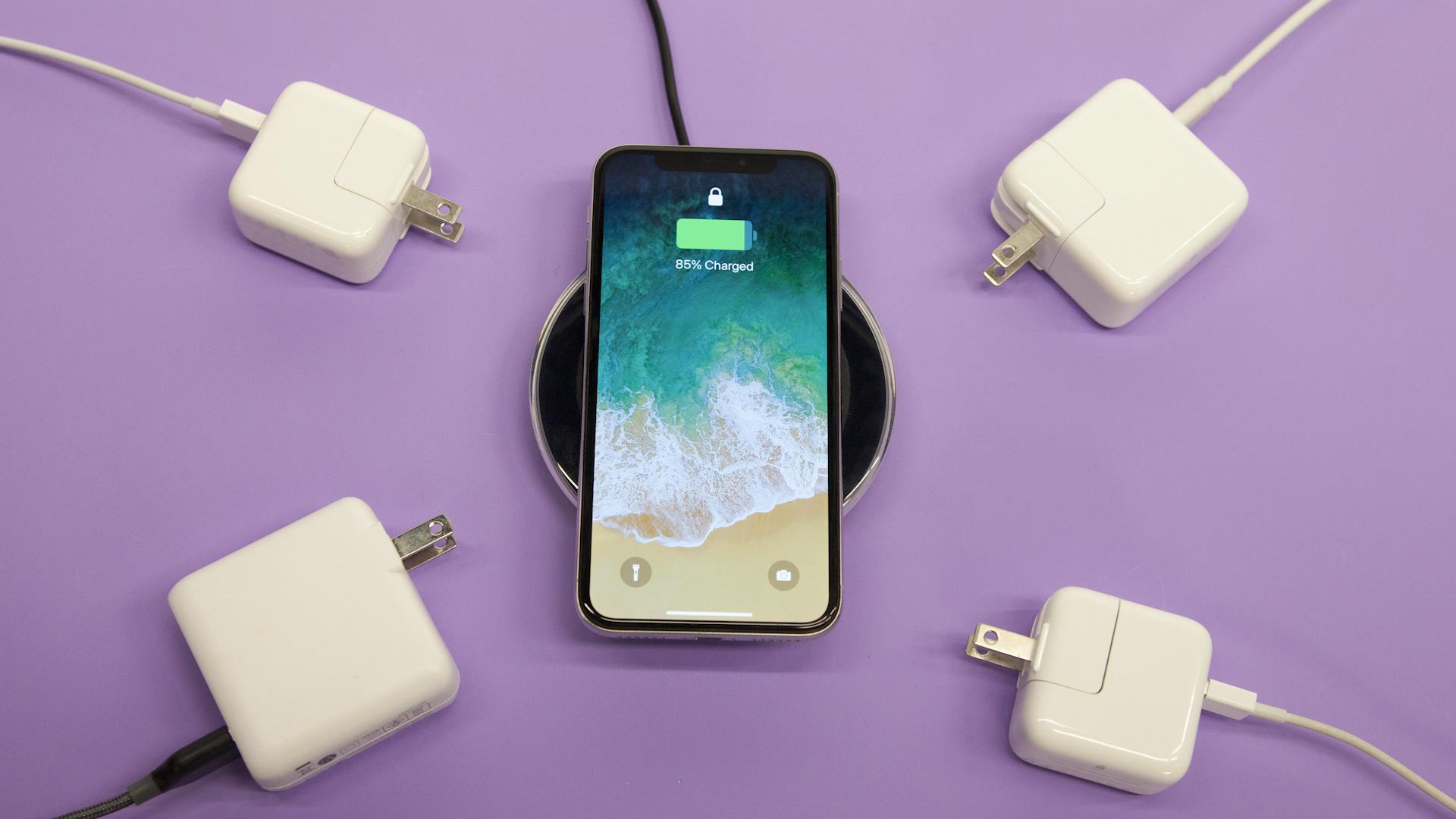
How does a cell phone charger work? It converts the alternating current (AC) from your wall outlet into the direct current (DC) your phone's lithium-ion battery needs, regulating voltage and current to deliver power safely and efficiently.
How does a cell phone charger work: from wall outlet to battery
Your phone's battery stores energy as direct current (DC), but the power coming from a wall outlet is alternating current (AC). The charger's primary job is to bridge that gap. Inside the adapter, a rectifier converts AC into a rough DC, and a voltage regulator then smooths that power and steps it down to the precise voltage your phone requires, typically around 5V for basic charging. Modern smartphones use lithium-ion rechargeable batteries, which are lighter, charge faster, last longer, and have a higher power density than older battery types. Because lithium-ion cells are sensitive to voltage and current fluctuations, the charger must deliver clean, stable DC power to avoid damaging the battery or reducing its lifespan.
The components inside your charger
Every wired charger is a system of parts working together to deliver safe, controlled power.
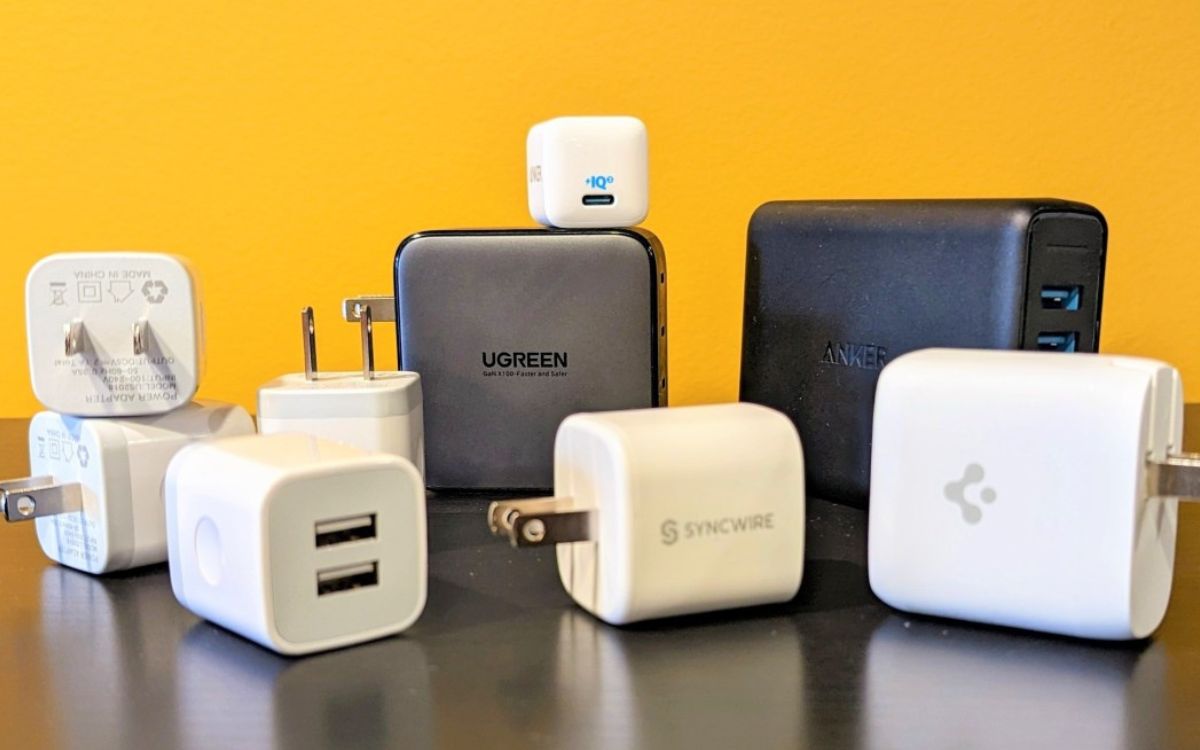
Adapter. The block that plugs into the wall contains the rectifier, voltage regulator, and protective circuitry. It converts AC to DC and ensures the output stays within safe limits.
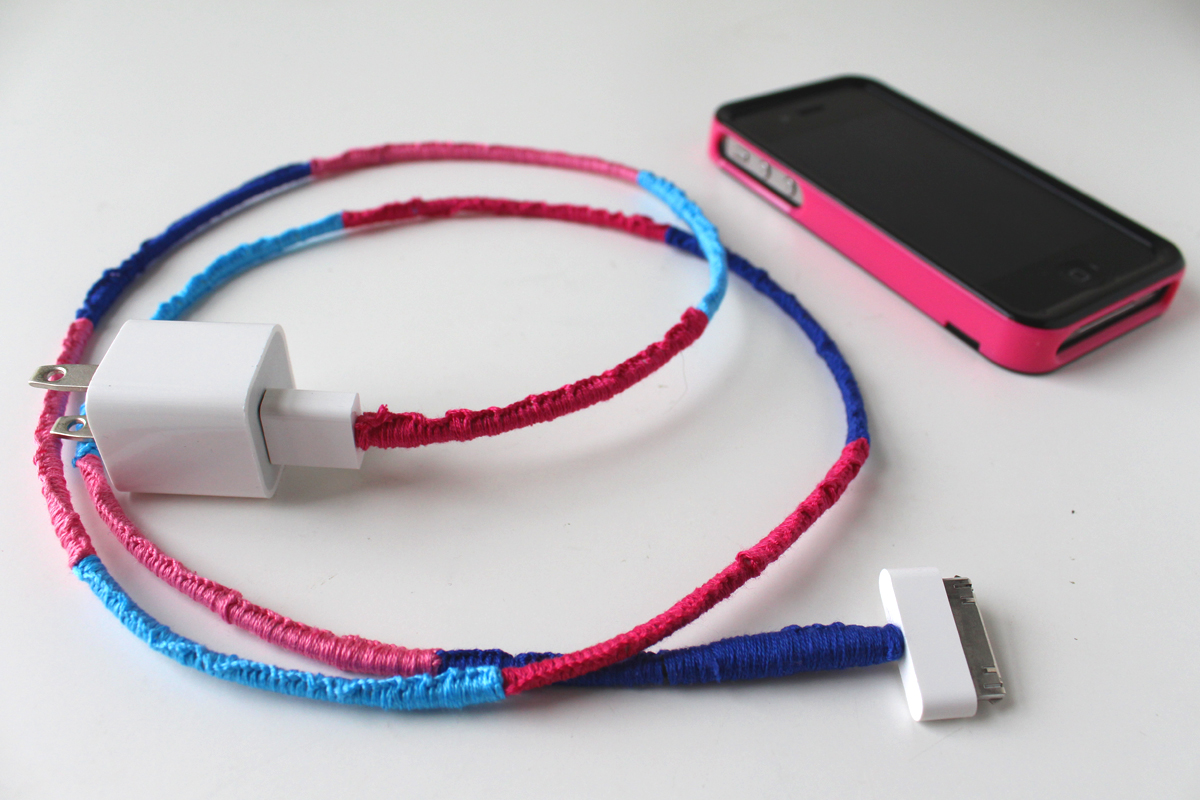
USB cable. The cable carries the DC power from the adapter to your phone. USB-C cables come in 3A or 5A varieties, with 5A cables being thicker and able to carry more power for faster charging.
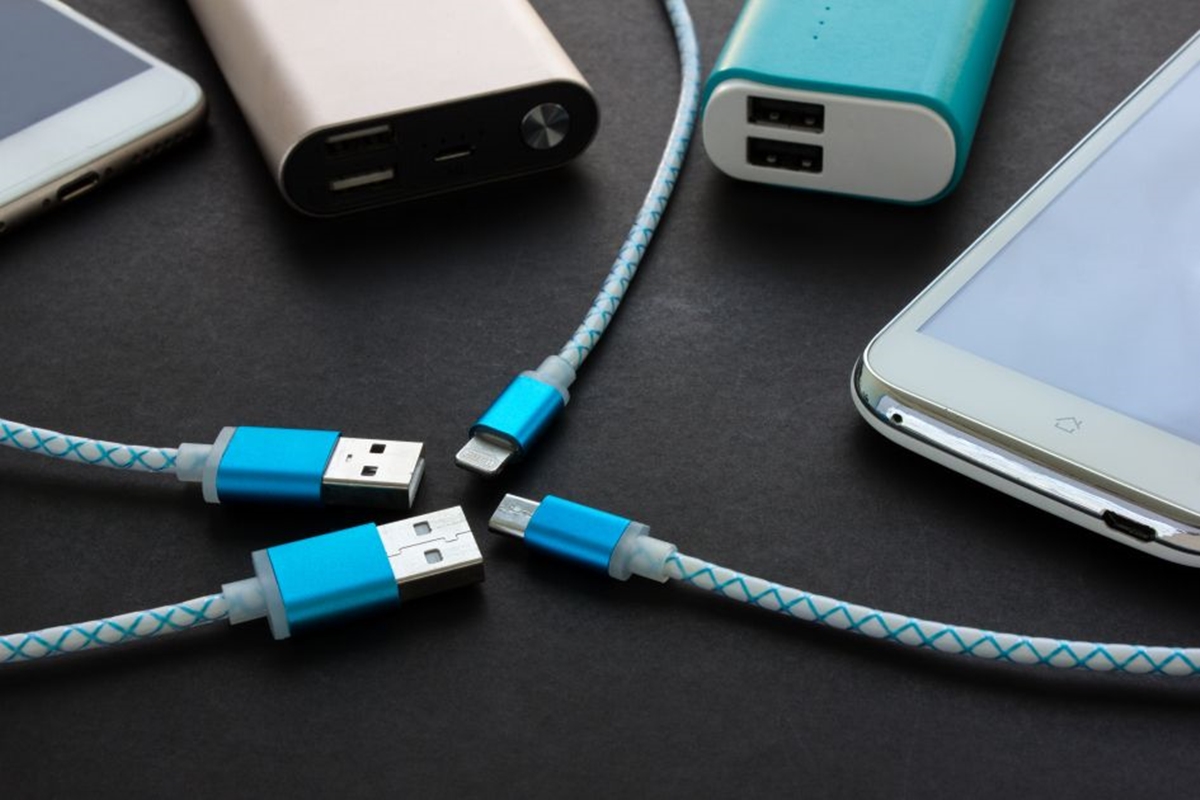
Connector. The end that plugs into your phone must match its charging port. Common types include USB-C, Lightning, and Micro USB Type B (still found on older devices like Galaxy S5, S6, S7, Note5, and some Galaxy A and J phones).
Circuitry. Internal electronics regulate the flow of electricity and protect your phone from power surges or short circuits. This circuitry also handles the communication handshake that negotiates charging speed.
LED indicators. Some chargers include a small light that shows charging status, useful for confirming power is flowing at a glance.
Protective casing. The outer shell shields the internal components from physical damage and environmental exposure, helping the charger last longer.
How USB power delivery negotiates safe fast charging
USB Power Delivery (PD) is a protocol that allows the charger, cable, and phone to communicate to optimize charging safely. Rather than delivering a fixed voltage, the charger and phone negotiate the optimal voltage and current in real time. USB PD can support up to 240W with USB PD 3.1/3.2 over a USB-C connection, dynamically adjusting power to suit the device's needs. Programmable Power Supply (PPS) is a feature within USB PD 3.0 that results in less heat generation in the phone during charging, which helps battery longevity. For devices like the Pixel 6 and newer, charging is more efficient with chargers supporting the USB PD 3.0 PPS standard. Pixel 6 peak power draw is 21W, Pixel 6 Pro is 23W. Pixel 6 can reach up to 50% charge in approximately 30 minutes with Google's 30W USB-C Power Charger.
The charging stages: why your phone slows down after 80%
Charging isn't a single-speed process. The charge rate is optimized for high rates when the battery level is low. This is often called bulk charging: your phone pulls the maximum safe current to quickly replenish the depleted battery. As the battery fills, charging power is gradually reduced as the battery approaches full to improve battery longevity. Once the battery reaches a high state of charge, the phone may pause charging above 80% under certain conditions to reduce stress on the cells. After that, a trickle charge maintains the battery at full capacity without overcharging. Many phones also include an adaptive charging feature that optimizes charge rates for gradual overnight charging, so the battery reaches 100% just before you wake up rather than sitting fully charged for hours. Extreme Charging Mode (Pixel 11 and later devices): available when battery is 50% or lower, pauses background activities, and can be turned on from Quick Settings, Battery Settings, or Lock Screen. Extreme Charging Mode automatically turns off if the phone reaches a high charge level or is disconnected. For best results with Extreme Charging Mode, use a 30W or higher power adapter.
How Qi and Qi2 wireless charging work
Wireless charging uses inductive charging principles. A coil in the charging pad creates an alternating electromagnetic field, and a matching coil in your phone converts that field back into electrical current to charge the battery. The Qi standard is an established, evolving wireless charging standard owned by The Wireless Power Consortium, ensuring compatibility and safety across devices with the Qi logo. Qi2 is an advancement over the original Qi standard that enables faster charging and uses magnetic alignment to improve efficiency and address battery heating safety issues. Wireless charging is typically less efficient and slower than wired charging. For example, the Pixel Stand was designed with a 30W USB-C charger to enable fast, convenient wireless charging with an active cooling fan. Pixel 10 and later devices will not charge wirelessly with the Pixel Stand 1st gen or 2nd gen. MagSafe Charger steps: plug into power source before placing iPhone to ensure maximum power delivery; if placed first, remove iPhone, wait three seconds, then put it back. iPhone 18 Pro and iPhone 18 Pro Max can wirelessly charge up to 50% in around 30 minutes with a MagSafe Charger and a 35W or higher adapter. Charging is limited when USB-C or Lightning accessories are connected: 16W for iPhone 18 Pro/Pro Max, 10W for iPhone 17 Pro/Pro Max, 7.5W for iPhone 16 models, and 16W for iPhone 17/Air.
Choosing a compatible charger and cable
Not every charger works well with every phone. USB-A connections will block PD charging, so for fast charging you need a USB-C to USB-C setup. Cables longer than 2 meters may cause problems with power delivery and communication. For Pixel phones and many other modern devices, look for a charger that supports USB PD 3.0 with PPS. OnePlus and Huawei chargers are known to not work well with Pixel phones unless they explicitly include "PD" in their specifications. Any USB PD charger delivering 18W or greater will work, but for best future-proofing, a USB-PD 3.0 (or 3.1+) charger with PPS is recommended. To get the maximum charge rate with a device like the Pixel 9 Pro XL (37W), a charger explicitly specifying PPS charging up to 21 volts is needed. Using third-party chargers may invalidate your warranty and cause damage, so stick with reputable brands that clearly state their standards support.
Frequently Asked Questions
Can I use any charger with my phone?
While many chargers with the same connector will physically fit, using an incompatible charger can damage your phone's battery or cause it to malfunction. Always use a charger that matches your phone's supported standards, USB PD for most modern phones, and ideally with PPS support for the best results.
Are there safety precautions to follow when using a cell phone charger?
Ensure the charger and cable are in good condition without fraying or damage. Avoid using the charger near water or in humid environments. The phone may pause charging if it gets too warm to protect the battery. Using counterfeit or low-quality chargers may pose a safety risk.
What do I need for fast charging?
Fast charging requires a charger and cable that support the same fast-charging standard as your phone. For iPhones, an Apple 18W or greater USB-C Power Adapter or a comparable third-party USB-PD adapter enables fast charging. For Pixel phones, a USB PD 3.0 charger with PPS delivers the best speeds. The charger, cable, and phone must all be compatible. iPhone 18 Pro and iPhone 18 Pro Max can fast charge up to 50% in around 15 minutes using the included USB-C cable and an Apple 40W Dynamic Power Adapter with 60W Max or a comparable third-party 60W+ adapter with AVS and USB-PD 3.2. iPhone 17, iPhone 17 Pro, and iPhone 17 Pro Max can fast charge up to 50% in around 20 minutes with a 40W or higher adapter. iPhone 17e and iPhone Air can fast charge up to 50% in around 30 minutes with a 20W or higher adapter.
What should I look for when buying a replacement charger?
Check that the charger supports USB PD (not just any USB-C) and, for best results, PPS. Match the connector type to your phone, USB-C for most modern devices. Consider the power rating: a 45W charger is a better choice for models like the Pixel 9 Pro XL. Avoid non-PD proprietary chargers from brands like OnePlus and Huawei unless they explicitly include PD support.
Why does everyone have a drawer full of old phone chargers and cords?
Because charging standards have evolved rapidly, from Micro USB to USB-C, from basic 5W to USB PD with PPS, and from Qi to Qi2. Older chargers often can't deliver the power or support the protocols that newer phones need, so they get replaced but never thrown away.
How do I know if my phone supports wireless charging?
Check your phone's specifications for Qi certification. Qi Charging: What Is It & Is Your Phone Qi-Enabled? Most modern flagships support Qi wireless charging, but not all models do, for example, Pixel 3 and later support it except Pixel 3a, 4a, 4a (5G), 5a, and 6a. For a phone wireless charging setup, you need a Qi-certified pad and a compatible adapter. Pixel 10 and later devices (excluding Pixel 10a) support Qi2.
Related reading: How Many Volts Does A USB Charger Have? and How To Protect Your Phone Charger Cord.