






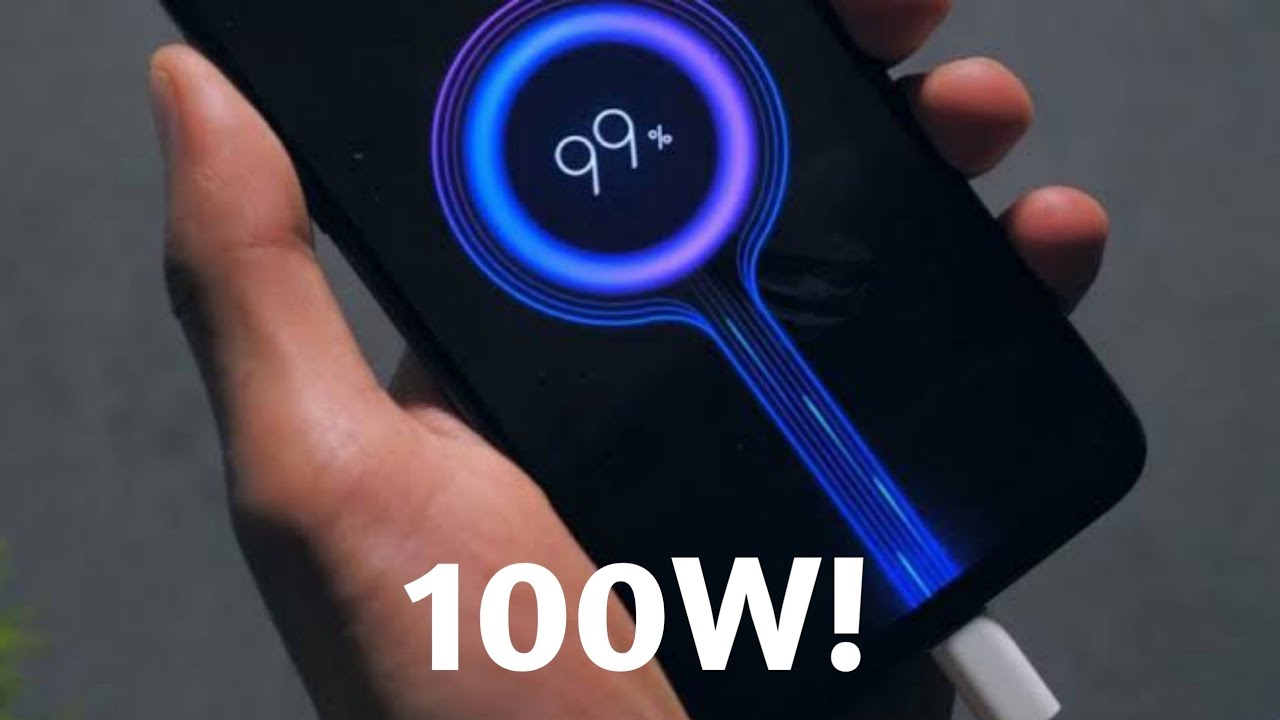
The fastest phone charger for your model is the one that matches your phone’s documented maximum charging speed, and that speed varies significantly between Apple, Google, and Samsung devices. For iPhone 18 Pro models, Apple documents up to 50% in about 15 minutes with a 40W adapter or a comparable 60W-capable USB-PD 3.2 AVS charger, while Google’s Pixel 9 Pro XL reaches 37W wired, and Samsung’s fastest wired rate is its “Super fast charging” feature, which you must enable in settings.
What Is The Fastest Phone Charger for Your Model?
The practical answer is that “fastest” depends on the phone, charger standard, and whether charging is wired or wireless. Your best move is to look up your exact model’s documented wattage or charging time, then buy a charger that supports the same standard (usually USB-PD) at or above that wattage.
Apple iPhone Fast Charging Speeds
Apple documents USB-C fast charging for iPhone 15 or later with a USB-C cable and an Apple 18W or greater USB-C Power Adapter, or a comparable third-party USB-C power adapter that supports USB Power Delivery (USB-PD). iPhone 17, iPhone 17 Pro, and iPhone 17 Pro Max reach 50% in about 20 minutes with a 40W adapter or higher. iPhone 17e and iPhone Air reach 50% in about 30 minutes with a 20W adapter or higher. For wireless, Apple documents fast charging with MagSafe on supported models, with iPhone 18 Pro and iPhone 18 Pro Max reaching 50% in about 30 minutes using a MagSafe Charger and a 35W or higher adapter.
Google Pixel Fast Charging Speeds
Google’s Pixel support pages document fast charging by model, and Pixel 9 devices support fast charging and fast wireless charging at specific rates. The Pixel 9 and Pixel 9 Pro fast charge at 27W wired, while the Pixel 9 Pro XL fast charges at 37W wired. For wireless, the Pixel 9 fast wireless charges at 15W, the Pixel 9 Pro at 21W, and the Pixel 9 Pro XL at 23W. All of these require a USB-PD charger to hit the documented speeds; a lower-wattage or non-PD charger will charge slower. Google also documents compatibility notes for its Pixel Flex Dual Port 67W USB-C Fast Charger, including “Priority 1: Pixel phones” and USB Power Delivery compatibility for other USB-C devices. Google's Pixel Flex Dual Port 67W USB-C Fast Charger has a documented 'Priority 1: Pixel phones' compatibility note.
Samsung Galaxy Fast Charging Settings
The fastest wired rate is called “Super fast charging,” and it is turned on in Settings > Battery > Charging settings by switching on Fast charging or Super fast charging. Samsung's 'Super fast charging' toggle is specifically located in Settings > Battery > Charging settings, and the exact toggle names are 'Fast charging' or 'Super fast charging'. Samsung also documents Fast wireless charging in the same menu. If you don’t see these toggles on your Galaxy device, your model may not support the feature or the charger you are using may not be compatible. To get the fastest speed, you must enable the toggle and use a charger that supports the same standard.
How to Choose a Compatible Fast Charger
To choose a compatible fast charger, first confirm your phone model’s documented maximum wired or wireless wattage from the manufacturer. Then match the charger’s standard and wattage to that number. For Apple and Google phones, that standard is USB-PD; for Samsung, look for a charger that supports “Super fast charging” (typically USB-PD PPS). A higher-wattage charger is safe to use because the phone negotiates the power it draws, but it will not charge faster than your phone’s documented maximum. If you travel or use multiple devices, consider a multi-port charger that supports USB-PD for all ports, and check the USB charger wattage output on the label before buying to ensure it meets your phone’s requirement.
Frequently Asked Questions
Can I use any USB-PD charger with my iPhone or Pixel?
Yes, as long as the charger supports USB-PD and provides at least the minimum wattage your phone requires.
Is wireless charging as fast as wired charging?
No, wireless charging is slower on every major platform. Apple’s fastest wired speed for iPhone 18 Pro is 50% in 15 minutes, while MagSafe wireless takes 30 minutes for the same charge. Google’s Pixel 9 Pro XL charges at 37W wired but only 23W wirelessly.
Is a higher-wattage charger safe for my phone?
Yes, a higher-wattage charger is safe because the phone and charger negotiate the power delivery. Your phone will only draw the wattage it supports, so a 65W charger will not damage a phone that maxes out at 27W; it simply won’t charge any faster.
Why is my Samsung phone not charging at “Super fast charging” speed?
The most common reason is that the “Super fast charging” toggle is off. Go to Settings > Battery > Charging settings and switch on Fast charging or Super fast charging. You also need a charger and cable that support the same standard, typically USB-PD PPS.
Do I need a special cable for fast charging?
Yes, you need a cable that supports the charging standard and wattage. For USB-PD fast charging, use a USB-C to USB-C cable rated for at least 60W. For MagSafe wireless, you need an Apple MagSafe Charger and a compatible power adapter. For your phone wireless charging setup to work at full speed, the pad and adapter must match your phone’s documented wattage.
How do I know if my phone supports fast charging?
Check your phone’s official support page or settings menu. On Samsung, look for the charging toggles in Settings > Battery > Charging settings. On iPhone and Pixel, check the manufacturer’s documentation for the specific model; if your model supports USB-PD or MagSafe, it & is your phone qi-enabled for wireless charging, but the fastest wired speed still depends on the charger wattage.
For the wider topic, see phone wireless charging setup.

















