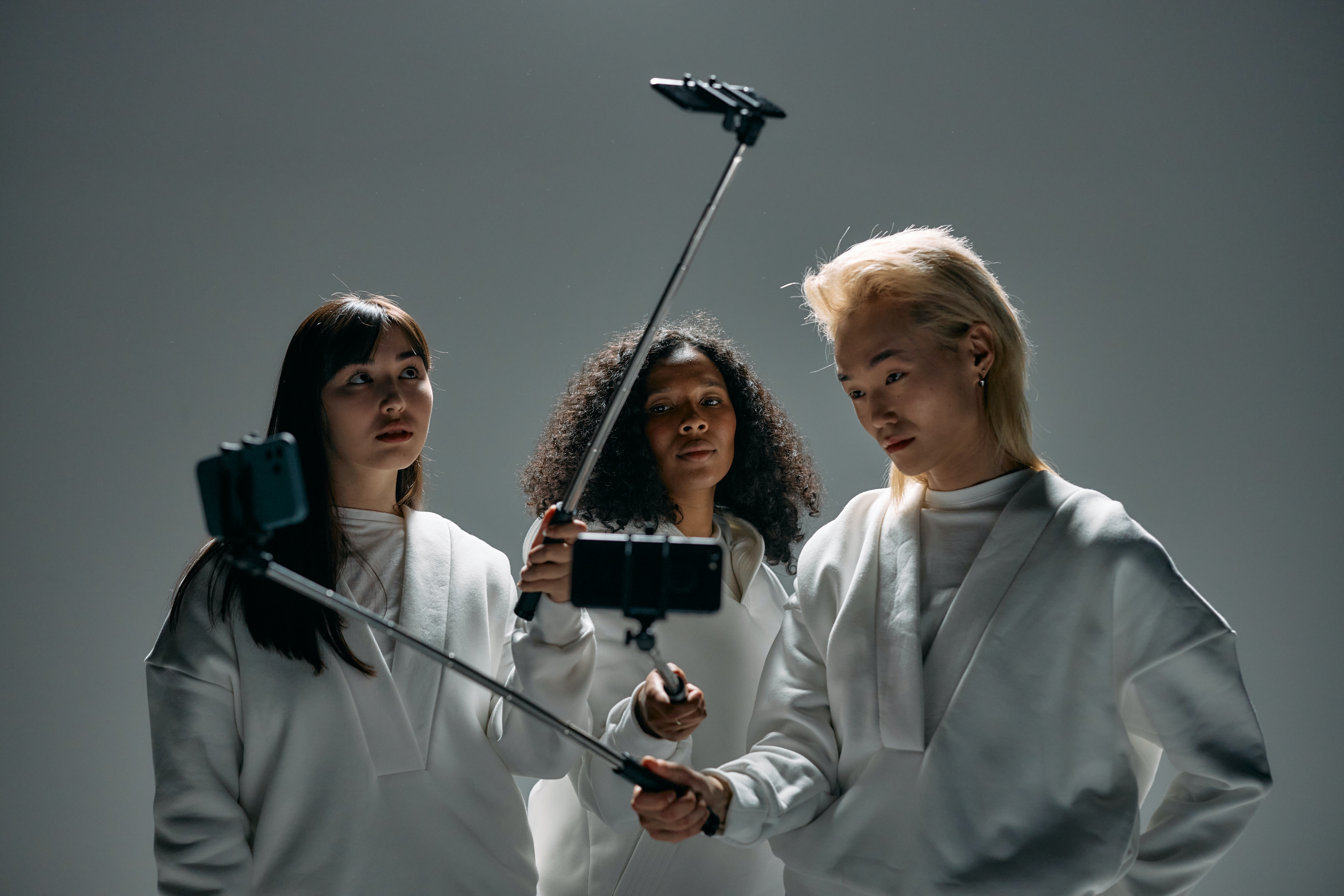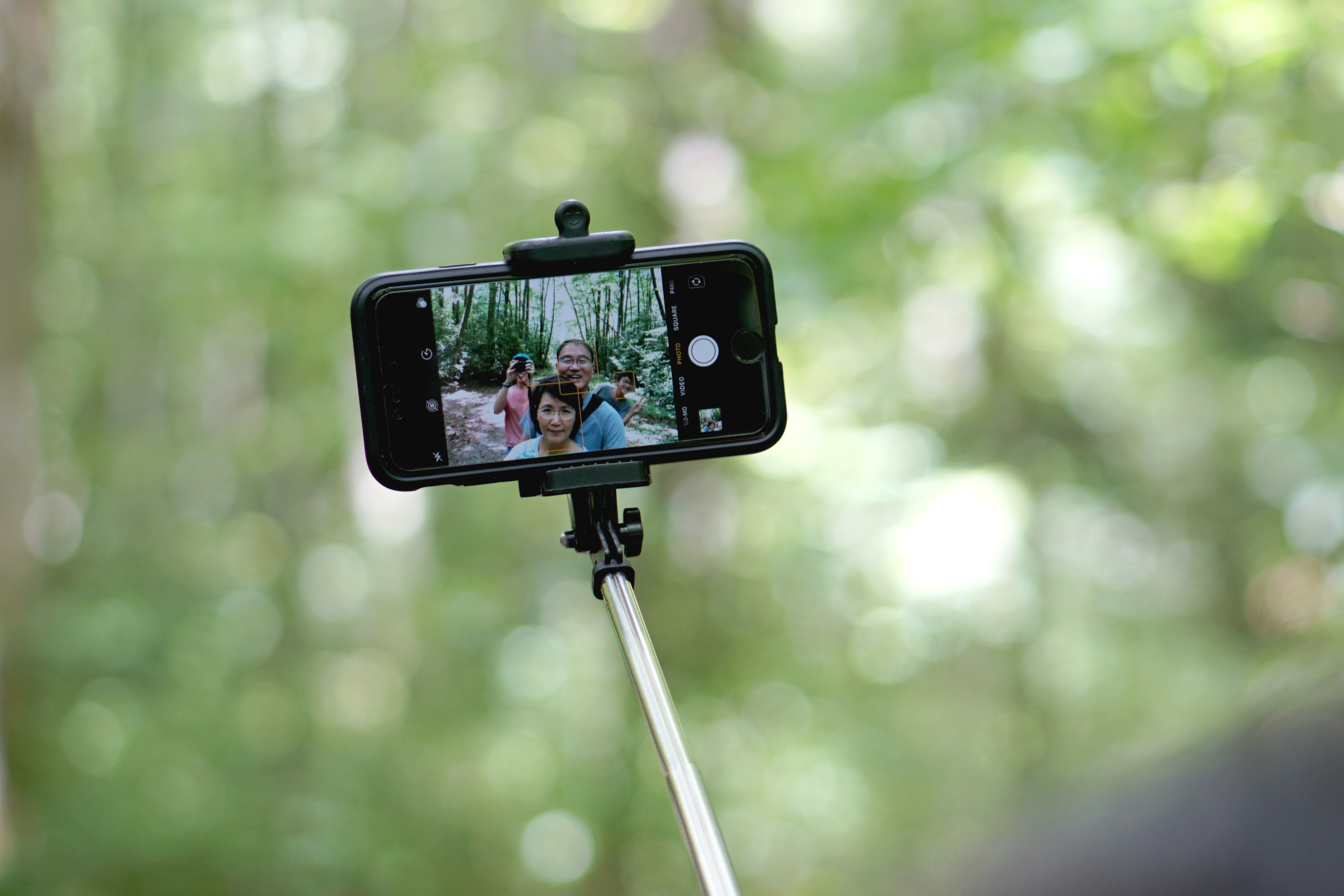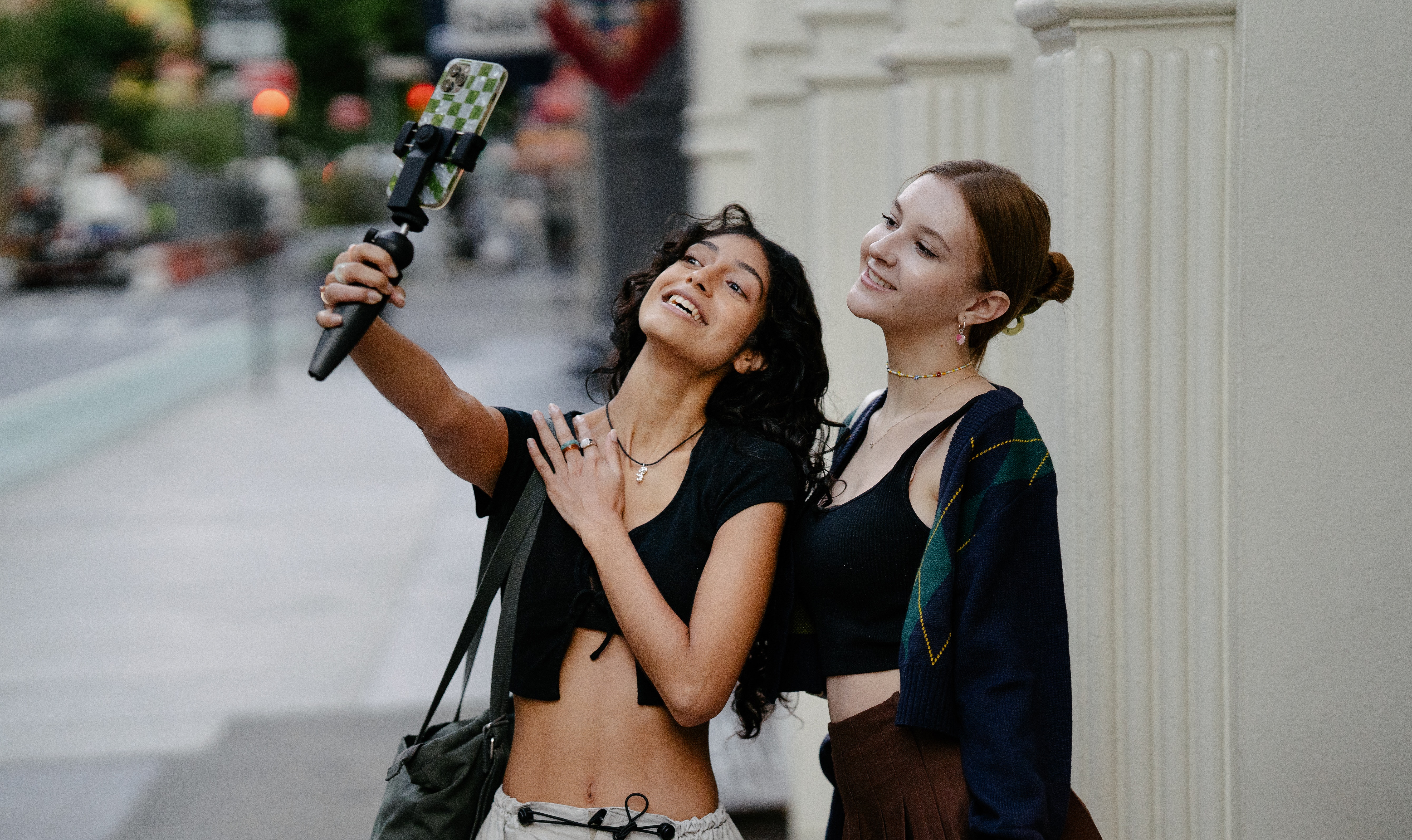
A selfie stick works by holding your phone in a clamp, extending a telescopic arm for distance, and using a shutter trigger that simulates a volume button press to take a photo without touching the phone. The three core components, the clamp, the extendable arm, and the shutter trigger mechanism, work together so you can capture wider-angle selfies and group shots that your arm alone cannot reach.
How the selfie stick works to trigger your phone's camera
The shutter button on a selfie stick triggers the phone’s camera by simulating a volume button press. On an iPhone, Apple documents that the Camera app’s volume up or volume down buttons act as the shutter. To use a selfie stick with an iPhone, you pair the stick via Bluetooth or connect it with a cable, then press the stick’s shutter button, which sends the same signal as pressing a volume key. To mute the shutter sound, use the Ring/Silent switch on the side of the iPhone, switch it to orange for Silent mode. On models with an Action button instead of a Ring/Silent switch, press the Action button to turn Silent mode on or off. If you need the shutter sound muted, Apple says this is controlled through Silent mode, and the shutter does not make a sound when Live Photos is turned on, except in some countries and regions. Some selfie sticks offer additional functionalities with the camera shutter button, such as built-in zoom controls.
For Samsung phones, the default Camera app uses the volume keys as the shutter once the Camera is open. This means a selfie stick that sends a volume-button signal will work with Samsung’s stock camera app without additional setup.
The extendable arm and smartphone holder
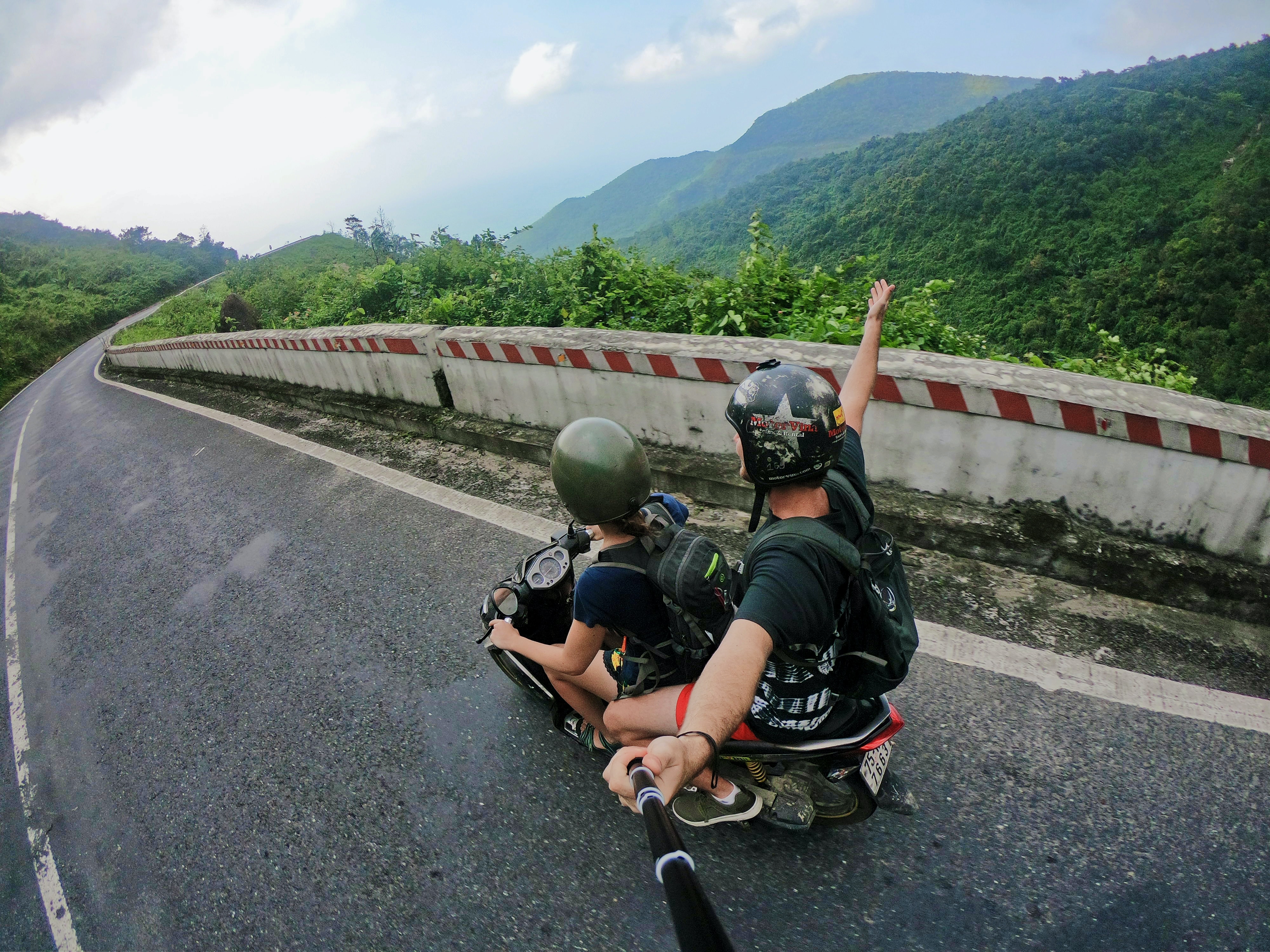
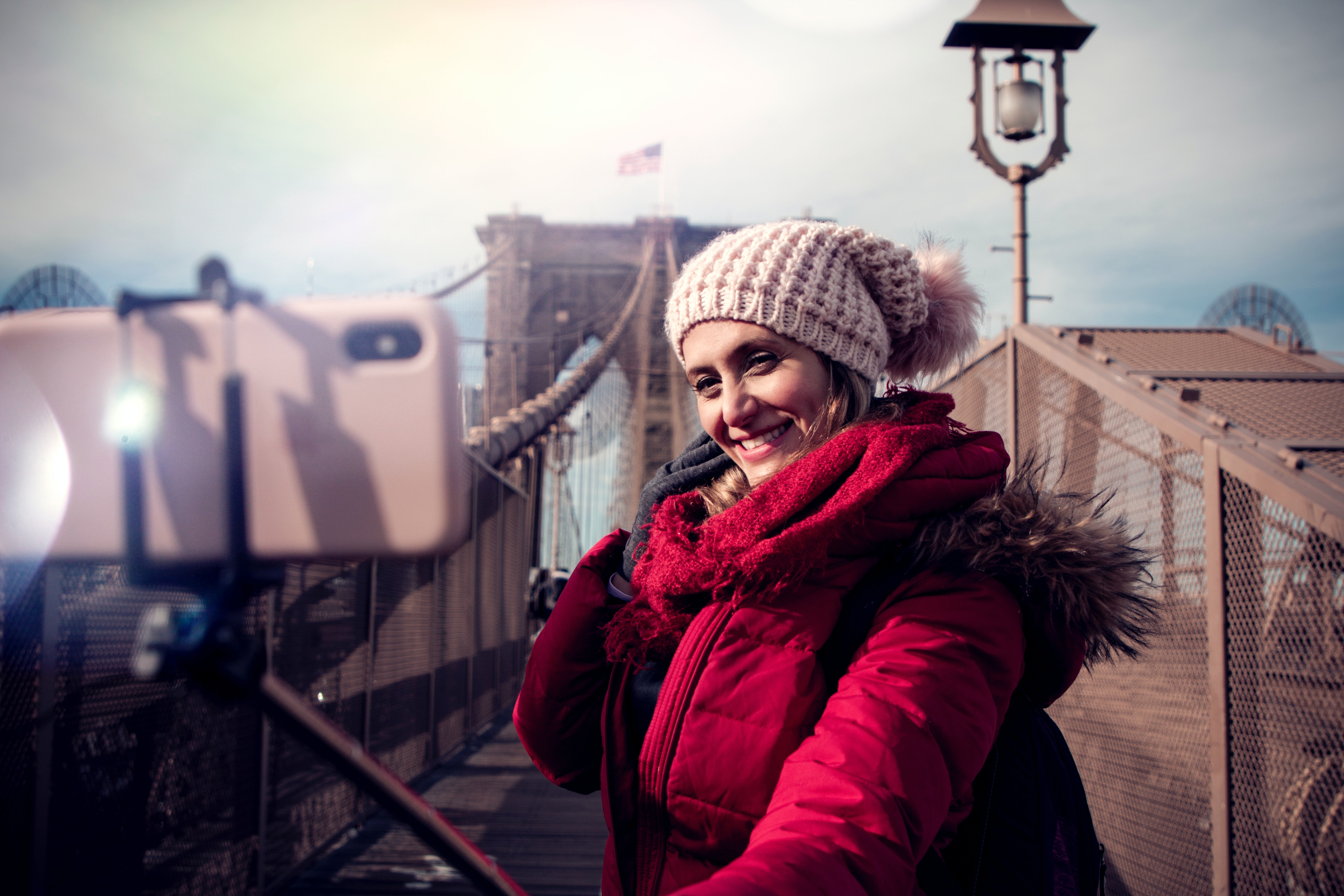
The extendable arm increases the distance from the camera subject, allowing you to capture wider backgrounds or fit more people into the frame. The extendable arm is usually made of lightweight and sturdy materials such as aluminum or stainless steel. The telescopic design lets you adjust the length by twisting and extending the segments, and the arm locks securely at the desired length to prevent accidental collapse. The smartphone holder clamps the phone in place with adjustable clamps or brackets that accommodate various phone sizes, and it typically includes a 360-degree rotation feature so you can shoot in landscape or portrait orientation. Some models have a 360-degree rotatable head, allowing you to capture shots from different angles with a simple rotation. Anti-slip pads or rubberized grips help keep the phone secure and prevent scratches.
Frequently Asked Questions
What is a selfie stick?
A selfie stick is a lightweight, extendable pole with a clamp at one end to hold a smartphone and a shutter trigger on the handle, letting you take photos from a distance without touching the phone.
How do you use a selfie stick?
To use a selfie stick, clamp your phone into the holder, extend the arm to your desired length, pair or connect the shutter trigger, open your camera app, and press the button on the handle to take the photo.
Is a selfie stick compatible with all phones?
Most selfie sticks work with a wide range of smartphones, but compatibility depends on the trigger method. Bluetooth sticks work with any phone that supports Bluetooth, while wired sticks require a headphone jack or charging port that accepts the shutter signal. Always check the stick’s specifications for your specific phone model.
Are selfie sticks portable?
Yes, most selfie sticks are lightweight and collapse to a compact size, making them easy to carry in a bag or pocket. This portability makes them convenient for travel and everyday use.
Are there any limitations to using a selfie stick?
Some venues and attractions restrict selfie stick use for safety or privacy reasons. The stick can also become unstable when fully extended, so avoid applying excessive force. Additionally, not all selfie sticks are waterproof, so they may not be suitable for underwater or wet conditions.