






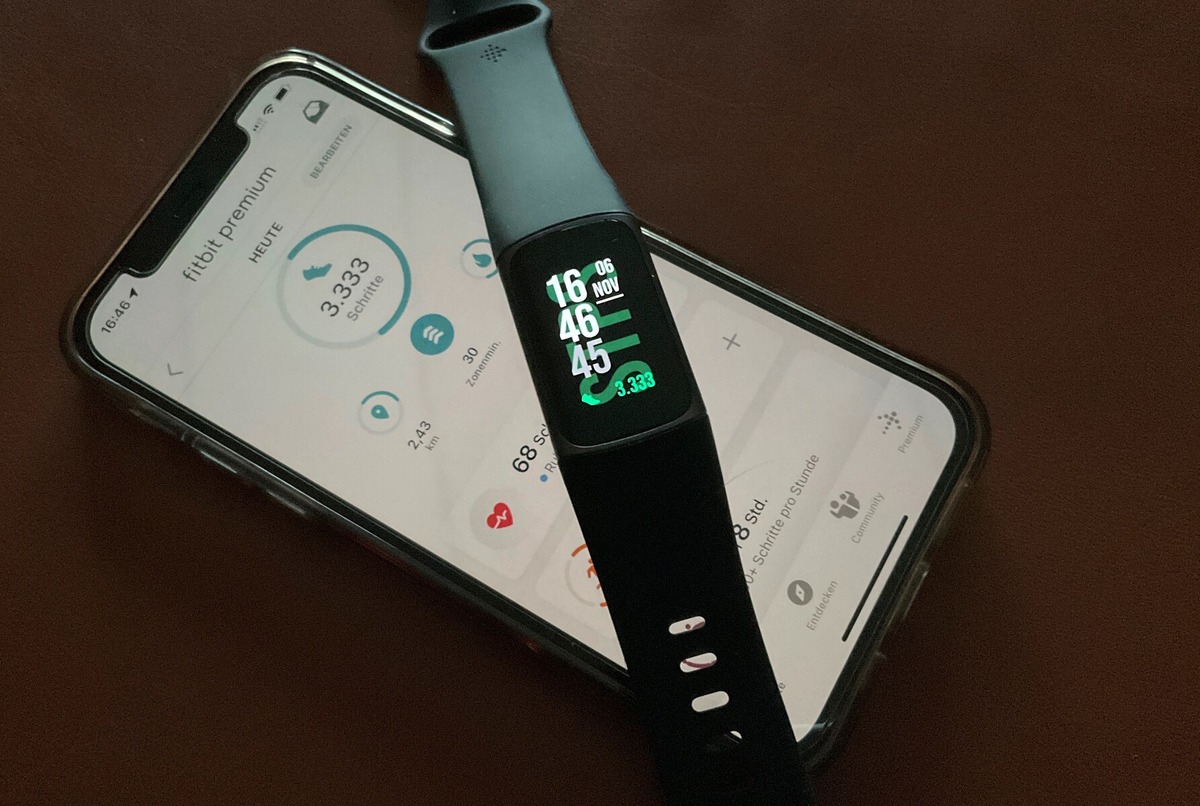
The Fitbit Charge 5 battery life is officially rated at up to 7 days on a single charge. If you enable the always-on display, that runtime drops to up to 3 days, making the display setting the single most impactful control over how long your device lasts between charges.
Fitbit charge 5 battery life: the official numbers
Fitbit documents the Charge 5 as lasting up to 7 days under typical usage conditions. When you turn on the always-on display feature, the documented battery life decreases to up to 3 days. These figures come directly from Fitbit's specifications, though actual battery life varies depending on how you use the tracker, your settings, and other factors. The Charge 5 shares this battery-life behavior with other models in the same family, including the Charge 4 and Charge 6.
How always-on display changes battery life
The always-on display setting is the main documented control that affects your Charge 5's runtime. With it turned off, you can expect up to 7 days of use. Enabling it reduces that to up to 3 days because the screen stays lit to show the time and other glanceable information. If you are experiencing rapid Fitbit battery drain, checking this setting is the first step to understanding why your Fitbit battery dies so fast.
Charging the Fitbit charge 5
Charging the Charge 5 takes approximately 1 to 2 hours for a full charge, depending on the remaining battery level. The device uses a proprietary charging cable that connects securely to pins on the back of the tracker. You can plug this cable into any USB port or a wall adapter. Fitbit recommends using the official charging cable to ensure safe and efficient charging. The device can be used while it is charging, though active use may extend the time needed to reach a full charge. For Fitbit troubleshooting related to charging issues, always verify that the charging pins and cable contacts are clean and dry. Battery capacity is rated at 225mAh and uses a lithium polymer battery. A 10-minute charge provides up to 80 minutes of usage.
Frequently Asked Questions
How can I check the battery level on my Fitbit Charge 5?
Swipe down on the clock face to open the quick settings menu. You will see a battery icon that displays the remaining battery percentage. You can also check the battery level in the Fitbit app by navigating to your device settings.
Can I extend the battery life beyond 7 days?
The only documented control is the always-on display, which reduces runtime to up to 3 days when enabled. Actual battery life varies with use, but no additional battery-saving modes are listed in Fitbit's official support pages.
Can I use my Fitbit Charge 5 while it's charging?
How long does it take to fully charge the Fitbit Charge 5?
A full charge takes about 1 to 2 hours. A quick 10-minute charge provides enough power for roughly 80 minutes of use, which is useful for a short workout or checking notifications before heading out.
Does using GPS affect the battery life?
Fitbit's official documentation does not specify a separate battery-life estimate for GPS usage on the Charge 5. The up to 7 days and up to 3 days figures cover general use, and actual runtime will vary if you frequently use GPS-connected workouts.















