






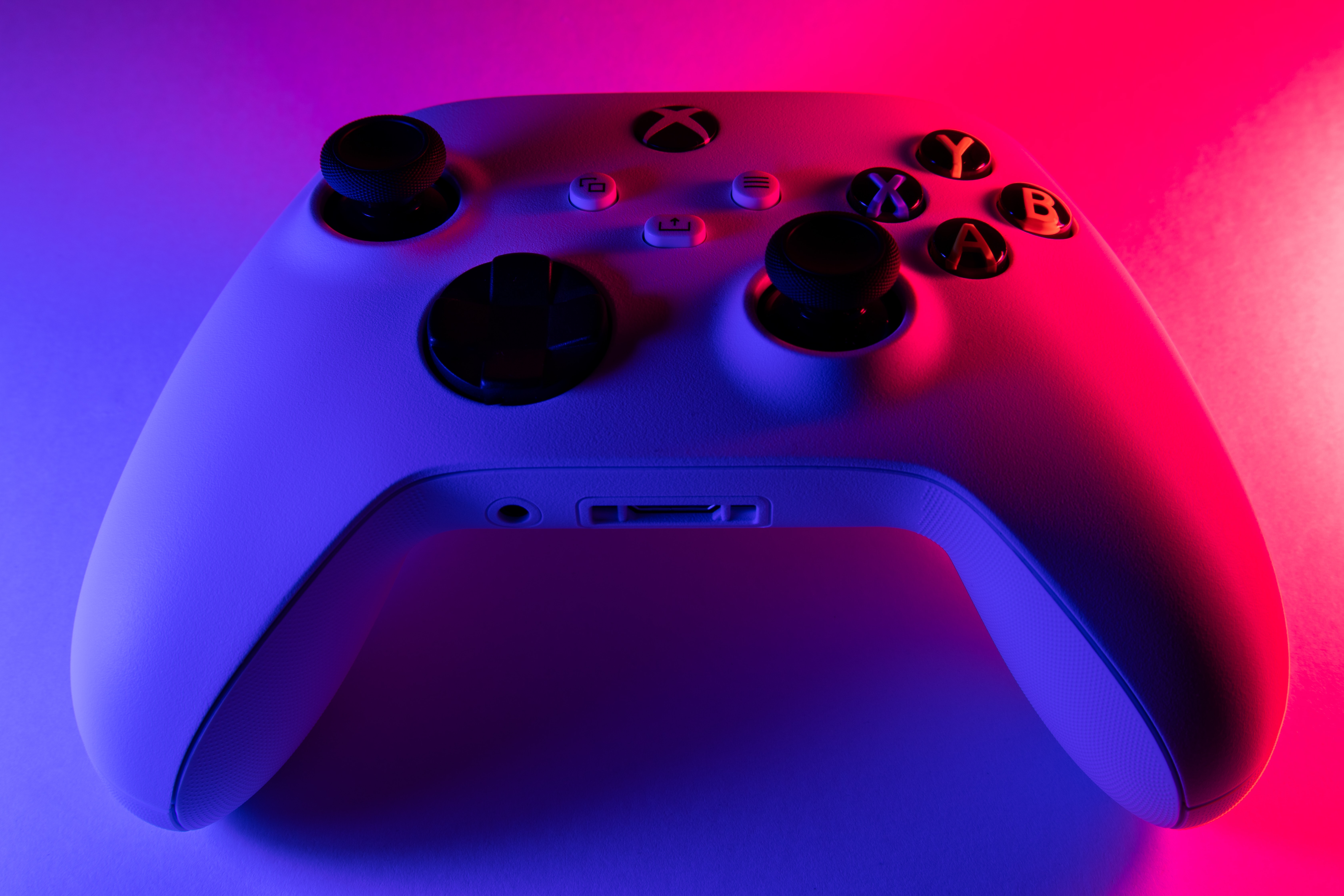
How much does a joystick cost depends heavily on its tier, features, and build quality, with prices typically spanning from around $20 for basic models to over $500 for professional-grade equipment. Since Apple and Google only document how to pair and use a compatible game controller, not the cost, buyers must rely on market research to budget for a purchase.
Why official joystick prices are hard to find
Neither Apple nor Google publishes joystick prices in their support documentation. Apple’s guidance covers connecting a compatible game controller via Bluetooth or a Lightning/USB-C connector, and Google’s Android help explains pairing a controller through Settings > Connected devices. Both focus solely on setup and compatibility, leaving price discovery to shoppers.
Factors that influence joystick cost
Brand reputation, feature set, build materials, connectivity type, platform compatibility, customizability, manufacturer reputation, and product availability all play a role. Wired joysticks generally cost less than wireless or Bluetooth-enabled models, while joysticks compatible with multiple platforms, PC, console, and mobile, often carry a premium.
Understanding joystick tiers: entry-level, mid-range, and high-end
Entry-level joysticks are designed for casual gamers or beginners. They typically offer basic functionality, simpler construction, and fewer customization options, making them the most affordable tier. Mid-range joysticks balance cost with improved build quality, more buttons, adjustable sensitivity, and broader platform support. High-end joysticks use premium materials, advanced sensors, force feedback, and extensive customization, targeting professional gamers and simulation enthusiasts.
How to research current joystick prices
- Check online retailers such as Amazon, Best Buy, and specialty gaming stores for current listings.
- Read recent customer reviews to gauge real-world performance and durability.
- Compare specifications across models, focusing on buttons, connectivity, and platform support.
- Look for seasonal sales, bundle deals, or refurbished units to reduce cost.
Features to consider before buying
Ergonomics matter for long sessions, look for a comfortable grip and well-placed buttons. Adjustable sensitivity and precise controls improve accuracy in flight simulators and racing games. Programmable buttons let you assign complex commands, while force feedback adds immersion. Platform compatibility is critical: ensure the joystick works with your PC, console, or mobile device. For iPhone users, Apple requires a compatible game controller connected via Bluetooth or the Lightning/USB-C connector; for Android, Google’s pairing process is Settings > Connected devices > Pair new device.
Using joysticks for PC gaming often demands checking driver support and software configuration. For flight SIM enthusiasts, you may need to know how to set up controls for joystick on war thunder, which typically involves mapping axes and buttons within the game’s settings menu.
Frequently Asked Questions
How do I connect a controller on iPhone?
Go to Settings > Bluetooth, turn on Bluetooth, then tap the controller name. For wired use, Apple says Lightning or USB-C may work depending on the iPhone model and controller; some setups may need an adapter sold separately.
How do I connect a controller on Android?
Open Settings > Connected devices > Pair new device, then select the controller from the Bluetooth list after putting it in pairing mode.
Are all controllers supported?
Apple says a compatible game controller is required, but the retrieved support pages do not list every supported model. Google’s Android page also does not specify model-specific limits.
Are prices documented by Apple or Google?
No. Neither Apple’s nor Google’s retrieved support pages include joystick prices.
What is the most affordable way to get a joystick?
Entry-level models offer the lowest upfront cost, but checking refurbished units, open-box deals, and seasonal sales can further reduce the price.
What should I look for in a joystick for flight simulators?
Prioritize adjustable sensitivity, a stable base, enough programmable buttons for common commands, and force feedback if your budget allows. Confirm compatibility with your specific simulator before buying.
How do I use Buddy Controller on Apple devices?
Apple documents Buddy Controller at Settings > General > Game Controller > Buddy Controller, where you choose a primary and secondary controller.
For the wider topic, see using joysticks for PC gaming.















