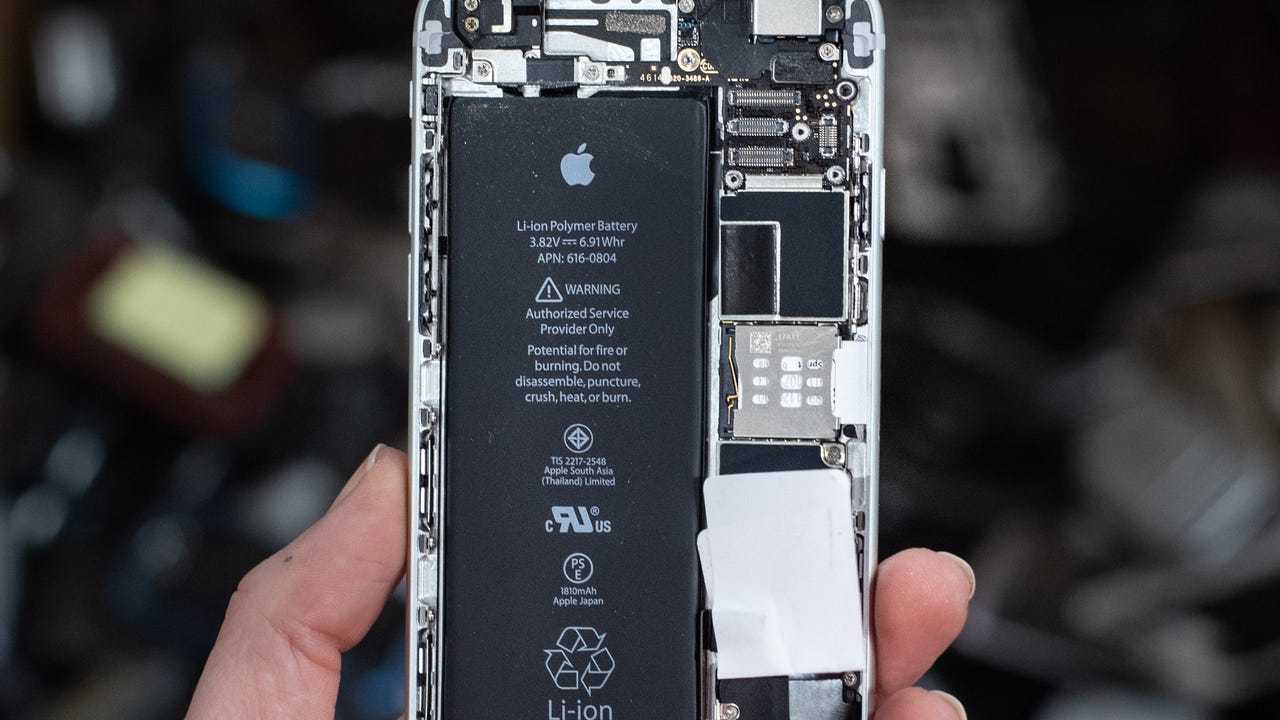
To test a lithium battery in your phone, the most direct method is to use the built-in health tools provided by your device manufacturer. For most users, the need to how to test a lithium battery comes down to checking a phone battery's health to decide if it needs replacing, and both iPhone and Samsung provide built-in tools for this purpose.
How to check an iPhone battery
Apple documents battery checks directly in the Settings app. The exact steps depend on your iPhone model.
- Open the Settings app, then tap Battery.
- On iPhone 15 and later, tap Battery Health. On iPhone 14 and earlier, tap Battery Health & Charging.
On iPhone 15 models and later with iOS 17.4 and later, the Battery Health page can show maximum capacity, cycle count, manufacture date, first-use date, and whether replacement is recommended. On iPhone 14 and earlier, the Battery Health & Charging page shows similar health information. Apple says battery health information may not be accurate if the battery is unverified, and for some iPhone 11 models the information can be inaccurate during recalibration. Apple says Battery Health applies to iPhone 6, iPhone 6 Plus, iPhone 6s, iPhone 6s Plus, iPhone SE (1st generation), iPhone 7, and iPhone 7 Plus for the original battery-health feature.
How to check a Samsung Galaxy battery
Samsung provides battery diagnostics through the Samsung Members app, not through general Android settings. This is a Samsung-specific tool.
- Open the Samsung Members app.
- Tap Support, then under Phone diagnostics tap Get Started.
- After the diagnostic completes, tap the Battery status icon to view the result.
Some Samsung regional pages document an alternate path: Samsung Members > Support > Phone diagnostics > Test all. Others document Samsung Members > Support > Connected device diagnostics > Battery status. The core tool remains the Samsung Members app, and it is not a general Android feature.
Understanding your battery test results
Maximum capacity indicates battery health. A service recommendation from Apple or a diagnostic result from Samsung helps decide if a replacement is needed. Apple says battery health and performance are tied together, and if iPhone performance is affected by an aged battery, Apple Support can help with replacement options. Samsung’s diagnostics are meant to check battery status and overall health to help decide whether replacement or maintenance is needed. Note that battery health information can be inaccurate for unverified batteries.
Frequently Asked Questions
What is a healthy maximum capacity for a lithium battery?
Below that, you may notice shorter runtimes, and Apple or Samsung may recommend service.
Can I test a lithium battery with a multimeter?
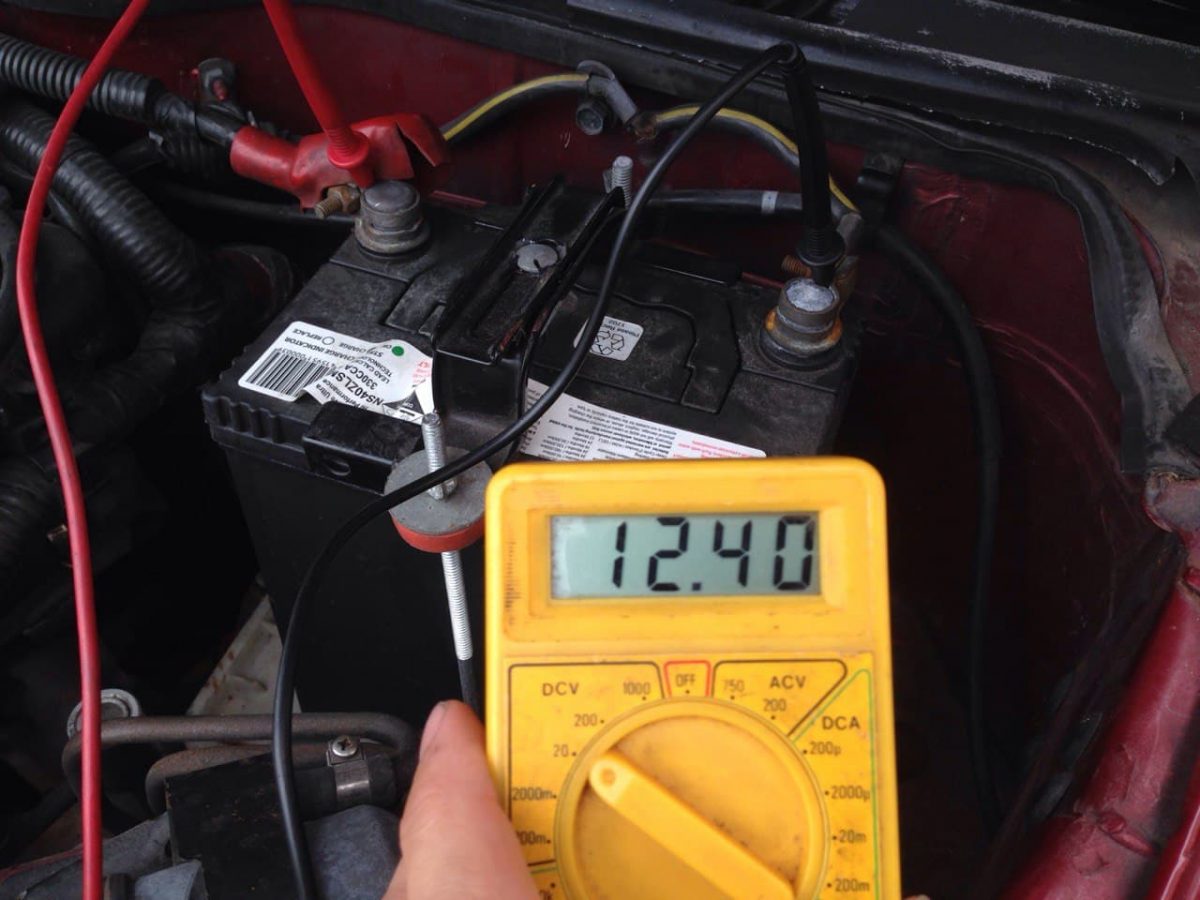
While a multimeter can measure voltage, no official Apple, Google, or Samsung documentation describes a user-facing voltage test for phone batteries. The built-in software tools are the recommended method.
How do I test a lithium battery that is not in a phone?
For loose lithium cells, you would need a dedicated battery tester or charger with a capacity-test function. This is different from testing phone batteries, which rely on built-in diagnostics. If you are looking for AA and AAA battery specs for standard alkaline cells, those are tested differently than lithium-ion phone batteries.
Does a lithium battery test work on all Android phones?
No. Samsung provides its own diagnostics in the Samsung Members app. Other brands may have their own apps or settings, but there is no universal method.
Can a lithium battery pass a test but still need replacement?
Yes. A battery can show acceptable maximum capacity but still cause performance issues if its internal resistance has increased. Apple notes that battery health and performance are tied together, so if your phone slows down or shuts down unexpectedly, replacement may still be needed.
How can I tell if my lithium battery is damaged?
Signs include noticeable decrease in battery life, sudden temperature rise or overheating during use, physical swelling or bulging of the battery, and leakage of electrolyte.
Are there any precautions I should take while testing a lithium battery?
Ensure the battery is properly connected to the multimeter and take care to avoid short circuits; avoid puncturing or damaging the battery; wear appropriate protective gear, such as gloves and safety glasses; dispose of damaged or faulty batteries according to local regulations and guidelines.
For the wider topic, see AA and AAA battery specs.
Related reading: How To Fix An Overcharged Battery and How Much Does It Cost To Replace An iPad Battery.