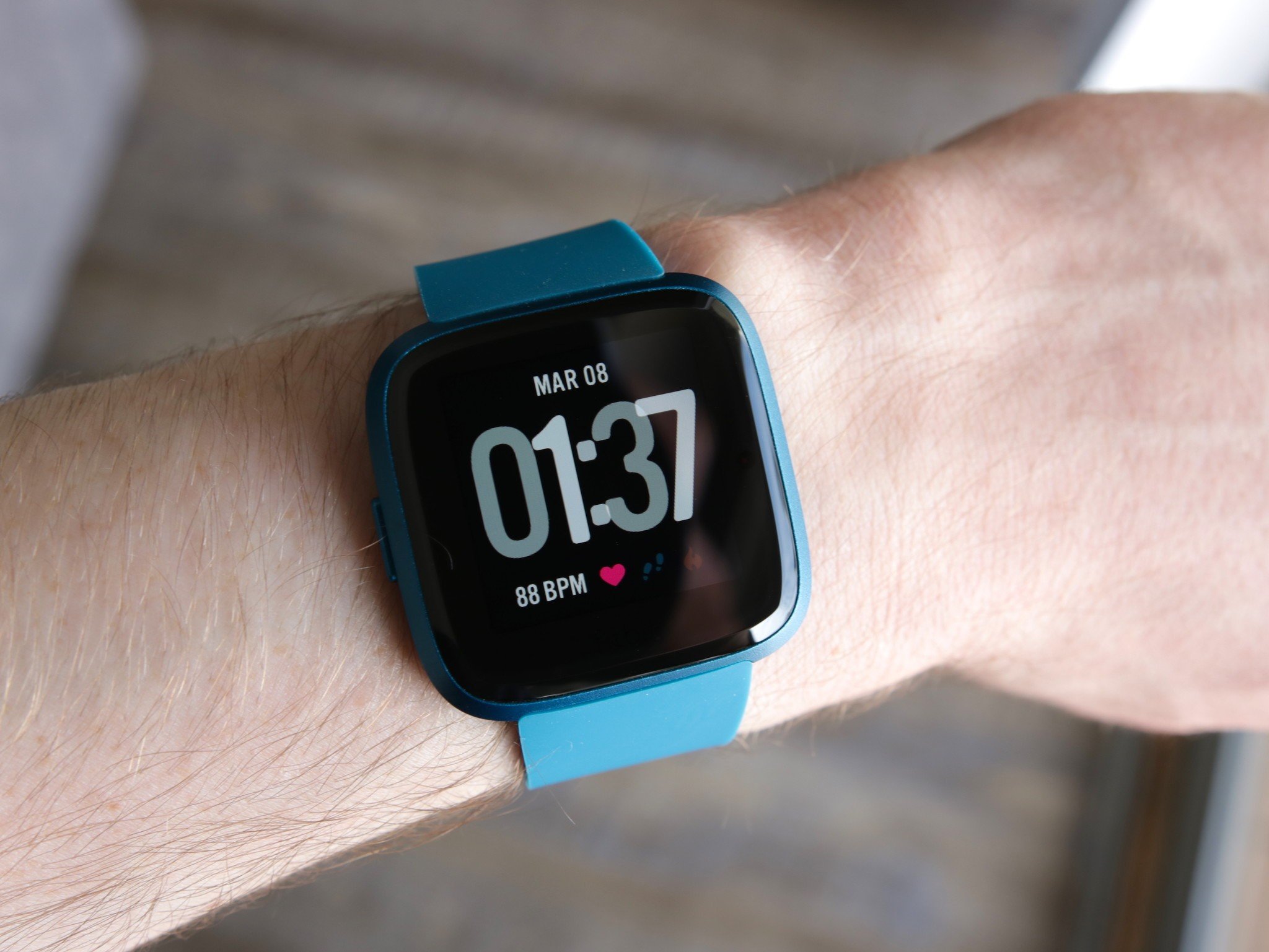
What does BPM mean on Fitbit? It stands for beats per minute, the number of times your heart beats in one minute. Your Fitbit device uses this measurement to show your real-time heart rate, helping you understand how hard your body is working throughout the day and during exercise.
What does BPM mean on Fitbit?
BPM is an acronym for beats per minute, the standard unit used to measure heart rate. When your Fitbit displays a BPM number, it is showing the number of times your heart beats in one minute at that moment. This reading is the foundation for many of the Fitbit features and metrics that help you track your cardiovascular health and fitness progress.
How Fitbit measures your BPM
Fitbit devices use optical heart rate sensors to calculate heart rate in beats per minute. These sensors shine LED lights onto your skin and measure the light that is reflected back to detect changes in blood flow. The device then uses this data to determine your heart rate in real time, providing continuous BPM readings throughout the day and during workouts. Factors such as movement, sweat, and skin conditions can sometimes affect the accuracy of the BPM readings.
How to wear your Fitbit for accurate BPM readings
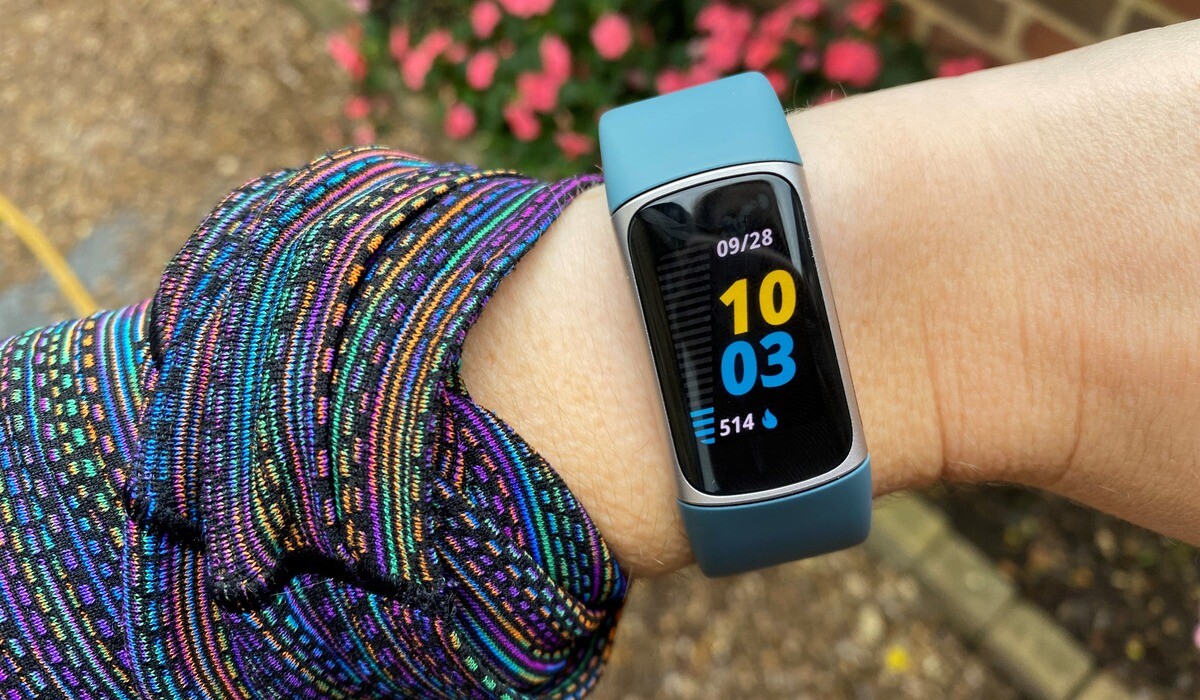
For the most accurate heart rate monitoring, Fitbit recommends wearing your device on top of your wrist with the back of the device touching your skin directly. When you are not exercising, wear the device a finger's width above your wrist bone. During exercise, wear it a bit tighter and higher on your wrist for an improved fit. Fitbit recommends wearing the device higher on your wrist, about a finger's width above your wrist bone, for improved accuracy. The band should be snug but not constricting, allowing the sensors to maintain consistent contact with your skin without cutting off circulation.
Where to find your BPM on your Fitbit device
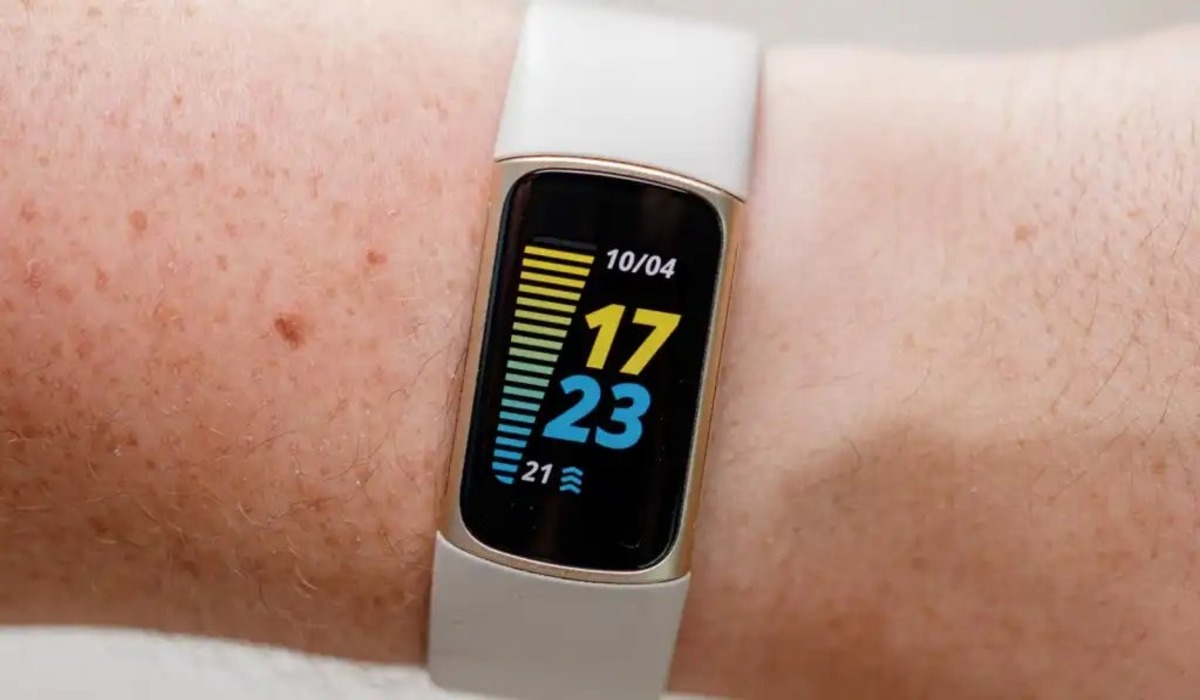
You can view your BPM in several places on your Fitbit device. On the device itself, open the Settings app, then tap Heart Rate to turn it on if it was off. On Google Pixel Watch series, from the clock face, swipe left until you find the Heart rate tile, which shows your current heart rate and a graph of recent heart rate. Tap the tile to get more details in the Fitbit Today app. During workouts, when you use the Fitbit Exercise app to track a workout, your heart rate appears on the screen so you can monitor your intensity in real time.
How to see and set BPM alerts in the Fitbit app
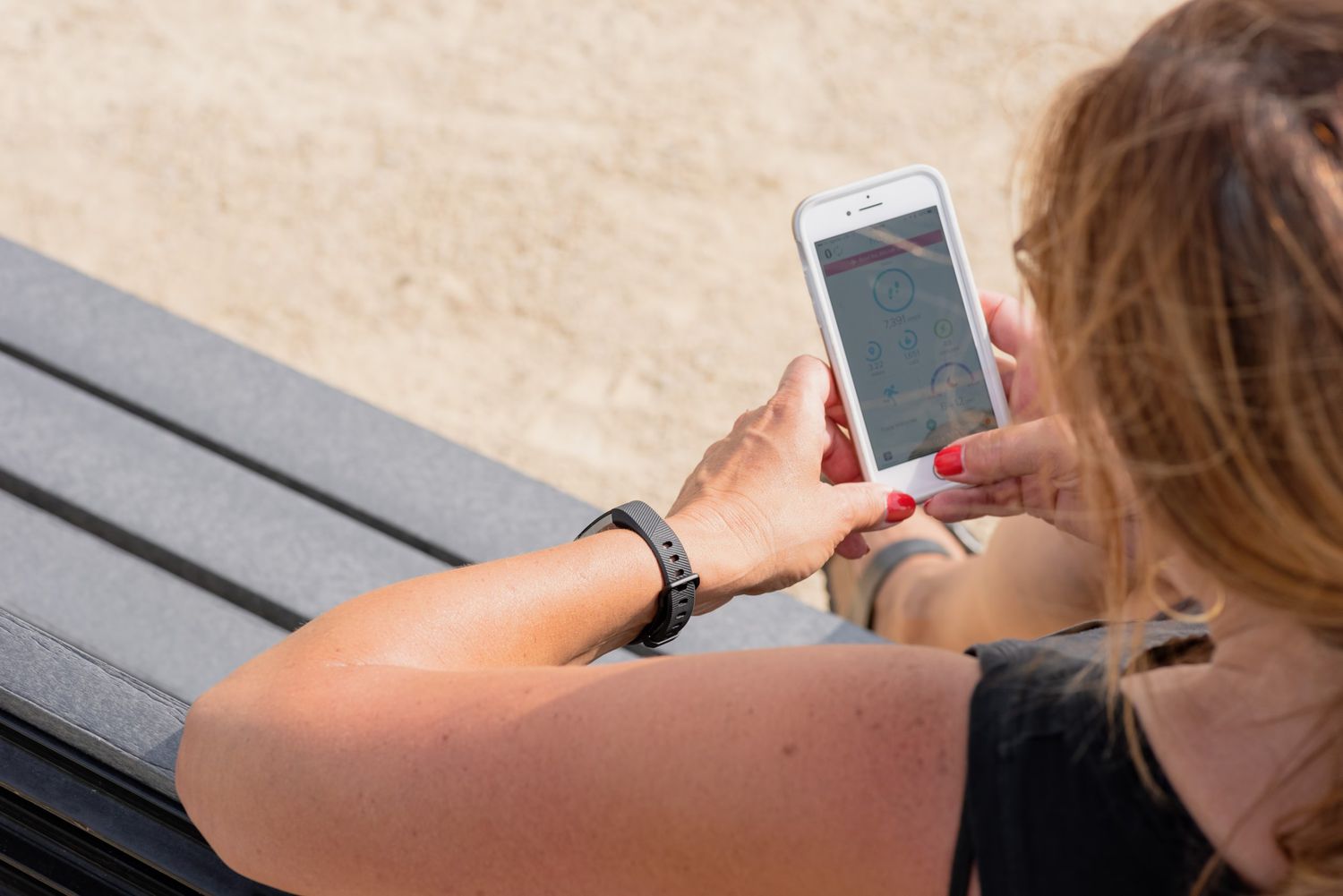
In the Fitbit app on your phone, go to the Today tab, then tap Devices and select your device. Tap High & Low Heart Rate to view your current thresholds. To set custom alerts, choose the Custom option, then tap Threshold and select a new threshold. Once set, your Fitbit will notify you when your heart rate goes above or below your chosen levels, helping you stay aware of unusual changes during rest or activity.
Understanding your resting heart rate BPM
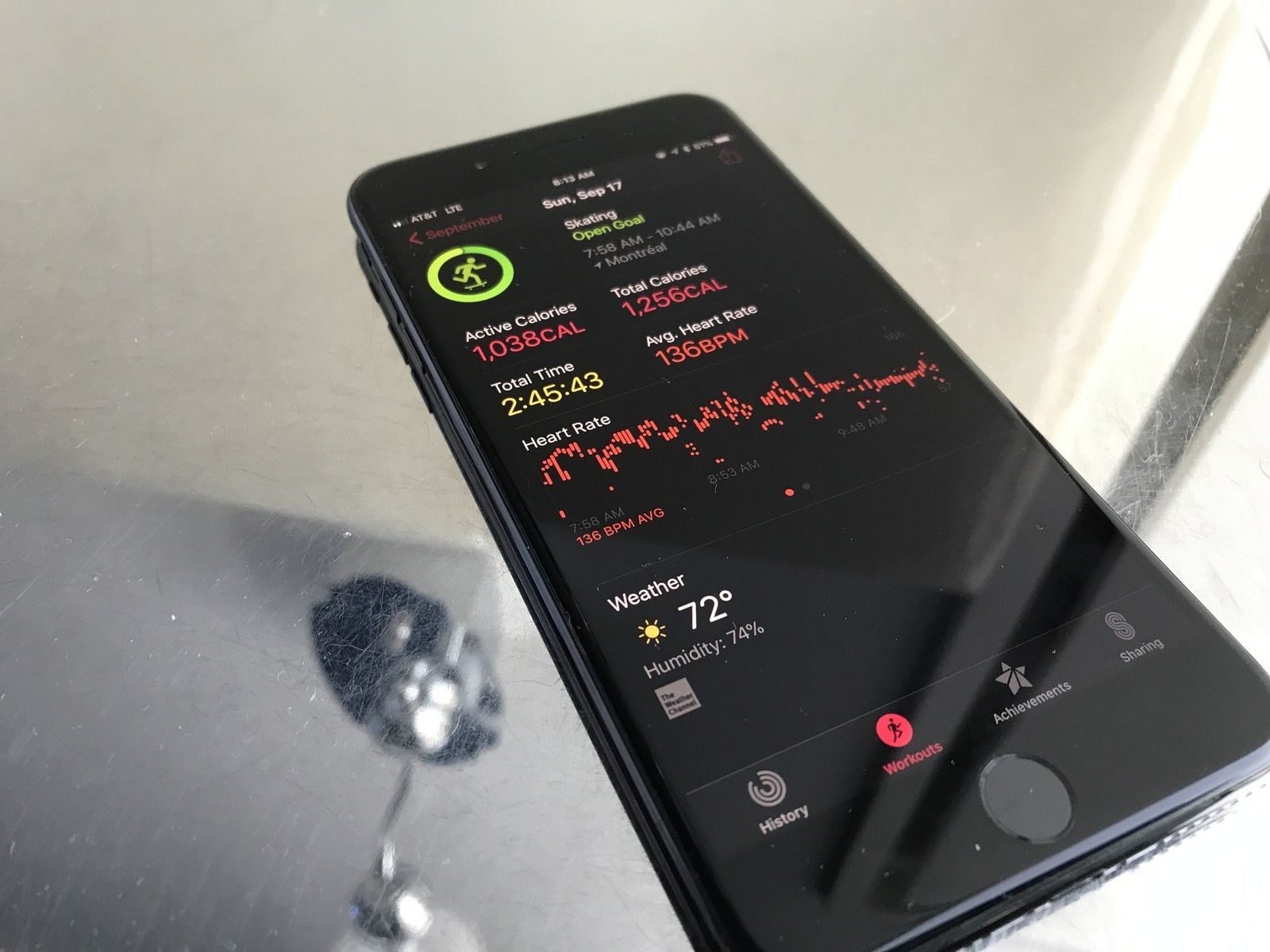
Resting heart rate is Fitbit's estimate of your beats per minute when you are still and well-rested. Fitbit estimates this value each day based on your heart rate data during periods of inactivity. You can view your resting heart rate on some devices by swiping up from the clock face. A lower resting heart rate generally indicates better cardiovascular fitness, and tracking it over time helps you see how your fitness level is improving. Your sleeping heart rate is detected continuously throughout the night, giving you additional insight into your heart health during rest.
Frequently Asked Questions
What is a normal BPM range on Fitbit?
During exercise, your target BPM depends on your age and fitness goals, with moderate activity usually falling between 50 and 70 percent of your maximum heart rate. A general rule of thumb is to aim for about 50-70% of your maximum heart rate for moderate-intensity workouts and 70-85% for vigorous-intensity workouts. It's always best to consult with a healthcare professional or personal trainer to determine the ideal target BPM range for you.
Can I use Fitbit BPM data to track sleep quality?
Yes, Fitbit uses your heart rate data throughout the night to estimate sleep stages and resting heart rate. Changes in your overnight BPM patterns can indicate how restful your sleep is and help you identify trends in your overall recovery.
Why does my Fitbit BPM reading sometimes show dashes or no data?
Your Fitbit may show dashes when the optical sensor cannot get a consistent reading, often due to loose fit, excessive movement, or poor skin contact. Adjusting the band to be snugger and higher on your wrist usually resolves this issue.
How does Fitbit zone minutes relate to BPM?
What Is Fitbit Zone Minutes uses your BPM data to track time spent in fat burn, cardio, and peak heart rate zones. Each minute of moderate activity earns one zone minute, while more intense activity earns two, helping you meet weekly activity goals based on your heart rate.
Related reading: How To Wear Your Fitbit.