Your Fitbit Flex is fully charged when all five indicator lights blink together or pulse in unison on the tracker itself. This is the only visual signal you need to watch for to confirm a Fitbit flex fully charged state and know it is ready to remove from the charger.
How does the Fitbit Flex charge?
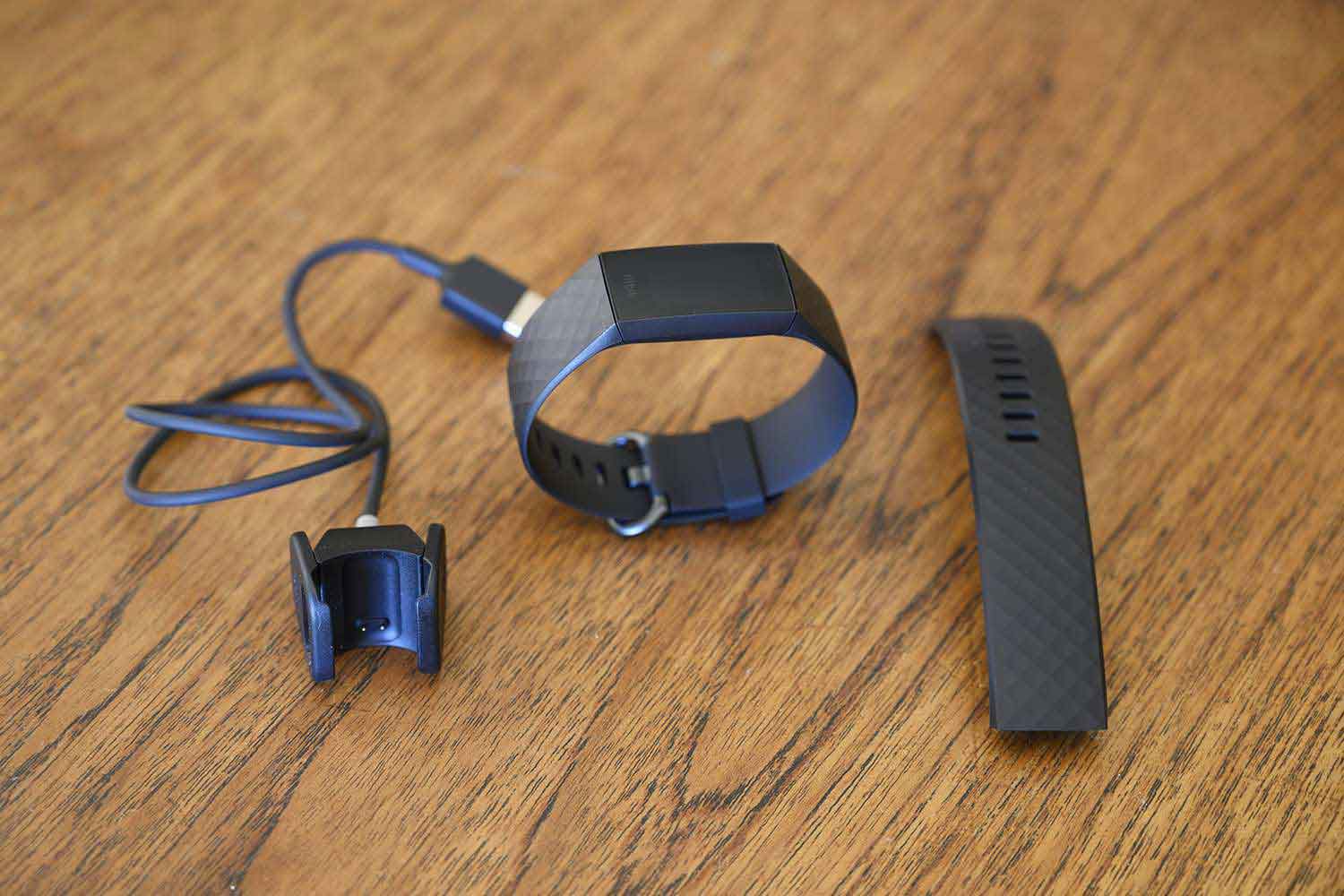
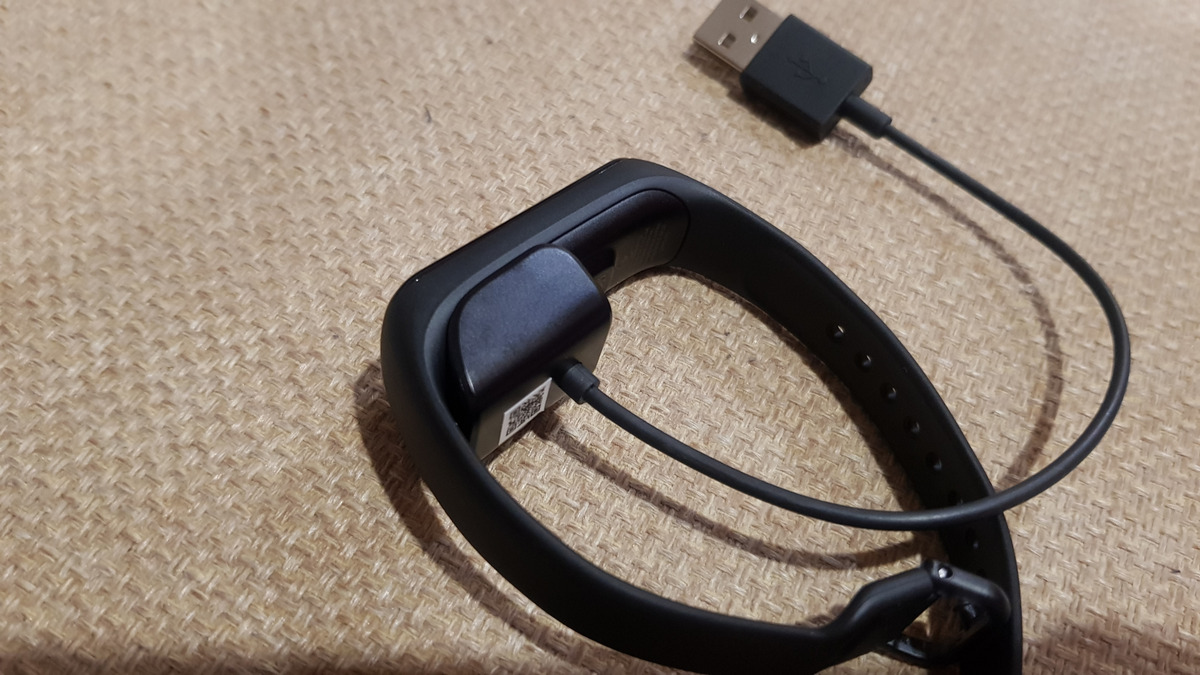
- Plug the charging cable into a computer USB port. Do not use a USB wall charger unless it is a low‑power port; the manual specifies a computer port.
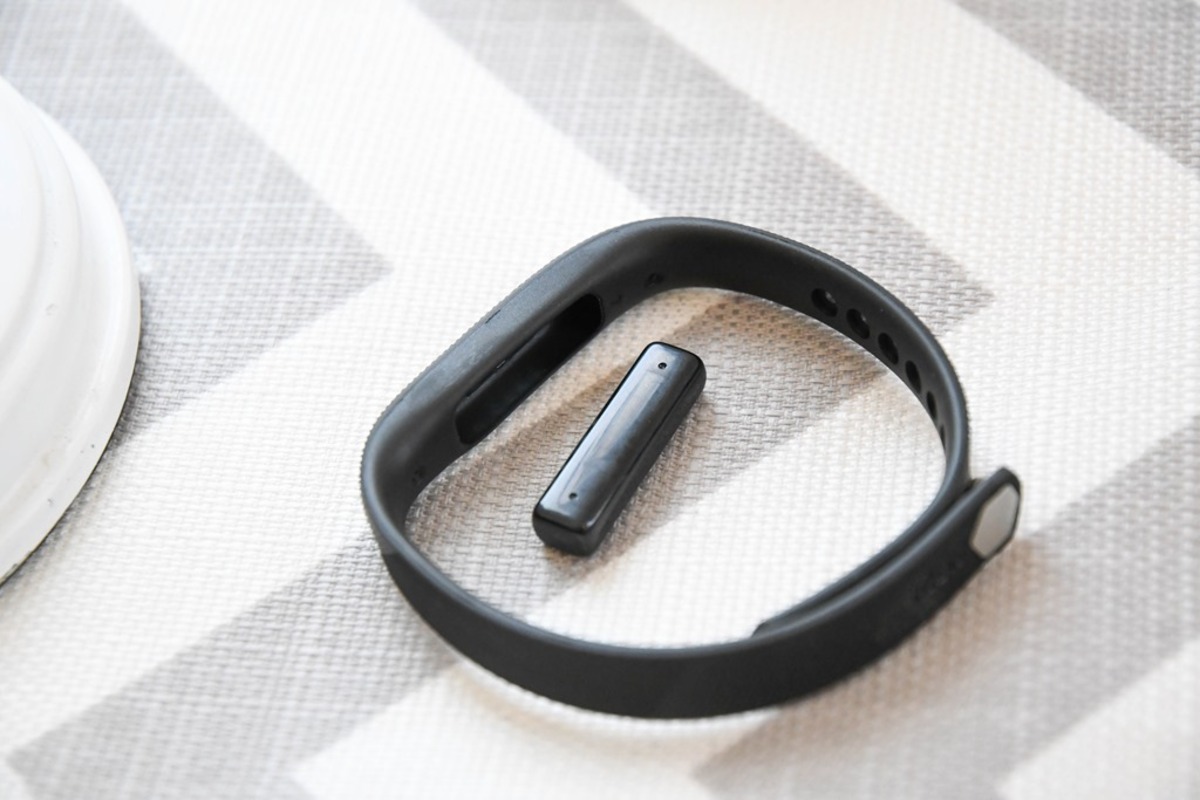
- Remove the tracker from the wristband.
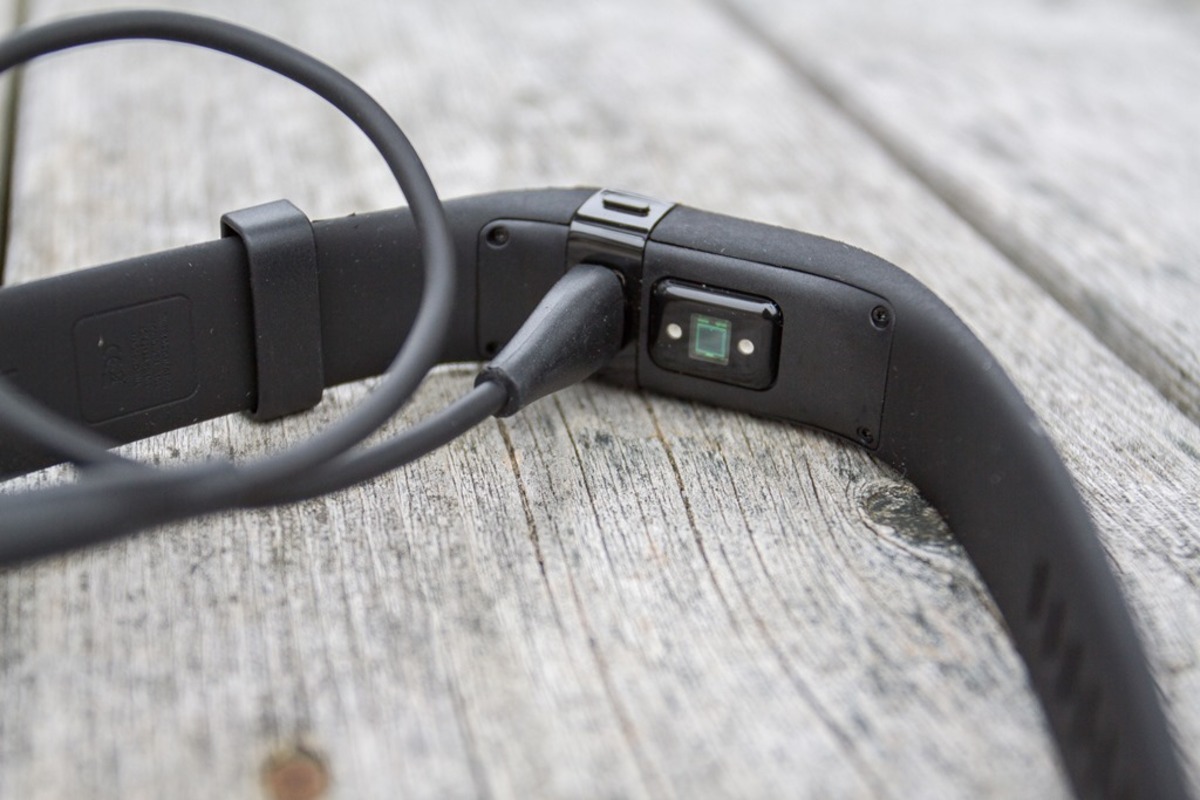
- Insert the tracker into the charging cable with the LED indicator lights facing up.
The Flex charges completely in up to three hours. The charging process usually takes about 1 to 2 hours to complete, depending on the remaining battery level. Under normal use, a full charge lasts up to five days before you need to recharge it.
How to check the battery level while charging
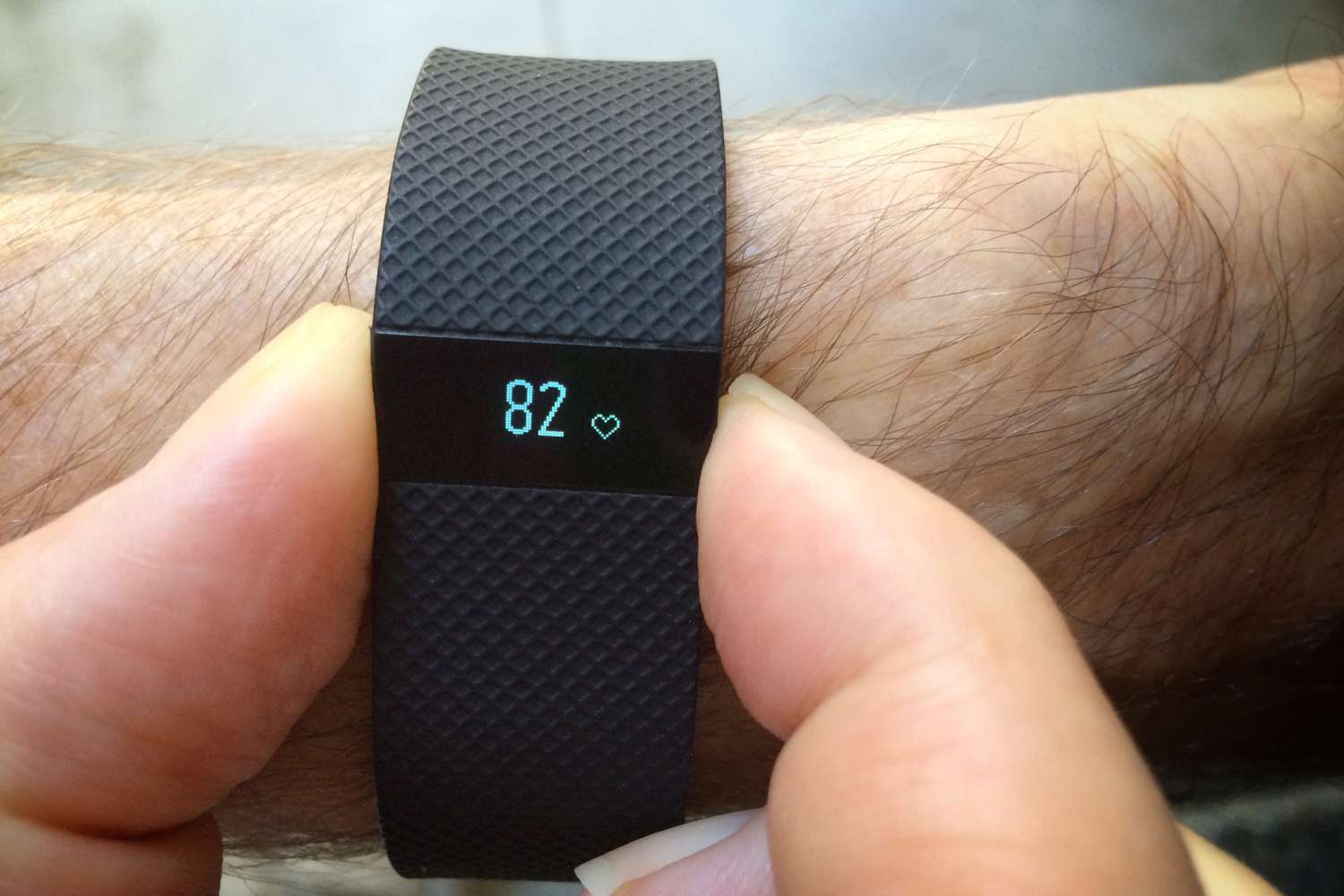
While the Flex is charging, watch the five LED lights on the tracker. They illuminate progressively as the battery fills. Each light represents 20% of the charge. Tap the device twice and the battery level indicator will light up; if all five LED lights are illuminated, it means the Fitbit Flex is fully charged. When the Flex is fully charged, the battery icon will no longer be displayed on the device's screen. When all five lights blink together, the Flex is fully charged.
How to check the battery level on your computer
- Log in to Fitbit.com.
- Click the gear icon in the top‑right corner of the page.
- The dashboard shows the battery level for your Fitbit Flex.
This is the official method documented in the Flex manual. The Flex does not have a built-in battery indicator, so you cannot check the exact battery level while wearing the device. To manage your Fitbit battery and power settings, use the web dashboard.
Frequently Asked Questions
Can I overcharge my Fitbit Flex?
No. The Flex is designed to stop charging once the battery reaches full capacity. You can safely leave it connected to the charging cable without damaging the battery.
What should I do if my Fitbit Flex is not charging?
First, confirm the USB port you are using works by plugging another device into it. If the port is fine, check the charging contacts on both the tracker and the cable for dirt or debris and clean them gently. If the Flex still does not charge, contact Fitbit customer support.
How often should I charge my Fitbit Flex?
Charge the Flex every few days as needed. A full charge lasts up to five days of normal use, so plan to recharge before the battery runs out to avoid gaps in activity tracking. It is recommended to fully charge the Fitbit Flex at least once every 2 to 3 days to ensure optimal performance and battery life. Check the battery level on Fitbit.com to see when a charge is due.
Related reading: How To Know If Fitbit Charge HR Is Fully Charged.