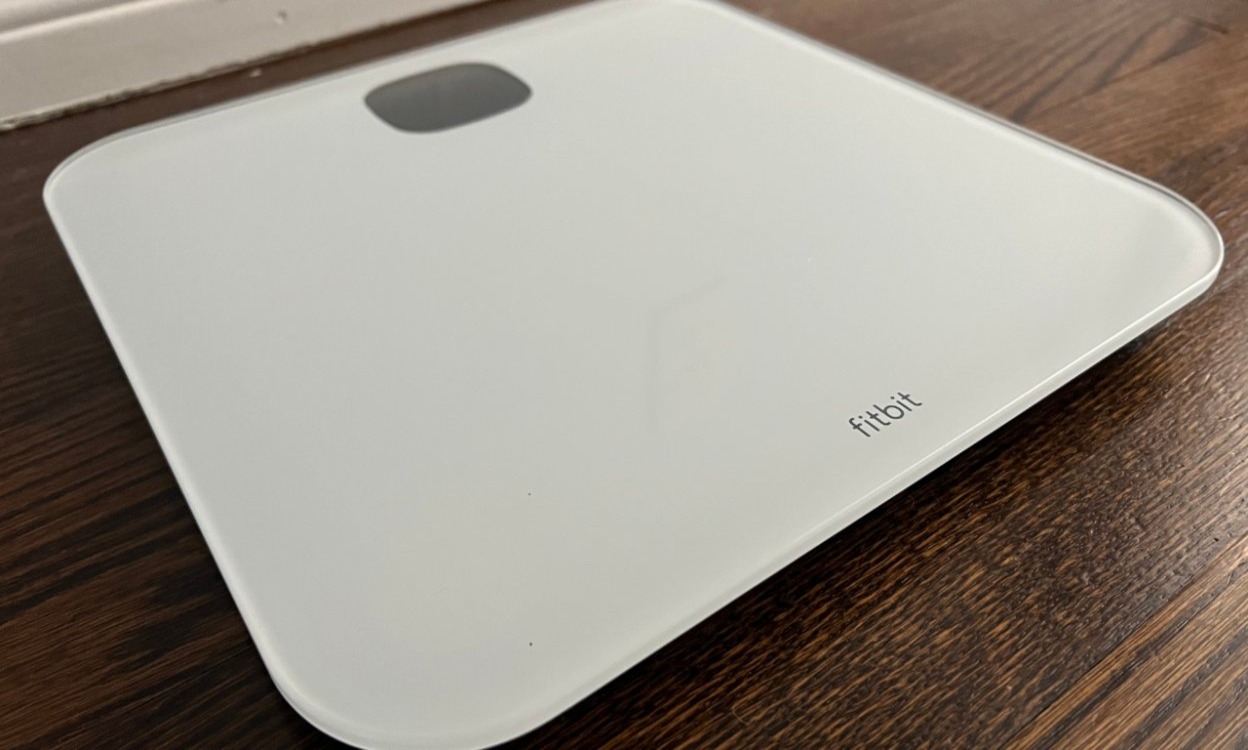
Fitbit scales measure your weight and, on supported models linked to a Fitbit account, estimate your body fat percentage and BMI. The scale automatically syncs this data to the Fitbit app, so you can track changes over time and see how your body composition aligns with your other Fitbit features and metrics.
How the Fitbit scale works for multiple users
The Aria and Aria 2 models recognize up to eight linked users. When a linked user steps on the scale, it automatically identifies them and attributes their weight, body fat percentage, and BMI to their account. An unlinked person sees only their weight on the display; body fat percentage and BMI are not shown, and the measurement is not saved to any account. Unlinked weigh-ins remain private and are not shared with anyone.
How to set up your Fitbit scale
Setup depends on the model you own.
Aria and Aria 2 (web-based setup)
- Open a web browser and go to the Fitbit scale setup page.
- Tap or click Get Started.
- Sign in to an existing Fitbit.com account or create a new one.
- Enter a name for the scale and your initials.
- Put the scale into setup mode by removing a battery, waiting 10 seconds, and reinserting it.
- When the scale display says SETUP ACTIVE, continue.
- Use a mobile device browser and your phone's Wi-Fi settings to join the scale's network, which appears as Aria followed by six characters.
- Follow the prompts to select your home Wi‑Fi network and enter the Wi‑Fi password if needed.
Aria Air (app-based setup)
- Confirm the Fitbit app is compatible with your mobile device by checking Fitbit's devices page.
- Install the Fitbit app from the Apple App Store on iPhone/iPad or Google Play on Android.
- Open the app and sign in.
- If you already have an account, tap the Today tab, then your profile picture, then Set Up a Device.
- If you do not have an account, tap Join Fitbit and follow the account‑creation prompts.
- Continue following the on‑screen instructions to connect Aria Air to your account.
How to invite other people to use the scale
To let another household member link their Fitbit account and get full body composition readings, open the Fitbit.com device settings and select your scale. Click the pink Invite People button and enter the other person’s email address. They will receive an email invitation and can accept it to link their account. For Aria 2, you can also manage invitations in the Fitbit app under the Today tab, then your profile picture, then Aria 2, then People Using This Scale.
Frequently Asked Questions
Can I use the Fitbit scale without a Fitbit device?
Yes. The scale connects directly to your Wi‑Fi network and can operate independently. You can view your weight and body composition data through the Fitbit app or website without owning another Fitbit tracker or smartwatch.
How does the Fitbit scale measure body fat percentage?
The scale uses bioelectrical impedance analysis (BIA). It sends a small, imperceptible electrical signal through your body and measures the resistance. Because fat tissue and lean tissue conduct electricity differently, the scale estimates your body fat percentage based on that resistance.
Does the scale track weight for multiple users automatically?
Yes. The Aria and Aria 2 recognize up to eight linked users by their weight history. When you step on, the scale identifies you and assigns the measurement to your account. Unlinked users see only their weight, and that data is not saved.
Is the Fitbit scale compatible with other fitness apps?
Yes. The Fitbit scale can sync data with apps such as Apple Health, MyFitnessPal, and Google Fit, allowing you to centralize your health and fitness information in one place.
What does the Fitbit scale measure for a person who is not linked to an account?
An unlinked person sees only their weight on the scale’s display.
Can I adjust whether body fat percentage appears on the Aria 2?
For Aria 2, Fitbit says you can adjust whether body fat percentage appears.
Related reading: How Does Fitbit Calorie Adjustment Work.