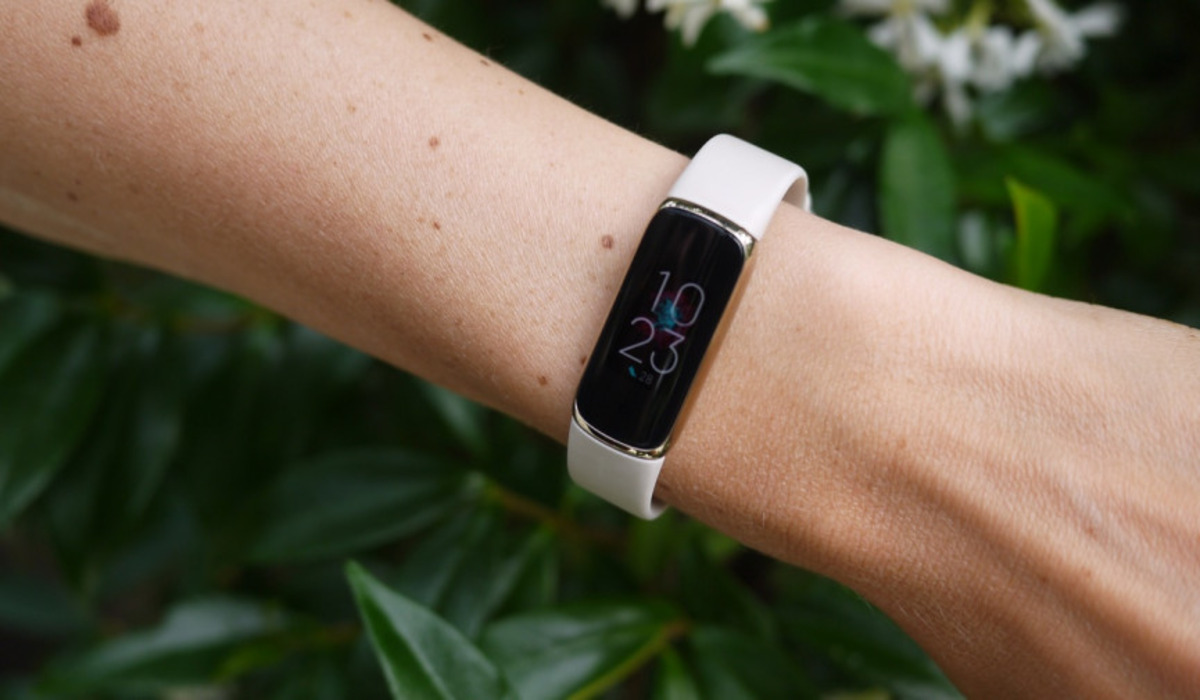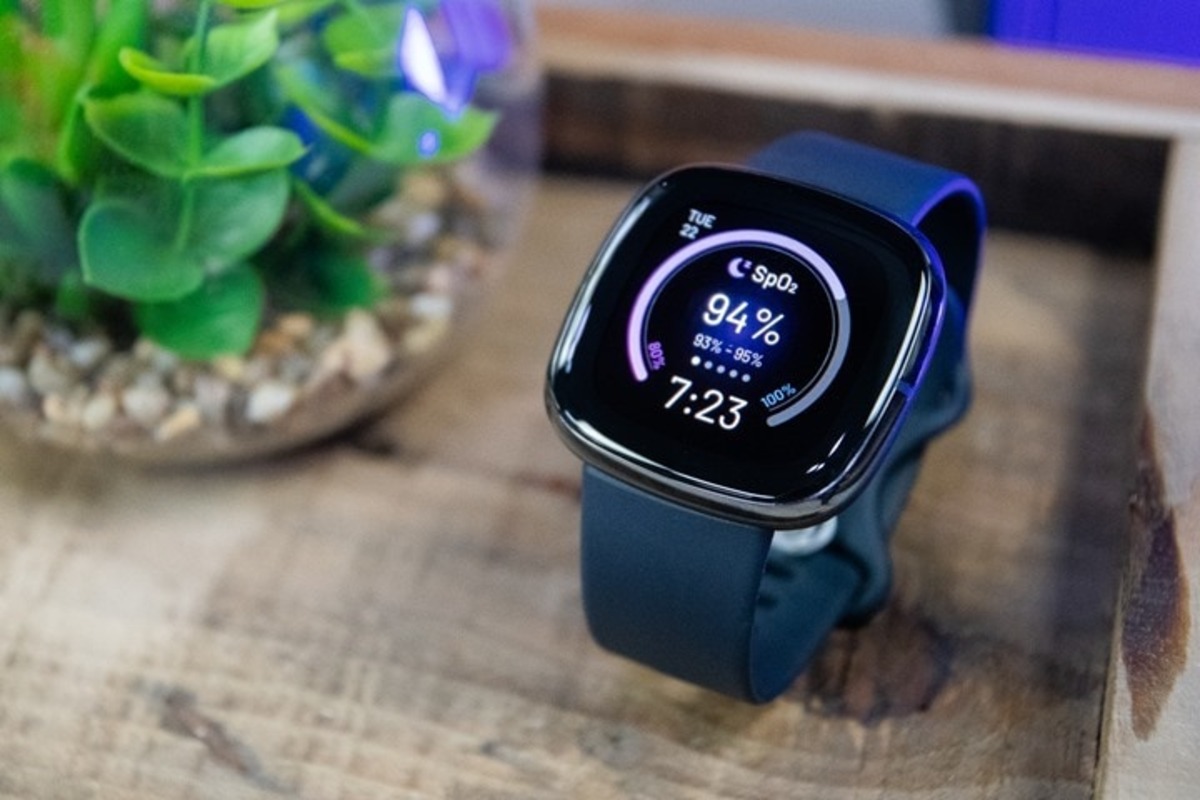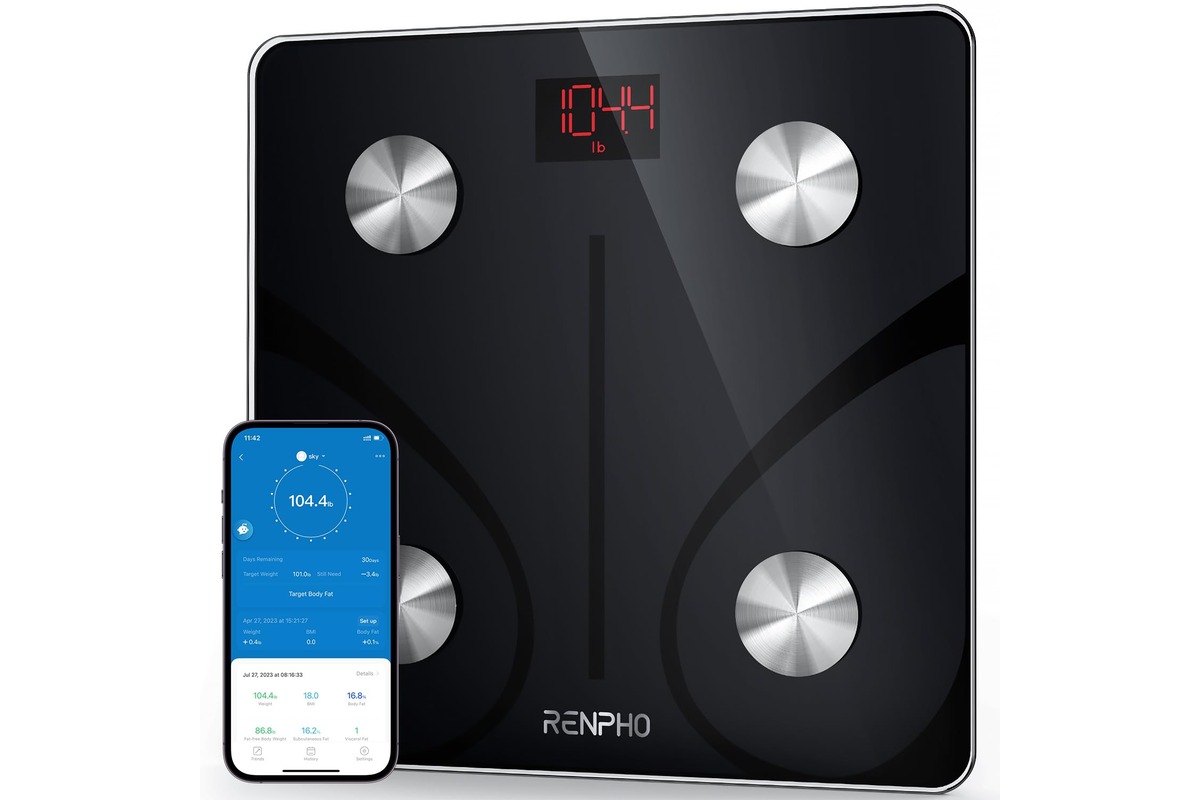
To sync Renpho with Fitbit, open the Renpho app, go to Settings, select Fitbit, turn it on, and log in to your Fitbit account to approve the connection. This automatically sends your weight and body metrics from your Renpho smart scale to the Fitbit app, so all your health data lives in one place without any manual entry.
Why sync Renpho with Fitbit
Syncing your Renpho scale with Fitbit eliminates the need to manually log your weight and body composition readings. After the initial connection, every weigh-in on your Renpho scale automatically transfers your data to the Fitbit app, where you can view it alongside your steps, sleep, heart rate, and other fitness metrics. This gives you a single, unified dashboard for tracking your health progress without switching between apps or typing numbers.
What you need before you start
Before connecting your scale, make sure you have the following ready:
- A Renpho smart scale (such as a body fat scale)
- The Renpho app or Renpho Health app installed on your smartphone
- A Fitbit account (already set up with your Fitbit device)
- Your login credentials (email and password) for both your Renpho account and your Fitbit account
How to connect Renpho to Fitbit using the Renpho app
This is the primary, verified path for most users. Follow these steps in order:
- Open the Renpho app on your smartphone and sign in to your Renpho account.
- Tap the menu icon or navigate to the Settings section of the app.
- Select Fitbit from the list of options.
- Toggle the Fitbit switch to the On or Enable position.
- You will be redirected to a Fitbit login page. Enter your Fitbit account email and password.
- On the permissions screen, tap Allow All and then tap Allow in the Renpho app flow to authorize the connection.
- After authorization, your Renpho scale data will begin syncing to your Fitbit account automatically.
How to connect using the Renpho health app
If you use the Renpho Health app, the path is slightly different but equally straightforward:
- Open the Renpho Health app and log in with your Renpho app email address and password.
- Go to the Device page and tap on your body fat scale.
- This opens the Weighing page. Tap the Settings icon in the lower right corner.
- Select Third party access, then tap Fitbit.
- Log in to your Fitbit account when prompted and tap Allow to complete the connection.
What data syncs to Fitbit
Official Renpho sources differ on exactly which metrics transfer. One source states that only Weight and BMI are sent to Fitbit, while another current page says all the data will sync. To know exactly what appears for your setup, check your Fitbit app after your first successful weigh-in following the connection. Look for your weight entry and see if additional metrics like body fat percentage or muscle mass are also visible. This will confirm what your specific scale and app version send to Fitbit.
Troubleshooting Renpho and Fitbit sync issues
If data does not transfer after you have completed the setup, try these documented fixes:
- If you upgraded from the original Renpho app to Renpho Health and data stopped syncing, contact Renpho support directly at support@Renpho.com for assistance.
- Ensure that third-party access is enabled for Fitbit in your app settings. In the Renpho Health app, this is found under Third party access on the scale's settings page. Renpho also says to enable access from third-party apps such as Apple Health, Fitbit, Google Fit, Samsung Health, or MyFitnessPal when upgrading to Renpho Health.
- When using Renpho Health, log in with the same email address and password you used for the original Renpho app to ensure your account data carries over correctly.
- Confirm that your Fitbit setup and pairing is complete on your Fitbit device, your Fitbit account must be active and connected to your Fitbit wearable for data to display properly.
Frequently Asked Questions
Does syncing happen automatically?
Yes, after you complete the initial setup and authorize the connection, every subsequent weigh-in on your Renpho scale will automatically send the data to your Fitbit app without any further action from you.
Can I sync with multiple Fitbit devices?
Yes, multiple household members can each connect their own Fitbit account to the same Renpho scale. Each person's weight data will appear only in their respective Fitbit app after they weigh in.
Do I need to re-sync each time I weigh in?
No, you only need to perform the connection steps once. After that, data transfers automatically whenever you step on the scale, as long as your phone and scale are within range and the apps are properly configured.
For the wider topic, see Fitbit setup and pairing.
Related reading: What Is An Eda Scan On Fitbit and How Do I Sync My Fitbit To Computer.