What is an eda scan on Fitbit?
An EDA Scan on Fitbit is a feature that measures your body's electrodermal activity, which reflects changes in sweat gland activity that are controlled by your sympathetic nervous system. This gives you a direct window into your physiological stress response, helping you understand how your body reacts to daily pressures. By using the EDA scan on Fitbit, you can track these subtle bodily signals and use that awareness to build a more effective stress management routine.
How the EDA scan measures your stress
The science behind the EDA scan lies in the relationship between your emotions and your skin. When you experience stress, your sympathetic nervous system, the part of your autonomic nervous system responsible for the "fight-or-flight" response, becomes activated. This activation causes your sweat glands to fill, even before you feel visibly sweaty. This increase in moisture changes the electrical conductivity of your skin, a phenomenon known as electrodermal activity.
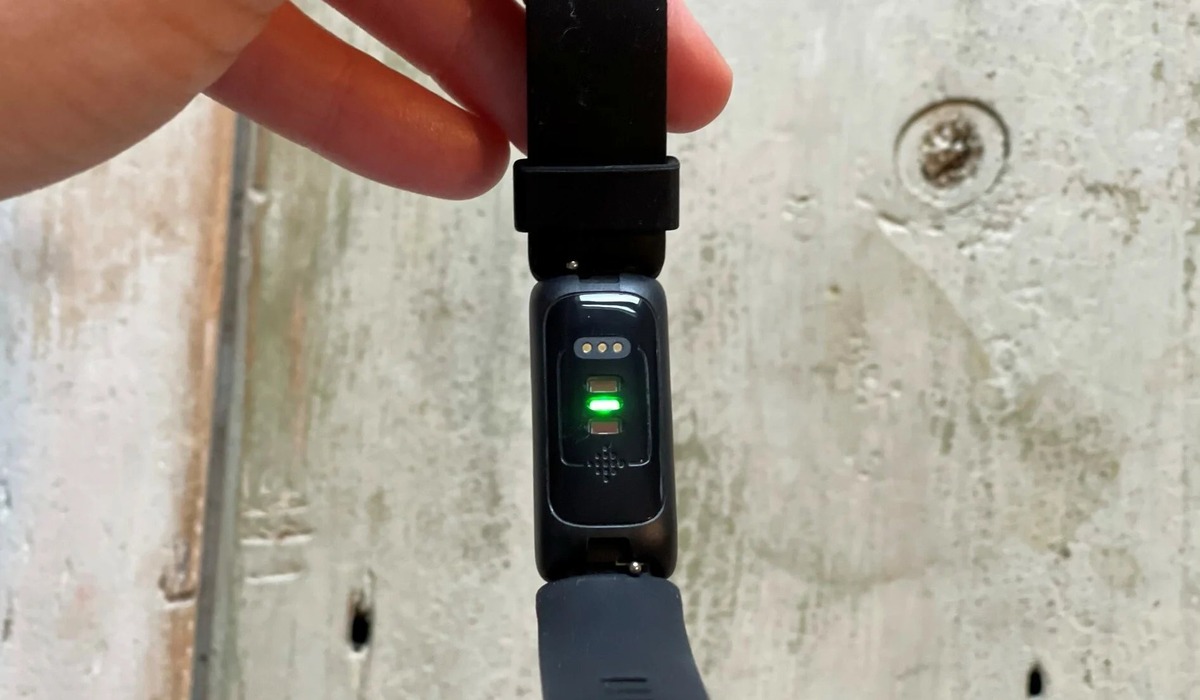
Fitbit devices with EDA sensors detect these tiny electrical variations by passing a small, imperceptible current through your skin. The sensors on the back of the device measure how easily the current travels, which increases with more moisture. This allows the device to create a detailed response graph showing your body's arousal levels during the scan. These changes are controlled by the sympathetic nervous system and can indicate your body's physiological response to stress, providing data that you would otherwise miss.
How to take an EDA scan on your Fitbit
To get an accurate reading, you need to perform the scan in a controlled way. Follow these steps to take an EDA scan on your Fitbit:
- Ensure a snug fit: Wear your Fitbit on your wrist so the back sensors are in full contact with your skin. The band should be tight enough that the device doesn't slide around, but not so tight that it's uncomfortable.
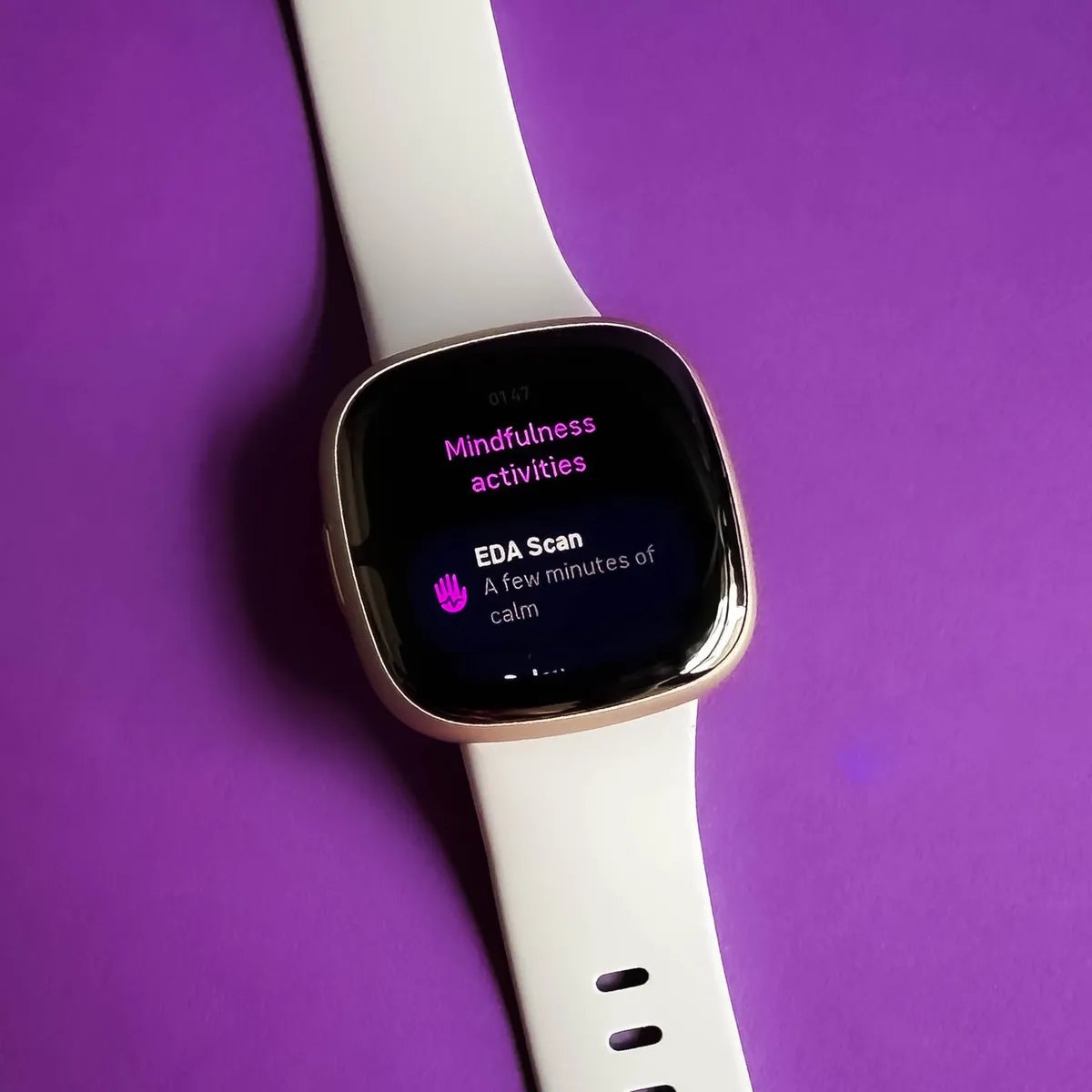
- Open the EDA Scan app: On your compatible device, find and open the EDA Scan app. This is typically located in the apps list or under the stress management tile.
- Get comfortable: Find a quiet place where you can sit undisturbed. Rest your arm on a stable surface, and place your palm over the device face, covering the entire screen with your fingers and thumb.
- Stay still and relax: Keep your hand and body still for the entire session. The scan will last for a specific duration, during which you should avoid moving, talking, or fidgeting. During the EDA scan, you may see visualizations on the device screen or receive prompts to breathe deeply or relax further.
- Follow the breathing guidance: Your device will guide you through a series of deep breathing exercises. Follow the on-screen prompts to inhale and exhale slowly. This helps calm your mind and makes the scan more effective.
- Wait for completion: Keep your palm on the device until the scan is complete. The screen will indicate when it's done, and your results will be saved.
Understanding your EDA results and Stress Management Score
Once your scan is complete, you can view your results directly on the device or in the Fitbit app. The response graph shows the electrical changes in your skin over the scan period, with peaks and valleys indicating moments of higher or lower physiological arousal. A calmer scan will show a flatter line, while a more reactive scan will show more pronounced spikes.
Your EDA data is also a key component of your overall Stress Management Score. This personalized metric ranges from 1-100, where a higher score indicates a better-managed stress response. The score incorporates your EDA data along with heart rate, sleep, and activity to reflect your body's stress response. By taking regular EDA scans, you give Fitbit the data it needs to refine this score, helping you see how your daily habits, like exercise, sleep, and mindfulness, affect your overall resilience to stress. The EDA scan can be a useful tool for practicing stress management techniques and improving mental resilience. EDA scanning helps identify if there are underlying stressors that might be affecting your sleep, such as restless thoughts or anxiety. By comparing your EDA data with established baselines, Fitbit can offer tailored recommendations and strategies to manage stress more effectively.
Factors that can affect your EDA readings
External factors such as movement, noise, temperature changes, and humidity can influence EDA readings. If you move your hand, talk, or are in a noisy environment, your sympathetic nervous system may react, causing false spikes in the data. Similarly, a hot or humid room can make you sweat more, while a cold room can reduce skin conductivity, both of which can skew the results.
To get a consistent reading, always take the scan in a similar environment. Sit in a quiet room at a comfortable temperature, and try to take the scan at the same time each day. Avoid drinking caffeine or engaging in intense exercise for at least an hour before the scan, as these can also affect your baseline. By minimizing these variables, you ensure that the data you see reflects your true stress response, not just a reaction to your surroundings.
Frequently Asked Questions
Which Fitbit devices support EDA scanning?
The EDA Scan feature is available on select Fitbit models, including the Sense, Sense 2, Charge 5, and Charge 6. The EDA scan feature is currently available on Fitbit Sense and Fitbit Versa 3. Check your device's specifications or the Fitbit app to confirm if your model supports this feature.
Does the EDA scan replace professional medical advice?
No, the EDA scan is a wellness tool, not a medical diagnostic device. It provides insights into your stress response, but it cannot diagnose conditions like anxiety or depression. Always consult a healthcare professional for any mental or physical health concerns.
How often should I use the EDA scan?
For the most useful data, take an EDA scan once daily, ideally at the same time each day. Consistency helps you establish a baseline and spot trends over time. You can also take a scan whenever you feel particularly stressed to check your body's immediate response.
Can I see my EDA scan history on the Fitbit app?
Yes, your scan history is available in the Fitbit app's Mindfulness tile or Stress Management section. This allows you to review past scans, see your response graphs, and track how your stress levels change over weeks and months.
Will the EDA scan work if I have a medical condition affecting my skin?
Conditions that affect your skin's moisture, such as hyperhidrosis or eczema, may alter the readings. The scan measures electrical conductivity, which is directly tied to sweat gland activity. If you have a skin condition, the results may be less accurate, but the feature can still provide general insights.
For the wider topic, see Fitbit features and metrics.