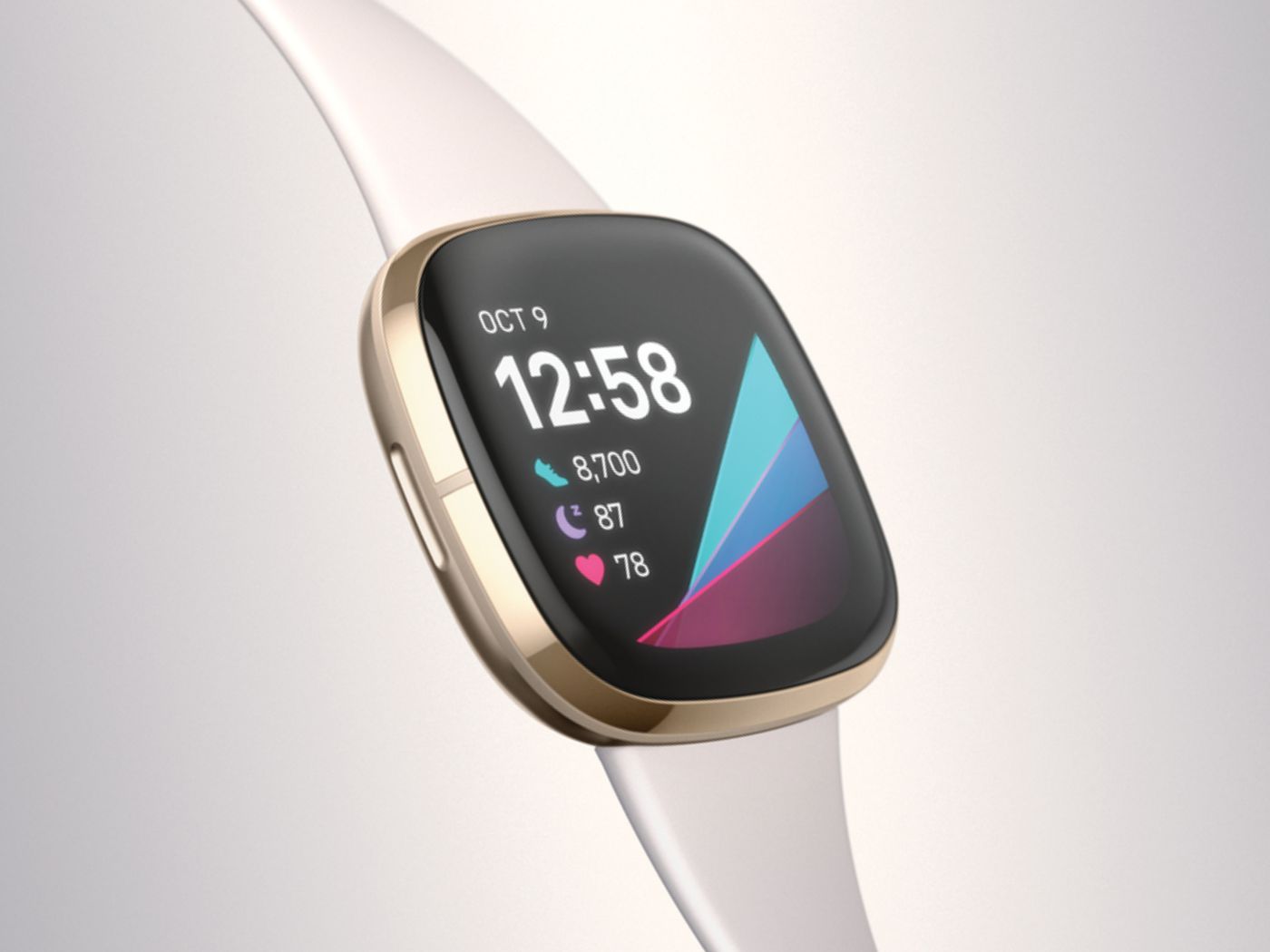
If you are searching for which Fitbit can make calls, the answer is limited to five specific models: the Sense, Sense 2, Versa 3, Versa 4, and Ace LTE. These are the only Fitbit devices documented to support on-wrist calling, meaning no other Fitbit model can make or take calls directly from the watch.
Which Fitbit can make calls: the full list
The five Fitbit models that support on-wrist calling are the Sense, Sense 2, Versa 3, Versa 4, and Ace LTE. No other Fitbit model, including the Versa 2, Versa Lite, Charge series, Inspire series, or Luxe, is documented to handle calls from the wrist. If your device is not one of these five, you cannot answer or place calls on the watch itself.
How calling works on Sense, Sense 2, Versa 3, and Versa 4
On the Sense, Sense 2, Versa 3, and Versa 4, calling is limited to answering and ending calls that come in to your paired phone. When your phone is nearby and connected by Bluetooth, you can answer or end a call directly from the watch. These models do not have a full on-watch dialer, so you cannot dial a number or place a call from the wrist without using your phone to initiate it.
How calling works on Fitbit Ace LTE
The Fitbit Ace LTE uses a different calling flow designed for a child account. To place a call, press the top side button once on the watch, then tap Call on the child card. To send a message, tap Message on the same card. This is not the same as the answer/end handling on the other supported models.
How to set up calling on your Fitbit watch
Setting up calling on a supported Fitbit watch requires two steps: one in the Fitbit app and one in your phone’s Bluetooth settings.
- Open the Fitbit app on your phone and look for the Set up or Get started option for Calls. If that option does not appear, go to the watch’s Settings app, tap Vibration & audio, then choose Sense Controls/Calls or Versa 3 Controls/Calls depending on your model.
- On your phone, open Settings > Bluetooth and pair the watch there during setup.
Once paired, the watch will handle incoming calls when your phone is nearby and connected by Bluetooth.
Requirements for Fitbit on-wrist calling
For the Sense, Sense 2, Versa 3, and Versa 4, calling requires that your phone is nearby and connected by Bluetooth. The watch must be paired with the Fitbit app, and calling does not work independently of a phone on these standard models. The Ace LTE, by contrast, uses its own child account flow and does not rely on a paired phone for calling in the same way.
Frequently Asked Questions
Which Fitbits can answer calls?
Only the Sense, Sense 2, Versa 3, Versa 4, and Ace LTE can answer calls from the wrist. No other Fitbit model supports this feature.
Can Fitbit make calls without a phone?
No standard Fitbit model can make calls without a phone. The Sense, Sense 2, Versa 3, and Versa 4 require the phone to be nearby and connected by Bluetooth. The Ace LTE uses a child account flow but still depends on a linked phone or plan.
Does Fitbit Versa 4 have a speaker?
Yes, the Fitbit Versa 4 has a speaker and microphone, which allow you to hear and speak during calls handled from the wrist. The speaker is also used for other audio alerts and notifications.
Is Fitbit Ace LTE calling different?
Yes. On the Ace LTE, you press the top side button, then tap Call or Message on the child card. This is a different flow from the answer/end handling on the Sense, Sense 2, Versa 3, and Versa 4.
What if my Fitbit model isn't listed?
If your Fitbit is not one of the five models listed (Sense, Sense 2, Versa 3, Versa 4, or Ace LTE), it does not support on-wrist calling. You can still receive call notifications on many Fitbit models, but you cannot answer or make calls from the watch itself. The Fitbit Blaze can display incoming call notifications on its screen, allowing you to see who is calling without taking out your phone. The Fitbit Versa 2 allows users to receive calls through its Bluetooth connection with a smartphone, view caller ID, and answer or decline calls from the wrist. The Fitbit Charge 4 can display incoming call notifications. For help with your specific device, Fitbit support and ownership help is available through the official Fitbit Support, Repairs and Device Identification channels.